How to take a passport photo at home
You don't need a studio appointment. With a phone, a window and a blank wall, you can shoot a fully compliant passport photo in about ten minutes — and have it AI-checked before you print.
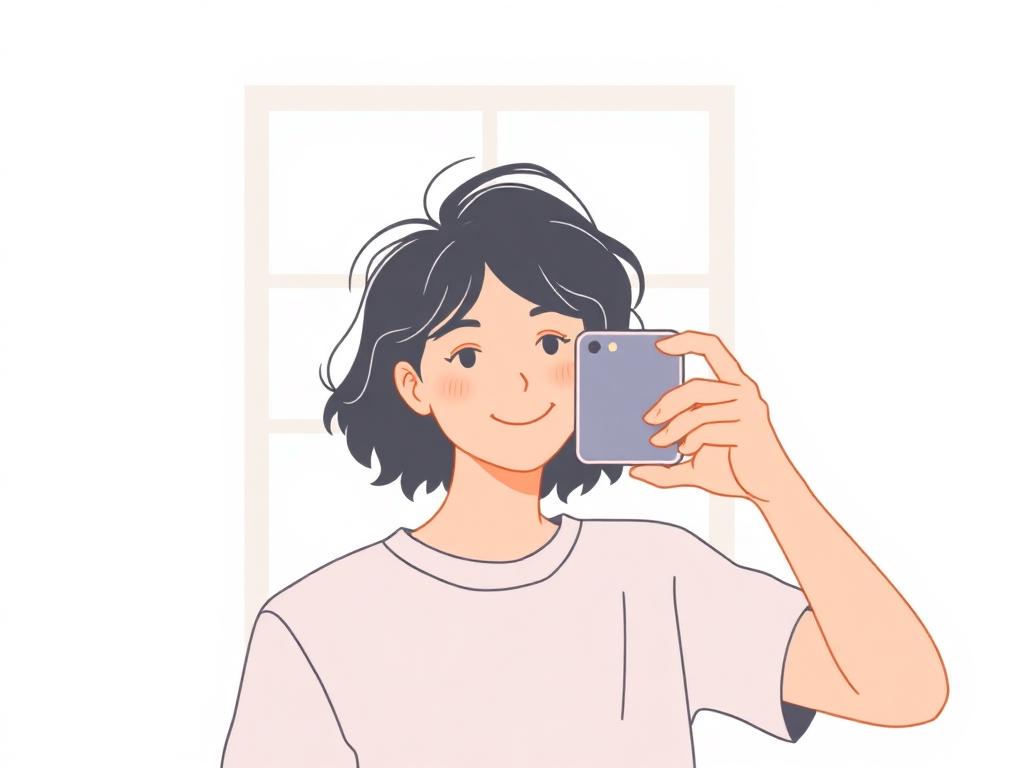
What you'll need
- A modern smartphone or any camera that shoots at least 8 MP
- A plain white or very light wall — no posters, switches, or shadows
- A daylight window, ideally during the middle of the day
- A friend or a tripod (selfies rarely meet head-distance requirements)
Set up your space
Stand 50 cm (about 20 in) away from the wall so your body doesn't cast a shadow onto the background. Position yourself so the window is in front of you, not behind — backlighting will turn your face into a silhouette.
Turn off ceiling lights and lamps that would mix with the daylight; mixed color temperatures create a yellow-blue cast that is very hard to fix later.
Frame the shot
Hold the camera at eye level, roughly 1.2–1.5 m (4–5 ft) away. Avoid using the front (selfie) camera if you can — the wide-angle lens distorts facial proportions and is one of the most common rejection causes.
Frame loosely. Leave room around the head; a tool or template will crop to the exact ratio later. Cropping in-camera almost always cuts off the top of the head.
Pose and expression
- Face the camera straight on, shoulders square
- Eyes open, looking directly at the lens
- Mouth closed, neutral expression
- Hair pulled away from the eyes and eyebrows
- No glasses, hats, or headphones
Take several shots
Take 5–10 photos in a row. Small differences in blink, posture and shadow add up, and you'll want options when the AI checker flags something. Review on a larger screen if you can — phone previews hide subtle issues.
Verify before you print
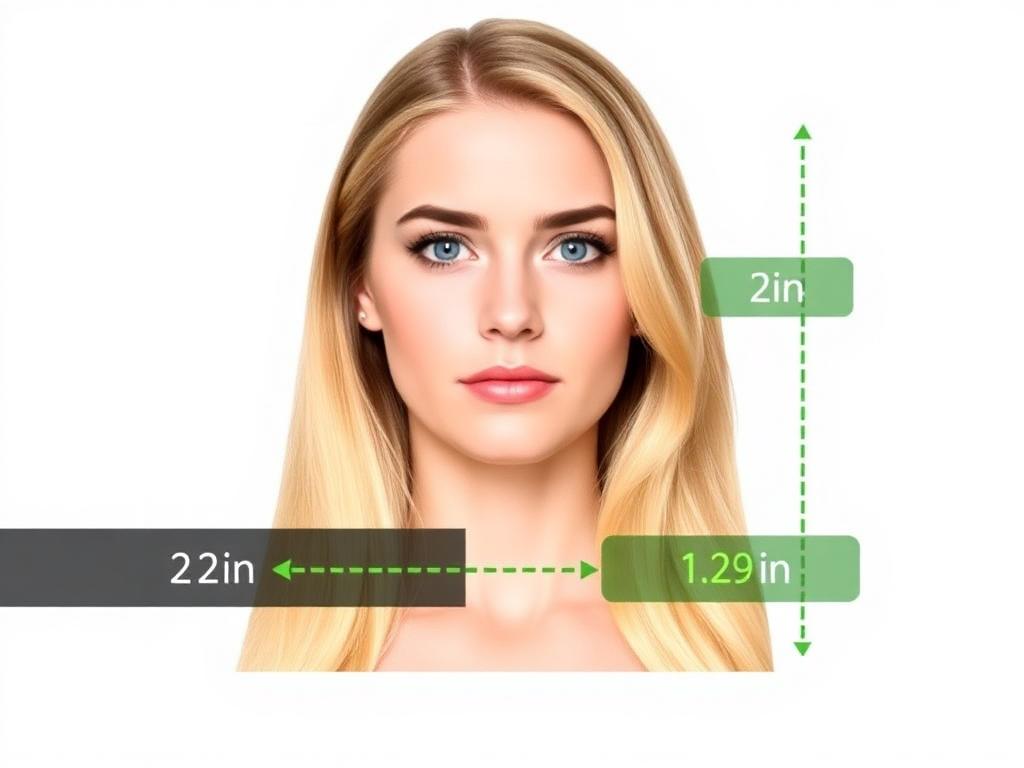
Upload the best shot to our checker. The AI auto-crops to the correct size, removes the background if needed, and flags issues like shadows, tilt, or closed eyes. A human expert then reviews it before delivery.
Print it correctly
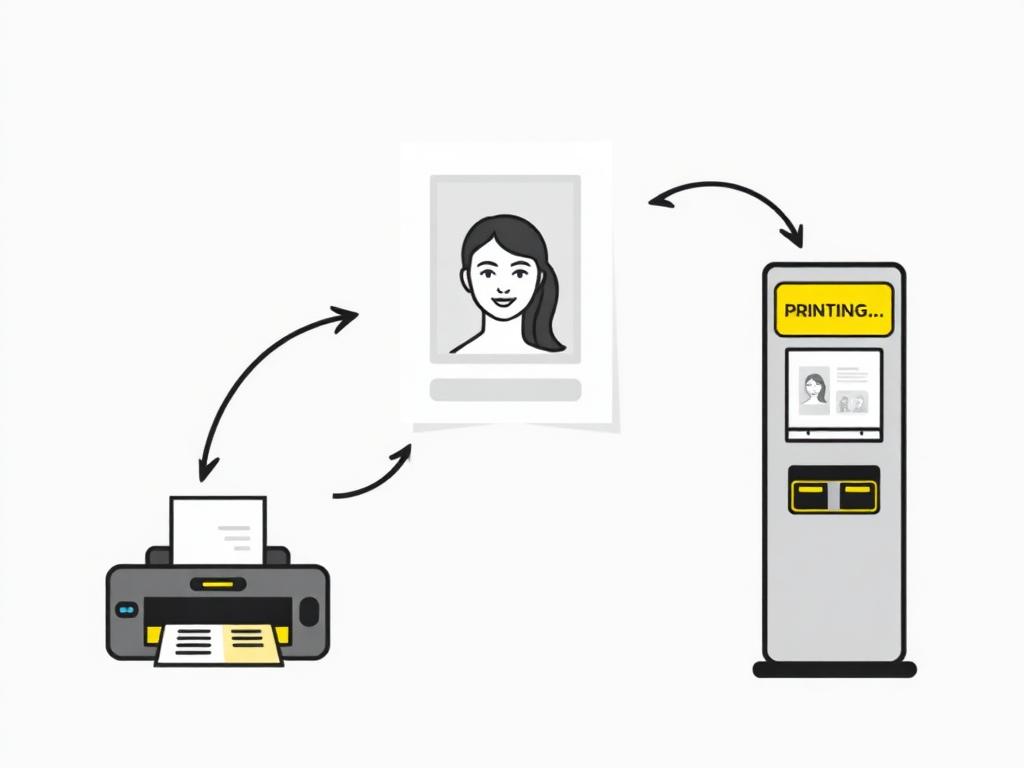
Use photographic paper, not office paper. You can print at any drugstore or photo kiosk using the print-ready 4×6 in template, or get the digital file emailed for online applications.
Or skip the print step entirely
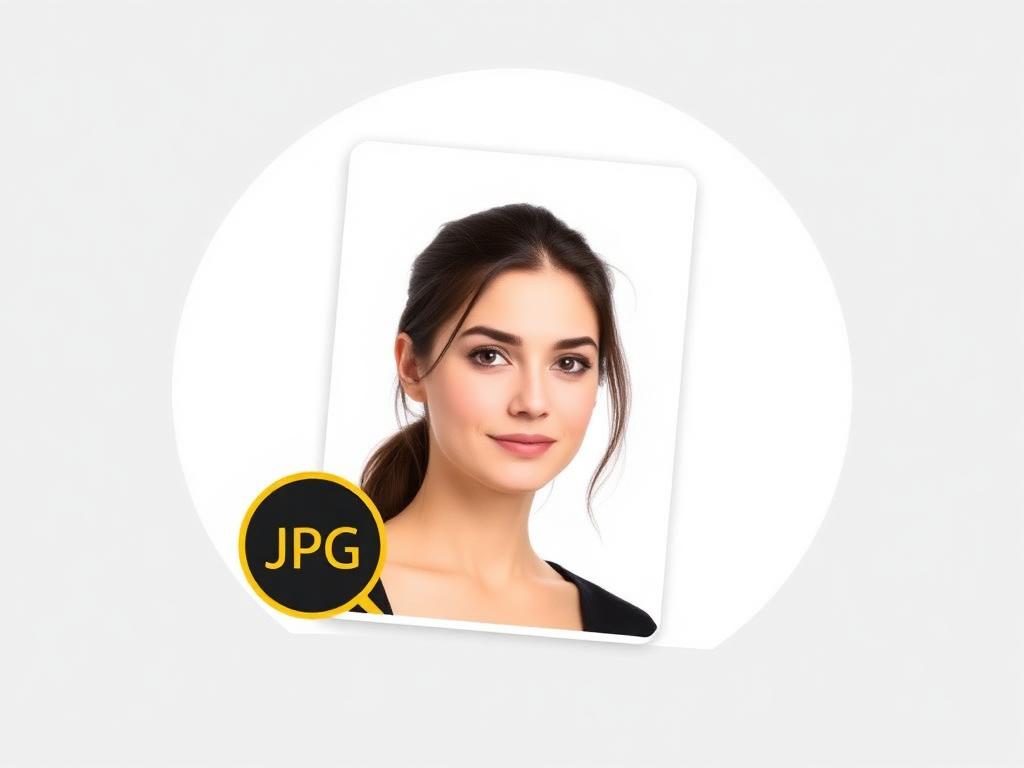
For most online passport renewals you only need a digital file in the right dimensions and DPI. Download the verified photo, attach it to the application, and you're done.
Ready to create your photo?
AI-checked, expert-verified, with a 200% acceptance guarantee.