
Is IDPhotoDIY Legit and Safe? Honest Review (2026)
Is IDPhotoDIY legitimate and safe? We examine its current features, privacy policy, compliance limits, pricing questions, refunds, and best use cases.
Quick Answer
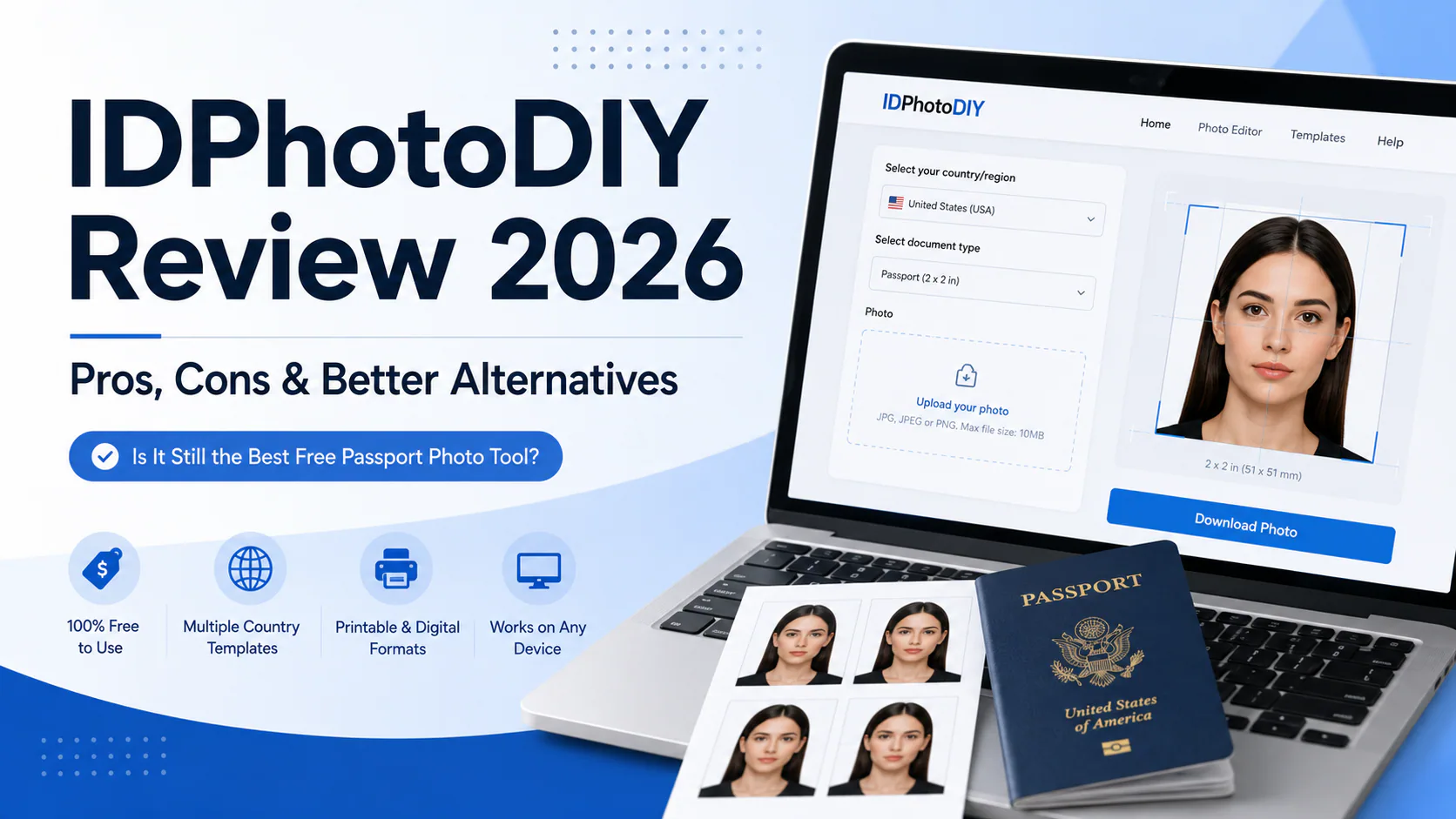
IDPhotoDIY is a functioning browser-based passport and visa photo tool, but it is not a government service and it should not be treated as an approval guarantee. Its current site offers automatic face cropping, background removal or replacement, printable layouts, digital files, more than 50 templates, and visa-photo templates for 70+ countries. The main limitation is verification: formatting a file to the right dimensions does not prove that the expression, lighting, pose, image quality, or country-specific details will be accepted.
IDPhotoDIY's published privacy policy says uploaded photos are automatically deleted within one hour. It also says employees may access uploads to improve service quality. We could not find a clearly published acceptance guarantee or a detailed refund policy during this review. Check the current checkout price and terms before paying because they can change.
Best for: users who already understand the official requirements and mainly need cropping, background preparation, or a printable sheet.
Less suitable for: first-time applicants who want a documented compliance review or human verification before submission.
Disclosure: PhotoOmni publishes this review and competes in the online passport-photo market. We evaluated IDPhotoDIY using its public website, privacy policy, contact page, and current feature claims. We did not purchase a file or submit an IDPhotoDIY photo to a government authority for this update.
If you prefer to prepare the file online, the US passport photo maker can help check the crop, background, and passport-photo format before submission.
What IDPhotoDIY Does
IDPhotoDIY works in a web browser. Its public workflow is straightforward:
- Select a country and document type.
- Upload a photo taken with a phone or camera.
- Adjust or confirm the crop.
- Choose a background-processed result.
- Download a digital photo or printable layout.
The current website advertises automatic face detection, automatic cropping, background removal or replacement, printable layouts, and digital files for online submission. It also says it offers more than 50 templates and visa-photo templates for 70+ countries. That is broader than some older reviews that describe it as a basic manual cropping tool.
Its requirements library is useful because it covers many countries and document types. However, applicants should still compare the selected template with the issuing authority's current instructions. Requirements change, and a commercial tool is not the final authority.
Is IDPhotoDIY Legit?
IDPhotoDIY appears to be a real, operating photo-formatting service rather than a fake download page. Its website provides a working document selector, requirements pages, a contact form, a privacy policy, and a visible processing workflow.
That answers only one meaning of “legit.” It does not establish that every output will be accepted. Passport and visa authorities decide whether a photo complies with their rules. A correctly sized image may still fail because of:
- an unsuitable expression or head angle;
- blur, noise, or low resolution;
- shadows or uneven lighting;
- glasses, hair, or another obstruction;
- excessive editing;
- an incorrect or outdated document template.
Before uploading, review the relevant government rules and our guide to passport photo size requirements.
Is IDPhotoDIY Safe for Photo Uploads?
The most useful evidence comes from IDPhotoDIY's own privacy policy. It states that:
- IP addresses are stored for statistics;
- uploaded photos are not linked to the user's IP address;
- uploaded photos are automatically deleted within one hour;
- employees may access uploaded photos to improve service quality;
- cookies store country and photo-type preferences.
These are clearer disclosures than the previous PhotoOmni article described. Still, users should understand that employee access is possible under the published policy. The policy is brief and does not explain every security, processor, international-transfer, or data-rights detail a privacy-conscious user may expect.
Practical precautions include using the official domain, uploading only the photo needed for processing, avoiding images that contain documents or personal information in the background, and downloading the result promptly.
The Main Limitation: Formatting Is Not Approval
IDPhotoDIY can help with dimensions, cropping, background preparation, and print layout. Those tasks are valuable, but they cover only part of compliance.
For example, a U.S. passport photo must meet rules for recency, image quality, pose, expression, head size, background, and editing—not just a 2 × 2-inch print size. The U.S. Department of State also says not to digitally alter a photo to change appearance. Other authorities use different dimensions and biometric tolerances.
The IDPhotoDIY website provides guidance and templates, but we found no public explanation of a country-specific approval review performed by a person before delivery. Users therefore remain responsible for checking the original photo and the final output. Read the common reasons passport photos are rejected before submitting.
Price, Payment, Refunds, and Guarantees
The supplied draft quoted approximately $6.96 and PayPal-only payment. We did not retain those statements as fixed facts because the public landing pages we reviewed did not provide a stable, universal price table, and prices can vary by product, country, or checkout state.
The safest approach is to confirm these items on the final checkout screen:
- the exact charge and currency;
- whether the download includes a single digital file, a printable sheet, or both;
- the payment methods offered;
- whether taxes or additional charges apply;
- the refund conditions;
- what happens if an authority rejects the photo.
During this review, we found a contact page that asks users to include their PayPal invoice ID when seeking payment support. We did not find a clearly published photo-acceptance guarantee or a detailed refund policy linked from the main public navigation. That does not prove refunds are unavailable; it means the terms were not sufficiently clear for us to promise a remedy. Ask support before paying if a guarantee is important to you.
For a broader cost comparison, see our guide to passport photo prices.
Independent Reviews and Evidence Limits
We did not find a substantial, clearly attributable body of independent customer reviews for IDPhotoDIY on major review platforms during this update. Search results can also confuse IDPhotoDIY with similarly named passport-photo services, so reviews of another domain should not be treated as evidence about IDPhotoDIY.
The limited independent-review footprint means readers should rely more heavily on verifiable product behavior, published policies, and current checkout terms than on isolated testimonials. It also means we should not label the service a scam—or guarantee its reliability—without stronger evidence.
IDPhotoDIY at a Glance
| Category | What we could verify |
|---|---|
| Service type | Browser-based passport and visa photo tool |
| Installation | No dedicated installation required for the web workflow |
| Core features | Face detection, cropping, background removal/replacement, printable layouts, digital files |
| Coverage | 50+ templates; site claims visa templates for 70+ countries |
| Compliance responsibility | Final checks remain with the user and issuing authority |
| Published photo retention | Automatic deletion within one hour |
| Employee access | May occur for service-quality improvement |
| Public acceptance guarantee | Not clearly found during this review |
| Public refund details | Not clearly found during this review |
| Independent review footprint | Limited and easy to confuse with similarly named services |
Who IDPhotoDIY May Suit
IDPhotoDIY may be a reasonable choice if you:
- already have a sharp, well-lit photo with a suitable pose and expression;
- understand the issuing authority's current rules;
- mainly need sizing, background preparation, or a printable layout;
- are comfortable reviewing the final file yourself;
- confirm the current price and terms before paying.
If you are taking the original image at home, use our home passport photo guide before uploading.
Who Should Consider Another Option
Consider a service with more documented checking or human review if you:
- are applying for the first time;
- are unsure whether the original photo is compliant;
- need a photo for a stricter visa or residence document;
- want a clearly written rejection or refund policy;
- prefer someone to review the pose, expression, lighting, and image quality;
- need a ready-to-upload digital passport photo with additional guidance.
PhotoOmni combines automated processing with expert review. Because PhotoOmni publishes this comparison, treat that statement as a product disclosure—not independent evidence—and compare current prices, policies, and deliverables yourself.
Pros and Cons
Pros
- Works in a browser without dedicated software.
- Offers automatic cropping and background processing.
- Provides printable and digital output options.
- Covers many countries and document types.
- Publishes a clear one-hour automatic-deletion statement for uploaded photos.
- Includes detailed photo-requirement reference pages.
Cons
- Formatting does not guarantee government acceptance.
- No clearly published acceptance guarantee was found.
- Refund terms were not clearly documented in the pages reviewed.
- The privacy policy permits employee access for quality improvement.
- Independent customer-review evidence appears limited.
- Users still need to verify current official requirements.
FAQ
Is IDPhotoDIY legit?
It appears to be a real, operating browser-based photo tool. However, a functioning service is not the same as a guarantee that every passport or visa photo will be accepted.
Is IDPhotoDIY free?
Do not assume the complete download is free. Public pages promote saving money, but the final price and included files should be checked at checkout because product and regional pricing can change.
Does IDPhotoDIY check passport-photo compliance?
It provides document templates, requirements information, automatic cropping, and background processing. We found no clear public description of a human, country-specific compliance review before delivery. Users should verify the final photo against official requirements.
How long does IDPhotoDIY keep uploaded photos?
Its privacy policy says uploads are automatically deleted within one hour. The same policy says employees may access uploads to improve service quality.
Does IDPhotoDIY guarantee acceptance or refunds?
We did not find a clearly published acceptance guarantee or detailed refund policy during this review. Contact the service and confirm the current terms before paying if this protection matters to you.
Does IDPhotoDIY support visa photos?
Yes. Its website says it provides visa-photo templates for more than 70 countries, alongside passport and other document templates.
Does IDPhotoDIY have a mobile app?
The service can be used through a mobile browser. We did not identify a dedicated official app during this review.
Bottom Line
IDPhotoDIY is best understood as a browser-based photo preparation tool, not an approval service. Its current feature set is stronger than older reviews suggest: it advertises automatic cropping, background removal or replacement, digital output, printable layouts, and broad document coverage. Its privacy policy also provides a concrete one-hour deletion statement.
The remaining uncertainty is equally important. We found no clearly published acceptance guarantee, detailed refund policy, or substantial independent-review record. Applicants who already understand the rules may find the tool useful. Anyone who wants a documented compliance review, human verification, or clearer rejection protection should compare alternatives before paying.
Reviewed September 17, 2026. Features, prices, and policies can change; verify current terms on the provider's website.
About the Author
Emma Richardson Senior ICAO Photo Compliance Expert, PhotoOmni
Emma Richardson is PhotoOmni's Senior ICAO Photo Compliance Expert. With 12+ years of experience in passport and visa photo verification, she has helped applicants achieve 820,000+ successful photo approvals across 100+ countries and territories. She specializes in global passport photo requirements, ICAO-compliant photo standards, and biometric image verification.