


Hong Kong passport photo guide
Hong Kong Passport Photo Requirements
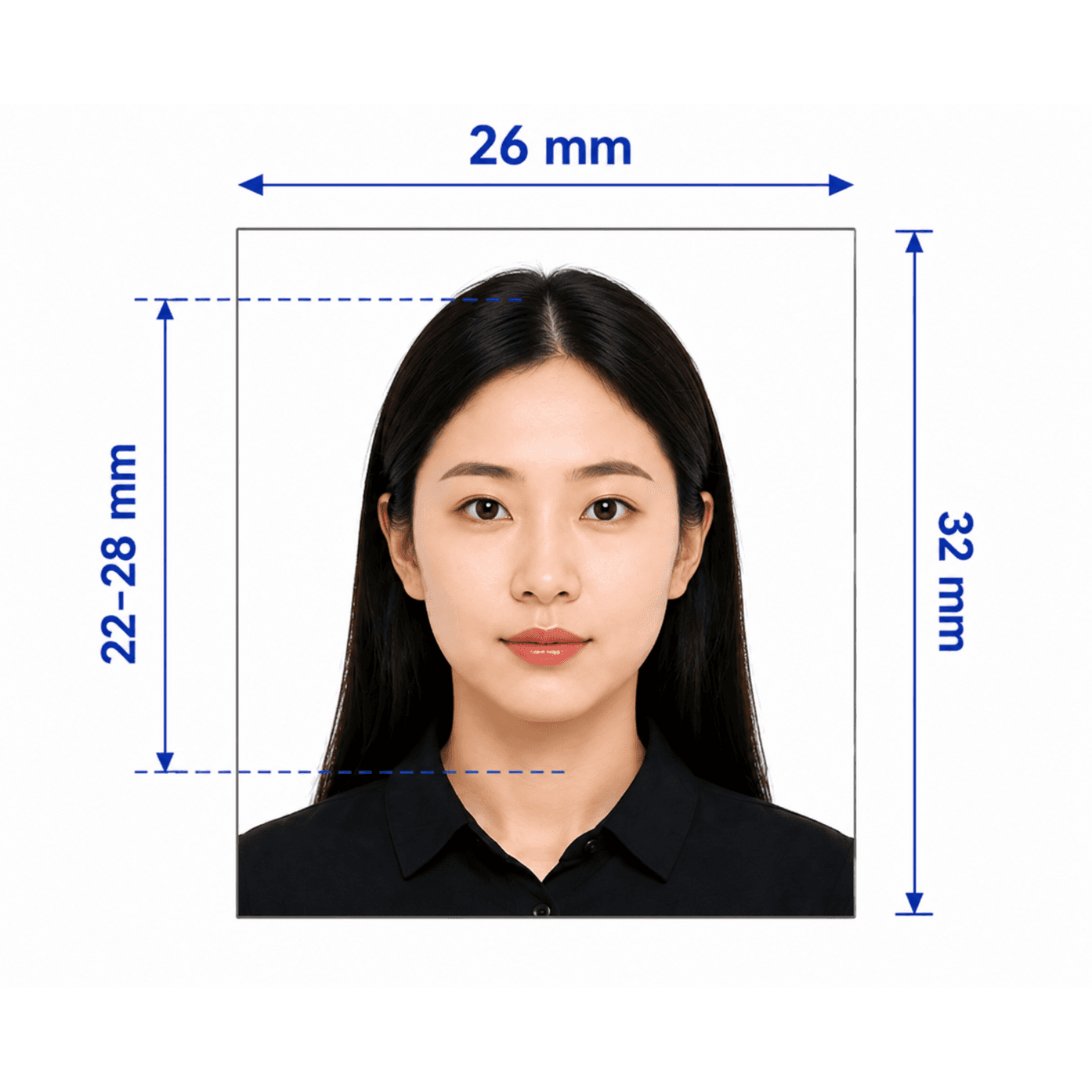
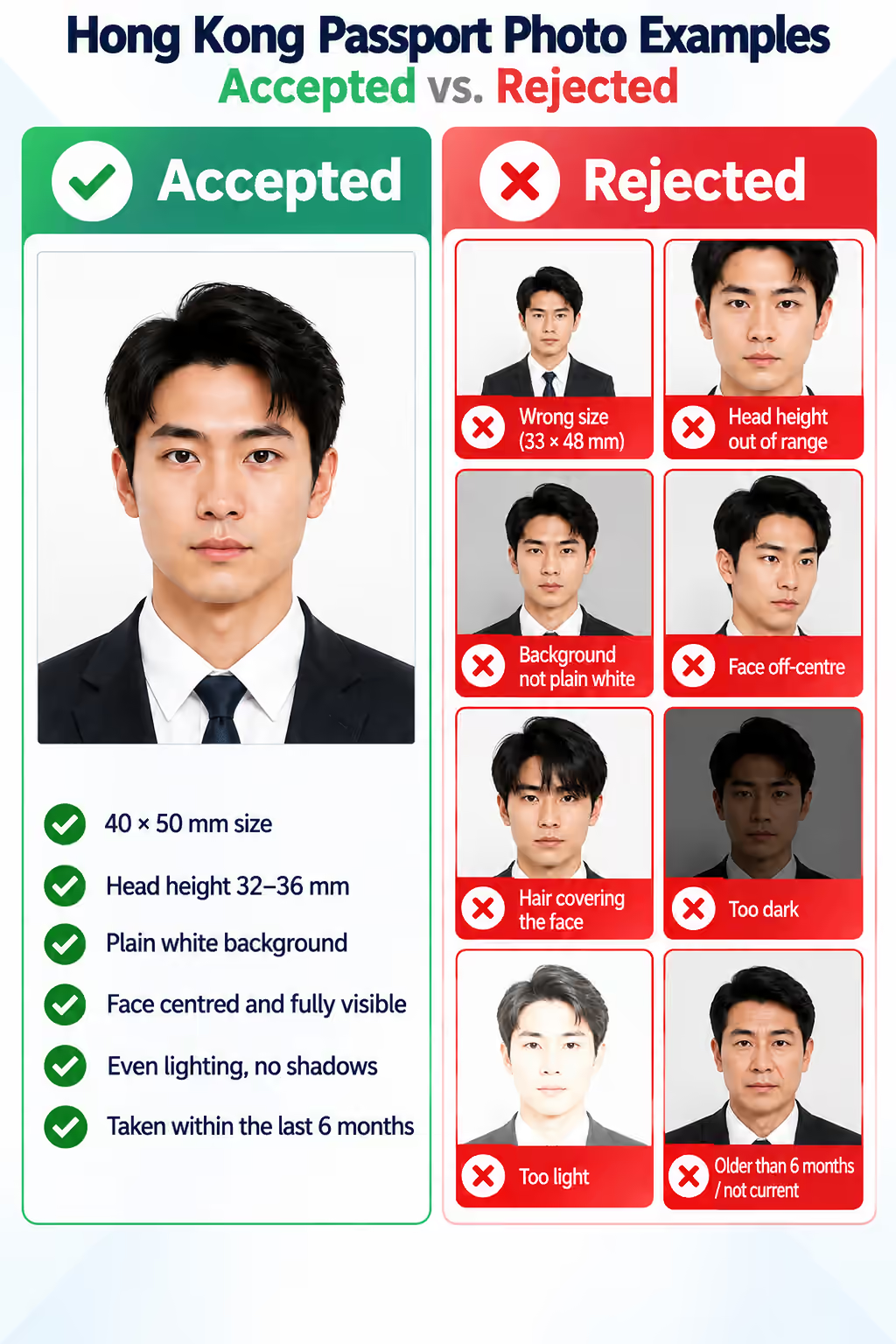
Create a compliant Hong Kong SAR passport photo following the Immigration Department's standards. The common mistake is using mainland Chinese passport dimensions or a generic 35 × 45 mm image instead of Hong Kong's 40 × 50 mm portrait format.
Hong Kong passport photo requirements
These core requirements are summarized for quick reference. Always confirm against the current Hong Kong Immigration Department instructions before submitting.
Official source: Immigration Department, Hong Kong Special Administrative Region Government
Who PhotoOmni is for
PhotoOmni supports 3 common Hong Kong passport photo situations.
New HKSAR passport applications
Prepare a compliant 40 × 50 mm photo for a first-time Hong Kong SAR passport application.
Passport renewals
Create a recent photo that reflects your current appearance for a renewal.
Photo re-checks
If your photo was rejected for using the wrong size or aspect ratio, run it through our checker before you resubmit.
5 tips for taking a Hong Kong passport photo at home
Use these 5 tips before uploading your photo.
- Wear everyday clothing; avoid overly dark or overly light clothing.
- Use soft, even lighting against a plain white wall.
- Keep your face centred, head straight, and facial features clearly visible.
- Keep hair away from your eyes and eyebrows; avoid glare on any glasses.
- Do not crop or resize the photo yourself — let the tool fit the correct 40 × 50 mm ratio.
Common reasons Hong Kong passport photos are rejected
Because Hong Kong's format differs from neighbouring documents, size and ratio mistakes are especially common.
- The photo uses mainland China's 33 × 48 mm size or a generic 35 × 45 mm size instead of 40 × 50 mm.
- Head height falls outside the 32–36 mm chin-to-crown range.
- The background is not plain white, or shows shadows.
- The face is off-centre, obscured by hair, too light, or too dark.
- The photo is older than 6 months or does not reflect your current appearance.
PhotoOmni vs. online tools vs. photo studios
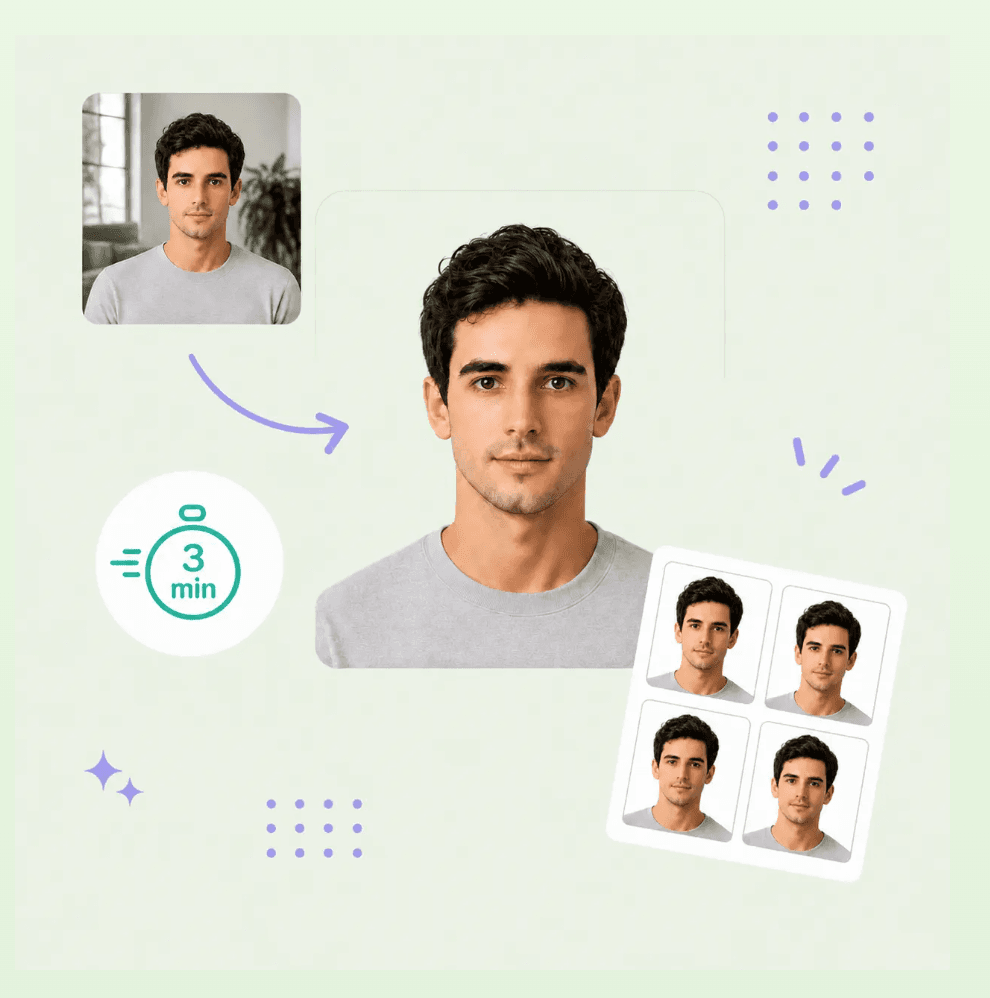
PhotoOmni combines at-home upload, an AI-powered Hong Kong passport photo check, expert review, and ready-to-use files.
Convenience
- PhotoOmni
- Upload from home in minutes
- Other online tools
- Usually online
- Traditional photo studios
- Requires a store visit
Peace of mind
- PhotoOmni
- AI pre-check plus expert approval
- Other online tools
- May lack expert review, or charge extra for it
- Traditional photo studios
- Depends on local staff
Expert adjustments
- PhotoOmni
- Included when needed
- Other online tools
- Varies by service
- Traditional photo studios
- Usually retake-based
Ready-to-use files
- PhotoOmni
- Digital JPEG plus print-ready sheet
- Other online tools
- May be limited or extra
- Traditional photo studios
- Digital copy may not be included
Rejection protection
- PhotoOmni
- 100% refund for photo-caused rejection
- Other online tools
- Policy varies
- Traditional photo studios
- Policy varies by shop
Total price & inclusions
- PhotoOmni
- One-time fee of $5.99
- Other online tools
- Add-ons can cost $3–$10+
- Traditional photo studios
- Often $15+; files vary