
无标题
India OCI Photo Online 2026: Size, Background & Upload Requirements
无标题
India OCI Photo Online 2026: Size, Background & Upload Requirements

If you're applying for an OCI (Overseas Citizen of India) card, one detail trips up more applicants than any other: which photo specification actually applies. OCI photos are not the same as Indian passport photos, not the same as US passport photos, and — as of 2026 — the entire application has moved fully online, which means your digital photo upload is now the only way to submit your photo at all. This guide covers exactly what an India OCI photo needs to look like in 2026, and where even official-sounding guides get it wrong.
Quick Answer: India OCI Photo Requirements
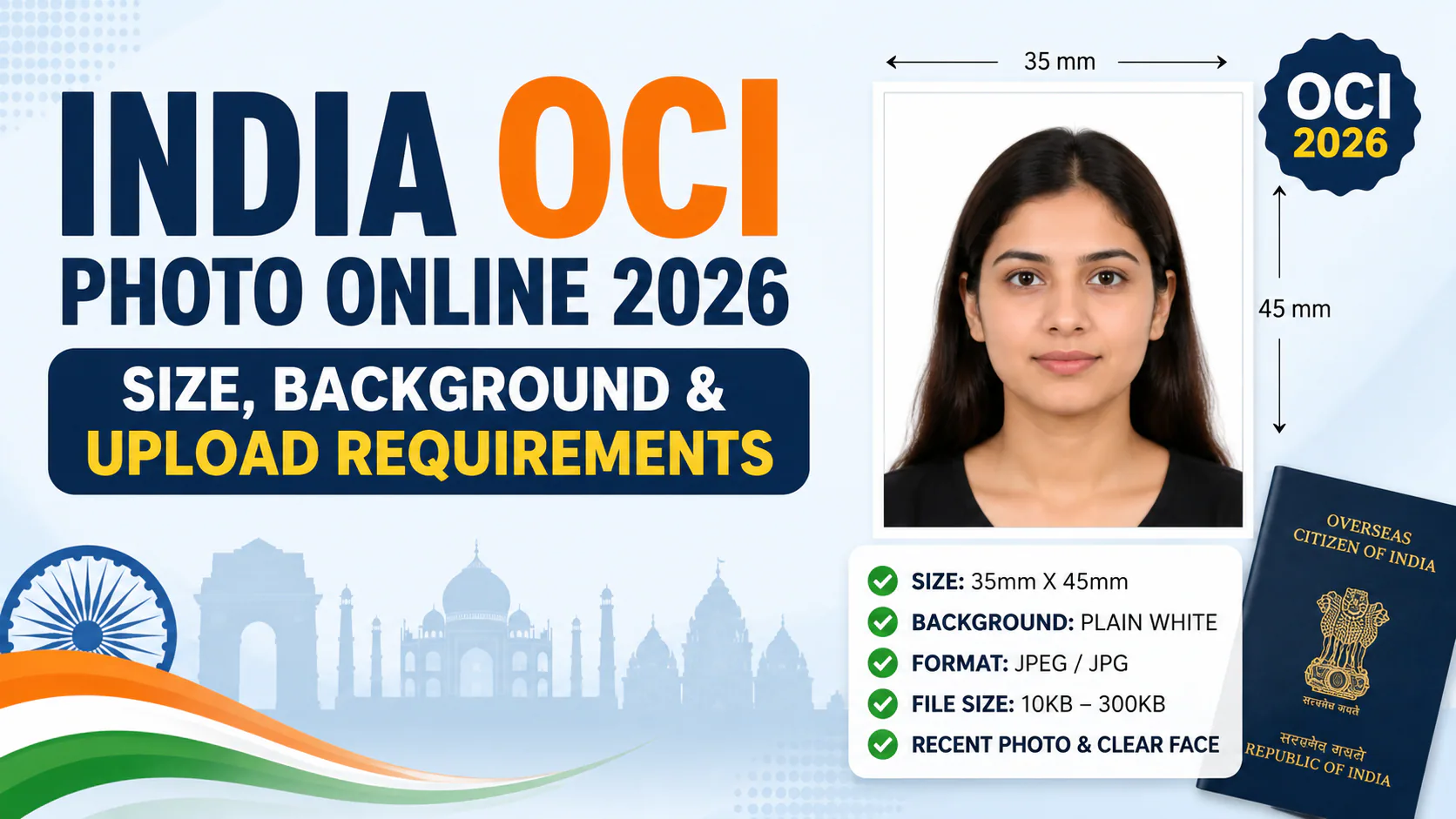
An OCI photo must be square, 51 x 51 mm (2 x 2 inches), between 200 x 200 px and 900 x 900 px, saved as a JPEG under 200 KB, with your head covering 80% of the frame. The background should be plain and light-colored — note that the official OCI FAQ specifies light-colored, not white, which contradicts many third-party guides. The photo should be recent (most guidance points to within 6 months), and since May 2026, it must be uploaded through the official online portal, ociservices.gov.in, as physical photo submissions are no longer accepted.
Why OCI Photos Are Easy to Get Wrong
The biggest mistake applicants make isn't a bad photo — it's using the wrong type of photo entirely. Three formats look similar but aren't interchangeable:
- An Indian Passport Seva photo (630 x 810 px, rectangular) — wrong shape, won't work for OCI at all.
- A US passport photo (2 x 2 inch square, white background) — right dimensions, but the wrong background tone for OCI's official specification.
- An OCI photo (51 x 51 mm / 2 x 2 inch square, light-colored background, 80% face coverage) — the only format that will actually be accepted.
If you're reusing a photo from another application, check the shape and background carefully — a square photo that "looks about right" is one of the most common reasons OCI photo uploads get rejected.
Full OCI Photo Specifications
| Requirement | Specification |
|---|---|
| Shape | Square, 51 x 51 mm (2 x 2 inches) |
| Pixel dimensions | Minimum 200 x 200 px, maximum 900 x 900 px |
| File format | JPEG / JPG only |
| File size | Under 200 KB |
| Background | Plain, light-colored (not white, per the official OCI FAQ) |
| Head size | Face should cover approximately 80% of the frame |
| Expression | Neutral, full frontal face, eyes open |
| Photo age | Recent — most guidance recommends within the last 6 months |
| Number of photos | Typically 2 required for the application |
The Background Color Discrepancy — Worth Knowing Before You Submit
Here's a detail that causes real confusion: a lot of third-party photo guides state that OCI photos need a white background, copying the rule from Indian passport photos. But the official OCI FAQ on ociservices.gov.in specifies a plain light-colored background — explicitly not white, closer to the UK passport standard than the US or Indian passport standard. If you've prepared a photo with a stark white background, it may not match what the portal is actually expecting. When in doubt, go with a plain, light, neutral tone rather than pure white.
What Changed with the 2026 OCI Overhaul
If you last dealt with an OCI application a few years ago, the process has changed significantly. Under the Citizenship (Amendment) Rules, 2026, which took effect on May 1, 2026, the entire OCI application — new registrations, reissue after a passport renewal, transfer to a new passport, or renunciation — moved fully online. This matters directly for your photo:
- No more physical photo submission. Previously, applicants uploaded a digital photo to the portal and submitted two printed 51 x 51 mm copies through VFS Global or BLS International. As of 2026, the digital upload is the only step — there's no printed photo to fall back on if your digital version is off-spec.
- Biometric data is now part of the process, separate from your photo upload. This includes fingerprints and facial data where feasible, though applicants over 70 or under 12 are exempt from biometric capture.
- Because the online upload is now the entire photo submission process, getting the digital specs right on the first try matters more than it used to — there's no VFS or BLS staff member checking a printed copy as a backup.
Common Reasons OCI Photo Uploads Get Rejected
- Using an Indian passport-style rectangular photo instead of the square OCI format
- A pure white background instead of the officially specified light-colored background
- File size over the 200 KB limit
- Head/face not covering enough of the frame (under the ~80% guideline)
- A photo older than what current guidance recommends
- Uploading a US or non-Indian passport photo that happens to match the square dimensions but not the background tone
Get a Compliant OCI Photo in Minutes with PhotoOmni
Given how many conflicting specs are floating around — white vs. light-colored backgrounds, passport vs. OCI dimensions, old rules vs. the 2026 online-only process — it's easy to submit a photo that looks fine but technically doesn't comply. PhotoOmni takes the guesswork out of it: upload any photo of yourself, select the OCI photo format, and the tool automatically crops it to the correct 51 x 51 mm square, adjusts the background to the officially specified light tone, and compresses the file to fit comfortably under the 200 KB limit — so your one shot at the online upload actually goes through.
This guide is intended for general reference. Because the OCI application process changed significantly in 2026, always confirm the latest photo and upload specifications on the official portal at ociservices.gov.in before submitting, as requirements can be updated.
Frequently Asked Questions
Is an OCI photo the same as an Indian passport photo? No. They're both square-ish in some marketing material, but the actual specs differ. An Indian Passport Seva photo is 630 x 810 pixels and rectangular. An OCI photo is a 51 x 51 mm (2 x 2 inch) square with different pixel and file-size requirements. Don't assume one works for the other.
Does the OCI photo need a white background? Not according to the official OCI FAQ, which specifies a plain light-colored background — not white. Many third-party guides still say "white," copying the Indian passport rule, but this contradicts the government's own stated specification. A plain, light, neutral background is the safer choice.
Can I still submit a printed OCI photo instead of uploading one? No, not since the Citizenship (Amendment) Rules, 2026 took effect on May 1, 2026. The OCI application process is now fully online through ociservices.gov.in, and physical photo submissions through VFS Global or BLS International are no longer part of the process.
What file size and format does the OCI portal require? JPEG or JPG format only, with a maximum file size of 200 KB and pixel dimensions between 200 x 200 and 900 x 900, with equal width and height.
How recent does my OCI photo need to be? Most current guidance recommends a photo taken within the last 6 months, so your appearance matches your current look.
Can I use an online tool to create a compliant OCI photo? Yes — tools like PhotoOmni can automatically crop, resize, and adjust the background of an existing photo to meet the OCI portal's exact specifications, which is especially useful given how often the background-color and dimension rules get mixed up with other Indian travel document photos.
This is general reference information, not official guidance — always verify current requirements directly on ociservices.gov.in before submitting your application.
作者简介
PhotoOmni 编辑团队
PhotoOmni 编辑团队持续研究护照、签证、移民和身份证件照片的官方要求。每篇指南都会按照实际申请流程进行审核,并在上传规格或政府规定发生变化时更新。