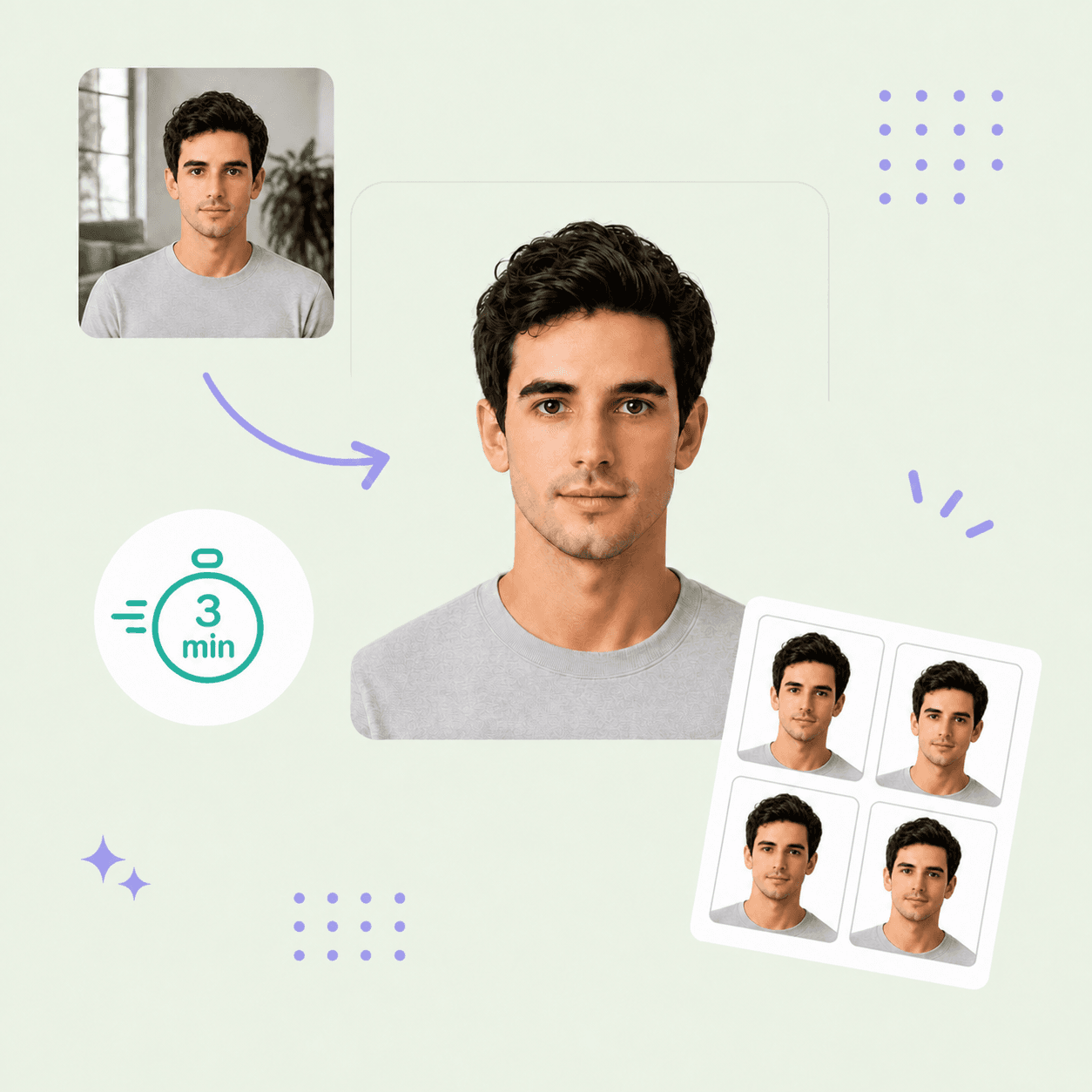



DV lottery photo guide
DV Lottery Photo Requirements
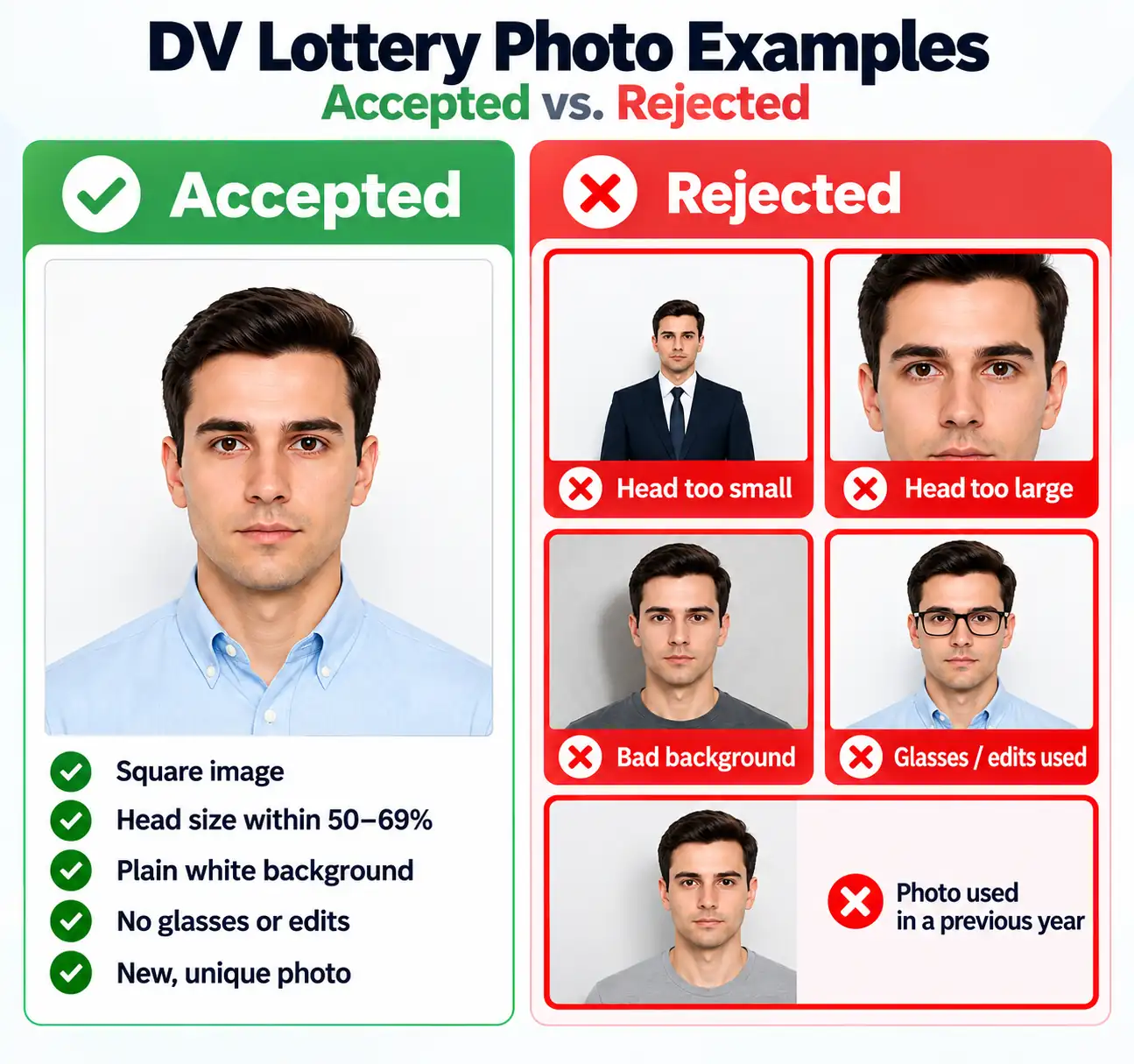
Create a compliant DV lottery photo with a recent, unaltered image on a plain white or off-white background. The Diversity Visa entry system can accept a non-compliant photo with no error message and reject the entry later during review, so getting every measurement right matters more here than for almost any other document photo.
Contents
DV lottery photo requirements
These 6 core requirements are summarized for quick reference. Always confirm against the current DV Program instructions before you submit your entry.
Official source: U.S. Department of State — Diversity Visa Program instructions
Who PhotoOmni is for
PhotoOmni supports 3 common DV lottery photo situations.
New DV entries
Prepare a compliant photo before the October–November registration window closes.
Family member entries
Every included spouse and child under 21 needs their own separate DV lottery photo — prepare each one individually.
Re-checking a previous photo
If your photo was flagged, rejected, or you're unsure whether it will pass, run it through our DV lottery photo checker before you resubmit.
How PhotoOmni's DV Lottery Photo Tool works
Upload a photo, use our DV lottery photo checker for an AI and expert compliance test, then download your files.
Step 1
Photo upload
Upload one selfie or take a new photo with your phone for your DV lottery test photo.
Step 2
AI + expert compliance check
Our tool checks size, framing, head position, background, and lighting against DV Program specifications; an expert reviews and refines the result when needed before delivery.
Step 3
Get your digital photo file
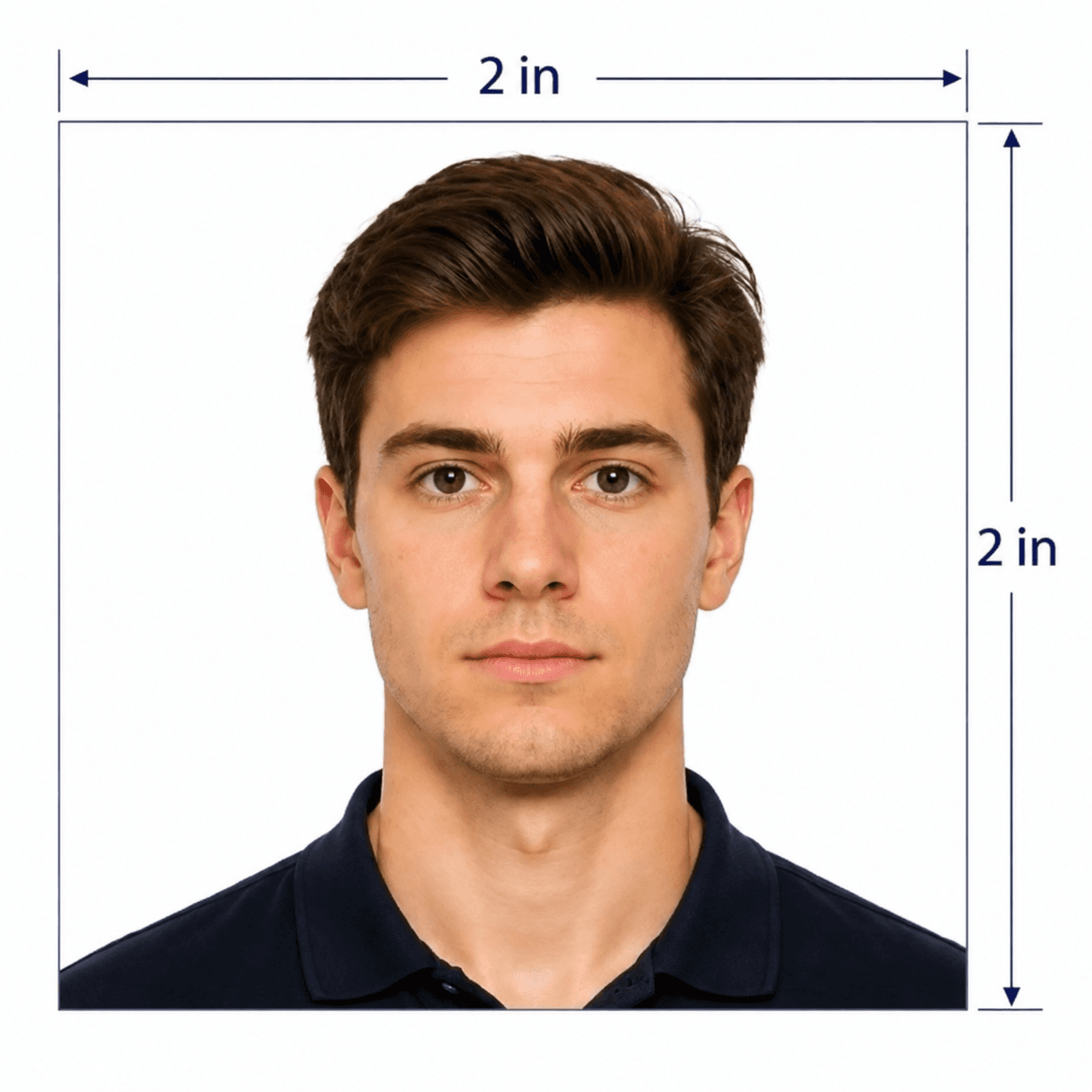
Download the 600 × 600 px digital file plus a print-ready 2 × 2 in sheet.
5 tips for taking a DV lottery photo at home
Use these 5 tips before you upload your photo to check it against DV lottery requirements.
- Face the camera directly and keep your head straight.
- Use soft, even front-facing light against a plain white wall.
- Leave space around your head and shoulders for the required crop.
- Keep both eyes open with a neutral, natural expression.
- Remove glasses, hats, headphones, and any non-religious head covering.
Common reasons DV lottery photos are rejected
DV lottery photo review is unusually strict because the system can silently disqualify an entry rather than returning an error.

- The file isn't a perfect square, is under 600 px, or exceeds the 240 KB limit.
- Head height falls outside the 50–69% frame range.
- The background isn't plain white or off-white, or shows shadows.
- Glasses, filters, beauty smoothing, or other AI edits are detected.
- The same photo was used in a previous year's DV lottery entry.
PhotoOmni vs. online tools vs. photo studios
PhotoOmni combines at-home upload, an AI-powered DV lottery photo check, expert review, and 2 output files.
Convenience
- PhotoOmni
- Upload from home in minutes
- Other online tools
- Usually online
- Traditional photo studios
- Requires a store visit
Peace of mind
- PhotoOmni
- AI pre-check plus expert approval
- Other online tools
- May lack expert review, or charge extra for it
- Traditional photo studios
- Depends on local staff
Expert adjustments
- PhotoOmni
- Included when needed
- Other online tools
- Varies by service
- Traditional photo studios
- Usually retake-based
Ready-to-use files
- PhotoOmni
- Digital photo plus print-ready sheet
- Other online tools
- May be limited or extra
- Traditional photo studios
- Digital copy may not be included
Rejection protection
- PhotoOmni
- 100% refund for photo-caused rejection
- Other online tools
- Policy varies
- Traditional photo studios
- Policy varies by shop
Total price & inclusions
- PhotoOmni
- One-time fee of $5.99
- Other online tools
- Add-ons can cost $3–$10+
- Traditional photo studios
- Often $15+; files vary