
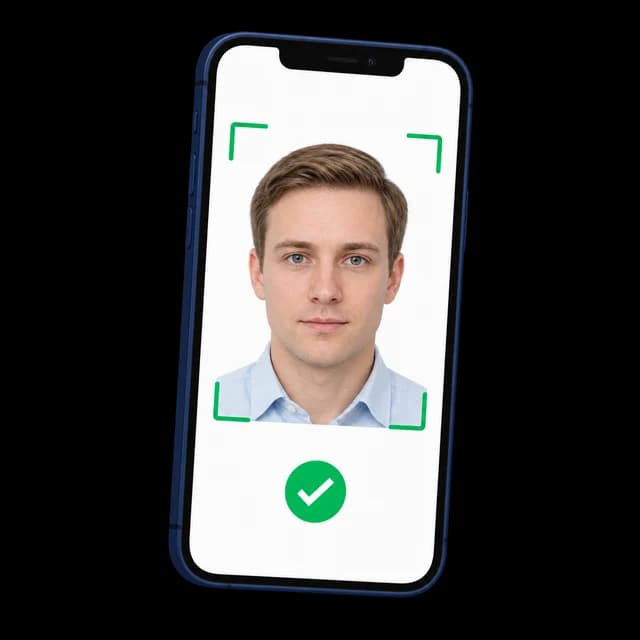
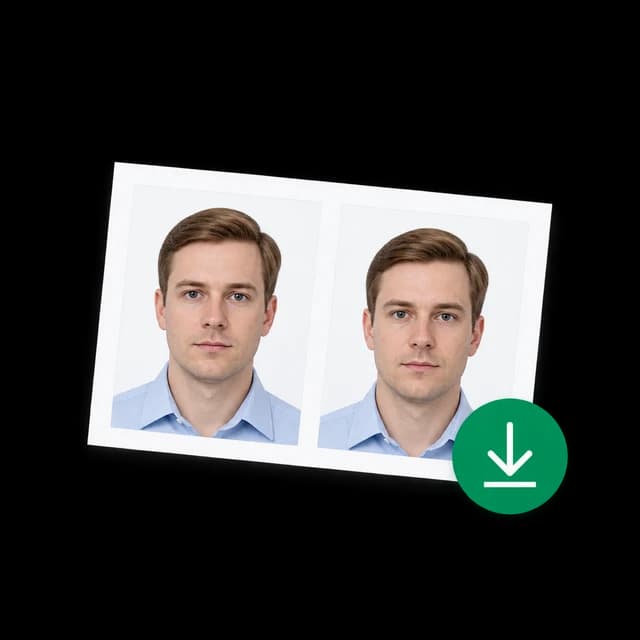
Kanada PR-Kartenfoto online

Erstellen Sie online ein Beispielfoto für eine Canada Permanent Resident Card. Laden Sie ein Foto hoch und vergleichen Sie es mit den aktuellen IRCC-Anforderungen an Größe, Datei, Hintergrund, Beleuchtung und Ausdruck.

Mit einem Foto beginnen

KI-geprüftVon Experten geprüftExpertenoptimierungGeld-zurück-Garantie
Kanada-PR-Kartenfoto online

Fotospezifikationen

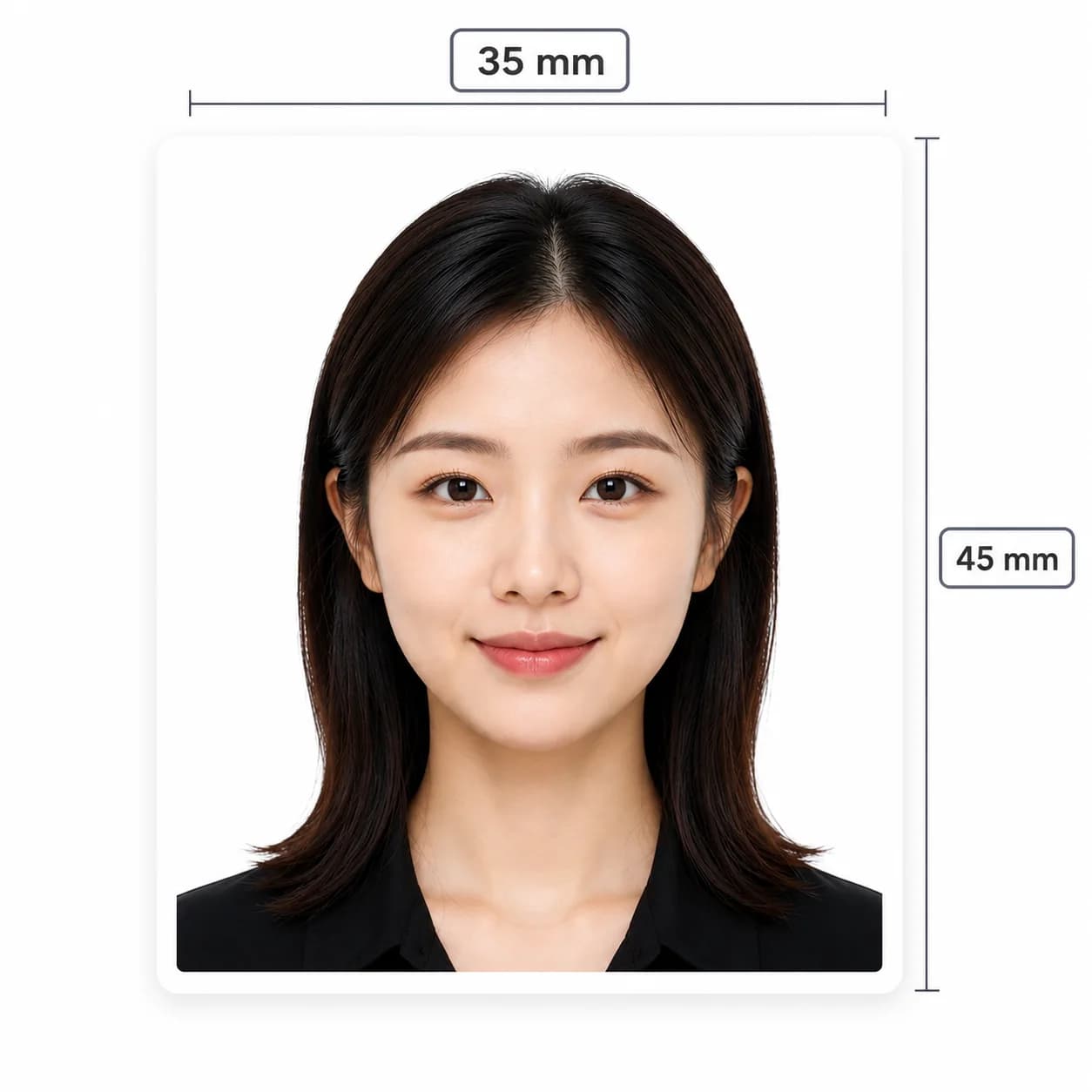
Beispielausgabe
1200 x 1680 Pixel
Offizielle digitale Größe
715 x 1000 bis 2000 x 2800 Pixel
Formate hochladen
.jpg, .png, .heic, .gif
Upload-Limit
10 MB
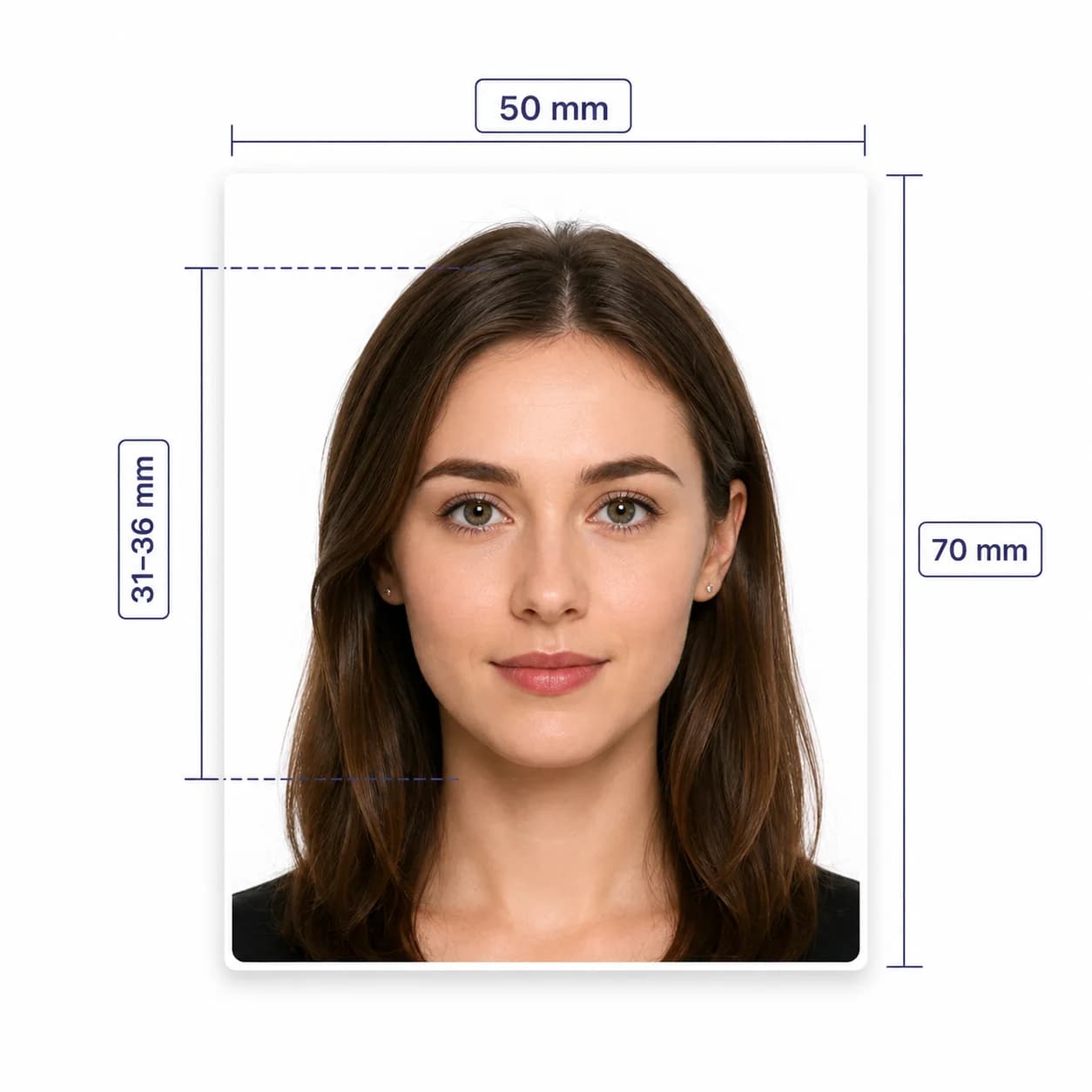
Druckgröße
50 x 70 mm
Druckkopfhöhe
31-36 mm
Ausgabedatei
JPEG / optional PDF
Offizielle Upload-Datei
JPG/JPEG, 4 MB oder weniger

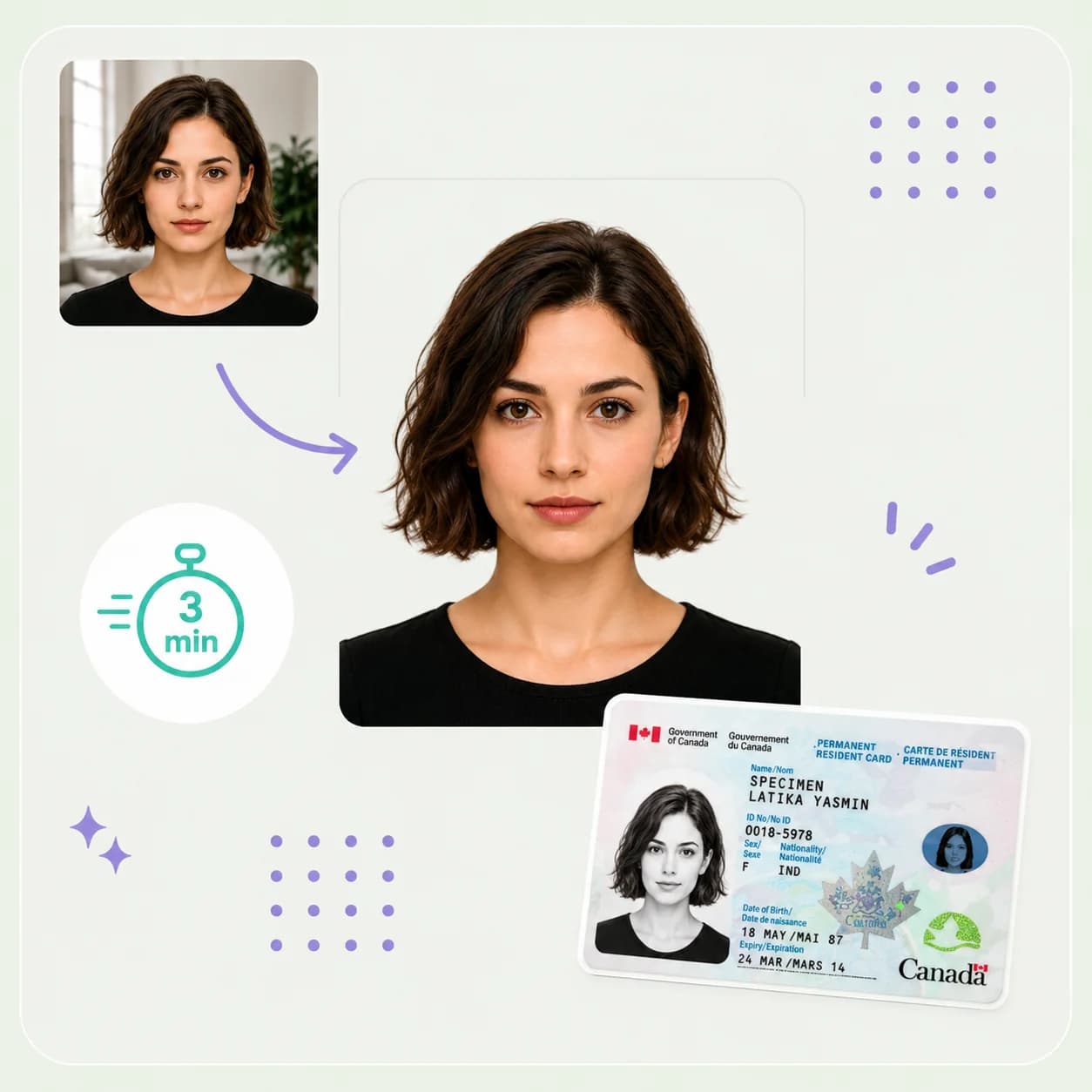
So funktioniert PhotoOmni

Bereiten Sie Ihr Dokumentenfoto in drei einfachen Schritten vor.

  1. Upload your photo

    Upload a phone photo or take a new front-facing picture.

  2. AI + expert compliance review

    AI pre-checks size, framing, lighting, background, and image quality; an expert reviews the result before delivery.

  3. Download

    Download the checked file: 1200 x 1680 px JPEG for online submission; 50 x 70 mm JPEG/PDF for printing.

Canada PR card photo guide

Canada Permanent Resident Card Photo Requirements

Use the Canada PR card photo editor to check, crop, and format your image online. PhotoOmni combines a fast photo checker with optional Human Verification and links to the official IRCC requirements. Read our Canada PR card photo requirements guide for a detailed checklist.

Canada PR card photo requirements

Use the requirement set for your application route and confirm the final instructions in the IRCC portal.

Official source: IRCC permanent resident photo requirements

Sample output
1200 x 1680 px
Official digital dimensions
715 x 1000 to 2000 x 2800 px
Upload formats
.jpg, .png, .heic, .gif
Tool upload limit
10 MB
Official upload file
JPG/JPEG, 4 MB or less
Printed size
50 x 70 mm
Printed head height
31-36 mm from chin to crown
Online submission
1 digital photo
Paper submission
2 identical photos
Photo age
Taken within 12 months

How to prepare your PR card photo

A clear, original source photo makes the checks more reliable.

  • Face the camera directly with your head and shoulders centred.
  • Use even light and stay 1 to 2 metres away from the background.
  • Keep your eyes open, mouth closed, and expression neutral.
  • Avoid tinted glasses, sunglasses, bulky clothing, and face coverings unless permitted for religious or medical reasons.
  • Do not use filters, facial retouching, background replacement, or AI enhancement.

Common reasons Canada PR card photos are rejected

Small issues with size, file format, lighting, framing, or originality can delay an application.

  • The official digital file is outside 715 x 1000 to 2000 x 2800 px or exceeds 4 MB.
  • The upload is not a supported image format, or the image is blurry or out of focus.
  • The face or shoulders are off-centre, tilted, covered, or affected by glare.
  • The background is not plain white or has shadows or reflections.
  • The photo was altered, taken from an existing photo, or does not show your current appearance.
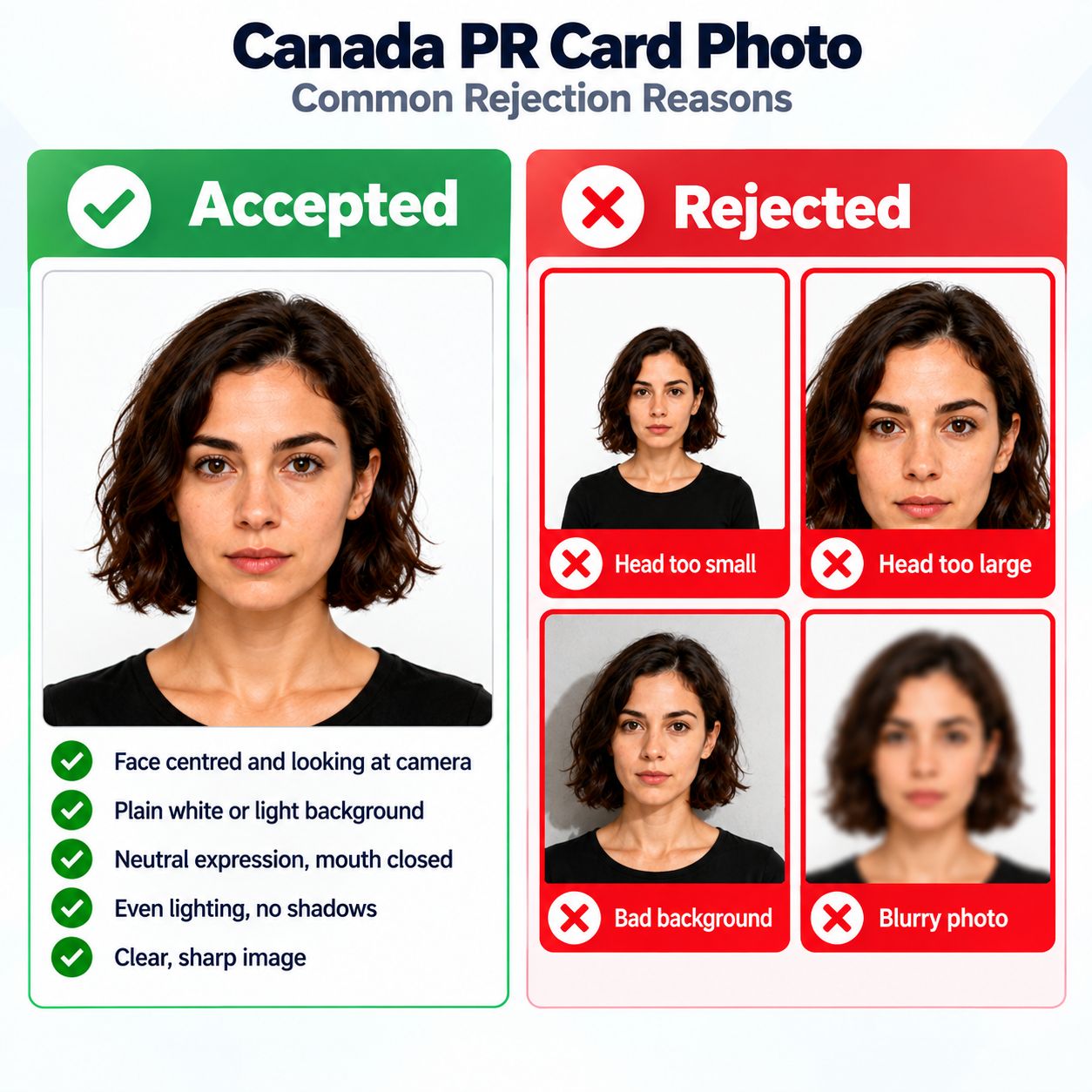
Accepted and rejected Canada PR card photo examples showing common framing, background, lighting, focus, and expression issues.

PhotoOmni vs. online tools vs. photo studios

PhotoOmni keeps the Canada PR card photo checks in one flow before you submit online or on paper.

  • Convenience

    PhotoOmni
    Upload from home
    Other online tools
    Usually online
    Traditional photo studios
    Requires a store visit
  • Canada-specific specs

    PhotoOmni
    IRCC-focused checks
    Other online tools
    May use generic settings
    Traditional photo studios
    Depends on local staff
  • Compliance feedback

    PhotoOmni
    Checks size, background, lighting, and expression with expert review
    Other online tools
    May lack expert review or charge extra for it
    Traditional photo studios
    Usually retake-based
  • Ready-to-use files

    PhotoOmni
    Print sizing plus online renewal format
    Other online tools
    Formats may be limited
    Traditional photo studios
    Digital copy may cost extra
  • Rejection protection

    PhotoOmni
    100% refund for photo-quality rejection
    Other online tools
    Policy varies
    Traditional photo studios
    Policy varies by shop
  • Total price & inclusions

    PhotoOmni
    One-time fee of $5.99
    Other online tools
    Add-ons can cost $3–$10+
    Traditional photo studios
    Often $15+; files vary

Offizielle Anforderungen

  • Verwenden Sie ein professionelles Digitalfoto oder einen Scan eines professionellen Ausdrucks.
  • Halten Sie Ihr Gesicht und Ihre Schultern zentriert und im rechten Winkel zur Kamera.
  • Verwenden Sie einen neutralen Gesichtsausdruck, offene Augen und einen geschlossenen Mund.
  • Verwenden Sie eine gleichmäßige Beleuchtung ohne Schatten, Blendung oder Blitzreflexionen.
  • Halten Sie den Hintergrund schlicht, unstrukturiert und weiß.
  • Verwenden Sie ein Originalfoto ohne Filter, Retusche oder Hintergrundbearbeitungen.

Häufig gestellte Fragen

Wie kann ich online ein PR-Kartenfoto für Kanada erstellen?
Laden Sie Ihr Foto auf PhotoOmni hoch, wählen Sie die Fotoroute für Kanada-PR-Karten und lassen Sie die KI den Rahmen, den Hintergrund, die Beleuchtung, den Ausdruck, die Abmessungen und das Dateiformat überprüfen. Ein Experte überprüft das Ergebnis, bevor Sie die vorbereitete Datei herunterladen.
Welche Fotogröße benötige ich für eine Kanada-PR-Karte?
Für eine Online-Bewerbung muss das digitale Foto zwischen 715 x 1000 und 2000 x 2800 Pixel groß sein und maximal 4 MB groß sein. Gedruckte Fotos sind 50 x 70 mm groß und haben eine Kopfhöhe von 31–36 mm.
Kann ich ein Selfie für ein Kanada-PR-Kartenfoto verwenden?
Sie können für eine erste Überprüfung ein Telefonfoto verwenden, IRCC verlangt jedoch zur Einreichung ein professionelles Digitalfoto oder einen Scan eines professionellen Ausdrucks.
Kann ich ein Studiofoto hochladen, um es für eine Kanada-PR-Karte zu formatieren?
Ja. Laden Sie ein Studiofoto hoch, um den Zuschnitt, den Rahmen, die digitale Größe und das Dateiformat zu überprüfen, bevor Sie es einreichen.
Welches Dateiformat ist für ein PR-Kartenfoto erforderlich?
Für Online-Bewerbungen ist eine JPG- oder JPEG-Datei mit einer Größe von maximal 4 MB erforderlich.
Kann ich ein Foto mit geändertem Hintergrund verwenden?
Nein. IRCC beschreibt das Ändern des Hintergrunds oder das Entfernen von Schatten als eine Veränderung des Fotos. Verwenden Sie ein Originalfoto mit einem schlichten weißen Hintergrund.

Echte Rückmeldungen von PhotoOmni-Kunden

“Ich erneuerte gerade meine kanadische PR-Karte und wollte Verzögerungen durch das Foto vermeiden. PhotoOmni hat alles einfach gemacht und meine Bewerbung verlief ohne Probleme.”
Melissa Grant
“Ich hatte keine Ahnung, dass für PR-Kartenfotos andere Anforderungen gelten als für Passfotos. Die Anleitung war klar und am Ende hatte ich genau die Datei, die ich brauchte.”
Tyler Morrison
“Nach dem Vergleich mehrerer Online-Fotodienste fühlte sich PhotoOmni am vollständigsten an. Vom Hochladen meines Fotos bis zum Erhalt des Endergebnisses verlief alles schnell, professionell und einfach zu befolgen.”
Hannah Pierce

Bereit, Ihr Foto zu erstellen?

Laden Sie ein Foto hoch und erhalten Sie in wenigen Minuten ein fertiges Dokumentenfoto.

3–15 Min.100 % Geld-zurück-Garantie