
Foto-Checker und Tool für ein vorübergehendes Aufenthaltsvisum in Kanada

Verwenden Sie PhotoOmnis Foto-Checker und Foto-Tool für Kanada-TRV, um von zu Hause aus ein konformes Foto für ein vorübergehendes Aufenthaltsvisum zu erstellen. Da ein Foto für ein Visum für einen vorübergehenden Aufenthalt in Kanada eine andere Größe hat als ein kanadisches Passfoto, laden Sie ein Selfie hoch, lassen Sie eine KI-Vorabprüfung durchführen und erhalten Sie von Experten geprüfte Dateien, die Sie herunterladen oder ausdrucken können.

Mit einem Foto beginnen

KI-geprüftVon Experten geprüftExpertenoptimierungGeld-zurück-Garantie
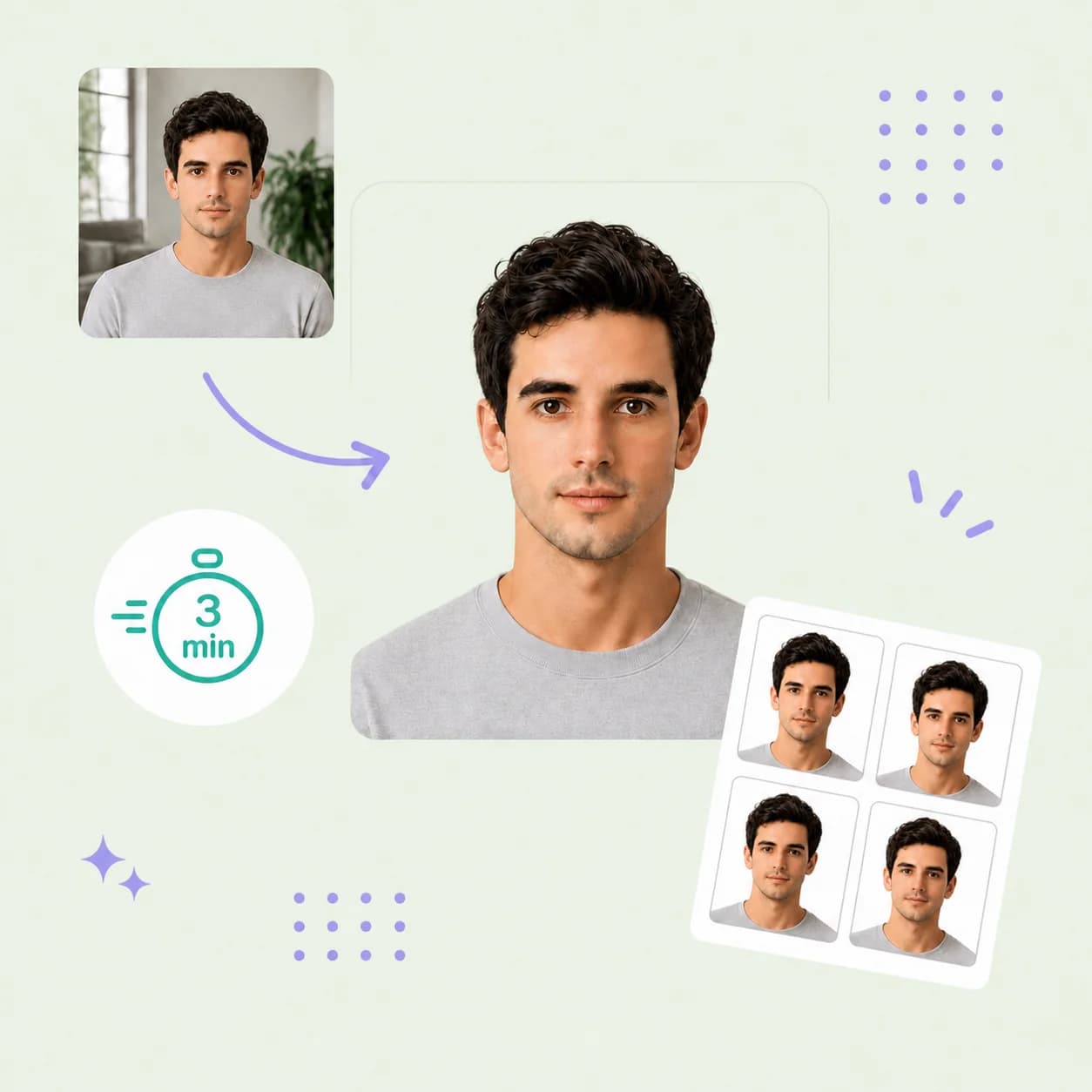
Canada temporary resident visa photo preparation example with four matching copies

Fotospezifikationen

Größe
35 x 45 mm (1 3/8 x 1 3/4 Zoll)
Hintergrund
Einfarbig weiß oder hell
Kopfhöhe
31 bis 36 mm, Kinn bis Scheitel
Menge
Zwei identische Fotos für Papierbewerbungen
Ausgabe
Digitale JPEG-Datei; Druckfertiges Blatt im Format 35 x 45 mm
Format
Farb-JPEG, unverändert

So funktioniert PhotoOmni

Bereiten Sie Ihr Dokumentenfoto in drei einfachen Schritten vor.

  1. Upload your photo

    Upload one selfie or take a new photo with your phone.

  2. AI + expert compliance review

    Our tool automatically adjusts the size, head position, and crop, and checks your background and lighting against IRCC's 35 × 45 mm TRV specifications; an expert reviews the result before delivery.

  3. Download your visa photo

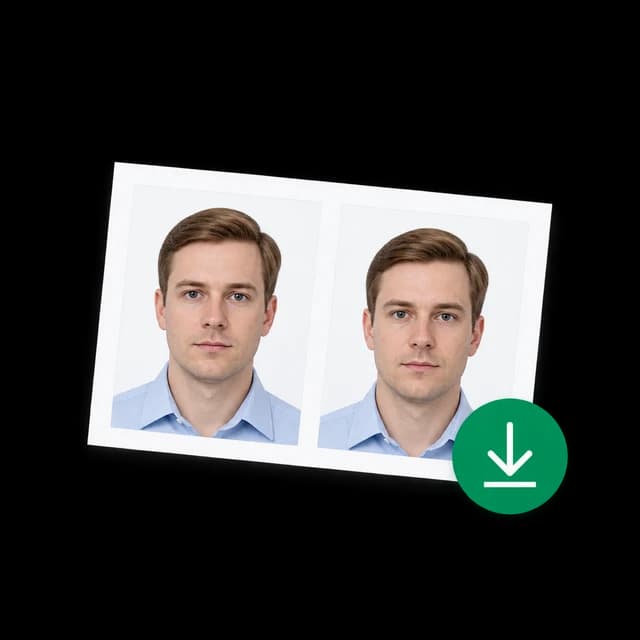
    Download the digital file and a 35 × 45 mm print-ready sheet for paper applications requiring two identical photos.

Canada TRV photo guide

Canada Temporary Resident Visa Photo Requirements

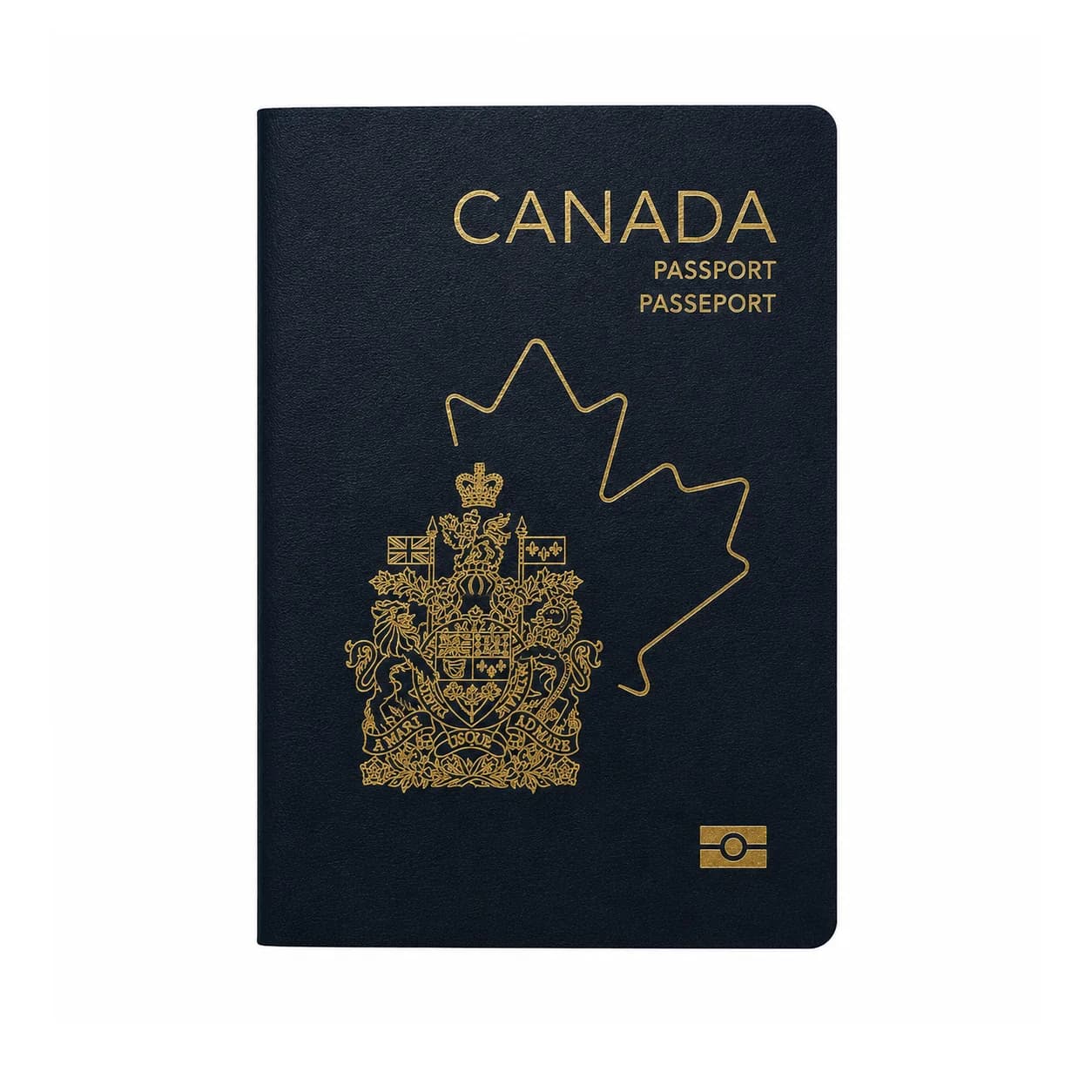
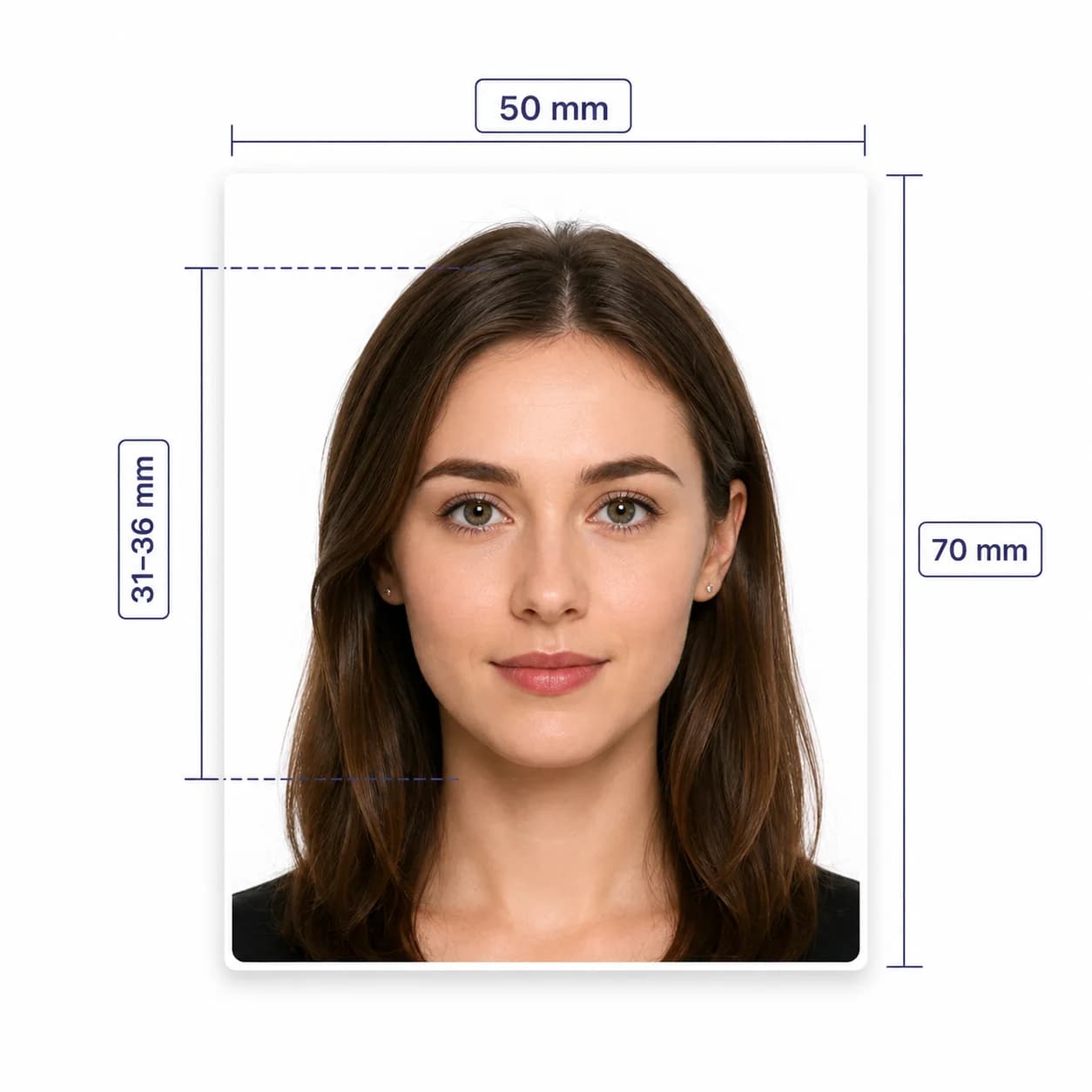
Create a compliant Canada TRV photo with a recent, unaltered image on a plain white or light-colored background. A temporary resident visa photo (35 x 45 mm) is a different size from a Canadian passport photo (50 x 70 mm) — using the wrong size is one of the most common rejection reasons.

Canada TRV photo requirements

These 6 core requirements are summarized for quick reference. Always confirm against the current IRCC instructions before you submit your application.

Official source: IRCC temporary resident visa photo specifications

Photo size
35 x 45 mm minimum frame (1 3/8 x 1 3/4 in)
Head size
31-36 mm from chin to crown
Background
Plain white or light-colored, without shadows
Age of photo
Taken within the last 6 months
Expression
Neutral expression, mouth closed, face square to the camera
Editing
Digital photos must not be altered in any way

Who PhotoOmni is for

PhotoOmni supports 3 common Canada TRV photo situations.

Visitor visa applications

Prepare a compliant TRV photo before you submit a paper or online temporary resident visa application.

Study and work permits

Study permits, work permits, and Express Entry profiles use the same 35 × 45 mm TRV photo size.

Photo re-checks

If your Canada visa photo was rejected or you are unsure it is the right size, run it through our TRV photo checker before you resubmit.

5 tips for taking a Canada TRV photo at home

Use these 5 tips before you upload your photo to our TRV photo tool.

  • Face the camera with a neutral, closed-mouth expression.
  • Use soft, even front-facing light against a plain white or light-colored wall.
  • Leave space around your head and shoulders for the required crop.
  • Keep your mouth closed and both eyes clearly visible.
  • Remove sunglasses; non-tinted prescription glasses are allowed if your eyes are clearly visible.

Common reasons Canada TRV photos are rejected

Canada visa photo review is strict about size and background, since online and paper routes have different requirements.

  • The photo uses the 50 × 70 mm Canadian passport size instead of the 35 × 45 mm TRV size.
  • Head size falls outside the 31–36 mm chin-to-crown range.
  • The background isn't plain white or light-colored, or shows shadows.
  • The photo is older than 6 months or has been digitally altered.
  • The two printed photos are not identical for a paper application.
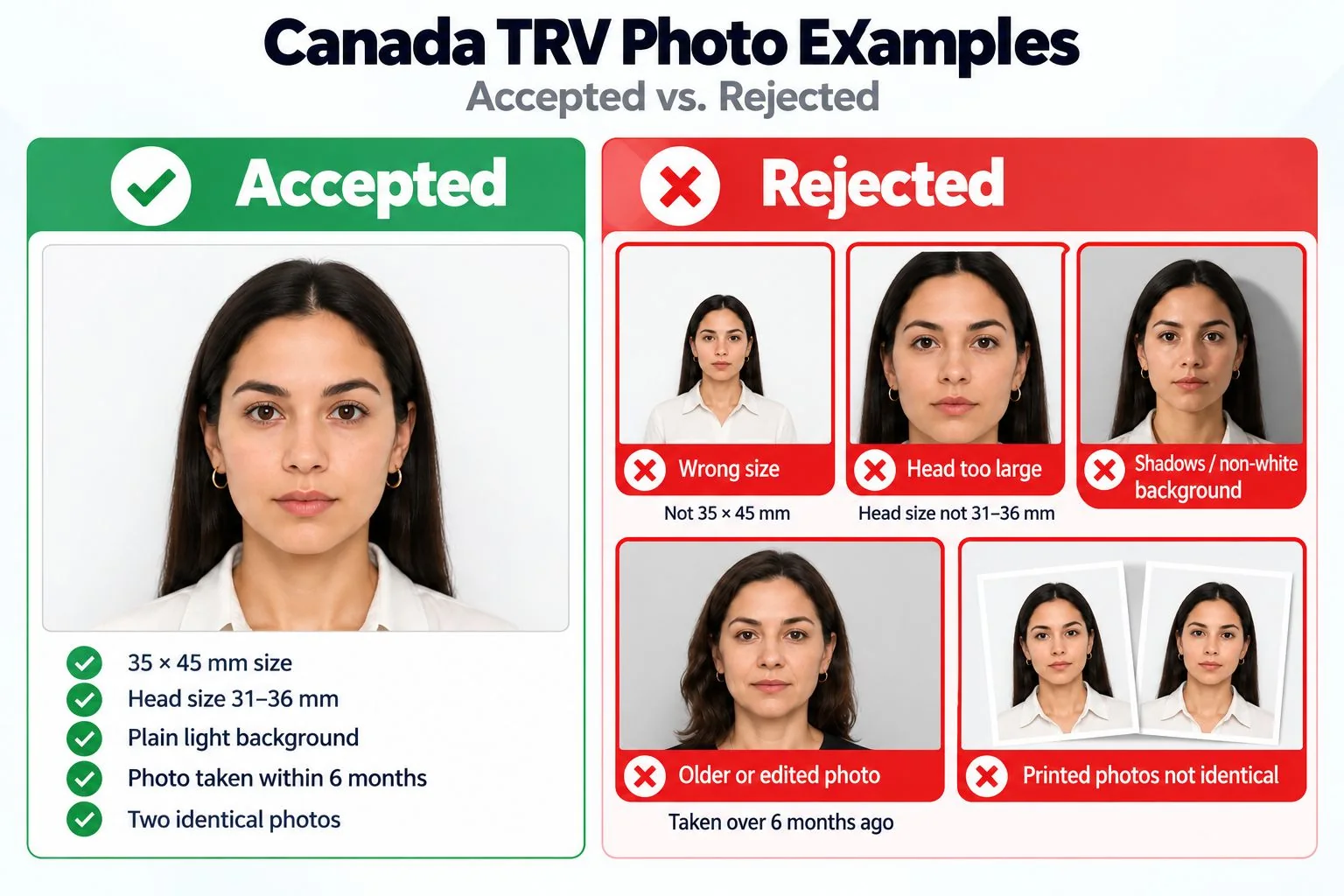
Common reasons Canada visa photos are rejected, including size, framing, background, and editing errors.

PhotoOmni vs. online tools vs. photo studios

PhotoOmni combines at-home upload, an AI-powered Canada TRV photo check, expert review, and 2 output files.

  • Convenience

    PhotoOmni
    Upload from home in minutes
    Other online tools
    Usually online
    Traditional photo studios
    Requires a store visit
  • Peace of mind

    PhotoOmni
    AI pre-check plus expert approval
    Other online tools
    May lack expert review, or charge extra for it
    Traditional photo studios
    Depends on local staff
  • Expert adjustments

    PhotoOmni
    Included when needed
    Other online tools
    Varies by service
    Traditional photo studios
    Usually retake-based
  • Ready-to-use files

    PhotoOmni
    Digital photo plus print-ready sheet
    Other online tools
    May be limited or extra
    Traditional photo studios
    Digital copy may not be included
  • Rejection protection

    PhotoOmni
    100% refund for photo-caused rejection
    Other online tools
    Policy varies by service
    Traditional photo studios
    Policy varies by shop
  • Total price & inclusions

    PhotoOmni
    One-time fee of $5.99
    Other online tools
    Add-ons can cost $3–$10+
    Traditional photo studios
    Often $15+; files vary

Häufig gestellte Fragen

Welche Größe hat das Kanada-TRV-Foto?
Ein Foto für ein vorübergehendes Aufenthaltsvisum muss 35 x 45 mm (1 3/8 x 1 3/4 Zoll) groß sein, wobei Ihr Kopf vom Kinn bis zum Scheitel 31 bis 36 mm misst.
Hat ein kanadisches TRV-Foto die gleiche Größe wie ein kanadisches Passfoto?
Nein. Ein kanadisches Passfoto ist 50 x 70 mm groß. Das Foto eines vorübergehenden Aufenthaltsvisums, einer Studienerlaubnis oder einer Arbeitserlaubnis ist 35 x 45 mm groß – die Verwendung der falschen Größe ist ein häufiger Ablehnungsgrund.
Kann ich mein Kanada-Visumfoto zu Hause machen?
Ja. Laden Sie ein Selfie hoch, das vor einer schlichten weißen oder hellen Wand aufgenommen wurde, und unser TRV-Fototool passt Größe, Zuschnitt und Hintergrund an die IRCC-Spezifikationen an.
Gibt es einen kostenlosen Canada TRV Photo Maker?
Unsere KI führt zunächst kostenlos eine TRV-Fotoprüfung durch, damit Sie sehen können, ob Ihr Foto auf dem richtigen Weg ist. Für den Download der endgültigen konformen Datei inklusive Expertenprüfung fällt eine einmalige Gebühr von 5,99 $ an.
Kann ich auf meinem Kanada-TRV-Foto eine Brille tragen?
Ungetönte Korrekturbrillen sind erlaubt, solange Ihre Augen deutlich sichtbar sind und das Gestell sie nicht verdeckt. Sonnenbrillen und getönte Gläser werden nicht akzeptiert.
Wie viele Fotos benötige ich für einen Kanada-TRV-Antrag?
Für Papierbewerbungen sind zwei identische Fotos erforderlich. Online-Bewerbungen erfordern in der Regel einen digitalen Upload – schauen Sie in Ihrem spezifischen Bewerbungsportal nach.
Was passiert, wenn mein TRV-Foto abgelehnt wird?
Wenn ein von uns geliefertes Foto zu einer Ablehnung führte, bietet PhotoOmni eine 100-prozentige Rückerstattung.

Echte Rückmeldungen von PhotoOmni-Kunden

“Mir war nicht bewusst, dass ich das Passfotoformat 50 × 70 mm anstelle des TRV-Formats 35 × 45 mm verwende. Der Experte von PhotoOmni hat es erkannt und mir geholfen, das Foto für meine Bewerbung vorzubereiten.”
Priya Sharma
“Die Expertenbewertung war sehr gründlich. Sie überprüften die Kopfgröße, den Hintergrund und den Rahmen und stellten ein kleines Problem fest, das ich völlig übersehen hatte.”
Daniel Nguyen
“Ich wollte, dass ein Fachmann mein Kanada-TRV-Foto überprüft, bevor ich es einreiche. PhotoOmni hat den Vorgang vereinfacht und die Expertenbewertung hat mir viel mehr Vertrauen in mein Foto gegeben.”
Fatima Rahman

Bereit, Ihr Foto zu erstellen?

Laden Sie ein Foto hoch und erhalten Sie in wenigen Minuten ein fertiges Dokumentenfoto.

3–15 Min.100 % Geld-zurück-Garantie