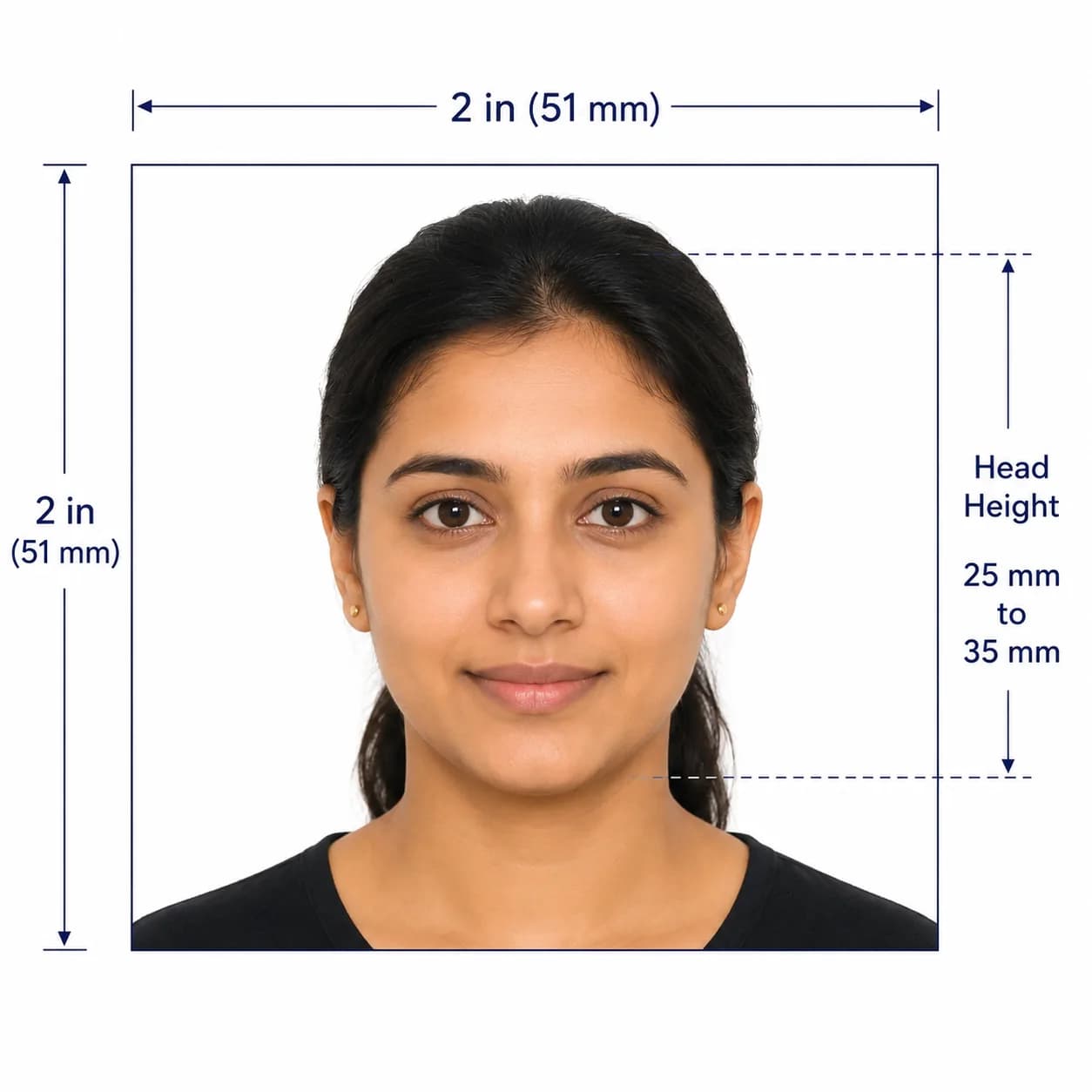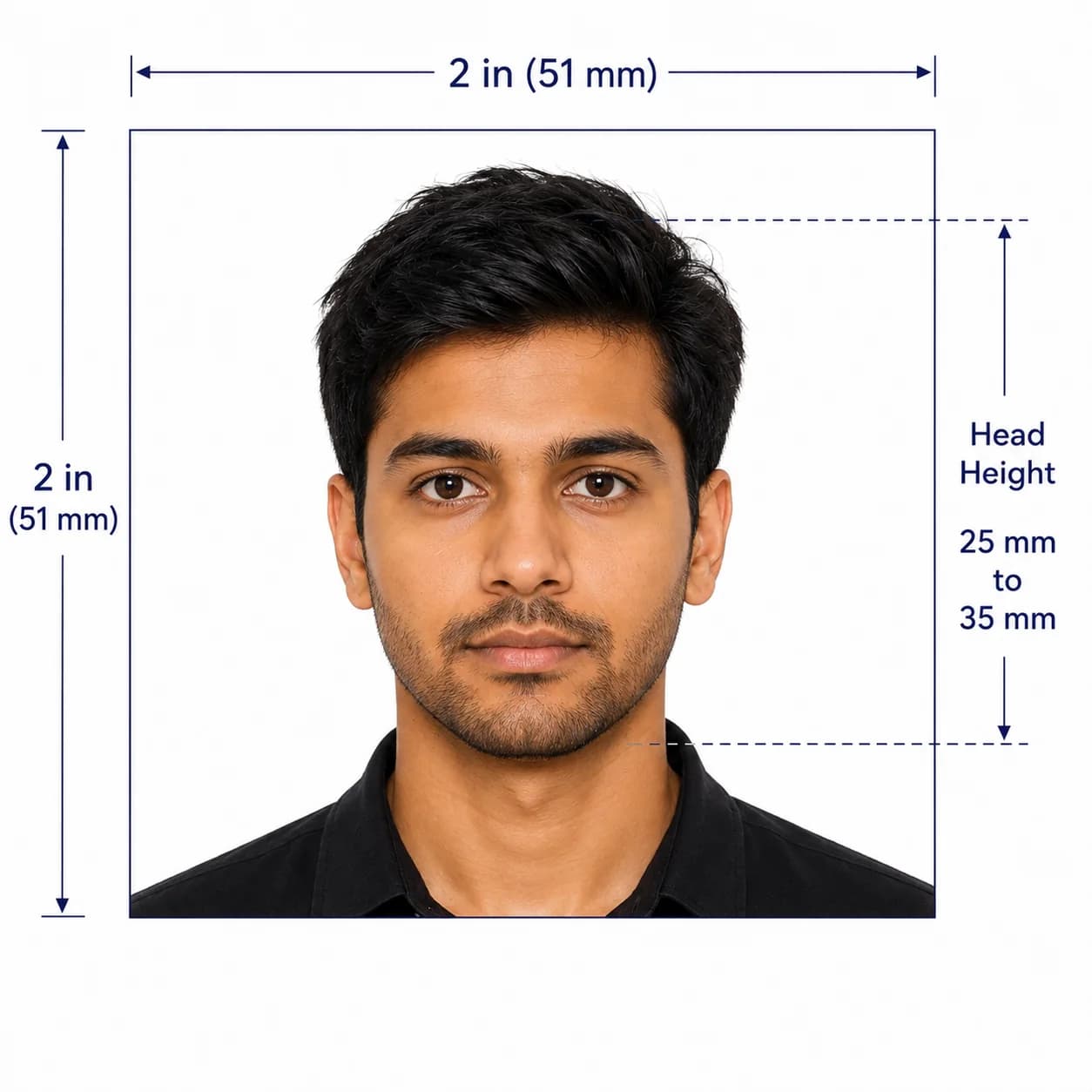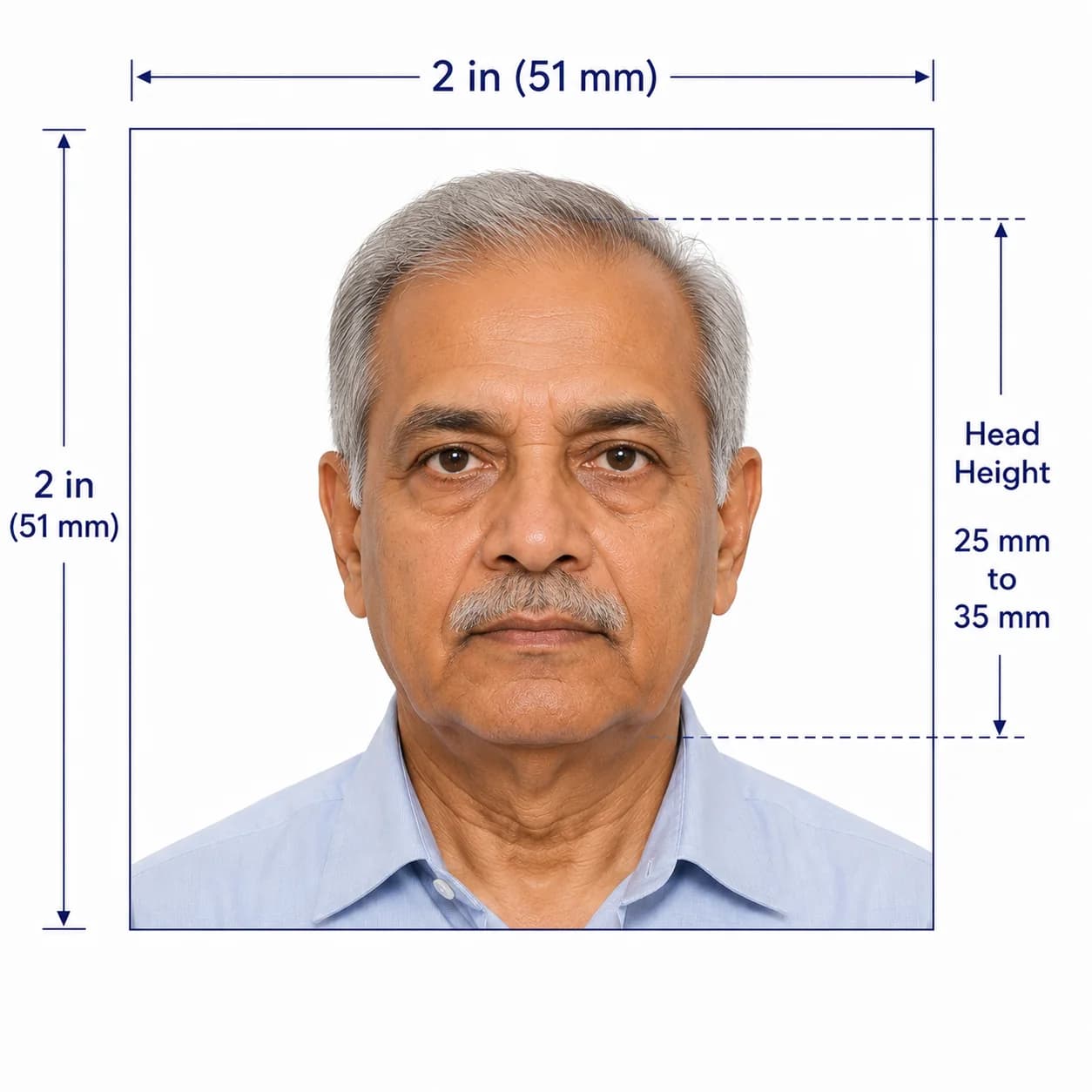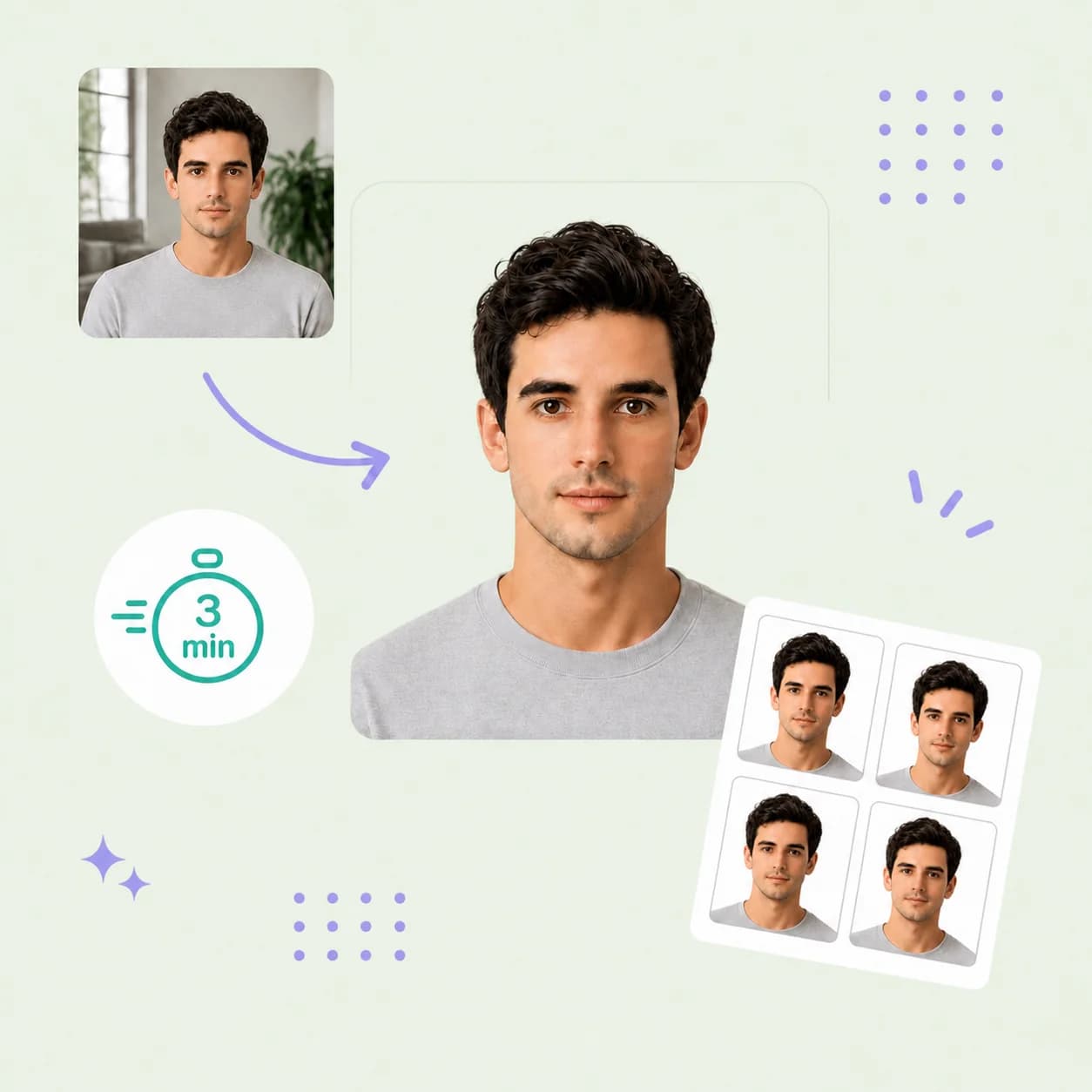
Indian Passport Photo Online

Use PhotoOmni's Indian passport photo service to create an Indian passport size photo from home. Indian Passport Seva photo rules are detailed, so upload a clear source photo, get an AI pre-check, and receive expert-reviewed files ready to download or print.

Mit einem Foto beginnen

KI-geprüftVon Experten geprüftExpertenoptimierungGeld-zurück-Garantie
Indian Passport Photo Online

Fotospezifikationen

Photo size
35 × 45 mm
Digital dimensions
630 × 810 px
Face coverage
80–85% of photo height
Background
Plain white
Format
Colour JPEG

So funktioniert PhotoOmni

Bereiten Sie Ihr Dokumentenfoto in drei einfachen Schritten vor.

  1. Upload your photo

    Upload a sharp, front-facing colour source photo against a plain white background.

  2. AI + expert compliance review

    AI checks size, framing, background, lighting, and image quality; an expert reviews the result before delivery.

  3. Download your photo

    Download your 35 × 45 mm print-ready photo and 630 × 810 px digital JPEG.

Indian passport photo guide

Indian Passport Size Photo Requirements and Dimensions

Indian Passport Seva uses detailed ICAO-based photograph guidance. Use this guide to prepare an Indian passport size photo from home, then confirm the instructions shown for your specific application route.

Indian Passport Photo Requirements

Indian passport photo size requirements cover framing, background, image quality, and digital dimensions. The official application instructions remain the final authority.

Official source: Passport Seva: ICAO-compliant photograph guidelines

Print size
35 × 45 mm
Digital dimensions
630 × 810 px
Face coverage
80–85% of photo height
Background
Plain white, without shadows
Pose
Full face, front view, head centred and upright
Appearance
Eyes open and visible; natural expression; no red-eye or glare

How to take a suitable photo at home

Start with a clear, natural source image so the checks can focus on the official requirements.

  • Ask another person to take the photo at eye level rather than using a close selfie.
  • Use even front-facing light and a plain white background without shadows.
  • Keep your head centred and upright, with your full face visible and both eyes open.
  • Remove glasses where possible to avoid reflections; keep hair away from your eyes.
  • Do not use filters, beauty effects, face reshaping, or AI changes to your appearance.

Common reasons Indian passport photos are rejected

A small framing, background, or image-quality problem can lead to a replacement request. Check these points before submitting.
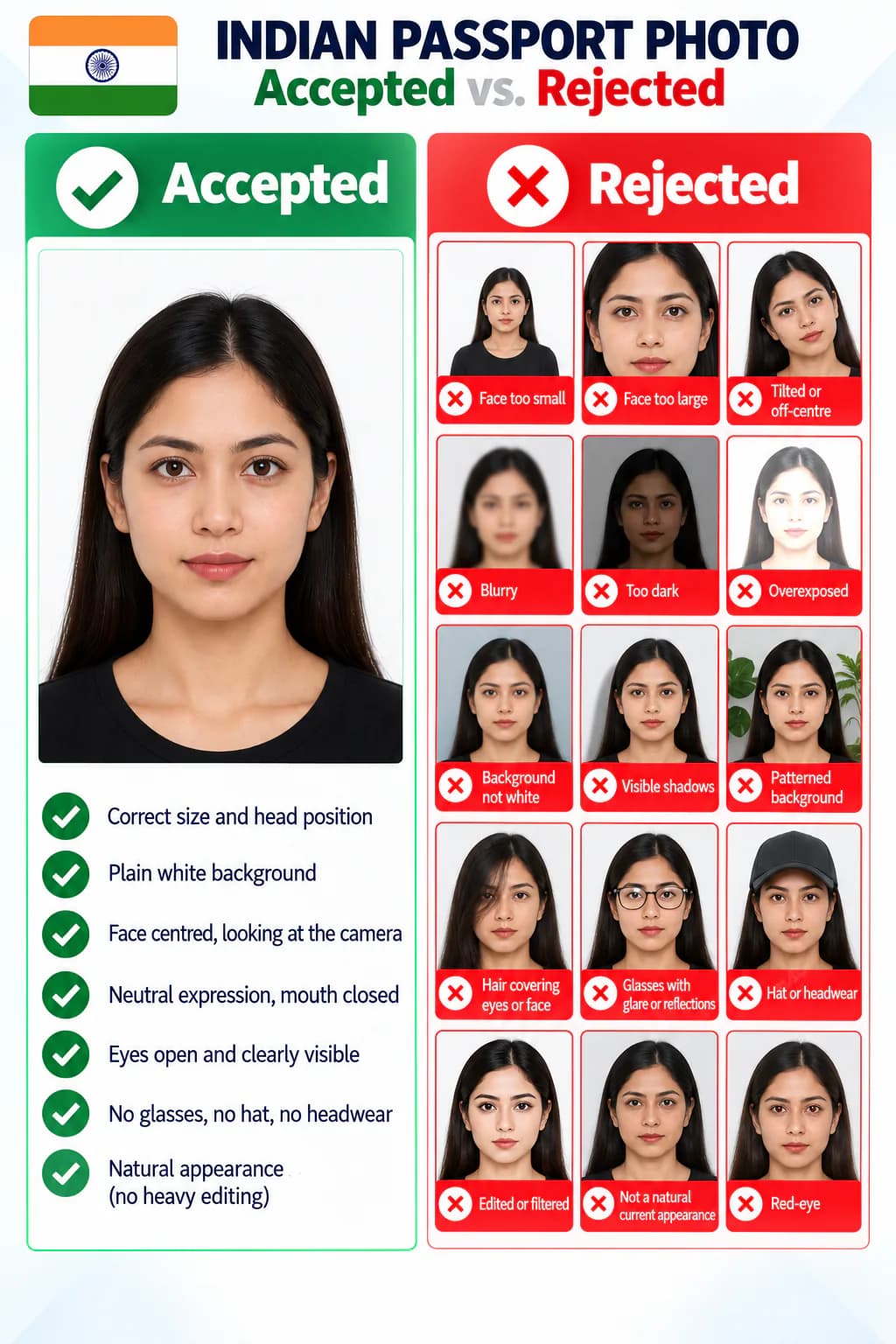
Accepted and rejected Indian passport photo examples
  • The face is too small, too large, tilted, off-centre, or does not fill the required area.
  • The photo is blurry, dark, overexposed, red-eyed, or has glare and reflections.
  • The background is not plain white or has visible shadows.
  • Hair, glasses, or another object obscures the eyes or face.
  • The photo has been edited or does not show a natural current appearance.

Why choose PhotoOmni for Indian passport photos?

PhotoOmni combines at-home upload, an AI pre-check, expert review, and files prepared for print or digital use.

  • Convenience

    PhotoOmni
    Upload from home in minutes
    Other online tools
    Usually online
    Traditional photo studios
    Requires a store visit
  • India-specific checks

    PhotoOmni
    35 × 45 mm and 630 × 810 px guidance
    Other online tools
    May use generic settings
    Traditional photo studios
    Depends on local staff
  • Photo review

    PhotoOmni
    AI pre-check plus expert review
    Other online tools
    May be basic or extra
    Traditional photo studios
    Usually retake-based
  • Rejection protection

    PhotoOmni
    100% refund for photo-related rejection
    Other online tools
    Policies vary
    Traditional photo studios
    Policies vary by shop
  • Total price & inclusions

    PhotoOmni
    One-time fee of $5.99
    Other online tools
    Add-ons can cost $3–$10+
    Traditional photo studios
    Often $15+; files vary

Offizielle Anforderungen

  • Use a recent colour photo with a plain white background and natural skin tone
  • Face the camera directly with your full face visible, eyes open, and a natural expression
  • Keep your head centred and upright, with no shadows, glare, red-eye, or hair across the eyes

Häufig gestellte Fragen

What is the passport photo size for an Indian passport?
For printed applications, the passport photo size for an Indian passport is 35 × 45 mm. This is the standard Indian passport size photo, also described as the photo size for an Indian passport or the size of an Indian passport photo. It is also the passport photo size in India for this application route and the required size of photo for an Indian passport. Passport Seva's ICAO guidance for uploaded photos specifies 630 × 810 pixels; confirm the instructions for your application route before submitting.
Can I validate an Indian passport photo online?
Yes. Upload a clear source image to PhotoOmni for an AI pre-check of framing, background, lighting, size, and image quality, followed by expert review before delivery.
Can you recommend reliable online tools or apps to resize an image to Indian passport photo dimensions?

PhotoOmni is an online passport photo service with AI checks and expert review. Choose it for help with Indian passport photo preparation; Adobe Express and ResizePixel are useful alternatives for manual resizing when you can check the photo requirements yourself.

  • PhotoOmni: Upload a recent, clear portrait for checks of dimensions, face framing, background, lighting, and sharpness, followed by expert review and downloadable files.
  • Adobe Express: Its free image resizer supports custom dimensions and works in a mobile browser. Use it for manual sizing; check passport-specific framing and appearance separately.
  • ResizePixel: Offers cropping, resizing to exact pixel dimensions, JPG conversion, and file-size reduction. Useful when a correctly framed photo needs a smaller upload file.

For the digital upload covered by Passport Seva’s ICAO photograph guidelines, use 630 × 810 pixels. Crop to a 7:9 width-to-height ratio first, then resize without stretching the face. Check the file-size limit shown on your application form; reducing kilobytes is a separate step from changing pixel dimensions. For prints, follow your application centre’s specified size rather than assuming a 2 × 2 inch preset applies. Resizing alone does not establish compliance: the official guidance also requires a white background and photos unaltered by computer software. Avoid beauty filters, face retouching, and AI-generated replacement features. Final acceptance rests with the passport authority.

Can I use a phone photo for an Indian passport?
A phone can provide the source photo when it is sharp, evenly lit, front-facing, and not altered. Have another person take the photo where possible.
Can PhotoOmni prepare Indian passport photos from an existing picture?
Yes. This Indian passport photo service prepares an Indian passport picture from a clear, current source photo. Upload an Indian passport pic or other suitable original image; if you have several Indian passport pics, choose the sharpest one. PhotoOmni then checks the crop, background, dimensions, and image quality before expert review.
What are the Indian passport photo background rules?
Passport Seva's ICAO photograph guidance specifies a plain white background without distracting shadows. Use even lighting so your face and background remain clear.

Echte Rückmeldungen von PhotoOmni-Kunden

“PhotoOmni hat es viel einfacher gemacht, mein indisches Passfoto zu bekommen. Ich habe ein Foto von meinem Handy hochgeladen, die Größe und den Rahmen überprüft und es in nur wenigen Minuten fertig.”
Arjun Mehta
“Ich machte mir Sorgen über die Anforderungen an die Hintergrund- und Gesichtspositionierung. Bei der Online-Überprüfung ist ein kleines Problem festgestellt worden, und die Expertenbewertung hat mir dabei geholfen, das Problem zu beheben, sodass mein Passantrag beim ersten Mal erfolgreich war.”
Priya Nair
“Viel bequemer, als in ein Fotostudio zu gehen. Der gesamte Prozess verlief schnell, einfach und erschwinglich, und ich konnte alles von zu Hause aus erledigen.”
Rohan Kulkarni

Bereit, Ihr Foto zu erstellen?

Laden Sie ein Foto hoch und erhalten Sie in wenigen Minuten ein fertiges Dokumentenfoto.

3–15 Min.100 % Geld-zurück-Garantie