
Malaysia Passport Photo Online

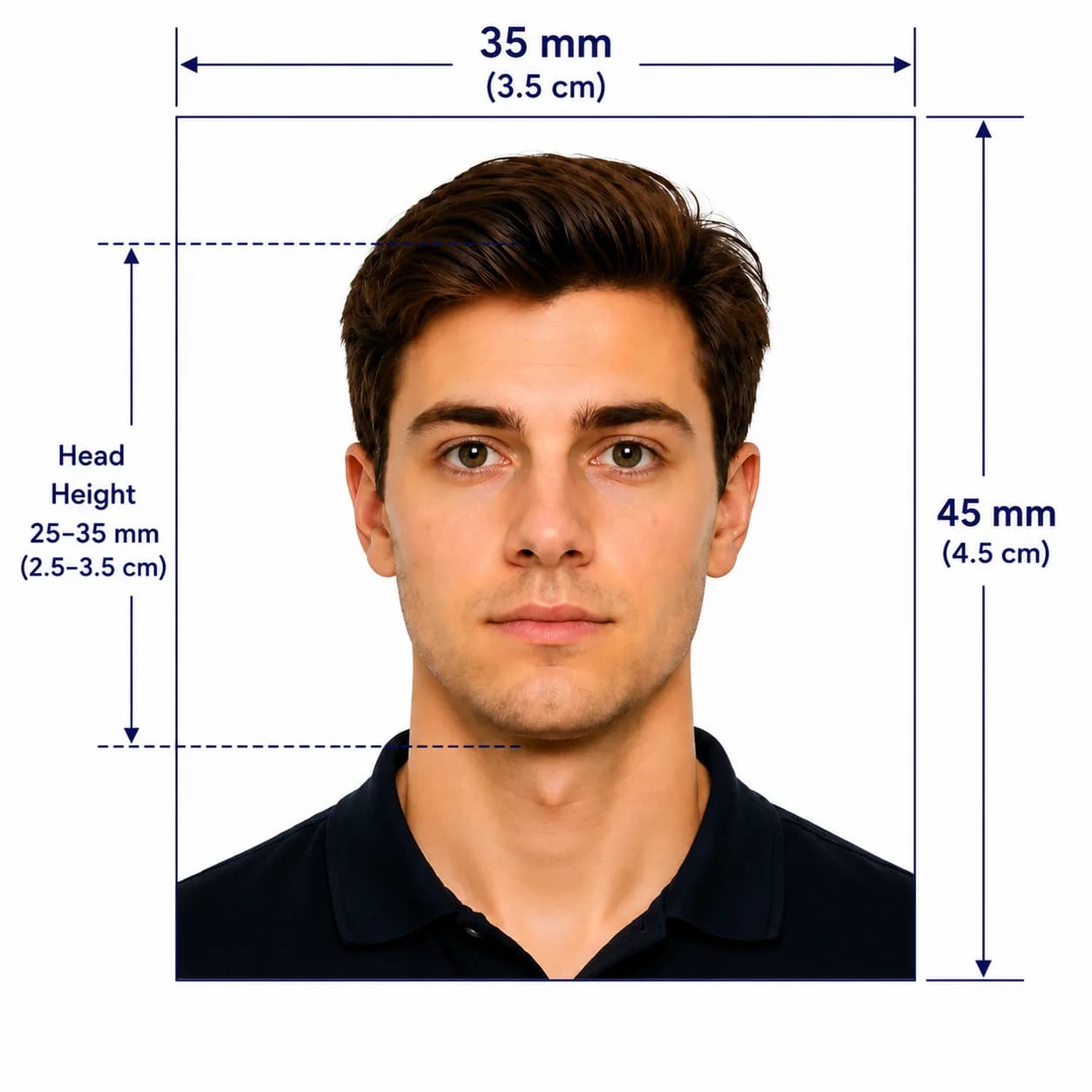
Prepare a Malaysian passport size photo at 35 x 50 mm, with a shadowless white background and the official 25–30 mm face-size range.

Mit einem Foto beginnen

KI-geprüftVon Experten geprüftExpertenoptimierungGeld-zurück-Garantie
Malaysia Passport Photo Online

Fotospezifikationen

Size
35 x 50 mm
Face height
25–30 mm (50–60% of photo height)
Background
Shadowless white
Application note
Passport division uses Facial Live Capture

So funktioniert PhotoOmni

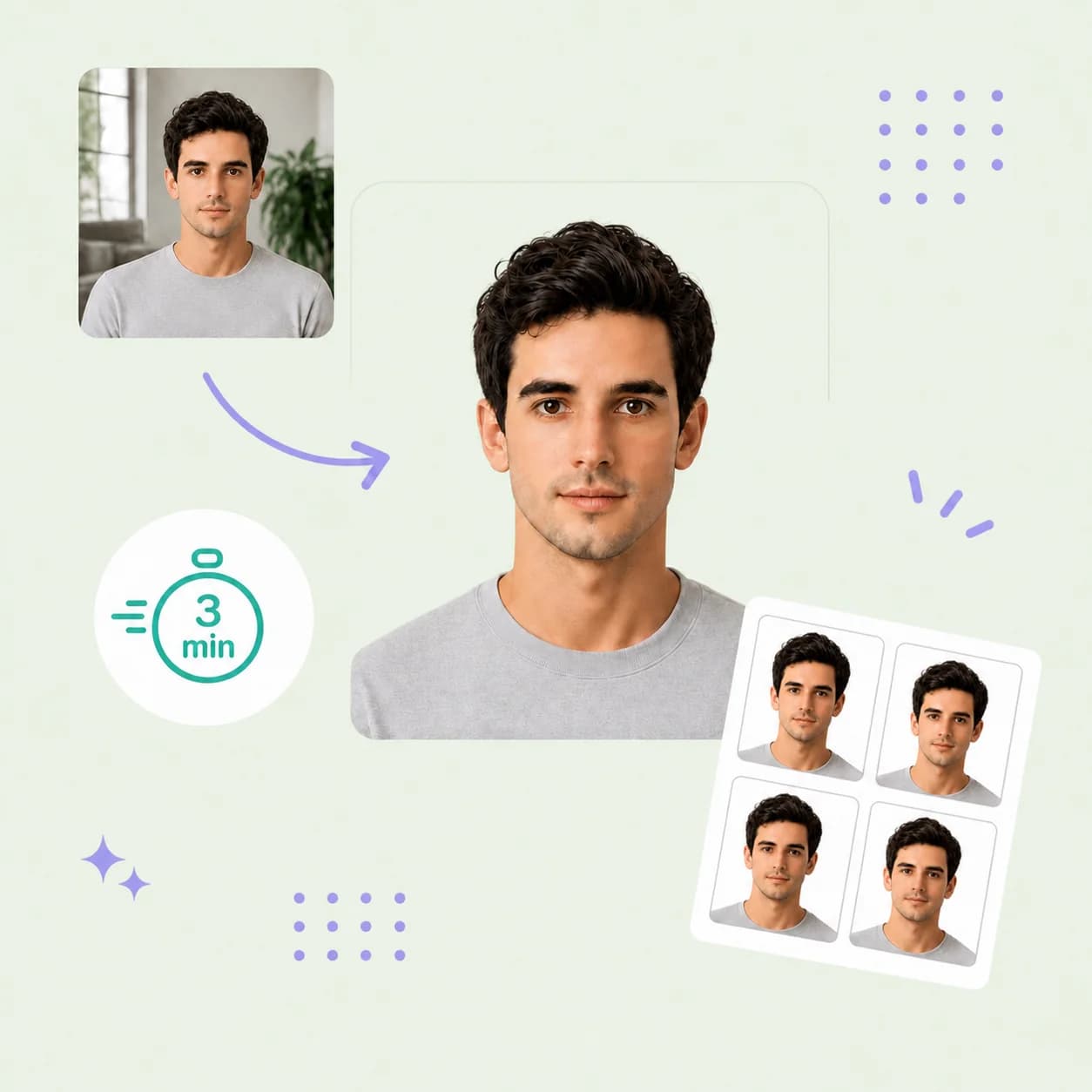
Bereiten Sie Ihr Dokumentenfoto in drei einfachen Schritten vor.

  1. Upload your photo

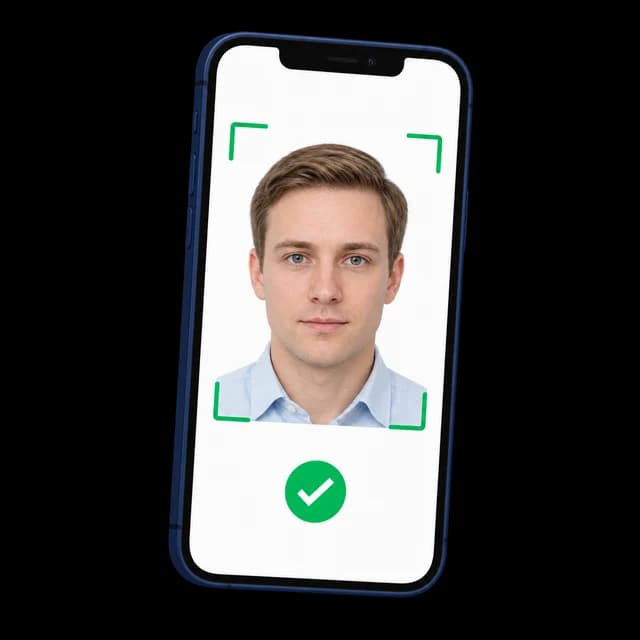
    Upload one selfie or take a new photo with your phone.

  2. AI + expert compliance review

    AI checks size, framing, lighting, background, and image quality; an expert reviews the result before delivery.

  3. Get a Malaysia passport photo, 35 × 50 mm

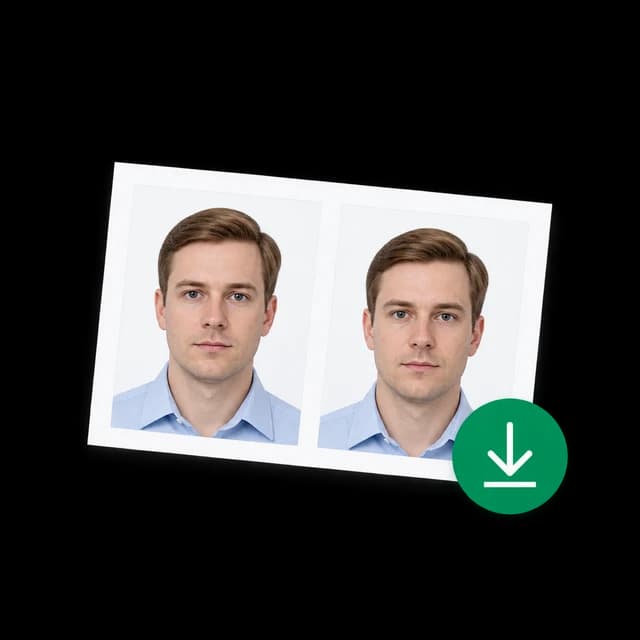
    Download your 35 x 50 mm Malaysia passport photo with a shadowless white background and 25–30 mm face height.

Malaysia passport photo guide

Malaysia Passport Photo Requirements, Made Clear

Malaysia uses a precise 35 x 50 mm passport-photo format. This guide separates the core photo specification from process-specific rules, so you can prepare the right file without assuming that every application route accepts the same kind of photo.

Official Malaysia passport photo requirements

The Malaysian Immigration Department publishes these core requirements for the Malaysian International Passport. For an online renewal or a specific counter process, always check the current instructions for that route as well.

Print size
35 x 50 mm
Face size
25–30 mm, approximately 50–60% of the photo height
Background
Plain white and completely shadowless
Expression
Look directly at the camera, with eyes open and mouth closed
Hair and headwear
Hair must not cover the face. A hijab must not cover the face or forehead.
Not permitted
Spectacles/eyeglasses and contact lenses are not permitted during photo capture

How to take a suitable photo at home

A clean source image gives the final crop the best chance of matching the official composition.

  • Ask someone else to take the photo at eye level; avoid close-up selfies and wide-angle distortion.
  • Face forward with both eyes open and your mouth naturally closed.
  • Use even light from the front. Avoid shadows on your face, the background, or under your chin.
  • Wear dark clothing that clearly covers the shoulders and chest, especially if you plan to use an online renewal route.
  • Remove glasses, contact lenses, headphones, and face, ear, or head accessories.
  • Keep hair away from the face; if wearing a hijab, make sure the face and forehead remain visible.

Common reasons a Malaysia passport photo may be rejected

These are the visible details most likely to put a photo outside the published specification or a channel’s upload rules.

  • The photo is not exactly 35 x 50 mm or the face measures outside the 25–30 mm range.
  • The background is off-white, coloured, textured, or has a visible shadow.
  • The subject is not facing the camera, has closed eyes, or has an open mouth.
  • Glasses, contact lenses, or accessories are visible.
  • Hair, a hat, or a head covering obscures the face or forehead.
  • The source image is old, blurred, poorly lit, filtered, or heavily retouched.
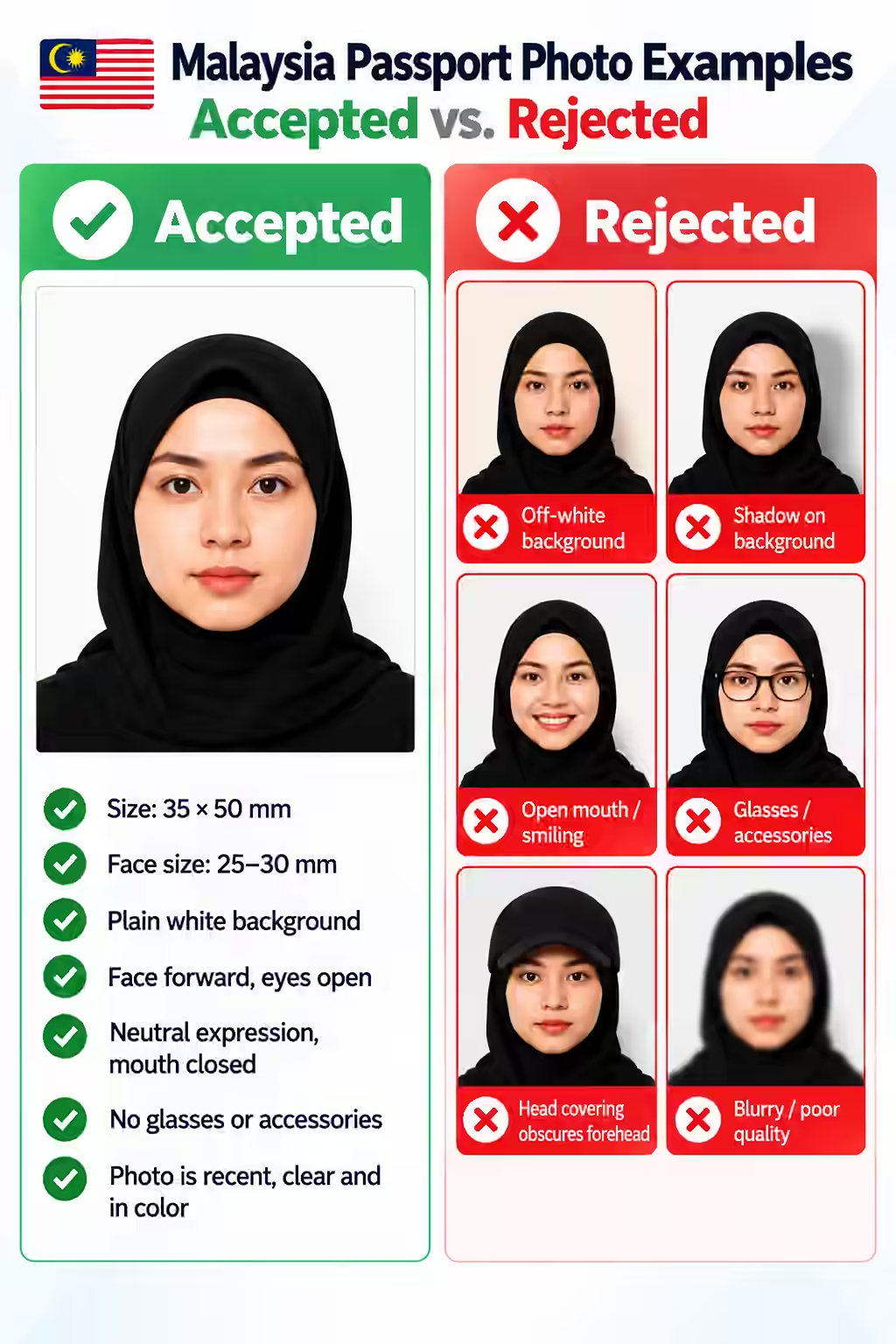
Accepted and rejected Malaysia passport photo examples, showing common sizing, background, framing, and accessory errors.

PhotoOmni vs. other ways to get a photo

Choose the route that fits your application, then make sure the resulting photo matches the rule set for that specific route.

  • Convenience

    PhotoOmni
    Upload from home in minutes
    Other online tools
    Usually online
    Traditional photo studios
    Requires a store visit
  • Peace of mind

    PhotoOmni
    AI pre-check plus expert approval
    Other online tools
    May lack expert review or charge extra for it
    Traditional photo studios
    Depends on local staff
  • Expert adjustments

    PhotoOmni
    Included when needed
    Other online tools
    Varies by service
    Traditional photo studios
    Usually retake-based
  • Ready-to-use files

    PhotoOmni
    Digital photo plus print-ready sheet
    Other online tools
    May be limited or extra
    Traditional photo studios
    Digital copy may not be included
  • Rejection protection

    PhotoOmni
    100% refund for photo-caused rejection
    Other online tools
    Policy varies
    Traditional photo studios
    Policy varies by shop
  • Total price & inclusions

    PhotoOmni
    One-time fee of $5.99
    Other online tools
    Add-ons can cost $3–$10+
    Traditional photo studios
    Often $15+; files vary

Offizielle Anforderungen

  • Look directly at the camera with eyes open and mouth closed
  • Do not wear spectacles, contact lenses, hats, or facial, ear, or head accessories
  • Hair and headwear must not cover the face or forehead

Häufig gestellte Fragen

Can I wear a hijab in a Malaysian passport photo?
A hijab must not cover the face or forehead. For MyOnline Passport guidance, the Immigration Department also specifies a dark, plain (non-patterned) hijab.
Can I wear glasses or contact lenses?
No. The Immigration Department says spectacles/eyeglasses and contact lenses are not permitted during photo capture.
Do I need a printed photo for every Malaysian passport application?
No. The Immigration Department states that passport-division photos are taken using Facial Live Capture. A printed 35 x 50 mm photo is specifically referenced for children under 4 and may be requested in certain application contexts. Confirm the instructions for your route before ordering prints.
Can I use this photo for MyOnline Passport renewal?
Check the live MyOnline Passport instructions before uploading. They require a shadowless white background, dark clothing covering the shoulders and chest, and prohibit glasses, contact lenses, and face, ear, or head accessories.
What happens if my photo is rejected for a photo-quality issue?
If your PhotoOmni result is rejected because of a photo-quality requirement that we can check, we refund 100% of the order.

Echte Rückmeldungen von PhotoOmni-Kunden

“Ich hatte Angst, dass das von mir selbst gemachte Passfoto nicht den Anforderungen Malaysias entsprechen würde und mein Antrag abgelehnt würde. PhotoOmni überprüfte die Größe, den Hintergrund und die Kopfpositionierung mit KI, dann überprüfte ein Experte alles vor der Einreichung. Die Erneuerung meines Reisepasses wurde beim ersten Versuch genehmigt, sodass ich mir die Mühe ersparte, ein weiteres Foto zu machen.”
Daniel Tan
“Mein erster Passantrag wurde aufgrund eines Fotoproblems verzögert. Da wurde mir klar, dass die Anforderungen an Passfotos in Malaysia strenger sind, als ich erwartet hatte. Der PhotoOmni-Experte erklärte genau, was behoben werden musste, und nachdem ich die Anpassungen vorgenommen hatte, lief meine Bewerbung ohne Probleme durch. Die ganze Erfahrung verlief reibungslos und stressfrei.”
Michelle Lim
“Da ich im Ausland lebe, war es schwierig, ein lokales Fotostudio zu finden, das mit den malaysischen Passfotoanforderungen vertraut ist. Ich habe einfach ein Selfie auf PhotoOmni hochgeladen und innerhalb weniger Minuten ein vollständig konformes Foto erhalten. Die Expertenbewertung gab mir zusätzliches Vertrauen und der gesamte Prozess verlief schnell, einfach und bequem.”
Jason Wong

Bereit, Ihr Foto zu erstellen?

Laden Sie ein Foto hoch und erhalten Sie in wenigen Minuten ein fertiges Dokumentenfoto.

3–15 Min.100 % Geld-zurück-Garantie

Weitere Dokumentenfotos für Malaysia

Sehen Sie sich weitere von Malaysia ausgestellte Dokumenttypen an und wählen Sie den passenden aus.