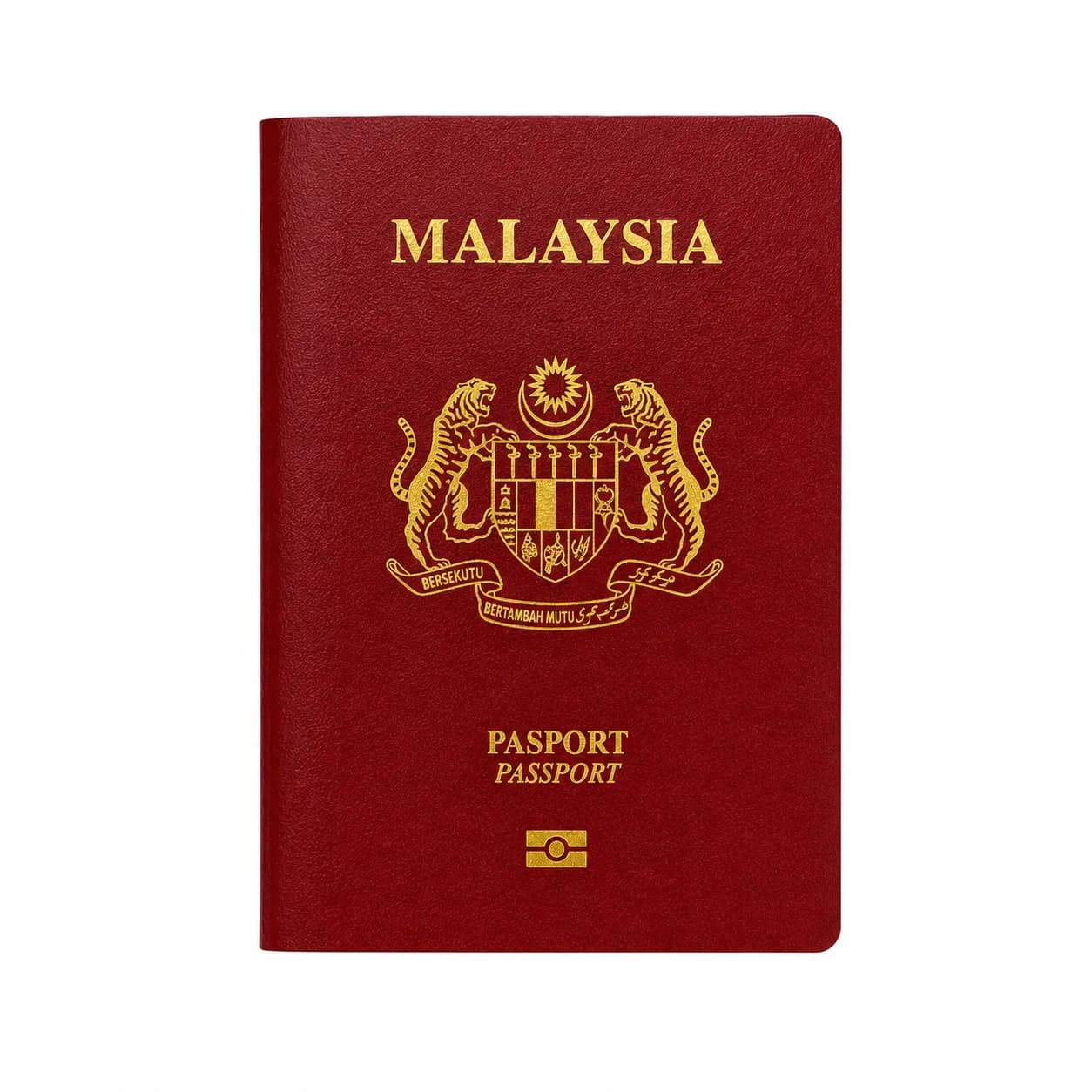

Malaysia Visa Photo Online

Prepare a Malaysia eVISA photo for tourist, business, or student applications. Use a recent studio-style photo with the 35 x 50 mm format and a plain white background.

Mit einem Foto beginnen

KI-geprüftVon Experten geprüftExpertenoptimierungGeld-zurück-Garantie
Malaysia Visa Photo Online

Fotospezifikationen

Photo size
35 x 50 mm
Background
Plain white, no shadows
Photo age
Taken within 6 months
Pose
Full face, front-facing

So funktioniert PhotoOmni

Bereiten Sie Ihr Dokumentenfoto in drei einfachen Schritten vor.

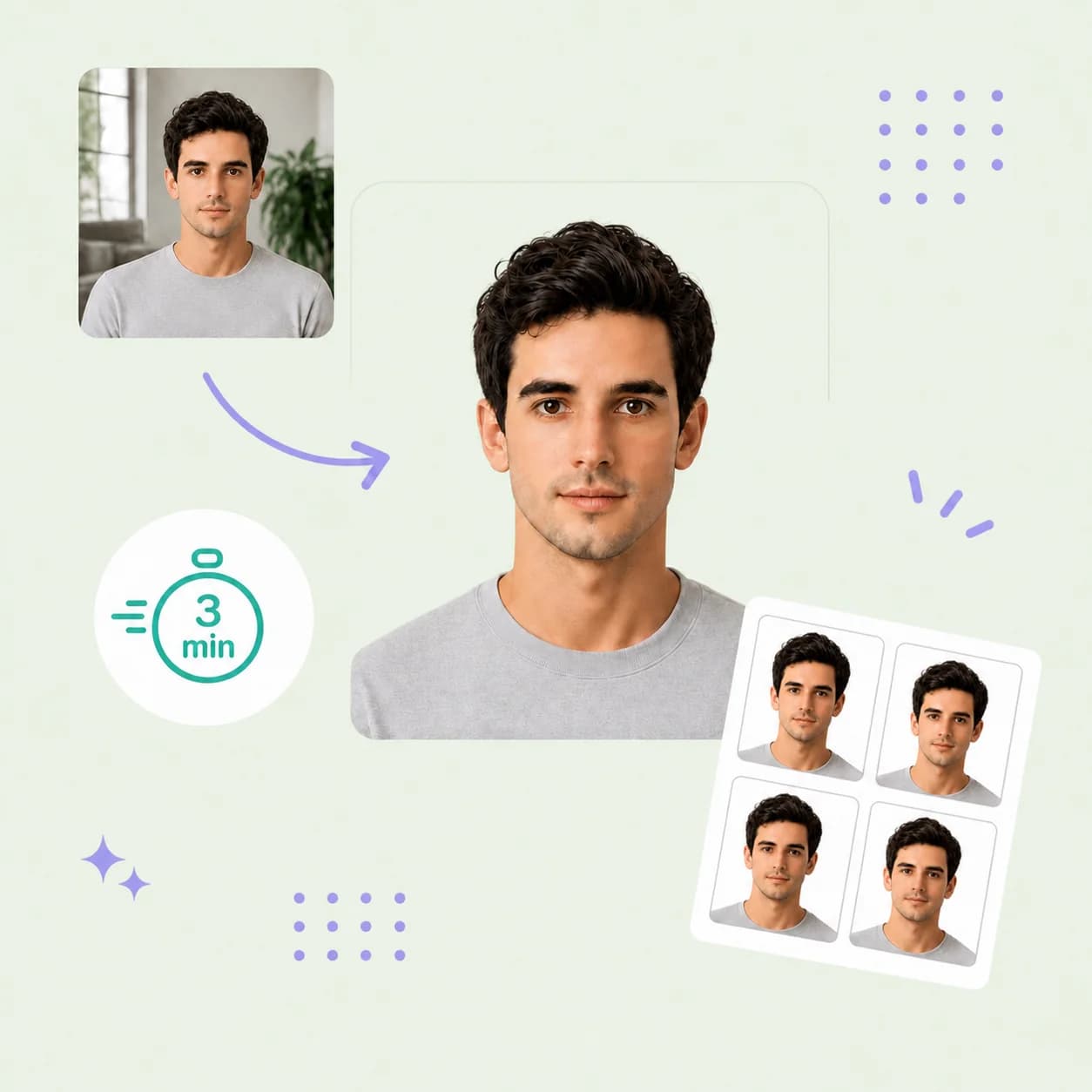
  1. Upload your photo

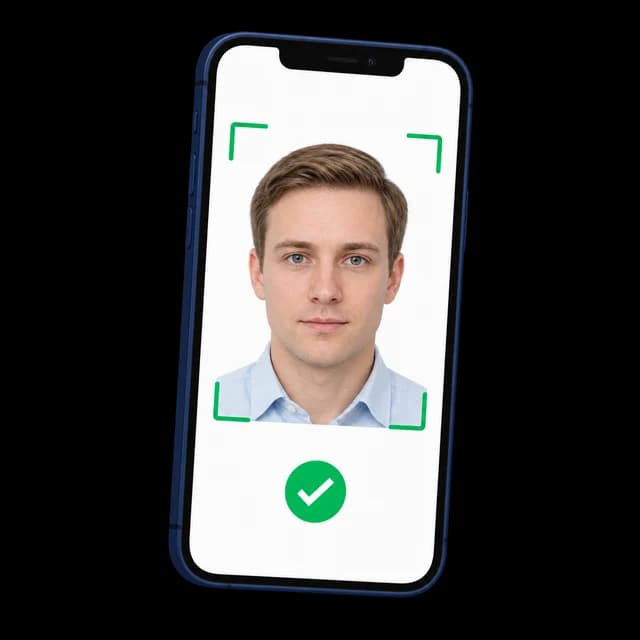
    Upload one clear, recent photo or take a new one with your phone.

  2. AI + expert compliance review

    AI checks the size, framing, lighting, background, and image quality; an expert reviews the result before delivery.

  3. Get a Malaysia visa photo, 35 × 50 mm

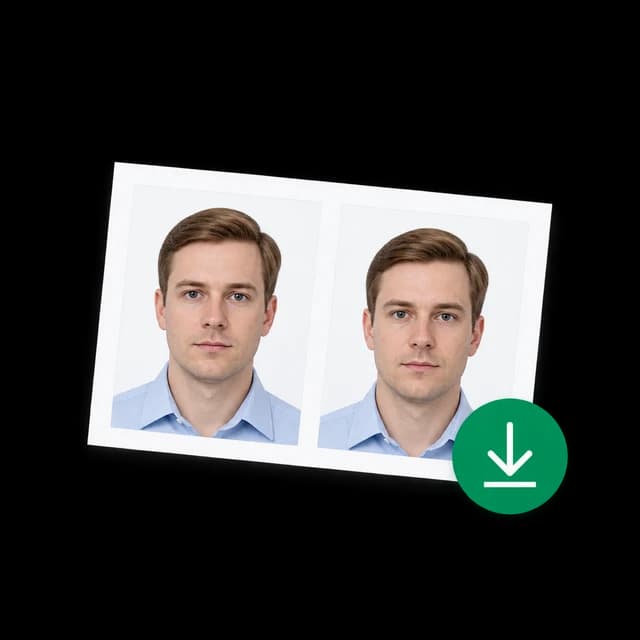
    Download your 35 x 50 mm Malaysia visa photo with a clean white background, ready for the eVISA portal.

Malaysia visa photo guide

Malaysia Visa Photo Requirements, Made Clear

Prepare a recent 35 x 50 mm photo for your Malaysia eVISA application. This guide covers the visible photo requirements, how PhotoOmni prepares the file, and the final checks to make before upload.

Malaysia eVISA photo requirements

Check the live eVISA portal for your application route before uploading, as requirements can vary by visa type and change over time.

Photo size
35 x 50 mm
Background
Plain white, clean, and free of shadows
Recency
Taken within the last 6 months
Pose
Full face, centred, and facing the camera
Image quality
Clear and evenly exposed, without borders, frames, or visible shadows
Do not use
Selfies, scans, heavily edited images, filters, or beauty effects

How to take a suitable photo at home

A clean source image gives the final crop the best chance of meeting your eVISA portal's requirements.

  • Ask someone else to take the photo at eye level; avoid close-up selfies and wide-angle distortion.
  • Face forward, keep both eyes open, and maintain a natural expression with your mouth closed.
  • Use even light from the front and avoid shadows on your face, background, or under your chin.
  • Use a plain light background and wear clothing that contrasts clearly with it.
  • Remove sunglasses, headphones, and accessories that obscure your face.
  • Do not use filters, portrait blur, beauty effects, or heavy retouching.

Common reasons a Malaysia visa photo may be rejected

These visible issues can prevent a photo from meeting the portal's upload rules or the expected studio-photo style.

  • The photo is not 35 x 50 mm or has an unsuitable crop.
  • The background is coloured, textured, or has a visible shadow.
  • The face is not centred, is turned away from the camera, or is partly obscured.
  • The image is old, blurry, poorly lit, overexposed, or low resolution.
  • The photo is a selfie, scan, or visibly edited image.
  • Borders, frames, watermarks, or other marks are visible in the image.
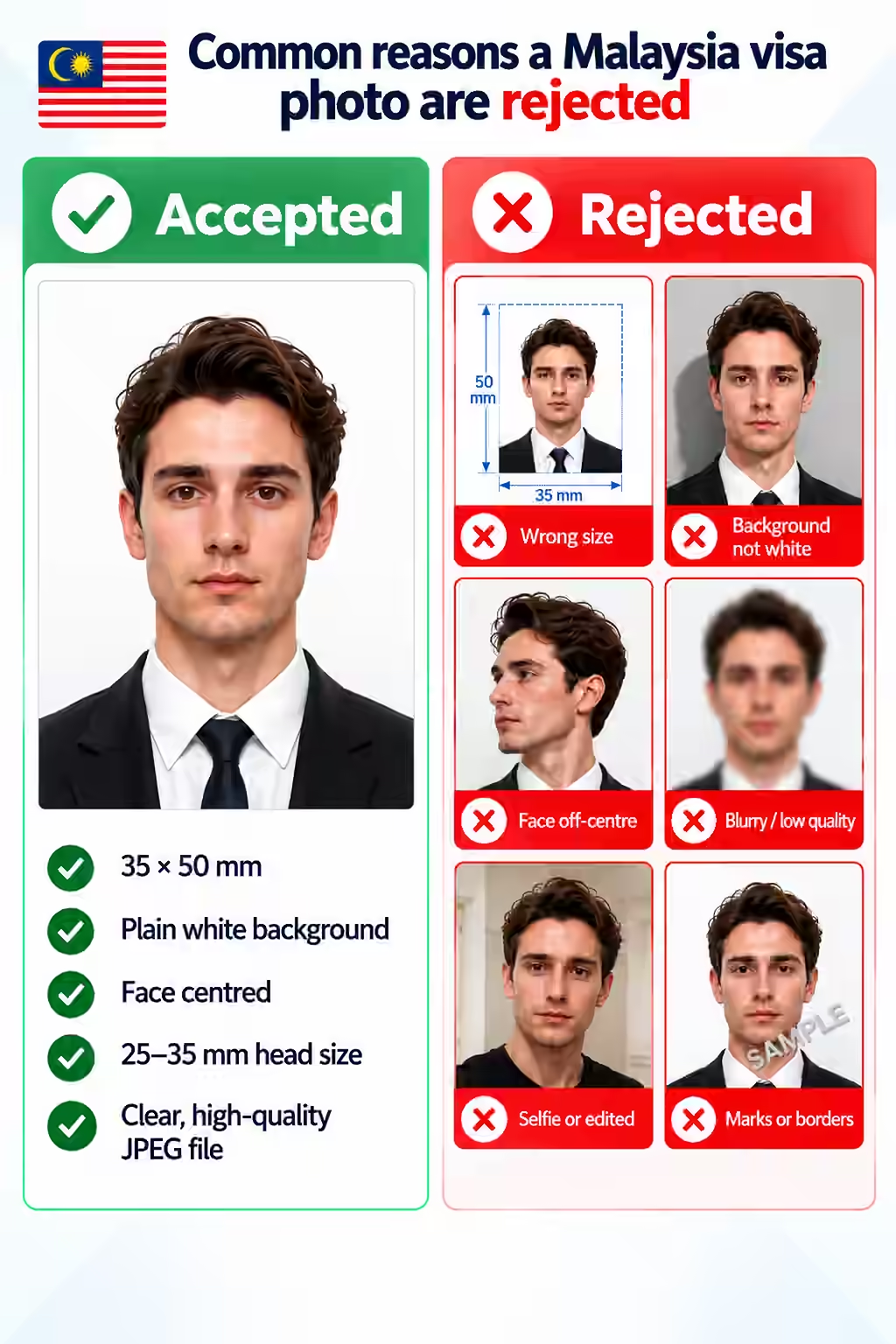
Common Malaysia visa photo rejection reasons

PhotoOmni vs. other ways to get a photo

Choose the route that fits your application, then confirm the final file against the live requirements for your visa type.

  • Convenience

    PhotoOmni
    Upload from home in minutes
    Other online tools
    Usually online
    Traditional photo studios
    Requires a store visit
  • Peace of mind

    PhotoOmni
    AI pre-check plus expert approval
    Other online tools
    May lack expert review or charge extra for it
    Traditional photo studios
    Depends on local staff
  • Expert adjustments

    PhotoOmni
    Included when needed
    Other online tools
    Varies by service
    Traditional photo studios
    Usually retake-based
  • Ready-to-use files

    PhotoOmni
    Digital photo plus print-ready sheet
    Other online tools
    May be limited or extra
    Traditional photo studios
    Digital copy may not be included
  • Rejection protection

    PhotoOmni
    100% refund for photo-caused rejection
    Other online tools
    Policy varies
    Traditional photo studios
    Policy varies by shop
  • Total price & inclusions

    PhotoOmni
    One-time fee of $5.99
    Other online tools
    Add-ons can cost $3–$10+
    Traditional photo studios
    Often $15+; files vary

Offizielle Anforderungen

  • Use a recent studio-taken photo with a plain white background
  • Show the full face from chin to crown, centred and facing forward
  • Use a clear, evenly exposed image without frames, borders, or shadows
  • Do not upload a selfie, scanned photo, or visibly edited image for eVISA

Häufig gestellte Fragen

What size is a Malaysia visa photo?
Malaysia eVISA guidance for social applications specifies a 35 x 50 mm photo with a plain white background. Check the live portal instructions for your route before uploading.
Can I use my passport photo for a Malaysia visa?
Only if it also meets the eVISA requirements for recency, 35 x 50 mm size, full-face framing, and a plain white background. A passport-renewal photo is not automatically suitable.
Does a Malaysia tourist eVISA require a digital photo?
Yes. The eVISA application asks for a passport-sized studio photo uploaded with the other application documents.
Do business and student visa applications use the same photo?
The photo requirements may be similar, but student and employment routes can require a Visa With Reference or other approval documents. Follow the requirements shown for your exact visa route.
What if my Malaysia visa photo is rejected?
Use a new, clear studio-style photo that meets the portal requirements. Do not reuse a selfie, scan, edited photo, or an older image outside the permitted recency period.

Echte Rückmeldungen von PhotoOmni-Kunden

“Ich wollte Malaysia schon immer für einen Urlaub besuchen, musste aber feststellen, dass die Fotoanforderungen für das Visum strenger waren, als ich erwartet hatte. Ich habe ein Selfie auf PhotoOmni hochgeladen und die KI hat die Größe und den Hintergrund automatisch angepasst, bevor ein Experte es überprüft hat. Mein Visumantrag wurde ohne Fotoprobleme genehmigt und der gesamte Vorgang war unglaublich einfach.”
Emily Carter
“Ich habe zum ersten Mal ein Malaysia-Visum beantragt und war mir nicht sicher, ob mein Foto den offiziellen Anforderungen entsprechen würde. PhotoOmni hat jeden Schritt klar erklärt, mein Foto automatisch optimiert und für zusätzliche Sicherheit eine Expertenbewertung hinzugefügt. Bei der ersten Einreichung wurde alles akzeptiert, was mir Zeit und Mühe erspart hat.”
Lucas Bennett
“Mein Kind nahm an einem zweiwöchigen Sommercamp einer internationalen Schule in Malaysia teil, daher wollten wir sicherstellen, dass jedes Visumdokument korrekt war. PhotoOmni hat das Foto automatisch überprüft und von einem Experten überprüft, bevor wir den Antrag eingereicht haben. Das Visum wurde beim ersten Versuch genehmigt und die gesamte Erfahrung verlief reibungslos und stressfrei.”
Sophia Nguyen

Bereit, Ihr Foto zu erstellen?

Laden Sie ein Foto hoch und erhalten Sie in wenigen Minuten ein fertiges Dokumentenfoto.

3–15 Min.100 % Geld-zurück-Garantie

Weitere Dokumentenfotos für Malaysia

Sehen Sie sich weitere von Malaysia ausgestellte Dokumenttypen an und wählen Sie den passenden aus.