
philippines visa photo online

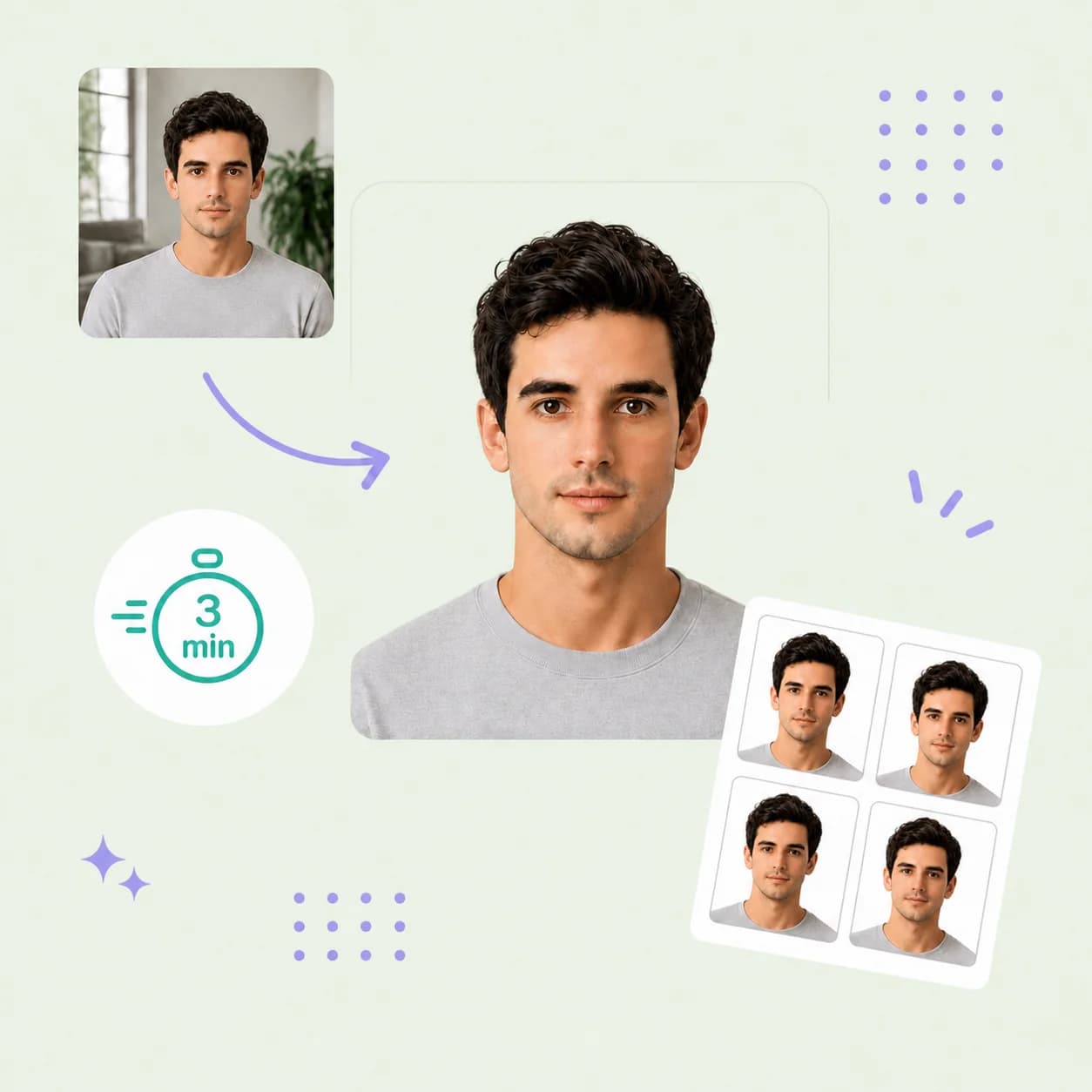
Make your Philippines visa photo online from a clear portrait taken at home. PhotoOmni checks your photo and prepares a 2×2 inch version with a white background, expert review and print-ready files.

Mit einem Foto beginnen

KI-geprüftVon Experten geprüftExpertenoptimierungGeld-zurück-Garantie
Example of a square visa photo and matching print-ready copies

Fotospezifikationen

Photo size
2 × 2 inches (50.8 × 50.8 mm) preset
Digital output
600 × 600 px JPEG at 300 DPI
Background
Plain white, evenly lit
Photo age
Within 6 months for the cited consular applications
Print output
Print-ready sheet; print at actual size
Before uploading
Confirm your consulate wants 2 × 2 in, not 35 × 45 mm

So funktioniert PhotoOmni

Bereiten Sie Ihr Dokumentenfoto in drei einfachen Schritten vor.

  1. Take or upload a photo

    Confirm the requested size, then upload a clear, recent portrait from your phone or computer.

  2. Check and review

    Get an AI pre-check of framing and quality, followed by expert review before delivery.

  3. Download and print

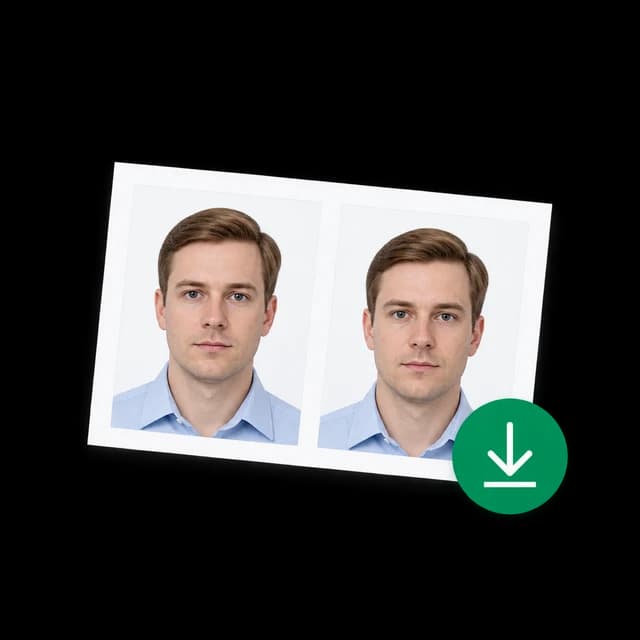
    Get a 600×600 px JPEG and a print-ready sheet of 2×2 inch (50.8×50.8 mm) photos.

Philippines visa photo guide

Philippines Visa Photo Requirements

A Philippine visa photo starts with the instructions for your application channel. Use this guide to choose the right format, take a clear portrait and prepare the files you need before submitting.

Philippines visa photo requirements

The Brasilia embassy lists a recent 2×2 inch colour photo for temporary visitor visas. Other missions publish different dimensions. The 600×600 px file and crop used by this tool are PhotoOmni output settings, not a country-wide digital upload rule.

Official source: Philippine Embassy in Brasilia — Non-Immigrant Visa

Print dimensions
This tool: 2×2 in (50.8×50.8 mm). Check your receiving mission before ordering.
Background
White for the consular visa instructions linked on this page.
Photo recency
Use a new portrait; the cited missions specify within six months.
Pose and quality
A clear colour portrait showing your face from the front, with sharp detail.
Submission
Check the number of prints, paper requirements and whether digital files are accepted.
Digital file
600×600 px JPEG at 300 DPI from this tool. Portal limits must be checked separately.

Choose the right Philippines visa photo size

Match the format to the office processing your application.

Your checklist says 2×2 inches

Use the upload tool on this page to prepare square files and a print-ready sheet.

Your checklist says 35×45 mm

Use the 35×45 mm tool linked below. A square 2×2 inch photo is a different format.

You are applying through an online portal

Check its current pixel, file-type and file-size limits before choosing a preset.

5 tips for taking a visa photo at home

A clear original gives the photo checker a better starting point.

  • Ask someone to take the photo at eye level to avoid selfie distortion.
  • Face soft daylight and use a plain white background without strong shadows.
  • Keep your head straight, eyes open and expression neutral.
  • Leave space above your head and around your shoulders for cropping.
  • Avoid filters and remove glasses to keep your eyes fully visible; check your mission's clothing rules.

Common Philippines visa photo mistakes

Check the finished file and any prints against your own checklist before submitting.
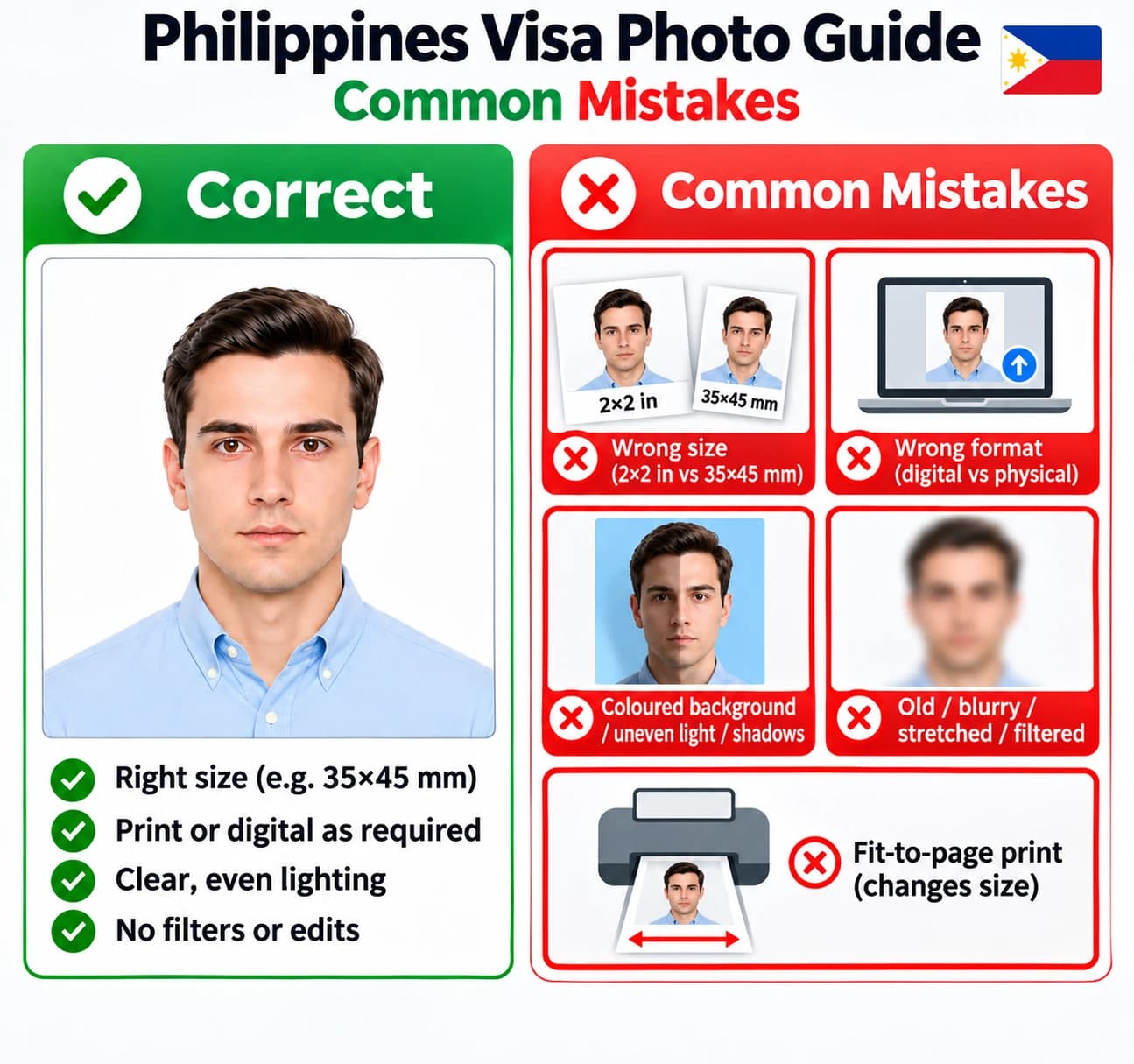
Philippines visa photo guide comparing a clear portrait with common mistakes: wrong size or format, coloured background, shadows, blur, filters and fit-to-page printing.
View full-size photo guide
  • Using 2×2 inches when the receiving mission asks for 35×45 mm, or the reverse.
  • Submitting digital files when the application requires physical photographs.
  • Using a coloured background, uneven light or a face partly hidden by shadows.
  • Uploading an old, blurred, stretched or heavily filtered portrait.
  • Printing with fit-to-page enabled, which changes the final photo dimensions.

PhotoOmni, crop tools and studios

Compare the available preparation and review options.

  • Convenience

    PhotoOmni
    Upload from home in minutes
    Other online tools
    Usually online
    Traditional photo studios
    Requires a store visit
  • Peace of mind

    PhotoOmni
    AI pre-check plus expert approval
    Other online tools
    May lack expert review, or charge extra for it
    Traditional photo studios
    Depends on local staff
  • Expert adjustments

    PhotoOmni
    Included when needed
    Other online tools
    Varies by service
    Traditional photo studios
    Usually retake-based
  • Ready-to-use files

    PhotoOmni
    Digital photo plus print-ready sheet
    Other online tools
    May be limited or extra
    Traditional photo studios
    Digital copy may not be included
  • Rejection protection

    PhotoOmni
    100% refund for photo-caused rejection
    Other online tools
    Policy varies
    Traditional photo studios
    Policy varies by shop
  • Total price & inclusions

    PhotoOmni
    One-time fee of $5.99
    Other online tools
    Add-ons can cost $3–$10+
    Traditional photo studios
    Often $15+; files vary

Häufig gestellte Fragen

What is the Philippines visa photo size?
The size depends on the receiving consulate. This page makes 2×2 inch photos, matching the Brasilia embassy's instructions. The New York consulate requests 35×45 mm for its temporary visitor visa. For that size, use our 35×45 mm photo maker.
What are the Philippines visa photo background requirements?
The consular visa instructions cited here request a white background. Use a plain, evenly lit white wall and avoid shadows. Do not assume passport or ID photo background rules apply to a visa.
How does the Philippines visa photo checker work?
Upload your original portrait for an AI pre-check of photo quality and framing. PhotoOmni prepares the selected crop and includes expert review before delivery. The visa photo validator helps you prepare a file; the receiving authority makes the acceptance decision.
Can I make a Philippines visa photo online on my phone?
Yes. Use your iPhone or Android browser to take or upload a photo. Ask someone to hold the camera at eye level, face a window for soft light, and leave room around your head and shoulders. No app installation is needed.
Is the Philippines visa photo maker free?
The initial AI pre-check is free. Expert review and downloading the finished files require a one-time payment. Check the price shown before checkout.
Can I use the digital file for a Philippines eVisa?
Only if the current portal accepts its dimensions, format and file size. This tool provides a 600×600 px JPEG for the 2×2 inch print preset; it is not a universal eVisa upload specification. Some consulates require physical photographs.
Can the Philippines visa photo editor change my face?
Use a real, recent portrait. Formatting should preserve your appearance. Do not submit beauty filters, face reshaping, AI-generated portraits or retouched facial features. If the original is blurry or heavily shadowed, take a new photo.
Where can I print my visa photo in the Philippines?
Download the print-ready sheet and take it to a local photo lab, or use a photo printer with suitable photo paper. Choose actual size or 100% scale, turn off fit-to-page, and measure the cut photos. PhotoOmni supplies files rather than physical delivery.
Are there online services to create or verify Philippine passport photos?

Yes. PhotoOmni offers AI photo checks, expert review and 2×2 inch visa photo files. For standard Philippine ePassport applications, your photo is taken at your appointment, so an online photo cannot replace it. See the Philippine Consulate's official passport guidance.

What if my Philippines visa photo is rejected?
Check the stated reason: you may need a different size, physical prints or a new portrait. Contact PhotoOmni support if the delivered photo caused the rejection; eligibility is explained in our refund policy.

Real feedback from some PhotoOmni customers

“I had no idea about the size rules. PhotoOmni fixed my phone photo in minutes.”
Daniel Carter
“The cropping and background were sorted for me. My application went in without photo problems.”
Emily Watson
“Uploaded a selfie, checked the preview, downloaded. No photo studio needed.”
Michael Reyes

Bereit, Ihr Foto zu erstellen?

Laden Sie ein Foto hoch und erhalten Sie in wenigen Minuten ein fertiges Dokumentenfoto.

3–15 Min.100 % Geld-zurück-Garantie