
DS-82 vs DS-11: Passport Form Filling and Online Submission Explained
Choose DS-82 or DS-11, fill your passport form online, and follow the correct printing, signing, mailing or in-person submission steps.
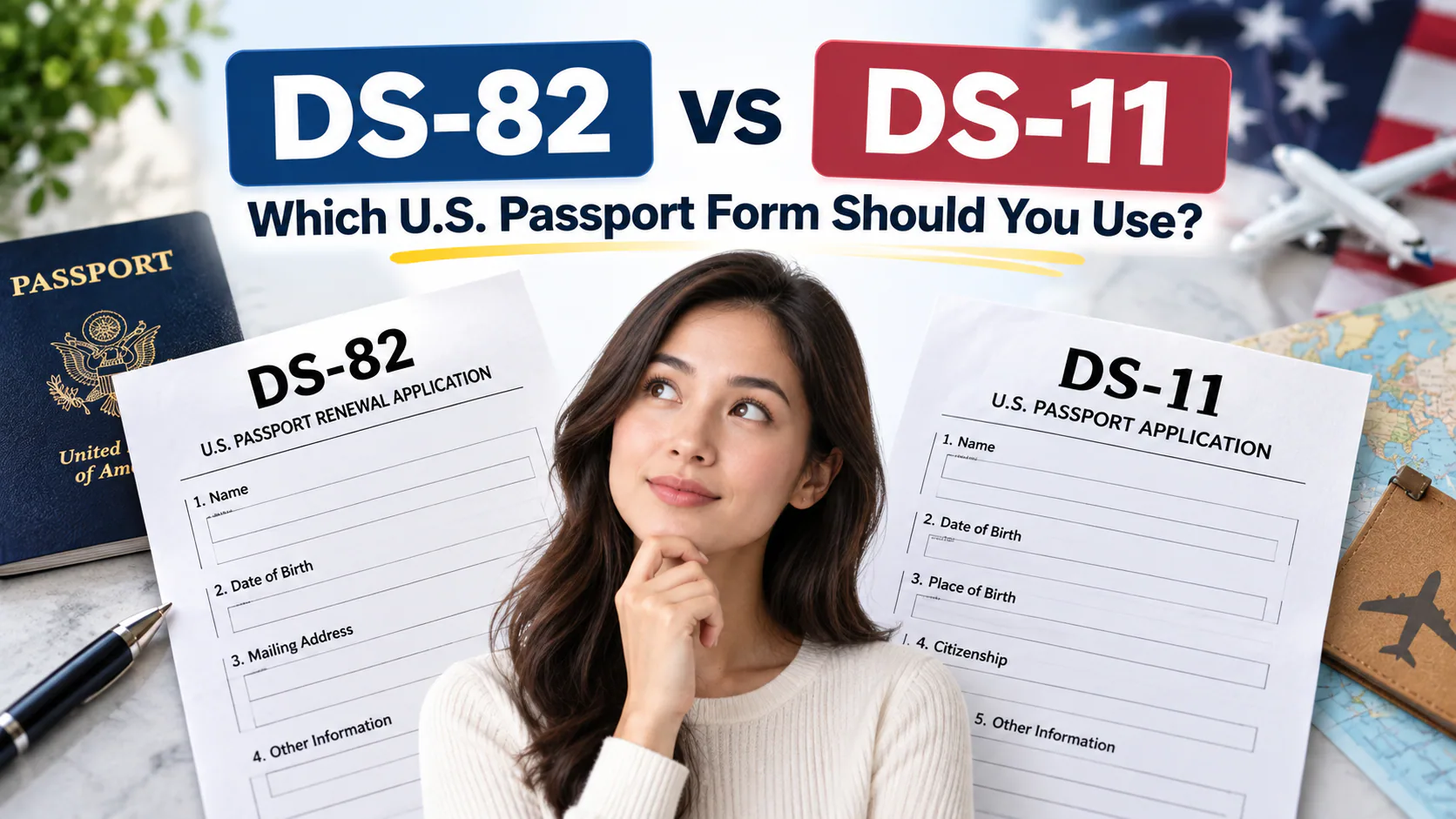
Quick answer: Use Form DS-82 if you're renewing an adult U.S. passport by mail — it requires that your most recent passport is undamaged, was issued within the last 15 years, was issued when you were 16 or older, and is in your current legal name. Use Form DS-11 if any of those conditions aren't met, if your passport is lost, stolen, or damaged, if you're applying for the first time, or if you're a minor — DS-11 must be submitted in person at a passport acceptance facility, such as many post offices, clerk of court offices, and public libraries.
The Core Difference in One Line
DS-82 is a mail-in renewal form for straightforward cases; DS-11 is the in-person application form used for everyone else, including first-timers, minors, and anyone whose situation has changed since their last passport.
DS-82 vs DS-11 at a Glance
| Form DS-82 | Form DS-11 | |
|---|---|---|
| Who it's for | Adult renewals meeting eligibility rules | First-time applicants, minors, lost/damaged/stolen passports, expired name mismatches |
| Submission method | By mail (or in person at a regional passport agency if traveling within 14 days) | In person only, at a passport acceptance facility |
| Appearance required | No | Yes |
| Old passport | Submitted with the application, undamaged | Not required in the same way; used as evidence if available |
| Typical use case | Renewing a passport that's still relatively recent and intact | New passport, badly damaged passport, or passport more than 15 years old |
Full DS-82 Eligibility Checklist
You can use DS-82 only if all of the following are true:
- Your most recent passport is undamaged and you can submit it with your application.
- You were 16 or older when that passport was issued.
- It was issued within the last 15 years.
- It's in your current legal name, or you can provide the required name-change documentation.
- It has never been reported lost or stolen, and normally was valid for 10 years. Limited-validity passports have separate rules; check the official renewal instructions.
If even one of these doesn't apply — for example, your last passport was issued when you were a minor, or it's been more than 15 years — you don't qualify for mail renewal and need to use DS-11 instead.
When You Must Use DS-11
- You're applying for a U.S. passport for the first time.
- Your previous passport was lost, stolen, or significantly damaged.
- Your last passport was issued more than 15 years ago, or you were under 16 when it was issued.
- You need to change your name and don't have the legal documentation DS-82 requires.
- You are applying for a minor — anyone under 16 must always use DS-11, in person, regardless of any other circumstance.
Where Can I Get a Form DS-11?
DS-11 is available two ways:
- Download and print it from the U.S. Department of State's travel website, then bring the completed but unsigned form to your in-person appointment (you sign it in front of the acceptance agent, not beforehand).
- Pick up a blank copy in person at many passport acceptance facilities — this includes numerous U.S. Postal Service locations, county clerk offices, public libraries, and some regional passport agencies.
A common mistake is signing DS-11 before the appointment — it must be signed in the presence of the acceptance facility agent, unlike DS-82, which you sign before mailing.
Fees: What Changes Between the Two Forms
Both forms require the underlying passport book/card fee set by the Department of State, but DS-11 in-person applications also carry an additional execution fee (charged by the acceptance facility, separate from the passport fee itself), since a government employee has to witness your signature and verify your documents. DS-82 mail-in renewals skip that execution fee, since there's no in-person witnessing step — one of the practical reasons DS-82 tends to be the cheaper and more convenient option whenever someone qualifies for it.
Don't Forget the Photo Requirement — It's the Same for Both Forms
Regardless of which form you use, you'll need a 2x2 inch passport photo meeting the same compliance standards: plain light background, neutral expression, no glasses, and a face free of shadows or obstruction. This is one part of the process where DS-82 and DS-11 don't differ at all, and it's also one of the more common reasons an otherwise-correct application gets sent back. A tool like PhotoOmni can generate a compliant photo from a selfie — with both an AI check and human review before delivery — which is useful whether you're mailing a DS-82 renewal or walking into an acceptance facility with a completed DS-11.
Can You Fill Out a Passport Application Online?
Yes: you can prepare DS-11 or DS-82 online, but the official Form Filler produces a form to print. It does not submit your passport application. Eligible online passport renewal uses a separate online renewal system.
| Route | What happens after online entry? |
|---|---|
| DS-11 | Print; leave unsigned until the acceptance agent instructs you; submit in person |
| DS-82 | Print; sign and date; mail the required packet |
| Eligible online renewal | Follow the online application's eligibility, payment and digital-photo instructions |
Passport Form Filling: Review These Fields Before Printing
Work through the form with your identity documents beside you. Check your legal name and any other names used; birth date and birthplace; contact information and mailing address; and previous passport number and issue date. Complete parent, spouse, emergency-contact and travel-plan fields where the selected form requests them. Use the instructions for fields that do not apply rather than guessing.
Compare the generated form with your documents before printing. If the tool selects an unexpected form, recheck your birth date and old passport's issue date.
Print single-sided, portrait, on 8.5 × 11-inch paper. If you used Form Filler, correct typing errors in the tool and regenerate the form; only the original signature and date should be handwritten. If the tool fails, download the official PDF and follow its handwriting instructions.
Do not sign DS-11 early. Sign and date DS-82 before mailing.
Quick Decision Guide
- Passport in hand, undamaged, issued as an adult, within 15 years, same name? → DS-82, by mail.
- Anything else — first passport, damaged, expired too long ago, name mismatch without documentation, or applicant under 16? → DS-11, in person, with a properly compliant photo like one from PhotoOmni ready to go.
Picking the wrong form is one of the most common reasons passport applications bounce back and forth between applicants and the National Passport Information Center — running through this checklist before you fill anything out saves a step most people don't realize they can skip.
Printing a Passport Application: DS-11 and DS-82 Checks
When printing a passport application, use the current Department of State form or Form Filler. Form Filler produces a document to print; completing it does not submit a DS-11 or mail-in DS-82 application. Keep form-printing settings separate from photo-printing settings: an application form belongs on the required document paper, while the passport photograph has its own photo-paper and size rules.
Before sending the form to the printer
- Select single-sided printing on 8.5 × 11-inch paper in portrait orientation. Turn off automatic duplex printing, including a printer driver's default “print on both sides” setting.
- Check the print preview for all required pages, readable text, complete fields and any barcode produced by Form Filler. Follow the form's current instructions if the printer changes the scale or cuts off part of a page.
- Inspect the physical output rather than relying only on the preview. Check the reverse of each application sheet to confirm that duplex printing has not been applied.
- Leave DS-11 unsigned until the acceptance agent tells you to sign. Follow DS-82's signing and mailing instructions when using that form.
DS-11 Rejected at an Acceptance Facility for Double-Sided Printing
If a passport acceptance facility rejects a double-sided DS-11, reprint a complete, single-sided copy from the official PDF or your saved Form Filler output. Separating the two-sided sheets does not create the missing single-sided version, and crossing out the reverse is not a reliable repair. Review the replacement pages for missing information before returning.
Confirm with the facility whether you can provide the corrected form during the same visit or need another appointment. Keep your other documents and photo ready, and wait for the agent's instructions before signing the replacement DS-11. A printing rejection concerns the application form; it does not establish that the photograph itself is unacceptable.
About the Author
PhotoOmni Editorial Team
The PhotoOmni Editorial Team researches official passport, visa, immigration, and identity-photo requirements. Every guide is reviewed for practical accuracy and updated when application rules, upload specifications, or government guidance change.