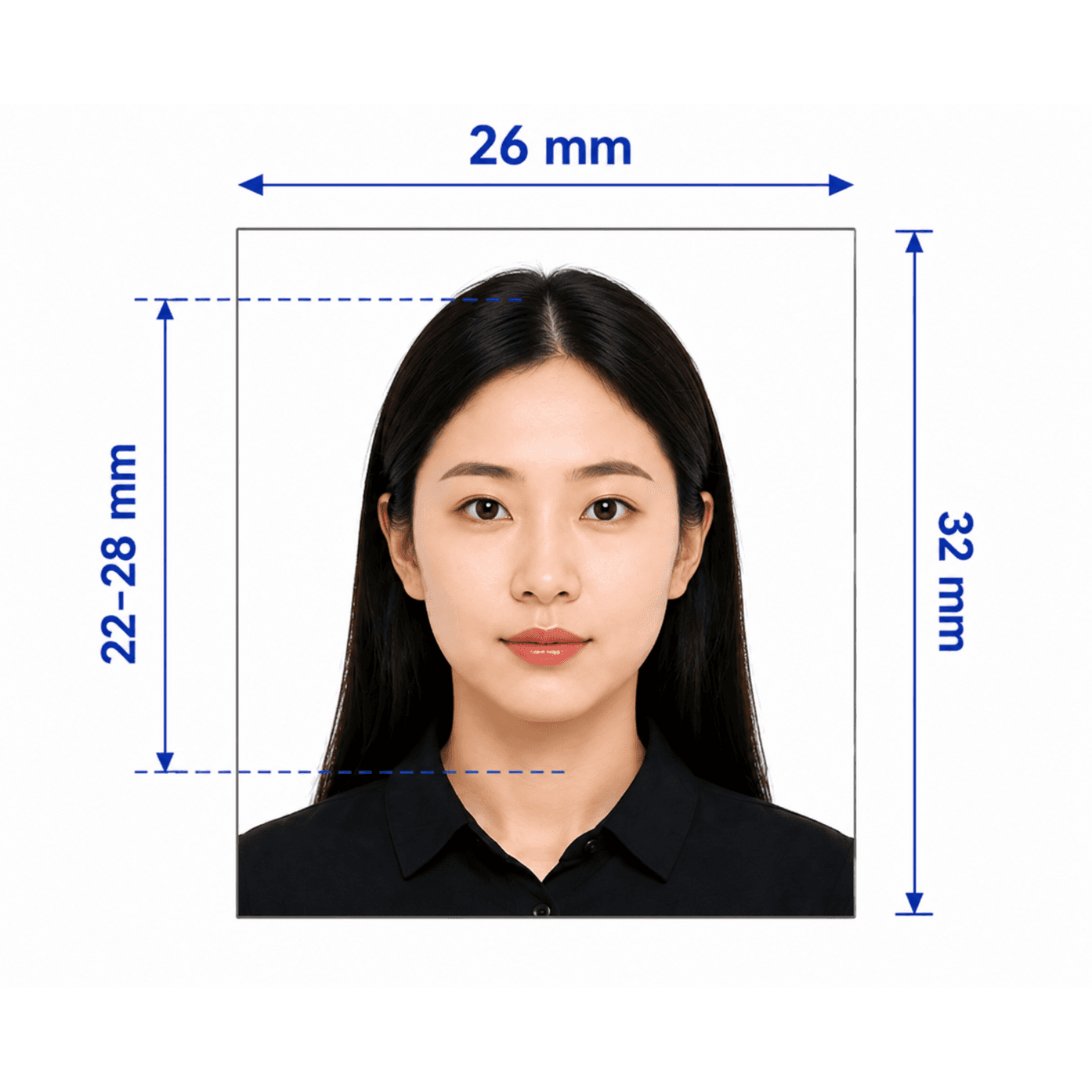
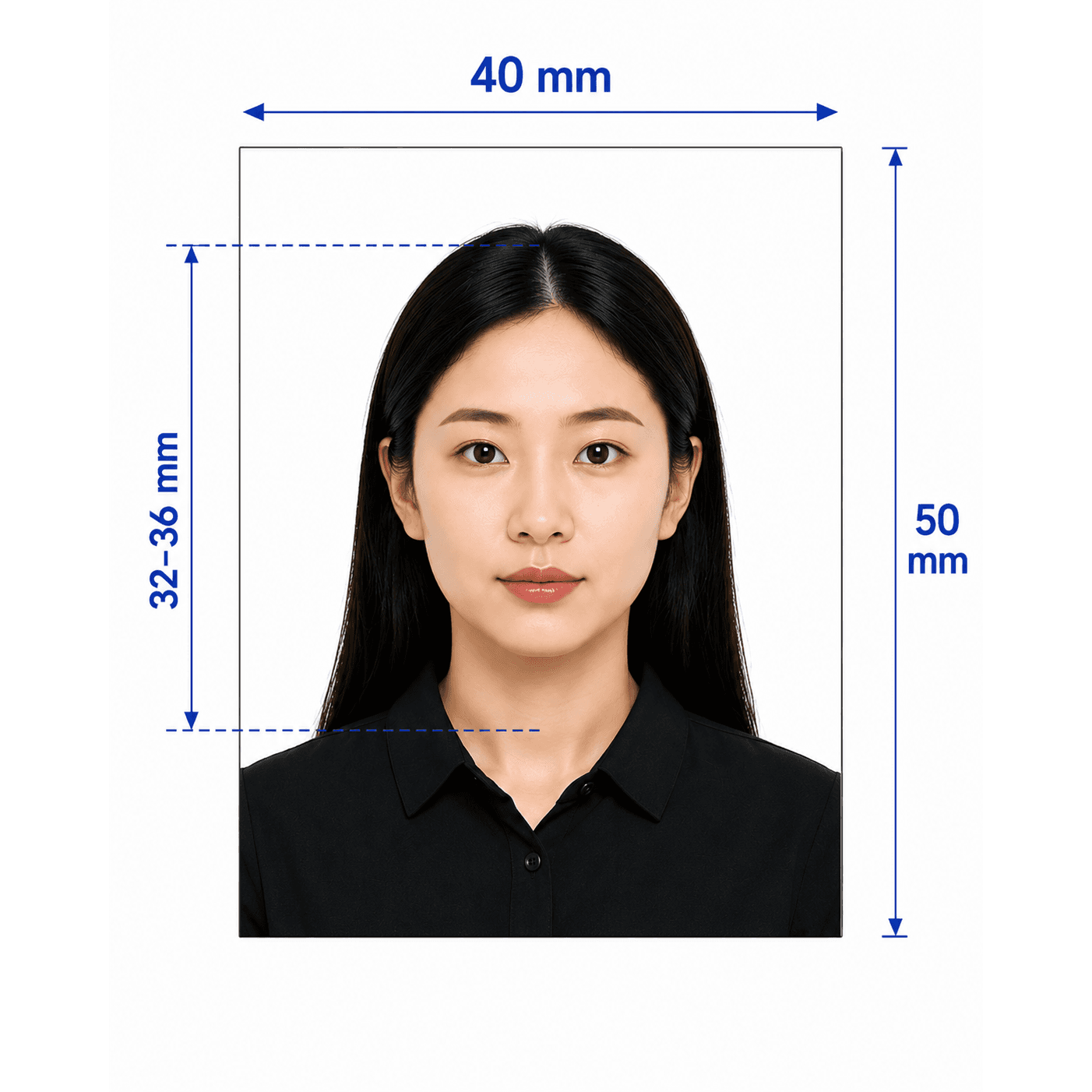
Chinese visa photo guide
Your Guide to Chinese Visa Photos
Chinese visa photos have strict print and digital requirements, including a 33 x 48 mm print size and a 354 x 472 px COVA upload file. PhotoOmni prepares both outputs from one phone photo.
Chinese visa photo requirements
China visa centers and the online COVA portal are strict about dimensions, ears, expression, glasses, and file size.
Print size
33 x 48 mm
Digital size
354 x 472 pixels
File size
40-120 KB JPEG
Background
Pure white, no shadows
Head height
28-33 mm
Head width
15-22 mm
How to take a Chinese visa photo at home
Chinese visa photos are less forgiving than many passport photos, so small details matter.
- Look straight at the camera with a neutral expression and closed mouth.
- Tuck hair behind both ears so the ears are visible.
- Avoid thick-rimmed, tinted, or reflective glasses; removing glasses is safest.
- Use even light on a clean white background.
- Avoid filters, heavy makeup effects, and any face-smoothing edits.
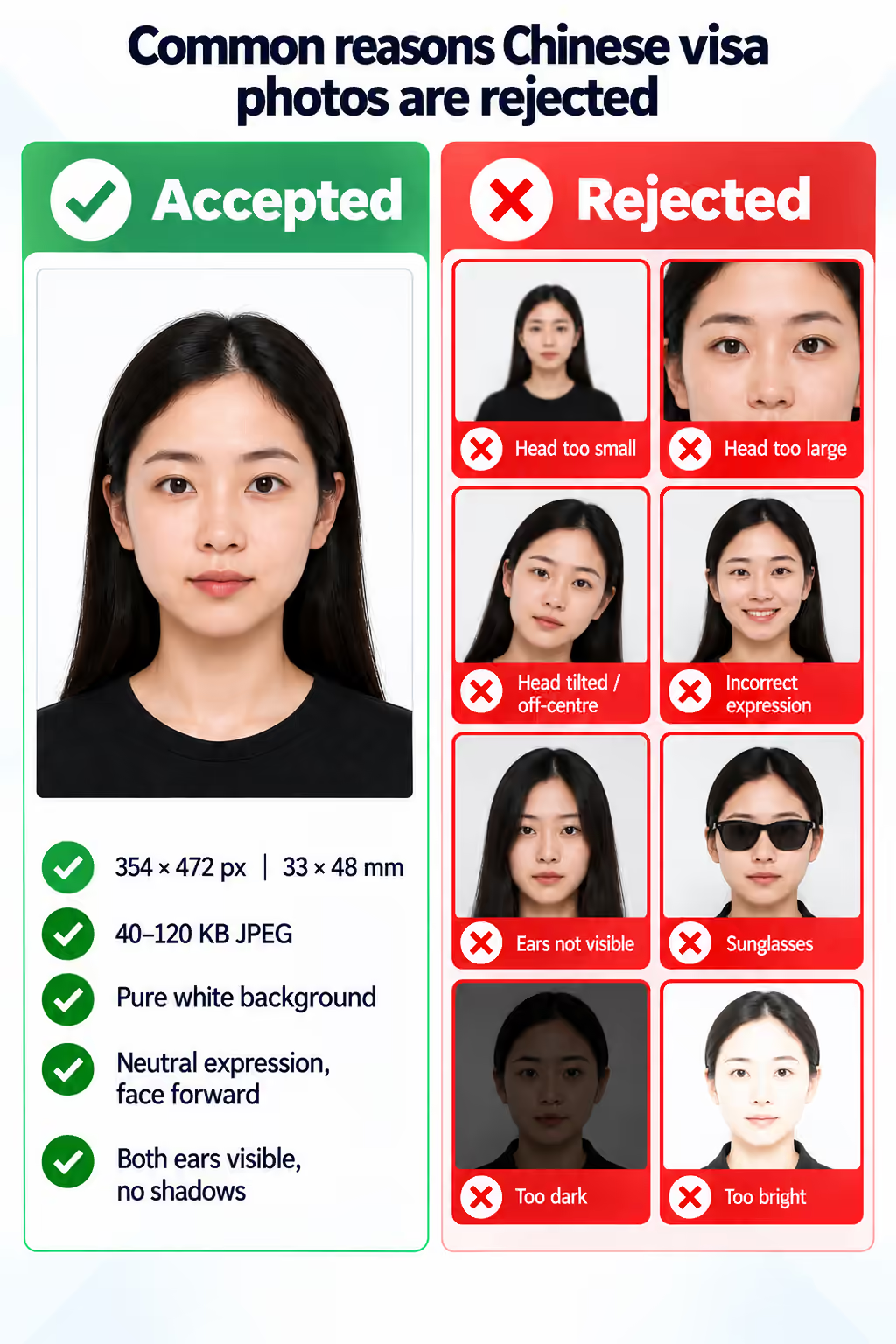
Common reasons Chinese visa photos are rejected
Rejected COVA uploads often come from the wrong pixel size, file size, expression, or visibility rules.
- The digital file is not exactly 354 x 472 px or is outside the accepted file-size range.
- The applicant is smiling, turning, tilting, or not facing the camera directly.
- Ears are covered by hair or accessories.
- Problematic glasses, earrings, headbands, shadows, or a non-white background are visible.
PhotoOmni vs. online tools vs. photo studios
PhotoOmni prepares both Chinese visa output formats and reviews details that generic passport photo tools often miss.
Convenience
- PhotoOmni
- Upload from home in minutes
- Other online tools
- Usually online
- Traditional photo studios
- Requires a store visit
Peace of mind
- PhotoOmni
- AI pre-check plus expert approval
- Other online tools
- May lack expert review or charge extra for it
- Traditional photo studios
- Depends on local staff
Expert adjustments
- PhotoOmni
- Included when needed
- Other online tools
- Varies by service
- Traditional photo studios
- Usually retake-based
Ready-to-use files
- PhotoOmni
- Digital photo plus print-ready sheet
- Other online tools
- May be limited or extra
- Traditional photo studios
- Digital copy may not be included
Rejection protection
- PhotoOmni
- 100% refund for photo-caused rejection
- Other online tools
- Policy varies
- Traditional photo studios
- Policy varies by shop
Total price & inclusions
- PhotoOmni
- One-time fee of $5.99
- Other online tools
- Add-ons can cost $3–$10+
- Traditional photo studios
- Often $15+; files vary