


US passport photo guide
US Passport Photo Requirements
Create a compliant US passport photo with a recent, clear image on a plain white or off-white background. United States passport pictures are reviewed closely, so details such as shadows, framing, and head size matter.
US passport photo requirements
These 6 core requirements are summarized for quick reference. The United States passport picture review is strict, so check the latest official instructions before submitting.
Official source: U.S. Department of State: Passport Photos
Who PhotoOmni is for
PhotoOmni supports 3 common US passport photo situations.
First-time applications
Prepare one photo from home before your application appointment.
Passport renewals
Create a recent photo that reflects your current appearance.
Passport replacements
Prepare a new photo for a lost, damaged, or replacement passport application.
5 tips for taking a passport photo at home
Use these 5 tips to take a better starting photo before you upload.
- Face the camera directly and keep your head straight.
- Use soft front-facing light so your face is clear and natural.
- Leave space around your head and shoulders for the required crop.
- Keep both eyes open with a neutral expression or natural smile.
- Wear everyday clothing and remove glasses, hats, headphones, uniforms, and camouflage.
Common reasons passport photos are rejected
The US passport photo review is strict. Common issues include incorrect size, head height, framing, background, lighting, image quality, and accessories.
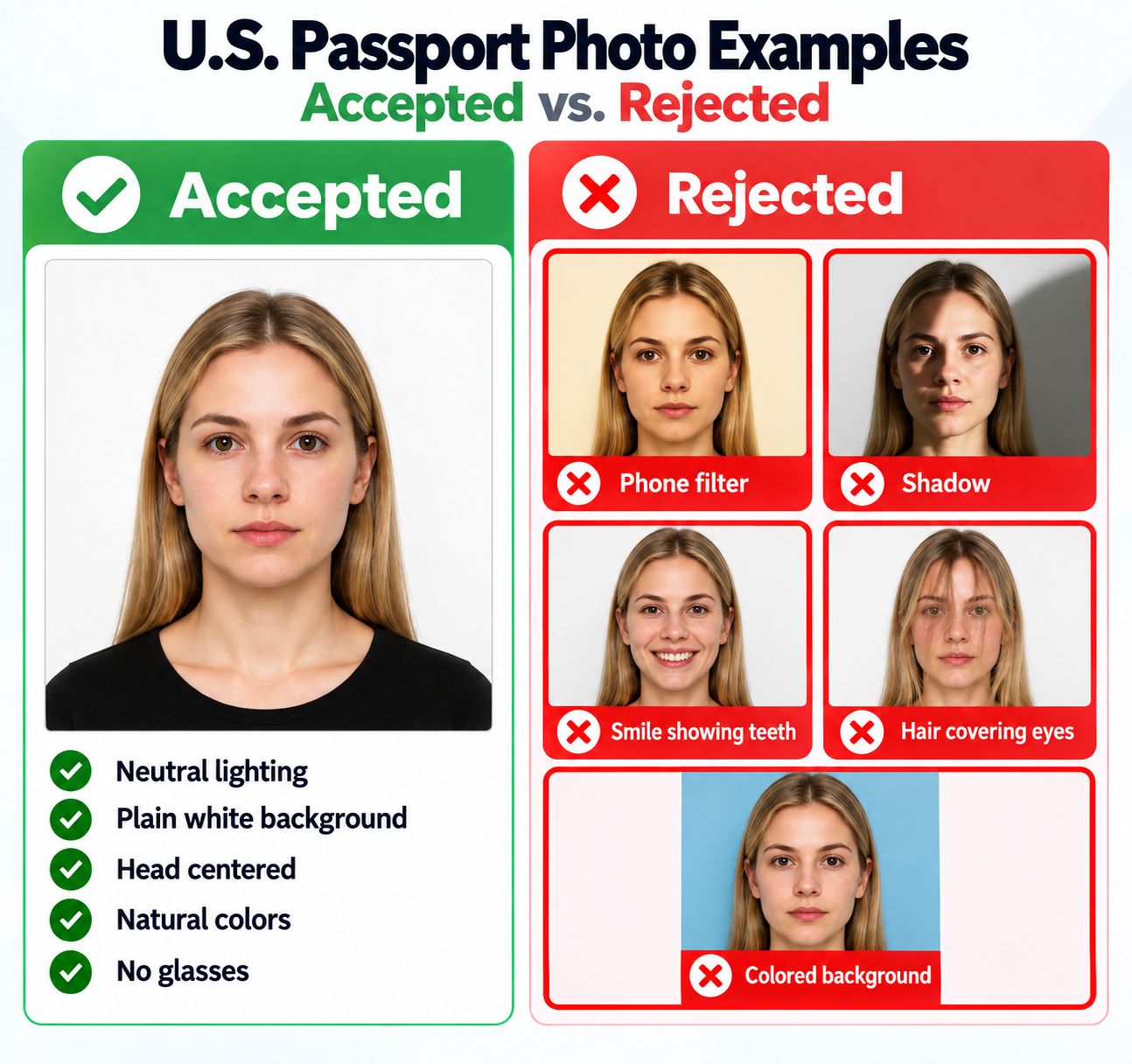
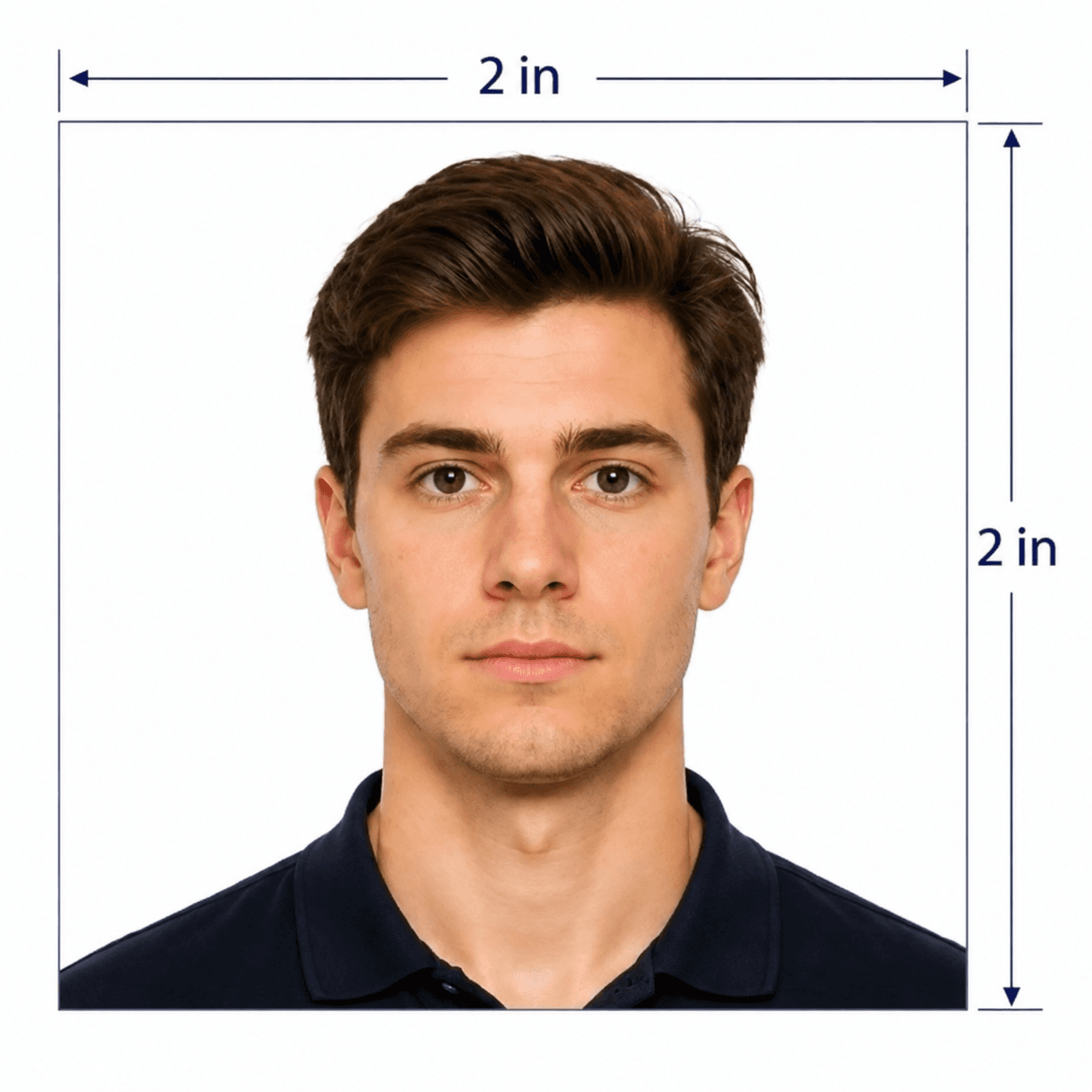
- The photo is not exactly 2 × 2 in (51 × 51 mm), or the head height is outside 1–1⅜ in (25–35 mm).
- The face is too close, too far away, tilted, or not centered.
- The background is not plain white or off-white, or has visible shadows.
- The photo is blurry, too dark, too bright, filtered, or digitally altered.
- Glasses, uniforms, camouflage, headphones, hats, or non-religious head coverings are visible.
PhotoOmni vs. online tools vs. photo studios
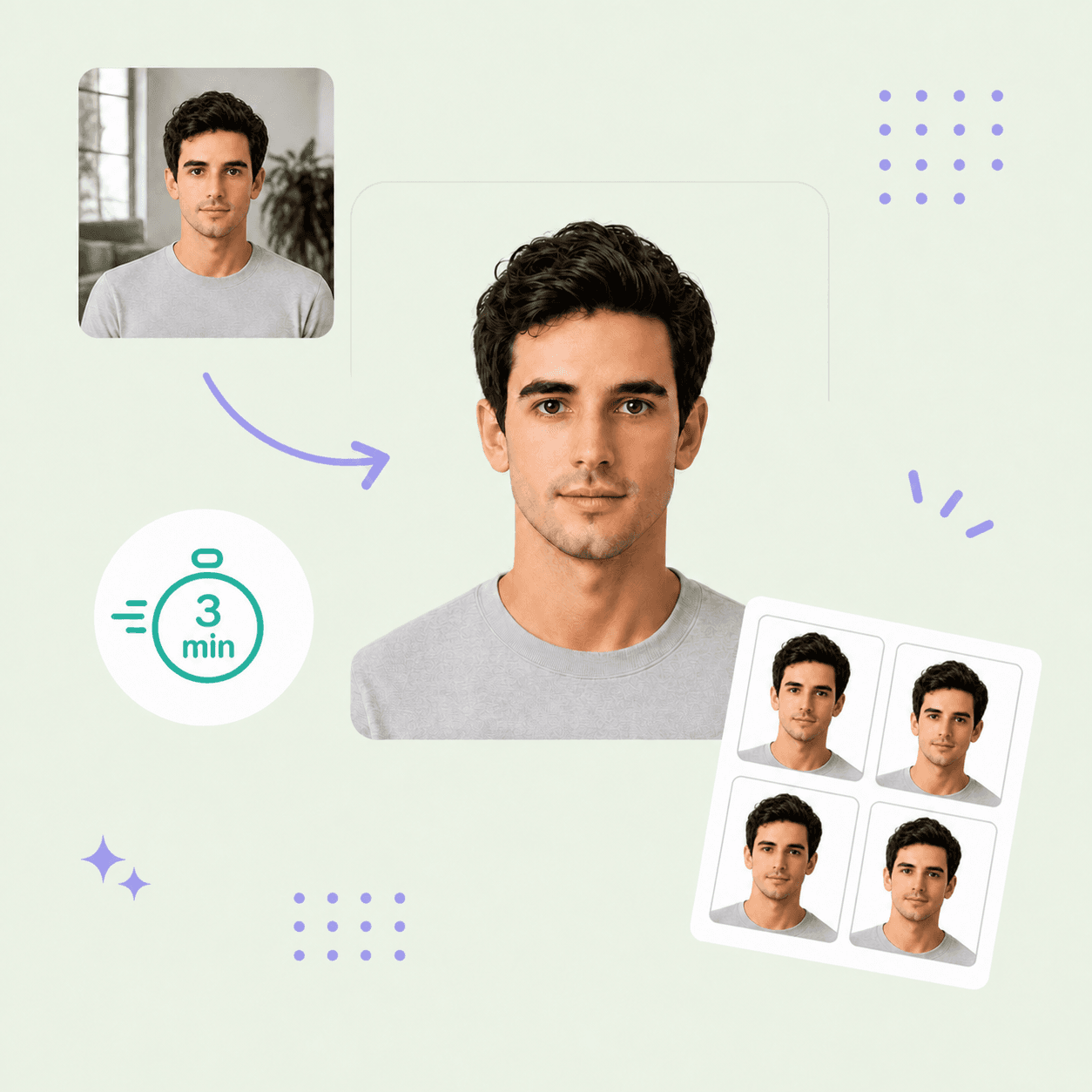
PhotoOmni combines at-home upload, AI pre-check, expert review, and 2 output files.
Convenience
- PhotoOmni
- Upload from home in minutes
- Other online tools
- Usually online
- Traditional photo studios
- Requires a store visit
Peace of mind
- PhotoOmni
- AI pre-check plus expert approval
- Other online tools
- May lack expert review or charge extra for it
- Traditional photo studios
- Depends on local staff
Expert adjustments
- PhotoOmni
- Included when needed
- Other online tools
- Varies by service
- Traditional photo studios
- Usually retake-based
Ready-to-use files
- PhotoOmni
- Digital photo plus print-ready sheet
- Other online tools
- May be limited or extra
- Traditional photo studios
- Digital copy may not be included
Rejection protection
- PhotoOmni
- 100% refund for photo-caused rejection
- Other online tools
- Policy varies
- Traditional photo studios
- Policy varies by shop
Total price & inclusions
- PhotoOmni
- One-time fee of $5.99
- Other online tools
- Add-ons can cost $3–$10+
- Traditional photo studios
- Often $15+; files vary