
How to Find Your Passport Number Online: 4 Safe Options (2026)
You cannot search a public database for a U.S. passport number, but you can recover your own number safely from the document, a secure copy, a saved travel profile, or official records.
Last checked: September 27, 2026
Quick answer: You cannot look up a U.S. passport number by name in a public online database. To find your own number, check the passport's personal data page, a secure photo or scan you previously saved, or a travel profile where you entered it. If none is available, you can request a copy of your passport records from the U.S. Department of State. A regular copy is free, but the current processing time is 12–16 weeks.
If the physical passport is lost or stolen, do not wait for a records request. Report it to the State Department immediately and apply for a replacement if you still need a passport.
Can You Find a Passport Number Online?
You may be able to recover a number you previously saved online, but there is no legitimate public passport-number lookup service. U.S. passport records are protected by the Privacy Act of 1974 and are not searchable by entering a person's name, date of birth, address, or other personal details.
Be cautious with any site that promises to find a passport number by name. It may be collecting personal information, charging for a result it cannot provide, or attempting identity theft.
| Your situation | Safest place to check | Can you do it online? |
|---|---|---|
| You have the passport | Personal data page inside the passport | No lookup is needed |
| You saved a copy | Encrypted cloud storage, password manager, or secure device folder | Yes |
| You used the number for travel | Airline or trusted-traveler profile where you previously entered it | Sometimes |
| You have no passport or saved copy | Request your own passport records from the State Department | The request requires a written submission |
| The passport is lost or stolen | Report it and begin the replacement process | Reporting can start online |
Where Is the Passport Number Located?
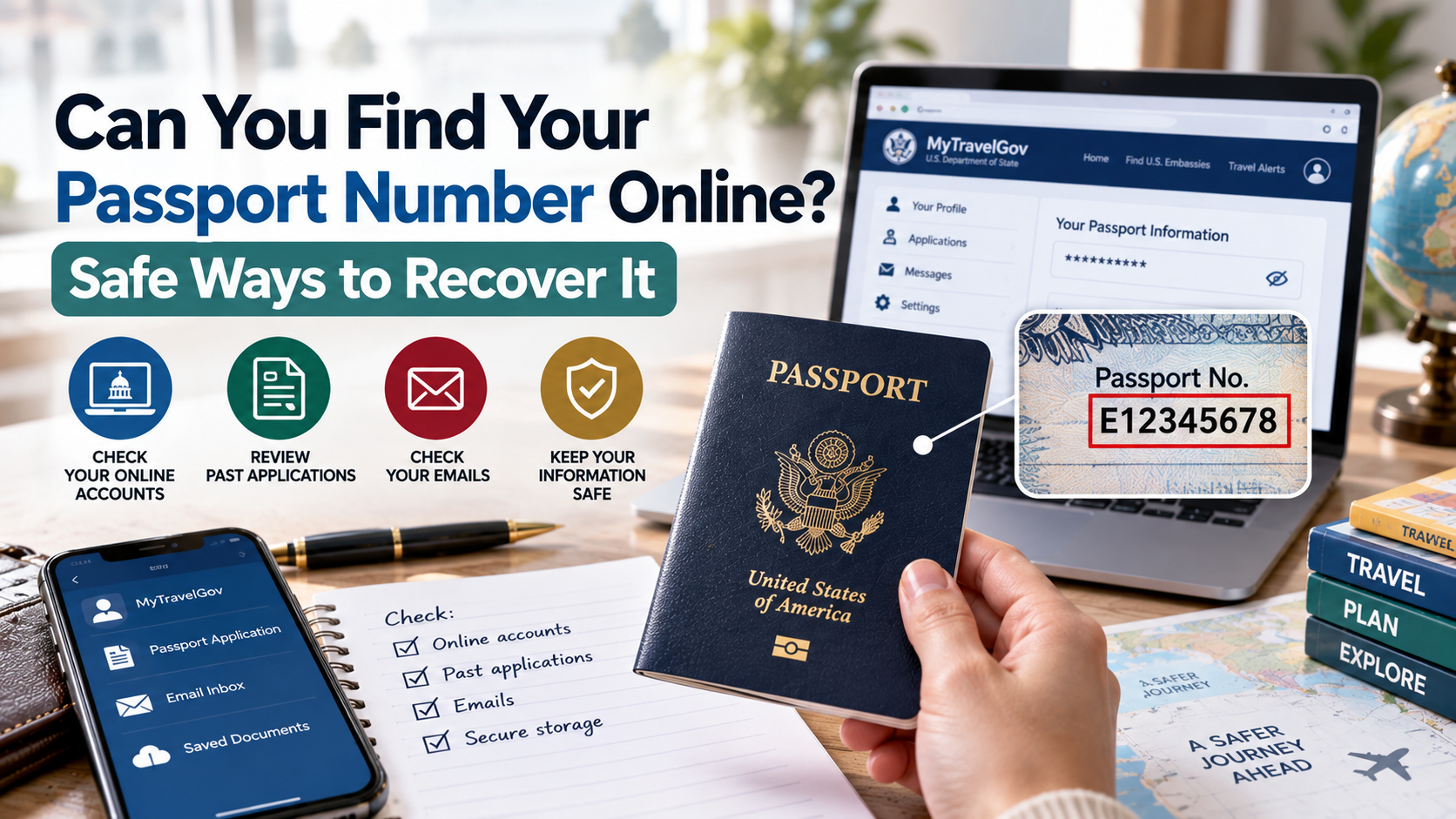
On a U.S. passport book, the passport number appears on the personal data page with your photo, name, nationality, date of birth, and expiration date. On a passport card, look for the document number printed on the card.
Do not post a photo of this page publicly. The page contains several pieces of sensitive identity information, not only the passport number.
Four Safe Ways to Find Your Passport Number
1. Check the physical passport
If you still have the document, use the number printed on its personal data page. Copy it carefully and distinguish letters from numbers. Use the number from the passport you will actually travel with, especially if you have both a current and an expired passport.
2. Check a secure photo or scan
Look for a copy you deliberately saved in an encrypted cloud folder, password manager, secure notes app, or protected device folder. A paper photocopy stored separately from the passport may also help.
Avoid searching on a public or shared computer. After using the copy, make sure it is not left in downloads, browser uploads, shared albums, or an unprotected email attachment.
3. Check a travel account where you saved it
An airline, cruise line, corporate travel portal, or trusted-traveler profile may retain passport information that you entered for an earlier trip. Some services show the full number after you sign in and verify your identity; others display only the last few characters.
This is not a new lookup. It only works when you previously supplied the number to that service. Do not send sensitive information to customer support through ordinary email or chat unless the provider gives you a secure channel.
4. Request your official passport records
If you cannot access the document or a saved copy, request your own passport records from the State Department. The official Get Copies of Passport Records page says records from March 1925 to the present are available.
For a passport issued after March 1925, the State Department currently requires a written request. Include:
- your full name at birth and any other names used;
- your date and place of birth;
- the passport issue date or estimated issue date, plus the number if known;
- your mailing address, phone number, and email address;
- a clear copy of both sides of a valid government-issued photo ID; and
- a notarized signature or a signed penalty-of-perjury statement.
Send the request to the address shown on the official State Department page. A regular copy is free. A certified copy costs $50, and the current processing estimate is 12–16 weeks. Check the official page before mailing because instructions, fees, and processing times can change.
Can You Find a Passport Number Online by Name?
No. A name, date of birth, or address is not enough to search legitimate U.S. passport records online. The State Department can provide records to the passport holder, a parent requesting a minor child's records, a legal guardian, or an authorized representative after identity and authority are verified.
A FOIA request is not a shortcut for searching a living person's passport number. Different rules apply when requesting another person's records without authorization or requesting records for someone who is deceased.
What to Do If Your Passport Is Lost or Stolen
Recovering the old number is less important than securing the document.
- Report a valid lost or stolen passport immediately. The fastest State Department option is its online form filler. The agency says online reports normally cancel the passport within one business day.
- Apply for a replacement if needed. Reporting a passport does not replace it. A replacement for a lost or stolen passport generally requires an in-person application using Form DS-11.
- Provide loss details. Explain where and when the passport was lost or stolen. If you filed a police report, include a copy with the application.
- Do not use the passport if you later find it. Once reported lost or stolen, it is canceled and no longer valid for travel.
The State Department also explains that no one can travel internationally using only a U.S. passport number; an original physical passport is required. If only the number was exposed but the document remains securely in your possession, review the official guidance before reporting the passport lost or stolen because reporting it will invalidate it.
If you are preparing a replacement application, review this U.S. passport application checklist and the official adult passport application instructions.
Passport Number Scams and Privacy Risks
Stop if a site asks for payment, a Social Security number, banking details, or an uploaded identity document in exchange for a supposed public passport-number search. There is no public database for this purpose.
Use only official government pages and services you already trust. Before uploading any passport copy, confirm the web address, connection security, privacy policy, and reason the document is required. Redact information when a full copy is not necessary.
Store a Passport Copy More Safely
Keep one secure backup before you travel. Good options include an encrypted password manager attachment, an encrypted cloud vault, or a paper copy stored separately from the passport. Protect the account with a strong unique password and multifactor authentication.
Do not store an unprotected passport image in a public photo album, shared workplace folder, or ordinary note that appears on a locked-screen preview.
Replacing the Passport? Prepare a New Photo
A replacement application requires a current, compliant passport photo. Review the official U.S. passport photo requirements and create a ready-to-use photo, or check your pending application with the U.S. passport status guide.
Frequently Asked Questions
How do I find my passport number online?
There is no public online lookup. Check a secure scan, an airline or travel profile where you previously saved the number, or request your official passport records from the State Department.
Can someone find my passport number using my name and date of birth?
Not through a legitimate public search. Passport records are protected, and the State Department verifies the identity and authority of people requesting them.
Can I call the State Department to get my passport number immediately?
The State Department's published process for obtaining a copy of passport records requires a written request and currently takes 12–16 weeks. A phone call is not an instant number-retrieval service.
Is a passport number enough for someone to travel as me?
No. The State Department says an original physical passport is required for international travel. The number is still sensitive and should not be posted publicly or shared unnecessarily.
Should I report my passport lost if only the number was exposed?
The State Department says to report a valid passport lost or stolen when the physical document is lost or stolen. Reporting it cancels the passport permanently. If you still possess the document, review the official guidance and take appropriate identity-security precautions before invalidating it.
What happens if I find my passport after reporting it lost?
It remains canceled and cannot be used for travel. You must use a valid replacement passport.
Bottom Line
You cannot find a U.S. passport number through a public search or by entering a name online. Start with the physical document, a secure copy, or a travel account where you previously saved the number. If those options fail, request your own records from the State Department and allow 12–16 weeks. If the passport itself is lost or stolen, report it immediately instead of waiting to recover the old number.