
Green Card Photo Requirements: Size, Background, and Common Mistakes (2026)
Green card photo size, background, head dimensions, common mistakes, and how to check whether your application requires a submitted photo.
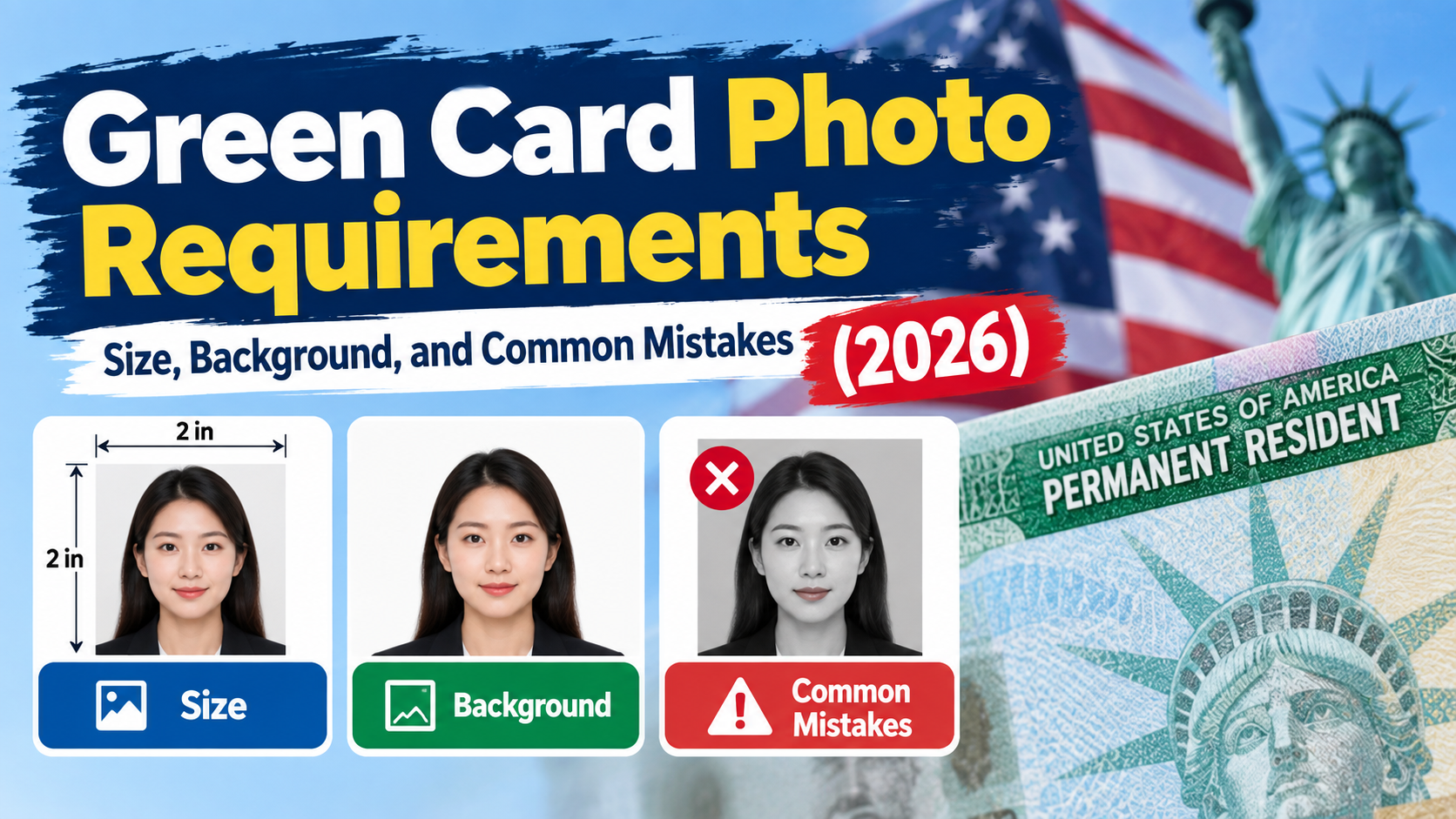
Quick Answer: A green card photo is a color, passport-style photo, 2 × 2 inches (51 × 51 mm), with your head 1 to 1⅜ inches from chin to top, on a plain white or off-white background, with no glasses and no filters. But check first whether you need to submit one. Since December 12, 2025, USCIS no longer accepts self-submitted photos for several green card forms and takes your photo at a biometrics appointment instead. You still need a compliant photo for other situations, such as an immigrant visa interview abroad. This is general information, not legal advice. Confirm on uscis.gov and your form instructions. Make a compliant 2x2 photo with PhotoOmni →
Do You Still Need to Submit a Green Card Photo?
Many guides still say "include two passport photos taken within 30 days." That advice may be out of date.
According to a University of Michigan International Center summary of USCIS's December 12, 2025 Policy Alert, USCIS stopped accepting self-submitted photos and will only use photos taken by USCIS at an Application Support Center (ASC) biometrics appointment, or by other authorized entities. USCIS also stopped reusing previously collected photos for Form I-485, Form N-400, Form N-600 and Form I-90. For other benefit requests, USCIS may reuse a photo from a previous biometrics appointment if it is less than three years old.
| Your situation | What to expect |
|---|---|
| Adjustment of status (I-485) or green card replacement (I-90), filed in the US | USCIS takes your photo at the biometrics appointment. Don't assume you need to mail a photo, but check the current form instructions. |
| Work permit (I-765) | Pitt's international office says a biometrics appointment is now required. Follow your notice and the form instructions. |
| Immigrant visa through a US consulate | Nolo says you almost always need to bring 2 printed 2×2 photos on photo-quality paper, and an online photo upload may also be requested. Check your embassy's instructions. |
| Filing from outside the US, or a form that still asks for photos | Follow the instructions and use compliant passport-style photos. |
| Diversity Visa lottery | A digital photo is uploaded with the entry. Check the current State Department DV instructions. |
Conflicting guidance exists. Some sites say the form instructions still tell applicants to include two photos even though the policy changed. If your form instructions or biometrics notice ask for photos, follow them. [Add a link to the current USCIS form page and Policy Alert PA-2025-29 before publishing.]
Why Other Green Card Photo Guides Say Different Things
If you've read several guides, you've probably seen conflicting advice. Most of the differences come from guides written before December 2025 or from mixing different processes together.
| What older or mixed guides say | What to check instead |
|---|---|
| "Mail 2 passport photos" or even "8 photos for the applicant and 2 for the sponsor" in a marriage-based package | That count belongs to the old process. Under USCIS's December 2025 change, photos for I-485, I-90, N-400 and N-600 are taken at biometrics, so confirm the number on your current form instructions and notices. |
| "Photo taken within 6 months" only | 6 months is the State Department rule for passport and visa photos. USCIS handouts say photos submitted with an application must be no more than 30 days old. |
| One set of rules for every green card route | An application filed inside the US (USCIS), an immigrant visa at a consulate (DS-260, bring printed photos to the interview) and the Diversity Visa lottery (digital upload) each have different photo steps. |
| Walmart passport photos cost $7.44 | Walmart Photo's own page lists $7.64 for two 2×2 prints. Prices change, so check at checkout. |
| "Just print any 2×2 at a pharmacy" | A store prints the file you give it. It doesn't make the head size, background or date compliant. |
| "Form instructions and the policy agree" | Some sources say the I-485 instructions still list photos even though USCIS stopped accepting self-submitted ones. Follow your biometrics notice first, and ask an attorney if the two conflict. |
How to read any guide: look for the date it was last updated, whether it mentions the December 12, 2025 USCIS Policy Alert, and which process it's describing.
Green Card Photo Requirements (When You Do Need One)
| Requirement | Detail |
|---|---|
| Size | 2 × 2 inches (51 × 51 mm) |
| Head size | 1 to 1⅜ inches (25–35 mm), chin to top of head |
| Color | Color photo, printed on photo-quality paper |
| Background | Plain white or off-white, no shadows |
| Photo age | Taken within 30 days for USCIS filings that need photos; State Department visa and passport photos use 6 months |
| Glasses | Not allowed, except with a documented medical reason |
| Head coverings | Not allowed, with limited religious or medical exceptions |
| Expression | Neutral, facing the camera with both eyes open |
| Editing | No filters, retouching or selfie-style distortion |
| Back of the photo | Write your name lightly in pencil or felt-tip pen, and any other details the instructions request |
One USCIS photo handout from a university says photos should be no more than 30 days old when an application is filed, which differs from the State Department's 6-month rule. That's why the age of the photo depends on which agency receives it.
How to Get a Compliant Green Card Photo (Step by Step)
- Find out which photo you need. Check your form instructions, your biometrics or interview notice, or your embassy's page.
- Check the date rule. Use 30 days for USCIS photos unless told otherwise, and 6 months for State Department photos.
- Take the photo. Have someone else take it in even light against a plain light wall. Face the camera with a neutral expression, no glasses and no hat.
- Format it to 2 × 2 inches with your head 1 to 1⅜ inches tall. PhotoOmni can crop and check it →
- Print on photo paper if you need prints. A retailer's print service only prints the file you give it.
- Label the back lightly with your name as instructed, and don't staple or write hard enough to mark the front.
- Keep a digital copy for any online upload.
Cost and Time
| Option | Notes |
|---|---|
| Pharmacy, post office or photo studio | Staff take the photo, and prices vary by location. Walmart Photo lists $7.64 for two 2×2 prints. [Link to your Walmart passport photo article.] |
| Taking it yourself and printing | Cheap, but you must verify head size and background |
| PhotoOmni | [Add price and delivery time] |
Common Mistakes
- Mailing a photo when USCIS will take it at biometrics, or skipping one that your form still requires. Check your instructions.
- Using an old photo. Reusing a passport photo older than 30 days for a USCIS filing is a common error.
- Wrong size or head size, such as a 2×2 inch photo with the head too small.
- Glasses, glare or shadows.
- Heavy filters or retouching.
- Writing too hard on the back, which can leave marks on the front.
- Using the wrong photo for the wrong agency. The State Department and USCIS use similar standards but different date rules.
- Following an outdated guide. Check when it was last updated and whether it mentions the December 2025 USCIS change.
Make Your Green Card Photo With PhotoOmni, or Another Way?
| Studio or pharmacy | DIY at home | PhotoOmni | |
|---|---|---|---|
| Compliance check | Staff, in store | Yourself | Free check before purchase (per public listings) |
| Convenience | Travel | At home | At home |
| Print options | On the spot | Your own printer or a print shop | A4 sheets and print layouts (per public listings) |
PhotoOmni's public listings describe AI formatting with human review, a free check before you buy and an acceptance guarantee for eligible photos. [Confirm features, print sizes and guarantee terms on your product page.]
Checklist
- I checked whether my form or interview needs a photo
- Color, 2 × 2 inches, head 1 to 1⅜ inches
- White or off-white background, no shadows
- No glasses, hat or filters
- Taken within 30 days (USCIS) or 6 months (State Department), as instructed
- Printed on photo paper, name written lightly on the back
- Checked before printing or uploading
FAQ
Do I need a photo for Form I-485? USCIS's December 2025 policy says it no longer accepts self-submitted photos for I-485 and captures yours at the biometrics appointment. Check the current form instructions, because some sources say they still list photos.
What size is a green card photo? 2 × 2 inches (51 × 51 mm).
How old can the photo be? USCIS submissions use 30 days. State Department passport and visa photos use 6 months.
Can I wear glasses? No, except with a documented medical reason.
How many photos do I need for an immigrant visa? Nolo says you almost always bring 2 printed 2×2 photos to your consular appointment. Confirm with your embassy.
Can I print the photo at Walmart or CVS? Retail stores print the file you give them, so make sure it's compliant first.
Why do other guides say I need 8 photos? That number comes from older marriage-based filing packages, before USCIS stopped accepting self-submitted photos for several forms. Check your current instructions and notices.
Why do some guides say 6 months and others 30 days? The State Department uses 6 months for passport and visa photos, while USCIS handouts say photos submitted with an application must be no more than 30 days old.
Is this legal advice? No. Confirm the requirements with USCIS, the State Department or your attorney.
Bottom Line
First find out whether you need to submit a photo at all, since USCIS now takes photos at biometrics for several green card forms. When you do need one, use a color 2×2 inch photo with a 1 to 1⅜ inch head, a plain white or off-white background and no glasses, and check the date rule for your agency. Check your green card photo with PhotoOmni →