
New Zealand Passport Photo Rules 2026: Size, Background & Requirements
New Zealand passport photo rules for 2026: 35×45 mm, light grey background (not white), no selfies, glasses allowed. Complete DIA specification and tips to avoid rejection.
Quick Answer
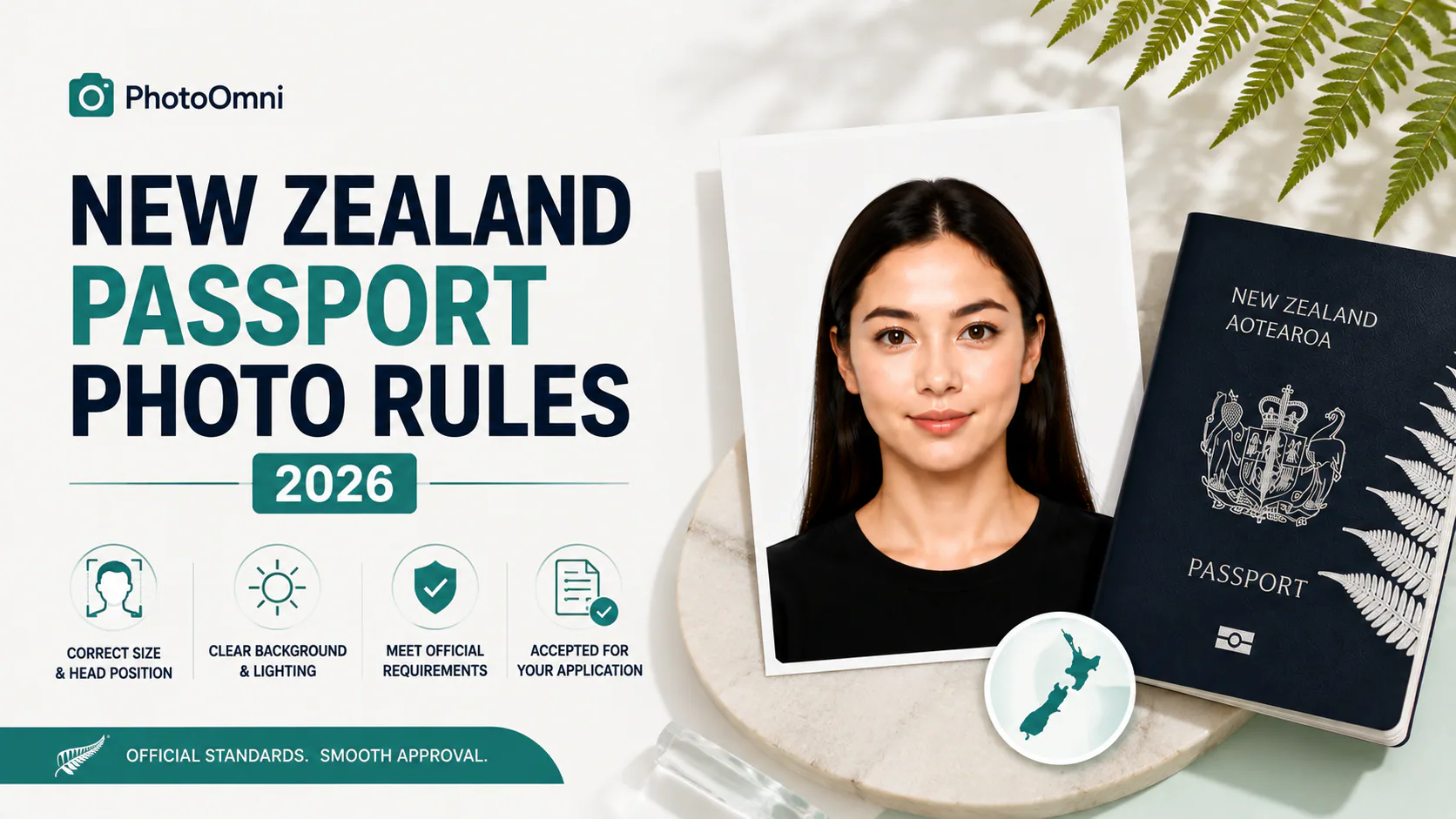
A New Zealand passport photo must be 35 mm wide × 45 mm tall, with your head height (chin to crown) making up roughly 70–80% of the frame (about 32–36 mm), against a light grey or off-white background — explicitly not white. It must be taken within the last 6 months, and critically, you can't take it yourself: DIA does not accept selfies, and the photo must be taken by someone else standing approximately 1.5 metres away from you. Prescription glasses are allowed if they don't cause glare or tinting, but sunglasses and tinted lenses are never accepted. No filters, AI enhancement, or editing software that alters your appearance is permitted.
Full Photo Specification
| Spec | Requirement |
|---|---|
| Print size | 35 mm wide × 45 mm tall |
| Digital size | Approximately 900–4,500 px wide × 1,200–6,000 px high |
| Head height | ~70–80% of frame height (roughly 32–36 mm, chin to crown) |
| Background | Light grey or off-white — not white |
| Photo age | Taken within the last 6 months |
| Expression | Neutral, face fully visible, chin to forehead |
| Glasses | Permitted if no glare or tint; sunglasses and tinted lenses not allowed |
| Headwear | Not permitted except for religious or medical reasons |
| Editing | No filters, AI enhancement, or software that alters your appearance |
| Scanned photos | Not accepted |
| Who takes it | Someone else — selfies are not accepted |
Why This Matters More in 2026
New Zealand is heading into an unusually large passport renewal surge: a 2015/2016 policy change extended adult passport validity from 5 years to 10, and that cohort is now reaching expiry all at once. DIA and independent reporting put the scale at roughly 622,000 applications expected in 2026 alone, contributing to a projected 1.3 million expiries across 2026 and 2027 combined.
The Department has made real progress on speed — average processing time has dropped from around 25 days in 2023 to approximately 3 days currently, with 88% of applications now completed online (expected to grow to 93%), and 32% of applications now submitted as family/group applications since that option moved online. DIA's own target, stated in an official processing update, is to issue 75% of passports within 2 weeks, 90% within 4 weeks, and 95% within 6 weeks — with a goal of over 90% within 2 weeks by the end of August.
Here's the part directly relevant to your photo: DIA has specifically noted that a significant proportion of flagged, rejected photos are selfies — the single most avoidable cause of delay in an otherwise fast system. With that much volume moving through the system at once, a photo that gets bounced back doesn't just cost you a retake — it can push you into a meaningfully longer queue during peak season. Getting the photo right on the first attempt matters more this year than it has in a while.
Applying from overseas? New Zealand citizens abroad apply through their nearest Embassy or High Commission, where processing typically takes 4–6 weeks — longer than the domestic online process, so factor that into your timeline if you're applying while living outside New Zealand.
The Three Rules That Catch People Out
1. The background must not be white
This is the one that surprises the most applicants. Most countries either require or default to a plain white background — New Zealand specifically does not. DIA's stated reasoning is contrast: a pure white background can wash out light-skinned subjects and create insufficient contrast for facial recognition processing. A light grey or off-white background is what's actually expected. If you've recently prepared a photo for a US passport (white background required) or reused an old photo assuming "plain background" is universal, this is the detail most likely to get it bounced back.
2. No selfies — someone else has to take it, from about 1.5 metres away
DIA is explicit about this: selfies distort facial proportions and aren't accepted, for either adult or child passport applications. The photo needs to be taken by another person, standing roughly 1.5 metres from you. This rules out propping your phone up and using a timer at arm's length — you genuinely need a second person involved, even if it's just holding the phone steady from the correct distance.
3. Glasses are still allowed — a real contrast with Australia
If you've also looked into Australian passport photo requirements recently, this is worth flagging: Australia has tightened its glasses policy significantly, to the point where even clear prescription lenses are routinely rejected without a medical exception. New Zealand hasn't followed that path — prescription glasses remain acceptable here, as long as there's no glare or tint obscuring your eyes. Don't assume the two countries' rules match just because they're geographically close; check the specific document you're preparing for.
Digital vs. Physical Submission
New Zealand accepts a fairly wide pixel range for digital submissions — roughly 900–4,500 px wide by 1,200–6,000 px high — which gives more flexibility than some countries' fixed pixel requirements. Scanned printed photos are explicitly not accepted for digital applications; the file needs to come from an original digital photo. Most adult renewals now go through the govt.nz online portal, which includes a built-in photo checker that scans your upload before your application can proceed — catching obvious technical issues (wrong dimensions, low resolution) automatically, though it doesn't replace getting the background colour and selfie rule right beforehand.
Taking a Compliant Photo With PhotoOmni
- Recruit a second person. Since selfies aren't accepted, you'll need someone to take the photo from roughly 1.5 metres away — a partner, friend, or family member works fine.
- Set up a light grey or off-white background — not white. A plain wall in a neutral tone, or a light grey sheet if your walls are a different colour.
- Remove sunglasses or tinted lenses. Regular prescription glasses can stay on if there's no glare — check the shot for reflections before moving on.
- Use even, natural light, facing a window rather than relying on a single overhead light source, which can create shadows.
- Take several shots at the correct distance and angle, then pick the clearest one.
- Upload it to PhotoOmni's free AI check. It verifies dimensions, head-height ratio, background colour compliance, and lighting against the current New Zealand specification — including flagging a background that's too white or too dark.
- Fix anything flagged and re-check — there's no cost to try again.
- Download the compliant file once it passes — the only paid step — ready for upload to the DIA portal or for printing if your application requires physical copies.
FAQ
Can I take my own New Zealand passport photo with a selfie? No — DIA explicitly does not accept selfies, since they distort facial proportions. Someone else needs to take the photo, standing approximately 1.5 metres away.
Does the background need to be white? No — and this is one of the most common mistakes. New Zealand requires a light grey or off-white background specifically, not white.
Can I wear glasses in my New Zealand passport photo? Yes, as long as there's no glare or tint obscuring your eyes. Sunglasses and tinted lenses are never accepted.
How recent does the photo need to be? Within the last 6 months, and it must be a true, current representation of how you look.
Are New Zealand and Australian passport photo rules the same? No — despite being neighbouring countries, the specifics differ. Australia has tightened its glasses policy substantially in recent years, while New Zealand still permits prescription glasses without a medical exception, provided there's no glare.
Why does my New Zealand passport photo matter more this year? DIA is processing an unusually high volume of renewals in 2026 — roughly 622,000 applications, part of a projected 1.3 million expiries across 2026–2027 — as passports issued under the old 5-year validity period reach their new 10-year-adjusted expiry en masse. DIA has specifically flagged selfies as a leading cause of photo-related delays, so getting the photo right the first time matters more during this surge.
Is PhotoOmni's New Zealand passport photo check free? Yes — checking your photo against the current DIA specification is free. You only pay if you choose to download the final compliant file.
Create Your Passport Photo Now
About the Author
Emma Richardson Senior ICAO Photo Compliance Expert, PhotoOmni
Emma Richardson is the Senior ICAO Photo Compliance Expert at PhotoOmni. With 12+ years of experience in passport and visa photo verification, she has helped applicants achieve 820,000+ successful photo approvals across 100+ countries and territories. She specializes in global passport photo requirements, ICAO-compliant photo standards, and biometric image verification.
Related Articles
- [How to Take a Passport Photo at Home (2026 Guide)](/blog/how-to-take-a-passport-photo-at-home-2026-guide)
- Passport Photo Requirements: The Complete 2026 Guide
- Why Was My Passport Photo Rejected? 15 Common Reasons & Fixes
Data sources: New Zealand Department of Internal Affairs (DIA), passports.govt.nz photo requirements guidance; DIA official statement on passport processing times (dia.govt.nz); independent reporting on the 2026 passport renewal surge via Scoop News (June 2026). This guide is independent and not affiliated with or endorsed by DIA or the New Zealand Government. Always verify current requirements at passports.govt.nz before submitting your application.