
How to Crop a Passport Photo Online Without Failing Size and Headroom Rules
Crop a U.S. passport photo to 2×2 inches while meeting head size, centering, background, and color requirements.
Quick Answer
A U.S. passport photo must be a 2x2 inch square (600x600–1200x1200 pixels) with your head measuring 1 to 1 3/8 inches (25–35mm) from chin to crown, centered on a plain white background, in full color. The most common rejection cause isn't the outer crop size — it's headroom: cropping too tight or too loose so the head falls outside that range. Use a cropping tool with a built-in headroom guide, like PhotoOmni, to line up your chin and crown correctly before exporting.
Here's exactly what the Department of State requires, and how to crop a photo to meet it without a trip to a photo studio.
If you prefer to prepare the file online, the US passport photo maker can help check the crop, background, and passport-photo format before submission.
Official U.S. Passport Photo Size Requirements
- Photo dimensions: 2 x 2 inches (51 x 51 mm), a perfect square
- Digital dimensions: 600 x 600 to 1200 x 1200 pixels
- Head size (headroom): 1 to 1 3/8 inches (25–35 mm), measured from the bottom of the chin to the top of the head — roughly 50–69% of the total image height
- Background: plain white or off-white, no patterns, textures, or shadows
- Color: full color, not black and white
- Recency: taken within the last 6 months
- File format for online submission: JPEG
Getting the head size right is the part most people get wrong, because it's easy to crop a photo to the correct outer square while leaving too much or too little space above the head.
A US passport photo maker can apply these dimensions and formatting checks to the uploaded photo.
How to Crop a Passport Photo Step by Step
- Start with a clear, front-facing photo taken against a plain light background, with even lighting and no shadows on the face
- Upload the photo to a passport photo cropping tool like PhotoOmni
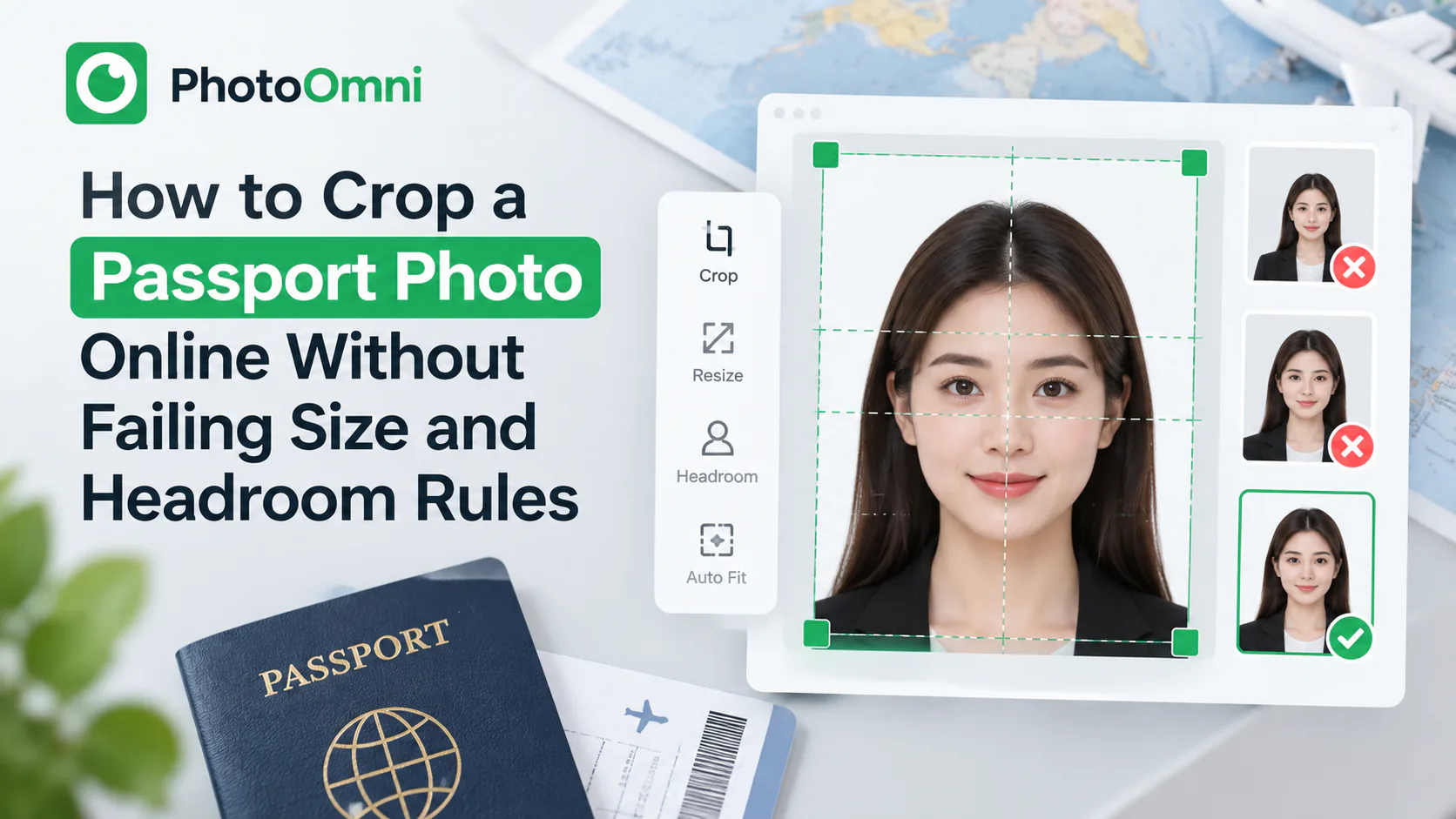
- Align the guide lines — most tools overlay a template showing where your chin and the top of your head should fall
- Adjust so your head fills roughly 50–69% of the frame height, with your eyes roughly centered vertically
- Crop to the exact 2x2 inch square (or 600x600–1200x1200 pixel square for digital use)
- Check the background is uniform and free of shadows — recrop or retake if it isn't
- Download in the correct format for how you're submitting — print for in-person applications, JPEG for online ones
Common Headroom Mistakes
- Cropping too tight, so the top of the head or chin is cut off the frame
- Cropping too loose, leaving too much background above the head and shrinking the face below the minimum size
- Off-center framing, where the head is shifted to one side instead of centered
- Tilted or angled crops, from a photo that wasn't taken straight-on
A cropping tool with a built-in headroom guide — rather than a plain freeform crop box — removes most of the guesswork here, since it shows you exactly where your chin and crown need to land before you finalize the crop.
Photo Content Rules Beyond Sizing
Even a perfectly sized crop can still get rejected if the photo itself doesn't meet content rules:
- Neutral expression or natural smile, both eyes open
- No glasses, unless medically necessary
- No hats or head coverings, except for religious purposes (face must stay visible from chin to forehead)
- Everyday clothing — no uniforms
- Taken within the last 6 months, an accurate likeness of your current appearance
Frequently Asked Questions
What size is a passport photo in inches and pixels? 2 x 2 inches (51 x 51mm) for print, or 600x600 to 1200x1200 pixels for digital upload — always a perfect square.
What is the correct headroom for a passport photo? Your head, measured from the bottom of your chin to the top of your head, should be 1 to 1 3/8 inches (25–35mm), or roughly 50–69% of the total photo height.
Can I crop a passport photo myself instead of going to a studio? Yes. As long as the final crop meets the exact size and headroom requirements and the original photo meets background, lighting, and expression rules, a self-cropped photo is accepted.
Can a passport photo be black and white? No — U.S. passport photos must be in full color. Black-and-white or sepia-toned photos are not accepted.
What happens if my head size is outside the 1–1 3/8 inch range? The application can be rejected and you'll need to resubmit a corrected photo, which can delay processing.
Why does my cropped photo keep getting rejected even though it's the right size? The outer square can be correct while the head is still too large, too small, or off-center within it — headroom and centering are checked separately from overall dimensions.
PhotoOmni includes a built-in headroom guide for passport and government ID photos, so you can crop to the exact 2x2 inch, 25–35mm head-size spec without guessing — free, in your browser.
For broader rules, start with the passport photo requirements guide.
About the Author
PhotoOmni Editorial Team
The PhotoOmni Editorial Team researches official passport, visa, immigration, and identity-photo requirements. Every guide is reviewed for practical accuracy and updated when application rules, upload specifications, or government guidance change.