
PhotoAiD Review 2026: Pricing, Guarantee, Reviews & Limitations
Independent-style PhotoAiD review covering current pricing, the 200% guarantee, app and web experience, customer reviews, pros, cons and alternatives.
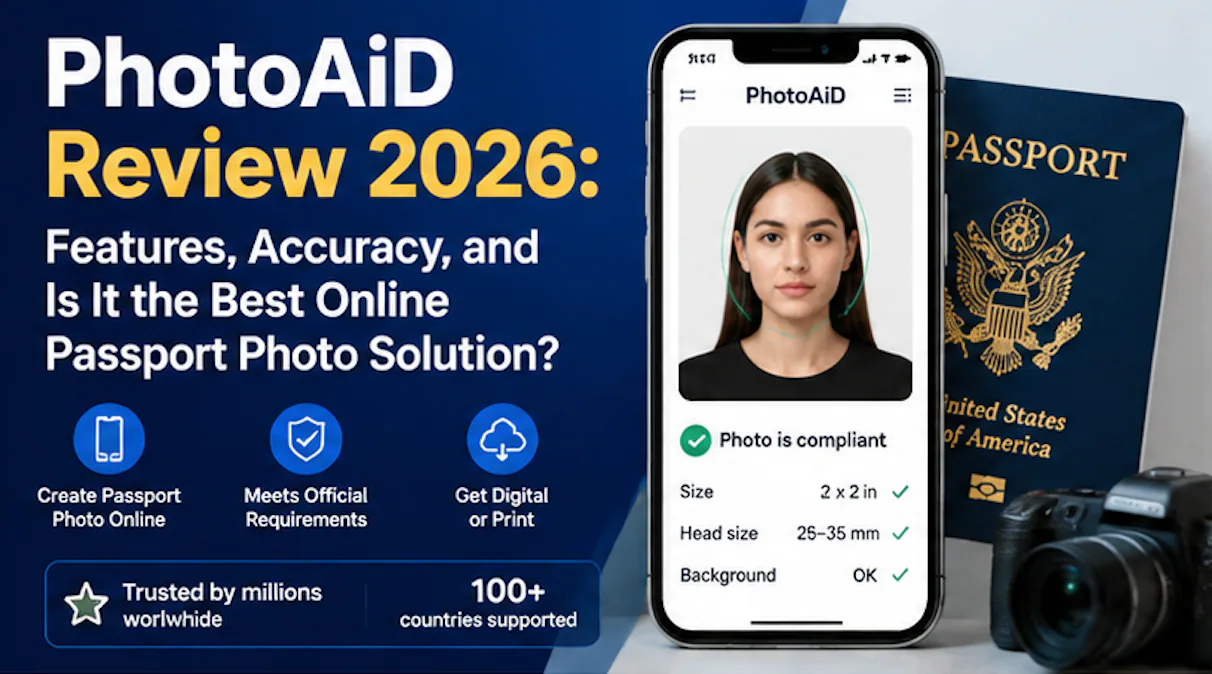
PhotoAiD is a legitimate online passport and ID photo service that combines automated image processing with an expert check. It is easy to use, supports many document types and advertises a 200% acceptance guarantee. Its main drawbacks are that pricing varies by country and product, physical delivery can introduce delays, and no third-party service can make the issuing authority's final decision.
Disclosure: PhotoOmni, the publisher of this review, competes with PhotoAiD. To keep this review useful, factual claims below are linked to PhotoAiD's own current pages or clearly attributed customer-review data. We did not treat marketing claims as independently verified acceptance statistics.
PhotoAiD review: the short verdict
PhotoAiD is best for: applicants who want to take a photo at home, receive automatic corrections, have the result reviewed by a human and download or order prints from one workflow.
Think twice if: your authority prohibits altered backgrounds or requires an in-person commercial photographer; you need tracked physical delivery by a fixed deadline; or you expect the headline guarantee to replace the need to follow its claim procedure.
| Category | Our assessment |
|---|---|
| Ease of use | Strong |
| Document coverage | Strong |
| AI plus expert review | Included according to PhotoAiD |
| Digital delivery | Convenient |
| Printed delivery | Useful, but delivery experience varies |
| Price transparency | Check the final country-specific checkout |
| Guarantee | Valuable, but read the applicable conditions |
| Independent review evidence | Large Trustpilot sample, with important context |
What is PhotoAiD?
PhotoAiD is a web and mobile service for passport, visa and other identity-document photos. You take or upload a picture, select the required document, and the service processes the image for the selected specification.
According to PhotoAiD's official website, its system crops and resizes the image, adjusts the background and checks it using AI. Its current how-it-works page says an expert reviews the photo after purchase. Finished files can be downloaded, delivered by email or ordered as prints where that option is available.
This corrects an important error in the previous version of this review: PhotoAiD is not accurately described as a basic crop-only tool. Its current product claims explicitly include automated processing and expert verification.
How PhotoAiD works
- Choose the country and document type.
- Take a new picture or upload one from your phone or computer.
- Let the system assess composition and apply the selected document template.
- Review the result and available purchase options.
- After purchase, wait for the expert check described by PhotoAiD.
- Download the digital file, use a print-ready template, or select physical delivery where offered.
The interface is designed for non-photographers. The quality of the source image still matters: blur, very uneven lighting, a turned head or hair covering the eyes may require a retake rather than an automatic fix.
PhotoAiD pricing in 2026
There is no single worldwide PhotoAiD price. The total depends on country, document, digital versus printed output, shipping and any available promotions.
As a concrete example, a current PhotoAiD US location page lists $13.95 for a digital passport photo and $16.95 for two printed copies, with possible additional fees for same-day pickup. Treat those figures as an example rather than a universal price: check the final checkout for your document and location before paying.
This is more expensive than a free crop tool but may be cheaper or more convenient than visiting a studio. The value proposition is the combination of document formatting, automated correction, expert review and delivery options—not resizing alone.
What does the 200% acceptance guarantee mean?
PhotoAiD's current guarantee page says that if an ID or passport photo is rejected by the authority, the company refunds the purchase price and provides an additional amount equal to that price. This is marketed as a 200% acceptance guarantee.
Before relying on it:
- save the order confirmation and final photo
- keep the official rejection notice
- check which product, document and territory the guarantee covers
- follow the current claim instructions and time limits
- remember that a refund does not reimburse passport fees, travel losses or processing delays unless the terms explicitly say so
A guarantee is useful financial protection, but it is not proof that every photo will be accepted and it does not override government rules.
PhotoAiD reviews: what customers report
At the time of review, PhotoAiD's Trustpilot profile displayed 4.7 out of 5 from more than 13,000 reviews. Trustpilot also labels the profile as claimed, notes a paid subscription and states that PhotoAiD invites customers to review the service.
Common positive themes include:
- fast and straightforward upload
- convenience compared with finding a photo booth
- quick expert feedback
- photos accepted for passport, visa or driving-licence applications
- helpful customer-service responses
Recurring complaints include:
- physical prints arriving late or without tracking
- confusion about pricing or paid options
- an automated recommendation that did not match the user's expectation
- a photo still being rejected or requiring adjustment
- print sizing or paper-quality concerns
These reviews are useful evidence of customer experience, not a controlled acceptance-rate study. Invited reviews, country differences and the mix of digital and physical products should be considered when interpreting the overall score.
PhotoAiD app review versus the website
The app and website follow the same general workflow: choose a document, capture or upload a photo, receive processing and order the output. The app is convenient for taking the picture directly, while the website may be easier if the image is already on a computer.
Choose based on convenience rather than assuming one produces a more compliant result. In either case, confirm that you selected the exact country and document. Similar names—passport, visa, residence permit, driving licence—can have different photo rules.
Advantages
- Broad range of document templates
- Works on mobile and desktop
- AI processing plus an advertised expert review
- Digital download, print template and physical-print options
- Publicly advertised acceptance guarantee
- Large volume of generally positive customer feedback
- Useful for applicants without easy access to a studio
Limitations
- Price is not one universal figure and may rise with print or delivery options
- Physical delivery introduces a risk that digital-only users avoid
- Background replacement or retouching may be unsuitable for authorities that prohibit altered photos
- Customer-review scores do not prove a government acceptance rate
- Guarantee claims require documentation and do not erase application delays
- Rules vary by country, so the user must still check the official authority page
Is PhotoAiD safe and legitimate?
PhotoAiD is an established commercial service with active websites, mobile apps, customer support and a large public review history. That supports the conclusion that it is a legitimate service—not that every order or application will be trouble-free.
Because identity photos are sensitive personal data, read the current privacy notice before uploading. Use the genuine PhotoAiD domain or official app-store listing, avoid look-alike sites, and do not submit more personal information than the photo workflow requires.
PhotoAiD versus PhotoOmni
Both services aim to turn a user-supplied image into an application-ready document photo. The sensible comparison is not “which company guarantees government approval,” because only the issuing authority can approve an application. Compare:
- whether your exact document is supported
- whether the authority permits background alteration
- the checkout price for digital and printed products
- review method and expected turnaround
- refund or rejection-guarantee conditions
- delivery availability in your country
PhotoOmni offers an alternative workflow for supported documents. Since we are the publisher and a competitor, verify our current price and terms just as carefully as PhotoAiD's.
Frequently asked questions
Is PhotoAiD legit?
Yes. It is an established online passport-photo business with web and app products and a substantial public review history. Legitimate does not mean every output is automatically accepted.
Does PhotoAiD have human review?
PhotoAiD's current official pages say an expert reviews ordered photos in addition to AI processing.
How much does PhotoAiD cost?
Pricing varies by market and output. One current US page lists $13.95 digital and $16.95 for two prints, but you should rely on the checkout shown for your country and document.
What do PhotoAiD reviews say?
Most Trustpilot reviews are positive and emphasise ease and speed. Repeated negative themes include delivery, pricing expectations, occasional processing disagreements and some rejected or adjusted photos.
Will PhotoAiD refund a rejected photo?
Its current site advertises a 200% acceptance guarantee. Keep proof of rejection and check the current eligibility and claim requirements for your order.
Can PhotoAiD guarantee passport approval?
No private photo service makes the government's decision. PhotoAiD can guarantee a remedy under its terms, but the passport, visa or ID authority decides whether to accept the photo and application.
Is PhotoAiD free?
You can generally begin the upload and assessment workflow before purchase, but downloading or receiving the finished product is a paid service. Review the checkout before committing.
Review methodology and sources
This review was updated on September 19, 2026 using PhotoAiD's current official product and guarantee pages, an example US pricing page, and its Trustpilot profile. We did not independently calculate PhotoAiD's government acceptance rate or reproduce every country-specific checkout. Product details and review scores can change.
About the Author
Emma Richardson
Senior ICAO Photo Compliance Expert, PhotoOmni
Emma Richardson has over 12 years of experience reviewing passport and identity-photo requirements across more than 100 countries and territories.