
How to Upload a Photo for Canadian Passport Online Renewal (2026)
Where and how to upload a digital photo for Canadian passport online renewal, including IRCC Portal steps, eligibility, exact JPG specifications, and upload fixes.
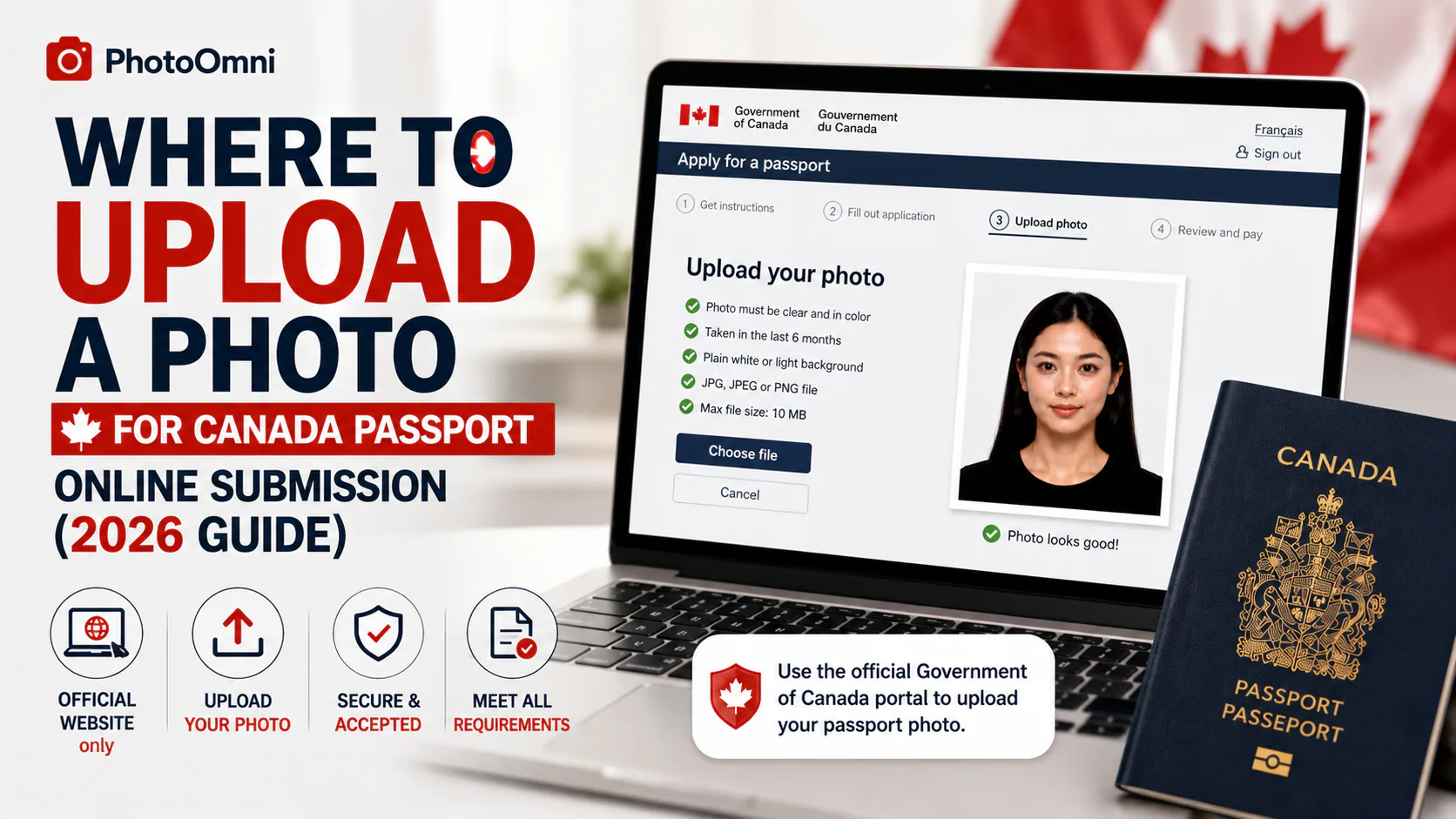
If you are renewing a Canadian passport online, upload the digital photo inside the IRCC Portal – New version while completing your renewal. Do not upload it to a general Service Canada account, email it separately, or use the U.S. passport website.
Country check: The query “how to upload photo for passport renewal” often returns U.S. results. This page covers Canada. U.S. applicants should follow the U.S. Department of State digital photo instructions. Indian and other passport renewals use different portals and rules.
Quick answer: where do I upload the photo?
Start on the Government of Canada page for online passport renewal, then select Renew your passport online to sign in to or create an account in the IRCC Portal – New version. The portal asks for the photo during the application. There is no public upload page you should visit before starting the renewal.
Have the original digital file from a commercial photographer ready on your device. When prompted, select that file and enter the photographer or studio’s name, address, and the date the photo was taken.
Check that you can renew online before preparing the upload
Canada’s online route has narrower eligibility than renewal by mail or in person. According to the current Government of Canada guidance, you must meet all applicable conditions, including:
- You applied for your current passport when you were 16 or older.
- It is a regular blue passport, valid for 5 or 10 years, issued within the last 15 years, and it shows your place of birth.
- You are renewing your own passport without changing your name, date of birth, place of birth, or gender identifier.
- Your home and mailing address are in Canada, and you will be in Canada to receive the new passport.
- Your passport is already expired or expires within the next 6 months.
- You are not travelling in the next 20 business days. Mailing time is additional.
- The passport is not damaged, seized, surrendered, or subject to another disqualifying condition listed by IRCC.
If you need faster service, have an address outside Canada, or do not meet every online condition, use the official page to choose the in-person or mail route instead.
Digital photo requirements for the upload
The Canadian online-renewal photo is not a scan of the two printed photos used for paper applications. Ask a commercial photographer or photo studio for the original digital file and, ideally, printed copies as a backup.
The official digital specifications are:
- Format: JPEG or JPG
- Orientation and ratio: portrait, 3:2 aspect ratio
- Pixel dimensions: at least 1,800 pixels high × 1,200 pixels wide, and no more than 4,500 × 3,000
- File size: 200 KB to 5 MB
- Head size: chin to crown should occupy 45% to 50% of the image height
- Age: taken in person no more than 6 months before submission
- Source: saved directly from the photographer’s original camera file
The photo may be colour or black and white, but it must be clear, sharp, evenly lit, and have a plain white or light-coloured background. Your face and shoulders must be centred and square to the camera, with eyes open, mouth closed, and a neutral expression.
Do not scan a printed photo. Do not crop it yourself, replace the background, apply a filter, retouch facial features, adjust brightness or sharpness, or use AI editing. Canada states that altered photos will be rejected. For this specific application, PhotoOmni or another editing tool cannot replace the required in-person commercial photographer.
See the complete official Canadian passport photo requirements before accepting the file from the studio.
How to upload a photo for Canadian passport renewal
- Confirm online eligibility. Check every condition on the official renewal page before creating an application.
- Get photographed in person. Tell the commercial photographer that you need the digital file for a Canadian passport online renewal. Share the official specifications if the studio is unfamiliar with the new process.
- Save the original file to your device. Email, USB, or a photographer-provided file-sharing link is acceptable as a delivery method. Download the actual JPG/JPEG rather than taking a screenshot.
- Record the studio information. Keep the photographer or studio name, full address, and photo date. The portal asks for these details when you upload.
- Open the official renewal page. Follow the Government of Canada link into the IRCC Portal – New version. Avoid search ads or look-alike websites.
- Complete the application until the photo step. The upload field appears within the secured renewal workflow; it is not a separate public uploader.
- Choose the original JPG/JPEG. On a phone, it may be in Files or Downloads rather than the Photos app. On a computer, select it from the folder where you saved it.
- Enter the photographer details. Copy the name, address, and date accurately.
- Review before submitting. Confirm that the preview shows the intended file and that the application details are correct, then submit the renewal and payment through the portal.
If the photo will not upload
Work through this checklist before asking the photographer for a replacement:
| Problem | What to check |
|---|---|
| File does not appear in the picker | Confirm it was downloaded to the device and ends in .jpg or .jpeg. Look in Files/Downloads. |
| “Wrong format” or similar error | Ask for JPEG/JPG, not HEIC, PNG, PDF, or a scan. Do not convert or edit it yourself. |
| File is too small or too large | It must be 200 KB–5 MB and within the official pixel range. Ask the photographer to export from the original capture. |
| Image is rejected after selection | Recheck the 3:2 portrait ratio, head size, lighting, background, expression, and whether any editing was applied. |
| Portal or sign-in error | Use the latest Safari, Chrome, Firefox, or Edge, then return through the official IRCC Portal page rather than an old bookmark. |
If the file itself is outside the official specification, ask the commercial photographer to supply a compliant original. Editing or compressing it yourself can turn an otherwise valid image into an altered photo.
What happens after you submit?
For an eligible online renewal, your existing passport is cancelled after you apply and is no longer valid. The stated online processing standard is up to 20 business days, plus mailing time. The new passport is mailed to your Canadian address. Apply in person instead if you need a passport sooner.
Frequently asked questions
How do I submit a photo for online passport renewal in Canada?
Upload the commercial photographer’s original JPG/JPEG inside your application in the IRCC Portal – New version. Enter the studio name, address, and photo date when prompted.
Can I upload a passport photo from my phone?
You may use a phone to access the portal and select the file, but the image itself must have been taken in person by a commercial photographer and supplied as the original compliant digital file. A selfie or phone photo is not accepted.
Where can I get a digital passport photo taken?
Use a commercial photographer or photo studio that can supply a Canadian digital passport photo. Before paying, confirm that the studio can provide a JPEG/JPG matching Canada’s online-renewal pixel, file-size, ratio, and no-editing rules.
What is a digital photo for passport renewal?
It is the original electronic image produced by the commercial photographer—not a photo of a print and not a scan. For Canadian online renewal, it must meet the digital specifications above.
Can I upload a printed passport photo by scanning it?
No. The Government of Canada expressly says that a scanned copy of a printed passport photo is not accepted for online renewal.
Is there a standalone Canada passport photo uploader?
No public standalone uploader is needed. The upload field is part of the secure online-renewal application in the IRCC Portal – New version.
Official sources
Last reviewed: September 19, 2026. Requirements can change; use the Government of Canada pages above as the final authority.
About the Author
Emma Richardson
Senior ICAO Photo Compliance Expert, PhotoOmni
Emma Richardson is the Senior ICAO Photo Compliance Expert at PhotoOmni. With 12+ years of experience in passport and visa photo verification, she has helped applicants achieve 820,000+ successful photo approvals across 100+ countries and territories. She specializes in global passport photo requirements, ICAO-compliant photo standards, and biometric image verification.