
Australian Passport Photos Near Me: The 2026 Guide to Cost, Speed & Compliance
Compare Australia Post, Officeworks, and online passport photo services. Learn which option is cheapest, fastest, and lowest-risk for Australian passport photos in 2026.
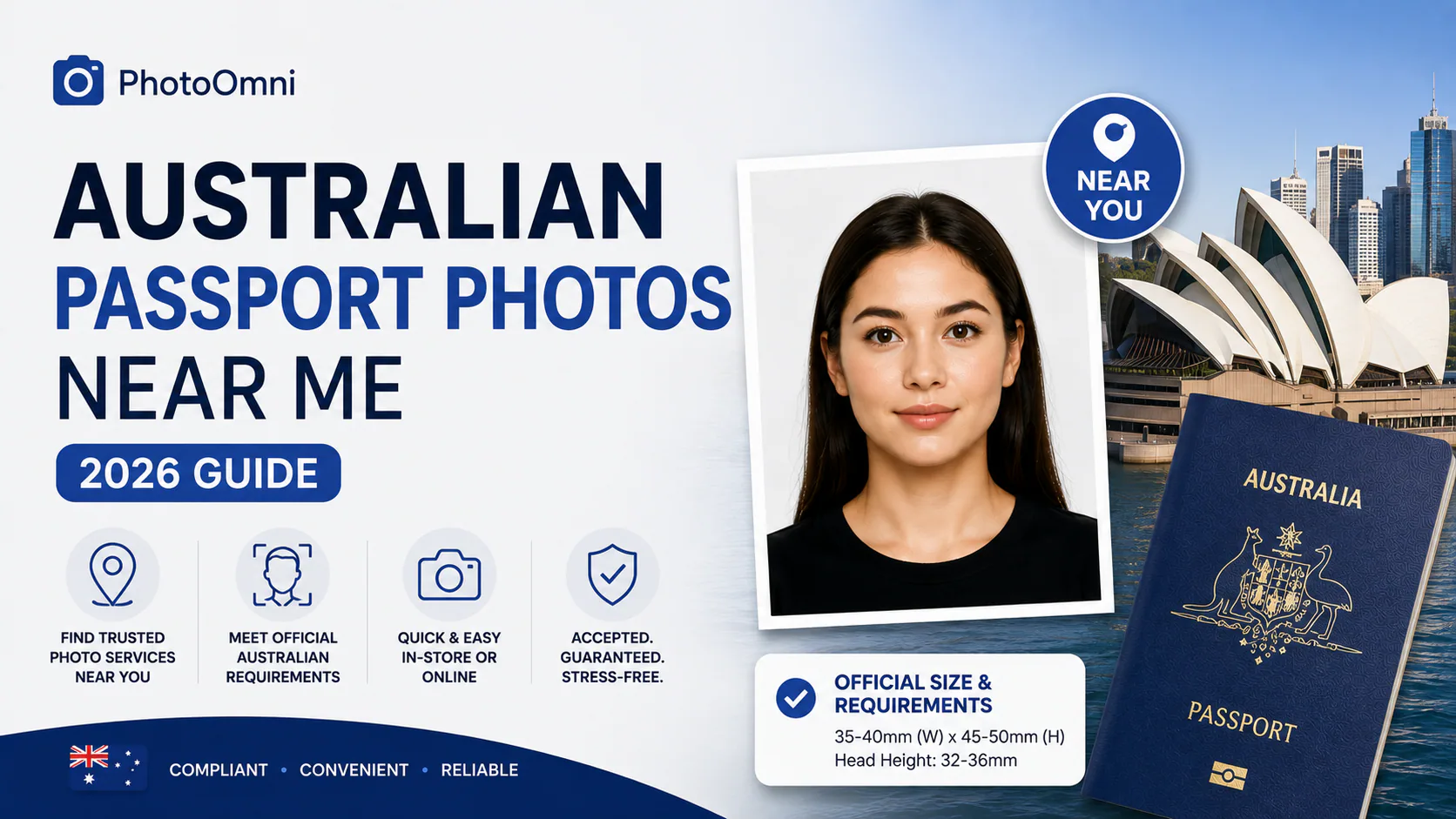
If you've searched "Australian passport photos near me," you're probably weighing three options: driving to a post office, standing in a queue at Officeworks, or skipping the trip entirely and creating a compliant photo from your phone. This guide breaks down the real cost, time, and rejection risk of each — and shows how PhotoOmni compares.
The Quick Answer
For most applicants, the fastest and cheapest route to a compliant photo is an online tool like PhotoOmni, printed at a local pharmacy or photo kiosk. PhotoOmni checks every photo with both AI and a professional passport-photo review team before you download it, for a flat $5.99 USD — no add-on fees for the compliance check, the digital file, or reprints if something needs correcting. In-person services at Australia Post or Officeworks are convenient if you want everything handled in one visit, but they cost roughly 3–4× more than doing it yourself with a compliance-checked digital file.
What DFAT Actually Requires (Get This Wrong and You Lose Your Slot in Line)
Every option below — whether you take the photo at a post office or on your own phone — must meet the same rules set by the Department of Foreign Affairs and Trade (DFAT), the Australian Passport Office. All Australian passport photos must comply with ICAO 9303 and ISO 19794-5 international standards:
- Size: 35–40 mm wide × 45–50 mm high, with most providers standardising on 35×45 mm
- Head height: 32–36 mm from chin to crown
- Background: plain white or light grey, no shadows or patterns
- Recency: taken within the last 6 months
- Expression: neutral, mouth closed, eyes open and clearly visible — biometric software checks eye position (56–69% from top of image) and head centering (50–75% of frame) against strict DFAT tolerances
- Quantity: two identical printed photos are required for paper applications, and one of them must be endorsed (signed) on the back by a guarantor — an Australian citizen aged 18+ who has known you for at least 12 months and isn't a close relative at your address
- Validity: an adult Australian passport is valid for 10 years, a child's for 5 years, which is why photo accuracy matters even more — a rejected photo can add days to processing
The guarantor requirement catches a lot of "near me" searchers off guard: even the best online photo tool can't sign the back of your printed photo for you, so budget time for that step regardless of which option you choose.
Comparing the "Near Me" Options
| Option | Typical Cost (AUD) | Time | Printed Copies | Digital Copy | Notes |
|---|---|---|---|---|---|
| Australia Post (walk-in) | ~$22.99–$23.50 | 15–30 min + queue | Yes (multiple) | Available on request, free | No appointments — walk-in only at participating branches |
| Officeworks (staff-taken) | ~$17.95–$20.95 | 10–20 min + queue | 4 copies typical | Sometimes, ask in-store | Limited to ~170 stores nationally, mostly in larger cities |
| Independent photo studio | Varies, often $20–$35 | Appointment-dependent | Yes | Often extra fee | Best for people who want in-person quality control |
| PhotoOmni + self-print at Officeworks/Kmart kiosk | $5.99 USD flat, all-inclusive + a few cents to print | 5–10 min online + a quick print run | Print as many as needed | Yes, instant | AI check plus a professional human review team on every photo; no hidden add-on fees; a second person or tripod is required to take the photo — selfies aren't accepted |
| Other online tools + self-print | Roughly $5–$15 total, sometimes with paid add-ons | 5–10 min online + a quick print run | Print as many as needed | Yes, instant | Several competitors charge extra for human review, a compliance guarantee, or the digital file itself |
These prices move around by season and store, but the pattern is consistent across providers: in-person passport photo services in Australia typically run $17.95–$23.50, while online tools that generate a print-ready file usually land in the $5–$15 range once you factor in kiosk printing — and pricing structure varies a lot between them, since some list a low headline price and then charge separately for human verification, a guarantee, or the digital copy.
Why "Near Me" Isn't Always the Fastest Route
A physical location solves the printing problem, but it doesn't remove the two biggest causes of delay:
- Compliance risk. Passport photos are checked by both trained staff and biometric software — not for how good you look, but for exact conformance to size, lighting, and background rules. A photo taken quickly by untrained staff can still fail these checks.
- No appointments. Australia Post no longer offers bookings for passport photos, so "near me" often still means waiting in a queue during business hours.
An online tool removes the queue and gives you a compliance check before you ever print, which is the main reason cost-conscious and time-poor applicants are shifting toward this option, according to comparison guides across the passport-photo industry.
How PhotoOmni Fits In
PhotoOmni lets you generate a DFAT-compliant Australian passport photo from a phone photo in a few minutes, for one flat $5.99 USD fee:
- Upload an existing photo or take a new one (with someone else holding the camera, or a tripod)
- An AI compliance check automatically crops to the correct 35×45 mm size, positions the head within the 32–36 mm range, and swaps in a compliant white/light grey background
- A professional passport-photo review team then checks the result by hand before it's released to you — so every photo gets both an automated and a human pass, at no extra cost
- Download a print-ready digital file, then print it at any nearby pharmacy, Officeworks, or photo kiosk for a few cents per copy
- No booking, no store hours to work around, no travel, and no surprise upsells at checkout — the $5.99 covers the AI check, the human review, and the final file
The one step no online tool — including PhotoOmni — can skip is the guarantor signature on the back of one printed copy, since that's a DFAT identity-verification requirement, not a photo-quality one.
FAQ
Is a photo made online actually accepted for an Australian passport? Yes, provided it meets the technical specifications above. DFAT checks the photo's compliance, not who printed it or where it was taken — so a correctly formatted file from an online tool, printed at any store, is treated the same as one taken in-store.
Can I use a selfie? No. Passport photo rules require someone else to take the photo (or a tripod with a timer), because self-taken angles tend to distort the framing biometric software checks for.
How many copies do I actually need? Two identical prints for a paper application, with one endorsed on the back by your guarantor. If you're applying digitally, check the current DFAT portal requirements, as digital-only applications may only need the file itself.
What's the single biggest reason Australian passport photos get rejected? Background and lighting issues are consistently the most common problem reported across passport-photo services — shadows behind the subject, uneven lighting on the face, or a background that isn't plain white or light grey. Framing errors (head too small, too large, or off-centre) are the second most common cause.
Create Your Passport Photo Now
About the Author
Emma Richardson Senior ICAO Photo Compliance Expert, PhotoOmni
Emma Richardson is the Senior ICAO Photo Compliance Expert at PhotoOmni. With 12+ years of experience in passport and visa photo verification, she has helped applicants achieve 820,000+ successful photo approvals across 100+ countries and territories. She specializes in global passport photo requirements, ICAO-compliant photo standards, and biometric image verification.
Related Articles
- How to Take a Passport Photo at Home (2026 Guide)
- Passport Photo Requirements: The Complete 2026 Guide
- Why Was My Passport Photo Rejected? 15 Common Reasons & Fixes
Data sources: Australian Passport Office (DFAT) passport photo guidelines (2026), ICAO Doc 9303 photo specifications, ISO 19794-5 biometric image standards. Pricing based on publicly listed rates as of August 2026.