
Best AI Tools to Edit Passport Photos Online in 2026
Compare AI passport photo editors, understand their limits, and learn what to check before submitting an edited passport photo.
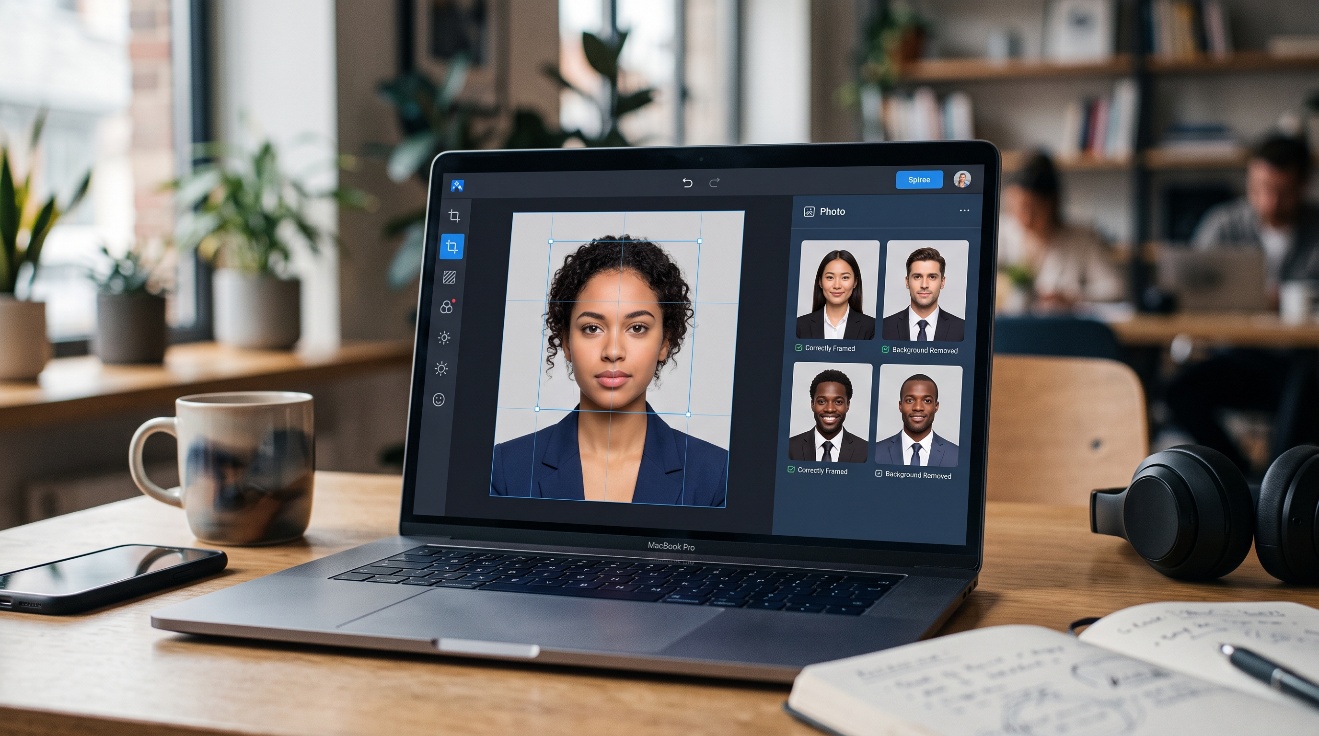
You can edit passport photos online without a trip to a photo studio, often saving time and money. AI tools can help crop an image, adjust a background, and improve uneven lighting. But convenience doesn't guarantee acceptance: each issuing country sets its own photo rules, and some edits may be prohibited.
The best choice depends on your application and the photo you start with. Here's how the main tools compare and what to check before you submit the result.
Best AI tools to edit passport photos online in 2026
Passport-focused services guide you through document selection and sizing. General image editors give you more control, but leave more of the rule-checking to you. Neither type can promise that an issuing authority will accept your photo.
PhotoOmni: a focused option for passport photo edits
PhotoOmni's passport and visa photo editor is aimed at document photos rather than general image design. Its site advertises a check before payment and a one-time fee, currently listed there as $5.99. Confirm the price, available document types, and download terms before paying.
When you try it, look beyond a pass-or-fail message. Check whether the background looks even, the crop leaves the required space around your head, and the exported file matches the format you need. Inspect the edges of your hair and shoulders at full size; background cleanup can leave visible artifacts.
A guided check may catch a framing mistake, but it isn't government approval. Compare the finished image with your issuing country's current instructions, especially if the tool changed the background.
Check your passport or visa photo
Other tools worth comparing, from PhotoAiD to Adobe Express
PhotoAiD is another passport-focused option. Its online passport photo checker presents country-specific photo guidance. Passport-Photo.Online also centers its service on document photos. For either service, check which document and country you can select, then look at the actual file before ordering or submitting it.
Adobe Express takes a different approach. Its general image tools offer manual editing control, but you must check passport requirements yourself. That can suit someone who already has a suitable photo and needs a straightforward crop. It offers less guidance than a dedicated passport-photo workflow.
Free previews and paid downloads can differ across services. Before spending anything, check whether you can export an unwatermarked file at the required size. Features, fees, and availability can change, so there's no universal winner.
How to choose an online passport photo editor and check the result
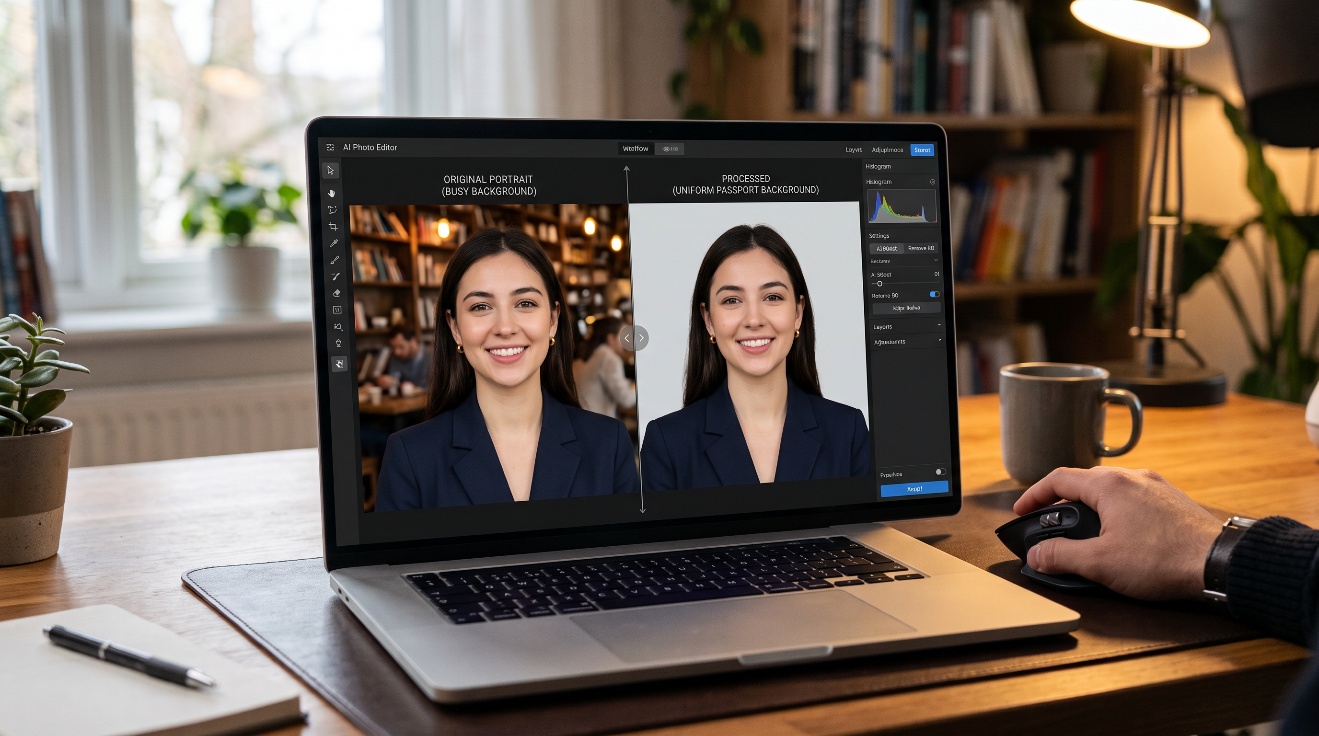
Start with the rules for the passport you're applying for, not the preset an editor recommends. Then decide whether you need guided sizing or only a basic adjustment.
Match the tool to your country's rules and your budget
The U.S. State Department passport photo instructions call for a recent color photo and explain requirements for pose, framing, and background. U.S. printed passport photos must measure 2 by 2 inches. Don't assume those dimensions apply elsewhere: Canadian passport photo requirements differ from U.S. specifications.
Also check whether your application needs a print or a digital upload. The permitted file type, dimensions, and file size may differ from the print requirements. Before choosing a service, compare its export options, watermarks, download limits, and total price. Read its privacy terms too, since you're uploading an identifying image.
Use AI for cleanup, not to change how you look
Begin with a clear photo taken recently in even light. Face the camera, keep your head straight, and leave room around your head and shoulders. A good original gives any editor less work to do.
Next, make only adjustments your issuing authority allows. A crop may solve a framing problem; background replacement needs closer scrutiny. Skip beauty filters, face reshaping, skin smoothing, and edits that alter identifying features.
Open the exported image at full size. Check facial detail, lighting, background edges, and head position against the official instructions. If a tool flags the image as acceptable, treat that as a useful check, not an acceptance decision.
Frequently Asked Questions
Can I use an AI-edited photo for a passport application?
It depends on the issuing country and the edits made. Check current official rules before using AI, even for a background change. For U.S. online renewals, consult the State Department's digital photo upload instructions rather than assuming print-photo preparation works the same way.
Can AI change the background without changing my face?
Some editors can isolate a person and replace or clean up the surrounding background. Zoom in afterward: hair, ears, and shoulders are common places for rough edges. Don't accept a result that retouches your face or changes your outline.
Are free online passport photo editors good enough?
A free editor may be enough for a simple crop if your original photo already meets the rules. However, free exports can have watermarks, size limits, or no country-specific checks. Inspect the downloaded file and confirm any fee before relying on it.
Is it safe to upload my photo to an online editor?
Your photo is sensitive personal data. Read the provider's policy for storage, deletion, sharing, and AI training before uploading it. If those practices aren't clear, choose another service or prepare the photo without that upload.
Conclusion
Online editors can make passport photo preparation faster and cheaper, particularly when you need help with sizing or a permitted background adjustment. The right tool still depends on your country's rules and whether you need a print or digital file.
Before applying, compare the exported image with the official instructions. A careful final check matters more than any automated approval message.