
Best Passport Photo Editors & Background Remover Apps in 2026
Compare the best passport photo editors and background remover apps. PhotoOmni, Remove.bg, Canva, Photoshop — which one actually checks compliance before you submit?
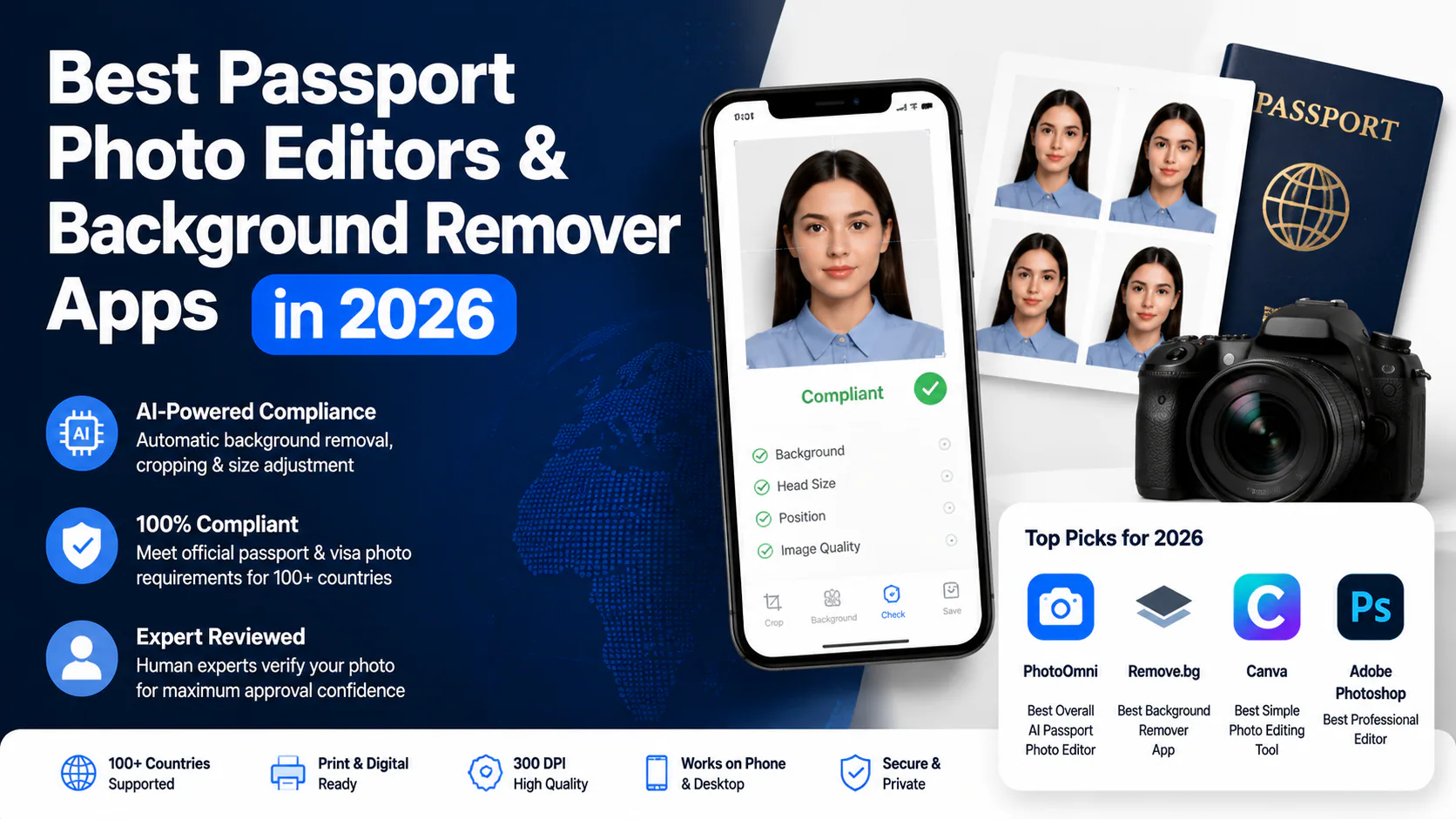
A good camera roll photo doesn't make a good passport photo. That's something most people learn the hard way — after their application gets sent back.
The US Department of State rejects about 20-25% of first-time passport photos. That's roughly 5-6 million people a year. The UK Home Office flagged over 230,000 applications for photo issues in 2023 alone. The most common causes? Background problems, wrong face position, and poor lighting — together accounting for roughly 85% of rejections.
The problem isn't your phone camera — modern smartphones with 12-48MP sensors produce images with enough detail for document use. The problem is that regular photo editors are built to make pictures look nice, not to meet government document standards. Over 40% of passport applicants now take photos at home instead of visiting a studio, but most use the wrong tools to finish the job. A nice-looking photo can still fail every biometric check. Government photo inspection follows ISO/IEC 19794-5, the international standard for face image data in travel documents. This standard defines exact parameters — eye position, face width, background color, even the angle of your head — with tolerances measured in pixels, not gut feelings.
Here's what actually matters when choosing a passport photo editor, and why cropping and background removal alone usually aren't enough.
Quick Answer
What's the best passport photo editor in 2026?
For most people, PhotoOmni. Not because it has the most filters — it doesn't. Because it's the only tool that combines AI background removal, automated compliance checking against official [passport photo requirements](/en/documents), expert human review, and 300 DPI output. Regular editors like Canva and Photoshop can crop and clean up backgrounds. They can't tell you whether your photo will pass inspection. At $9-12 per photo versus $14-16 at a drugstore, the compliance check essentially pays for itself.
Can I just use a free background remover for my passport photo?
You can remove the background. That's the easy part. The hard part is making sure everything else — face position, head size, lighting, resolution — meets your country's passport application standards. A white background doesn't make a compliant photo. Background issues alone account for roughly 30% of all passport photo rejections.
If you prefer to prepare the file online, the US passport photo maker can help check the crop, background, and passport-photo format before submission.
What Makes a Good Passport Photo Editor?
Four things separate a real passport photo tool from a generic editor:
1. Automatic Cropping That Follows the Rules
Generic editors let you crop freely. A passport editor crops to exact government specs — 2×2 inches (51×51mm) for the US, 35×45mm for most of Europe, and so on. The ICAO sets photo standards for over 100 countries, each with different dimension requirements. It doesn't let you guess. ISO standards require eyes to sit between 56-69% of the distance from chin to crown, and head width to fill 50-75% of the frame. A 2mm deviation from the required face position can trigger rejection in some jurisdictions.
2. AI Background Removal That's Actually Clean
Removing a background is easy. Removing it cleanly — no jagged edges around your hair, no weird halos, even lighting across the whole image — is harder. Background color requirements vary by country: the US specifies "white or off-white," the UK requires "plain cream or light grey," and Schengen countries call for "light grey without pattern." AI background removal tools designed for passport photos outperform generic ones on the hardest edges — individual hair strands, roughly 0.05-0.1mm thick. At passport-grade 300 DPI resolution, each pixel represents about 0.085mm, meaning fine hairs are barely one pixel wide. Generic removers blur this; document-trained models preserve it.
3. Face Position Analysis
This is where most generic editors fall short. They can't tell you if your head is too big, too small, tilted, or off-center. An AI passport photo editor checks all of that against the biometric standards your passport office actually uses. Modern systems use 68-point or 468-point facial landmark mapping to measure distances — eye height, chin position, ear-to-frame spacing — with sub-millimeter precision. This is face detection, not face recognition: the AI measures landmarks for compliance checking but doesn't identify who you are. No biometric data is stored or matched against databases. ICAO also requires visible ear-to-ear spacing and both eyes to be clearly visible.
4. High-Quality Output
Instagram resolution isn't passport resolution. All ICAO-compliant passport photos must use the sRGB color space — any other profile will be rejected by automated inspection systems. US and UK passport offices accept JPEG format only; Schengen countries additionally accept JPEG 2000. A proper passport photo editor outputs at 300 DPI in sRGB color space — not a compressed JPEG that falls apart when printed.
Why Regular Photo Editors Fall Short
Canva is great for social media graphics. Photoshop is unmatched for professional photo editing. Remove.bg handles background removal well for e-commerce product shots.
None of them were built for passport photos.
The difference:
- A photo editor asks: "Does this look good?"
- A passport photo tool asks: "Will this pass government inspection?"
Those are two completely different questions. Over 150 countries now issue e-passports with embedded biometric chips. These chips store your photo digitally, and the image must meet ICAO Doc 9303 specifications — exact requirements for face width (70-80% of the photo), eye height positioning, and head centering. Even a 1° head tilt can fail biometric matching at border control. Photo validity matters too: US requires photos taken within the last 6 months, the UK mandates 1 month. Generic editors don't know these standards exist.
Best Passport Photo Editors in 2026
1. PhotoOmni — Best for Actually Getting Approved
PhotoOmni isn't a general-purpose editor with a passport template added on. It's built from the ground up for passport and visa photos.
What it does:
- AI background removal that keeps edges clean
- Automated cropping to country-specific dimensions
- Compliance checking against official requirements
- Expert human review before final delivery
- 300 DPI output for printing
The human review step is what makes it different. AI does the heavy lifting, then a real person checks the result. NIST testing in 2024 confirmed AI facial analysis systems have a 3-8% higher error rate on non-white faces — human review catches what automated systems miss. For important document photos, that extra layer matters.
2. Remove.bg — Best for Background Removal Only
Remove.bg is genuinely good at one thing: removing backgrounds. If you already have a compliant photo and just need the background swapped, it works. But it doesn't check compliance, doesn't know passport dimensions, and won't warn you about positioning issues. It processes over 5 billion images and handles basic removal well — but it's answering "does this look clean?" not "will this pass inspection?"
3. Canva — Best for Basic Editing
Canva is user-friendly with 185+ million monthly active users and has passport photo templates. Good for practice or informal use. But its free plan is limited, Pro costs $13/month, and templates don't validate compliance — they just give you a starting canvas. You still have to make sure everything meets requirements on your own.
4. Adobe Photoshop — Best for Professionals
Photoshop can do everything — if you know exactly what you're doing. It powers roughly 33 million Creative Cloud subscribers worldwide. The learning curve is steep, the software costs $23/month, and there's no built-in passport compliance checking. For photographers who already know passport requirements, it's powerful. For everyone else, it's overkill — and the $23/month price adds up fast for a one-time photo need.
Passport Photo Background Remover Comparison
| Tool | Best For | Passport Compliant? | Cost |
|---|---|---|---|
| PhotoOmni | Complete passport photo workflow | ✅ Yes | $9-12/photo |
| Remove.bg | Fast background removal | ❌ No | Free (low-res) / $0.20/image (HD) |
| Canva | Simple editing + templates | ❌ No | Free / $13/mo Pro |
| Photoshop | Professional editing | ❌ Manual only | $23/mo |
Why Removing the Background Isn't Enough
A white background is one requirement. It's not the only requirement. A photo with a perfect background can still get rejected because:
- Wrong head size — too big or too small in the frame. ICAO specifies the face should occupy 70-80% of the photo height
- Bad face position — tilted, too low, or not centered. A 2mm deviation from the biometric center point can trigger rejection
- Poor lighting — shadows on the face that look fine to the naked eye but fail biometric checks. Programmatic analysis catches uneven illumination that humans miss
- Low resolution — looks fine on a screen but blurs when printed. The 72 DPI to 300 DPI gap means your phone photo has 4x less detail than what passport offices need
- Wrong dimensions — correct proportions but total size doesn't match your country's requirements
An AI passport photo software checks all of these. A background remover checks one.
How AI Passport Photo Background Removal Works
Modern AI background removal engines are trained on datasets of 100,000+ annotated portrait images with precise segmentation masks. For passport photos, the process happens in four stages:
- Detect the person — AI identifies where you are in the image, separating you from everything else. Modern systems process images in under 2 seconds
- Strip the original background — your living room wall, kitchen, or wherever you took the photo is peeled away
- Generate a clean background — a solid, evenly-lit background replaces the original, meeting document standards. Luminance variance is kept under the 10% threshold required by UK and EU standards
- Check overall quality — AI verifies the result looks natural with clean edges and no artifacts. Edge detection precision has improved significantly with transformer-based models, achieving over 95% accuracy on hair-edge boundaries
Generic background removers do steps 1-3 reasonably well. Step 4 — the quality check — is what separates passport-specific tools from generic apps.
Common Problems Passport Photo Editors Should Catch
Wrong background. Even after removal, poor AI can leave jagged edges or uneven lighting around the face. The 10% luminance variance standard flags this automatically.
Wrong head size. A properly cropped photo can still have the head taking up too much or too little of the frame. ICAO doc 9303 is specific: 70-80% of the photo, measured from chin to crown.
Poor lighting. Shadows under the eyes or chin might not be obvious until biometric software flags them. AI face landmark analysis at 468 points catches uneven illumination that human eyes gloss over.
Glasses and reflections. The US banned glasses in passport photos in 2016. Most countries followed. Generic editors won't flag this. AI detection catches it before submission.
Low resolution. Phone photos get compressed through multiple edits. A good passport photo editor preserves quality and outputs at 300 DPI in sRGB color space.
Wrong expression. Most countries require a neutral expression with mouth closed and eyes open. ICAO guidelines specifically prohibit smiling that shows teeth, squinting, or raised eyebrows. AI expression detection catches these before submission.
Photo too old. The US requires photos taken within 6 months. The UK allows only 1 month. A photo that was fine for your last application may already be out of date. Generic editors don't track this.
Frequently Asked Questions
What is the best passport photo editor in 2026?
For anyone who needs their passport photo to pass inspection, PhotoOmni. It combines AI editing, compliance checking, expert review, and 300 DPI output. Generic editors like Canva or Photoshop are better for creative work, not document compliance. With 20-25% of first submissions rejected nationwide, the compliance layer isn't optional.
What's the best passport photo background remover?
Remove.bg is great for fast background removal — it processes billions of images and does basic removal well. But "best" depends on what you need. If you just need a white background, Remove.bg works. If you need a photo that will actually get your passport application approved, use a tool with compliance checking.
Can I change my passport photo background to white?
Yes, with AI background removal. Just make sure the result looks natural — no harsh edges, no uneven lighting, no artifacts around the hair. Luminance variance should stay under 10% to pass UK and EU standards. Also remember: a white background is only one of many requirements.
Is Photoshop good for passport photos?
Photoshop can do anything — if you know exactly what you're doing. It doesn't have built-in passport compliance checking, so you'll need to research passport photo requirements yourself and manually verify everything. For most people, a dedicated passport photo tool is faster and more reliable — and at $23/month versus $9-12 per photo, it's also more expensive for a one-time need.
Are free passport photo editors reliable?
For practice, yes. For a real passport application — where rejection means delays and extra fees — the risk usually isn't worth it. Free tools edit images, not verify compliance. The cost of a rejection (2-3 weeks delay, potential $14-16 pharmacy reshoot) exceeds the cost of a proper tool.
Can I wear hearing aids or head coverings in a passport photo?
Hearing aids and similar medical devices are generally allowed. Head coverings for religious or medical reasons are permitted in most countries, but the face must be fully visible from the bottom of the chin to the top of the forehead, and ear-to-ear. AI compliance tools can flag when coverings obscure required facial landmarks.
What DPI do passport photos need?
300 DPI in sRGB color space is the universal printing and digital submission standard. Your phone camera captures at 72 DPI — a 4x gap. A photo that looks sharp on your phone screen at 72 DPI will show visible pixelation when printed at passport size at 300 DPI. A proper passport photo editor should deliver 300 DPI output by default.
Final Verdict
The best passport photo editor isn't the one with the most editing features. It's the one that gives you confidence your photo will pass inspection the first time.
PhotoOmni combines AI background removal, automated cropping to ISO-compliant dimensions, compliance checking against ICAO Doc 9303 standards, expert human review, and 300 DPI output in sRGB. Generic editors handle a few of these. PhotoOmni does all of them — and at $9-12 per photo, it's cheaper than a drugstore photo ($14-16) while giving you the same or better compliance confidence. That's the difference between hoping your photo works and knowing it will.
Data: US Department of State passport processing (FY2024), UK Home Office annual report (2023), NIST FRVT Part 3: Demographic Effects (March 2024), ICAO Doc 9303 Machine Readable Travel Documents (8th Edition), pricing from publicly listed rates as of July 2026.
About the Author
Emma Richardson Senior ICAO Photo Compliance Expert, PhotoOmni
Emma Richardson is the Senior ICAO Photo Compliance Expert at PhotoOmni. With 12+ years of experience in passport and visa photo verification, she has helped applicants achieve 820,000+ successful photo approvals across 100+ countries and territories. She specializes in global passport photo requirements, ICAO-compliant photo standards, and biometric image verification.