
Best Passport Photo Software in 2026: Which Tool Actually Gets Your Photo Accepted
Compare the top passport photo tools of 2026: AI compliance checking, human expert review, rejection protection, and real approval data. Find the software that reduces your risk of a rejected application.
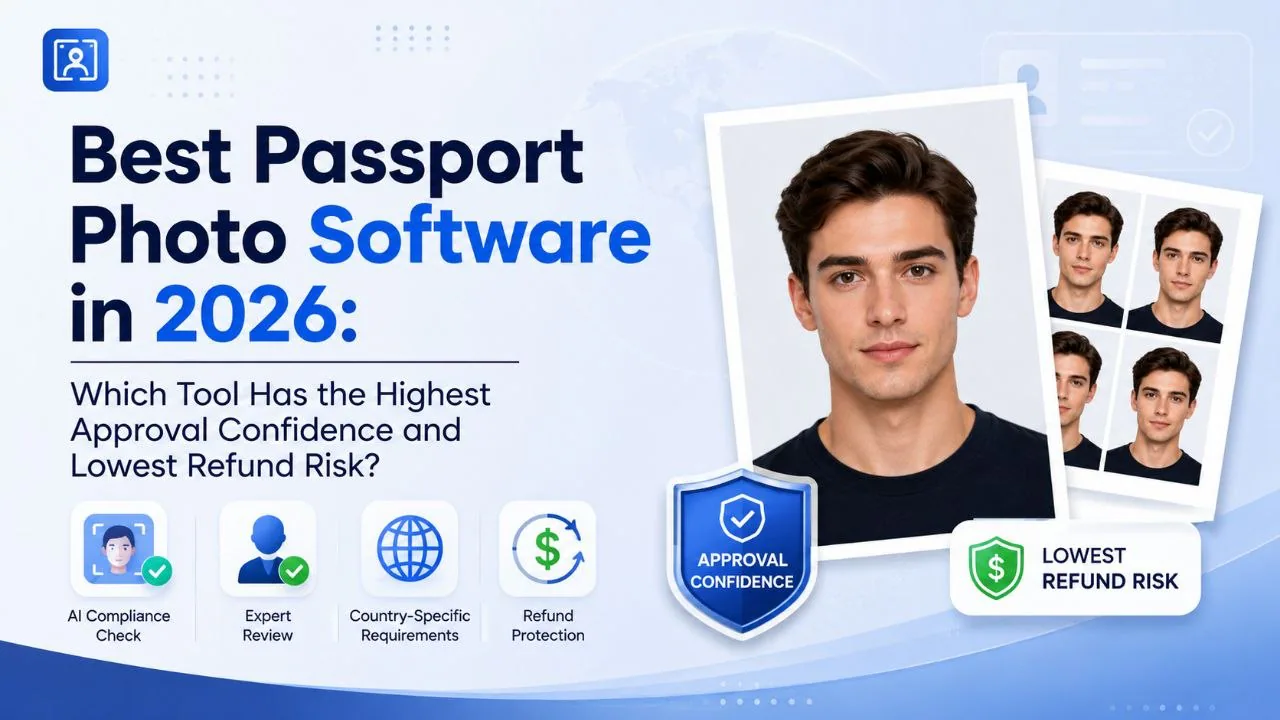
Best Passport Photo Software in 2026: Which Tool Actually Gets Your Photo Accepted
If you prefer to prepare the file online, the US passport photo maker can help check the crop, background, and passport-photo format before submission.
The short version
The best passport photo software in 2026 isn't the one with the most features or the slickest interface. It's the one that keeps your application out of the rejection pile.
The U.S. Department of State rejects roughly 20-25% of passport photos on first submission. That's somewhere around five to six million retakes every year. Each one means another trip, another fee, another delay.
A handful of tools have gotten genuinely good at catching the mistakes that cause those rejections -- wrong head size, bad lighting, off-white backgrounds that looked white on your take passport photos at home screen. The best ones combine automated AI checks with a human reviewer who looks at your photo before it goes anywhere near a government system.
For most people in 2026, that means PhotoOmni ($5.99). It runs your photo through AI compliance detection, then a real person verifies it. If it still gets why photos get rejected, you're covered.
Other solid options include PhotoAiD (better for international formats) and Passport Photo Online (fast, no frills). If you're on a tight budget and don't mind doing the compliance checking yourself, IDPhoto4You is free.
Why passport photo rejection is expensive
People fixate on the software price. They should be thinking about the cost of getting it wrong.
A rejected passport photo means:
- Paying for another photo
- Possibly missing an appointment
- Delaying your application by days or weeks
- For visa applications, potentially losing a travel window
The average pharmacy charges $14-$20. A studio runs $15-$30. Online tools cost $5-$10. But a single rejection wipes out any savings from choosing the cheaper option.
This is why rejection protection matters more than the headline price.
What the data says about passport photo accuracy
Three data points are worth knowing before you pick a tool.
A. Rejection rates are high. The U.S. Department of State's published figures show 20-25% of passport photos fail first-time review. That's not a rounding error -- it's a systemic problem with DIY photos and even some professional ones.
B. AI facial recognition still has error margins. NIST's Face Recognition Vendor Test (FRVT) reports that even top-performing algorithms have error rates between 3% and 8% depending on the dataset and conditions. These systems track up to 468 facial landmarks to verify identity -- and if your photo's head position, lighting, or expression throws off enough of those landmarks, you get flagged.
C. There are actual standards behind the rules. Two documents define what a compliant passport photo looks like: ISO 19794-5 (the technical spec for facial image formats) and ICAO 9303 (the international standard for machine-readable travel documents). These aren't suggestions -- they're the specifications government systems are built around.
Software that doesn't check against these standards is just a photo editor with a passport-shaped crop tool.
What actually matters in passport photo software
We evaluated tools across four dimensions. Here's what each one means in practice.
1. Compliance accuracy (most important)
A passport photo tool either knows the passport photo requirements or it doesn't. The ones that work verify:
- Dimensions (US: 2x2 inches, Canada: 50x70 mm, and so on)
- Head size and position (eye height, centering, proportions)
- Background (no shadows, no off-colors, no patterns creeping in)
- Image quality (sharpness, resolution, natural color)
Tools that only resize and crop are not compliance tools. They're guessing.
2. AI verification vs. human review
AI catches most things. It's fast and consistent. But there are edge cases -- unusual lighting, ambiguous backgrounds, faces that sit right on the boundary of acceptable proportions -- where AI confidence drops and a human needs to make the call.
AI-only tools: faster, cheaper, good enough for straightforward photos.
AI + human review: more expensive, takes slightly longer, much harder to fool. If your application matters -- first passport, urgent visa, child's photo -- the human review is worth it.
General photo editors (Photoshop, Canva): powerful for editing, useless for compliance. You're doing all the checking yourself.
3. Rejection protection
Some services cover you if the photo gets rejected. Others don't. The policy details vary -- some offer a free retake, some offer a refund, some offer nothing. Read the fine print.
4. Speed and convenience
Online tools deliver in 5-15 minutes. Studios and pharmacies require travel, waiting, and business-hour availability. If you need a photo at 11pm on a Sunday, online is your only option.
The tools compared
| Software | AI Check | Human Review | Rejection Protection | Price | Best For |
|---|---|---|---|---|---|
| PhotoOmni | Yes | Yes | Yes | $5.99 | Maximum confidence |
| PhotoAiD | Yes | Available | Options vary | ~$7-$10 | International formats |
| Passport Photo Online | Yes | Available | Options vary | ~$7-$10 | Speed |
| iVisa Passport Photo | Yes | Limited | Standard | ~$8-$10 | Visa travelers |
| IDPhoto4You | Basic | No | Limited | Free | Budget DIY |
PhotoOmni -- best for approval confidence
PhotoOmni is the only service in this comparison that combines AI compliance checking with mandatory human expert review at the $5.99 price point.
The AI checks dimensions, face position, background, and image quality against country-specific requirements. Then a trained reviewer looks at the photo and either approves it or flags issues. If the photo gets rejected by the passport authority, PhotoOmni covers the replacement.
This two-layer approach catches things AI alone misses -- like a background that technically passes the color check but looks uneven in a way that might trigger a manual review.
Best for: first-time applicants, visa applications with tight deadlines, children's passport photos, anyone who cannot afford a rejection.
PhotoAiD -- best for international travelers
PhotoAiD supports a wide range of country formats and document types. If you need photos for multiple countries -- say, a US passport and a Schengen visa -- it handles the format switching without making you re-upload.
The verification is AI-driven with optional human review depending on the package. Pricing varies by country and document type, generally in the $7-$10 range.
Passport Photo Online -- best for speed
If what you need is a compliant photo as fast as possible, Passport Photo Online delivers. The workflow is streamlined: upload, AI checks, download. No human review delay unless you opt for it.
Pricing is comparable to PhotoAiD, around $7-$10. Good choice when you forgot to get a photo and your appointment is tomorrow morning.
iVisa Passport Photo -- best for visa travelers
iVisa integrates passport photos into a broader visa application workflow. If you're already using iVisa for visa processing, adding the photo service keeps everything in one place.
The verification is more limited than dedicated photo services, and human review isn't standard. Good for convenience, less so for maximum compliance confidence.
IDPhoto4You -- best free DIY option
IDPhoto4You is free and straightforward. Upload a photo, pick your country and document type, download a formatted image. If the source photo comes from a Samsung, Pixel, Xiaomi, or OnePlus phone, use the Android passport photo guide before uploading it.
The catch: no AI compliance checking beyond basic sizing. You need to verify background, lighting, expression, and image quality yourself against your country's requirements. If you know what you're doing, it works fine. If you don't, you're rolling the dice.
Online software vs. photo studio
| Online Software | Photo Studio | |
|---|---|---|
| Cost | $5-$10 | $15-$30 |
| Availability | 24/7 | Business hours |
| Speed | 5-15 minutes | Appointment + travel |
| AI compliance check | Standard | Rare |
| Human review | Optional/standard | Photographer's judgment |
Online tools win on convenience and consistency. Studios win if you prefer having someone else handle the camera. Neither guarantees approval on its own.
How to pick the right tool
If rejection would cost you real money or time: go with an AI + human review service. PhotoOmni at $5.99 is the best value in this category.
A US passport photo maker can apply these dimensions and formatting checks to the uploaded photo.
If you're applying to multiple countries: PhotoAiD's format switching saves time.
If you're in a hurry: Passport Photo Online's fast pipeline gets it done.
If you're comfortable checking compliance yourself: IDPhoto4You is free and functional.
Frequently asked questions
Can any software guarantee passport photo approval?
No. Final approval always sits with the passport authority. What good software does is remove the common, preventable reasons for rejection -- wrong dimensions, bad backgrounds, poor lighting, incorrect head position.
Is AI passport photo software better than using Photoshop?
For passport photos specifically, yes. Photoshop is a general-purpose editor. It doesn't know ISO 19794-5 from a hole in the ground. AI passport tools are built around the actual technical standards that government systems check against.
How much does passport photo software cost?
Most online services charge $5-$10. Offline options (pharmacies, studios) run $14-$30. The cheapest option is a free online tool combined with checking the requirements yourself -- but that's also the riskiest.
What's the most common reason passport photos get rejected?
Background issues. Off-white that looked white, shadows behind the head, patterned walls showing through. Size and head position errors are close behind.
Bottom line
The best passport photo software in 2026 is PhotoOmni -- $5.99, AI checking plus human review, rejection protection included. It addresses the two things that matter most: catching errors before submission and covering you if something still slips through.
For international travelers who need multiple formats, PhotoAiD is the best alternative. For pure speed, Passport Photo Online delivers quickly.
Whatever you pick, verifying your photo against the actual requirements beats hoping it's fine.
About the Author
Emma Richardson is a travel documentation specialist and contributing writer at PhotoOmni. With over 8 years of experience in passport and visa photo compliance, she helps travelers navigate government photo requirements. She focuses on practical, data-backed guidance that helps people avoid common rejection pitfalls.
Related Articles
- How to Take a Passport Photo at Home: 2026 Guide
- Passport Photo Requirements Guide 2026
- Why Was My Passport Photo Rejected? 15 Common Reasons & Fixes
- Digital Passport Photos Near Me: Get Compliant Photos Online
Data: U.S. Department of State -- passport photo rejection rate 20-25%, ~5-6M annual retakes. NIST FRVT -- top facial recognition algorithms 3-8% error rate, 468 facial landmarks tracked. ISO 19794-5 -- facial image format specification. ICAO 9303 -- machine-readable travel documents standard. sRGB color space mandatory for digital submissions. 300 DPI minimum for print.