
How to take a passport photo with an Android phone
Modern Android cameras are more than capable of producing a passport-compliant photo — but only if you turn off the features that "improve" faces by default. Here's how to set up the most common Android camera apps.
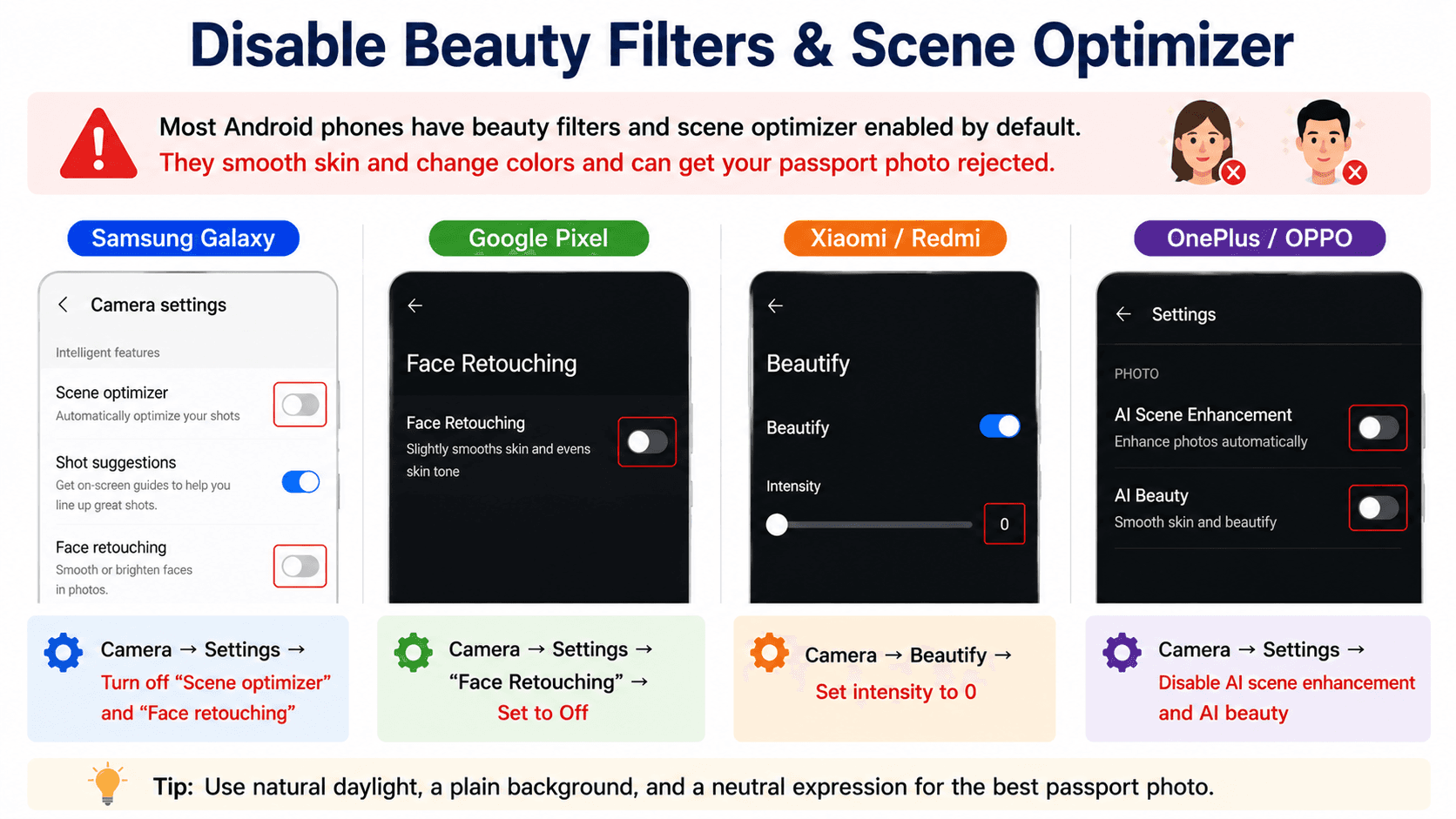
Disable beauty filters and scene optimizer
Most Android stock cameras (Samsung, Xiaomi, OPPO) ship with a beauty filter enabled and a scene optimizer that smooths skin and changes color. Both will get your photo rejected.
- Samsung Galaxy: Camera → Settings → turn off "Scene optimizer" and "Face retouching"
- Pixel: Camera → Settings → "Face Retouching" → set to Off
- Xiaomi / Redmi: Camera → Beautify → set intensity to 0
- OnePlus / OPPO: Camera → Settings → disable AI scene enhancement and AI beauty
Choose the right resolution
In the camera app's aspect-ratio menu, pick 4:3 at the highest available resolution. Don't use 1:1 — it crops out parts you'll need for the auto-crop step. Avoid the "Pro" RAW mode unless you know how to convert the file before uploading.
Use the rear camera at 1× zoom
The main wide lens (labelled 1× on phones with multiple lenses) gives the most accurate facial proportions. The ultra-wide (0.5×) distorts faces, and a digital telephoto crop reduces image quality.
Lighting and posing
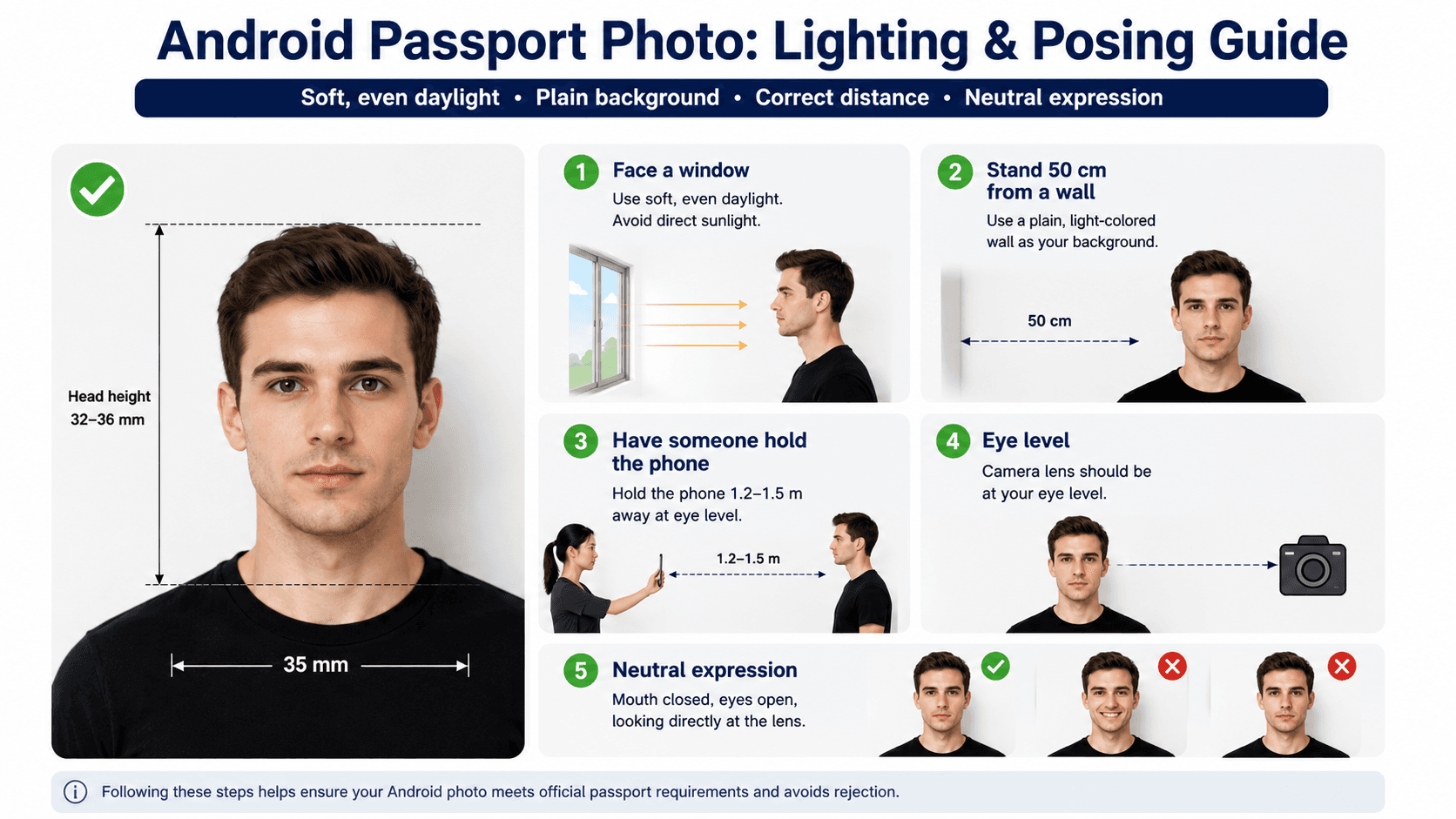
- Face a window for soft, even daylight
- Stand 50 cm from a plain, light wall
- Have someone hold the phone 1.2–1.5 m away at eye level
- Neutral expression, mouth closed, eyes on the lens
Verify in the browser
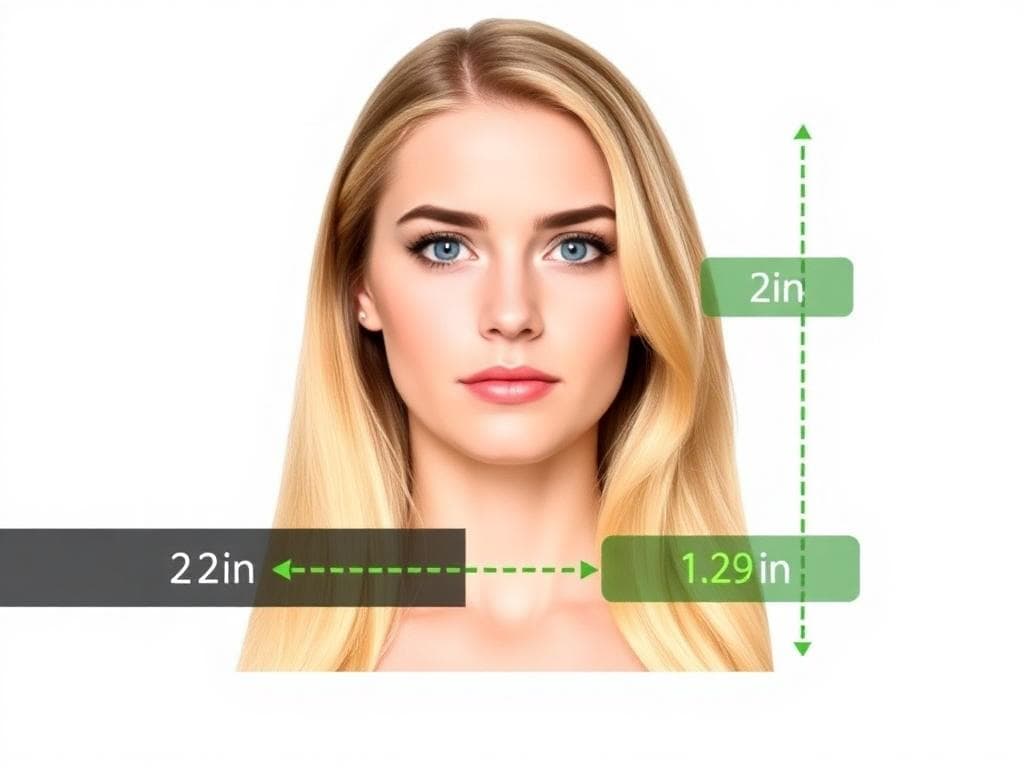
Open Chrome (or any Android browser), go to our site, and upload the photo from your gallery. The AI auto-crops, removes the background and runs biometric checks. A human expert verifies the result before you download it.
Print or submit
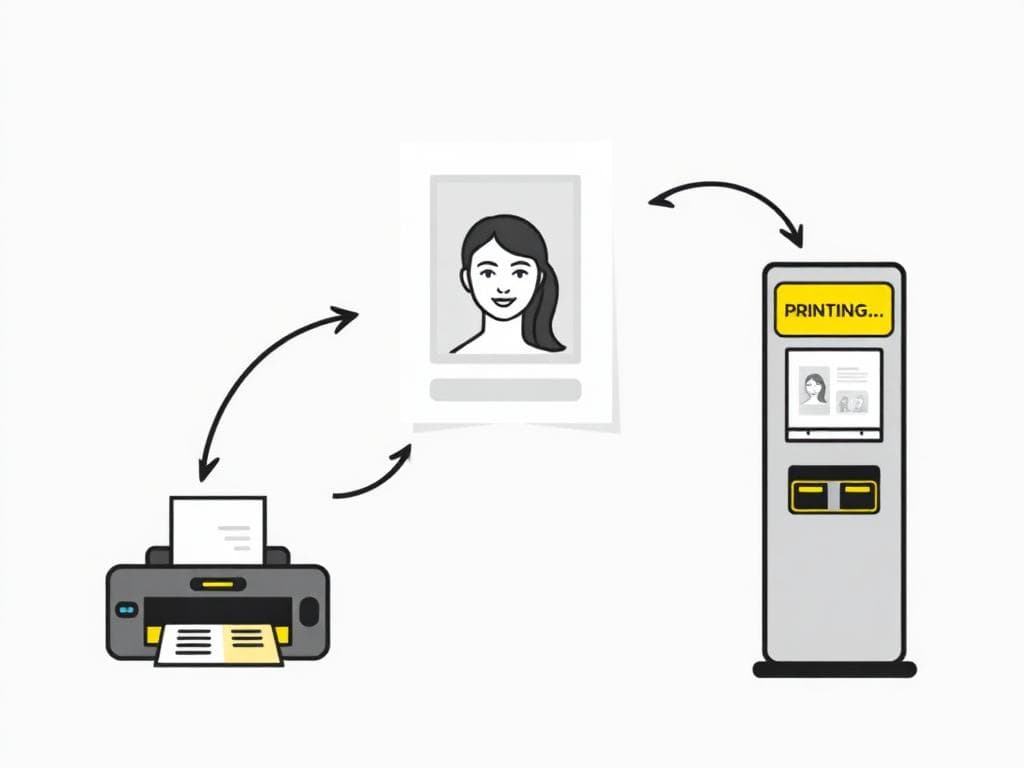
For online applications, download the digital file and attach it. For physical prints, save the 4×6 in template to Google Photos and use any drugstore kiosk — they all accept Android sharing via NFC, USB-C or QR code.
Ready to create your photo?
AI-checked, expert-verified, with a 100% refund guarantee.