
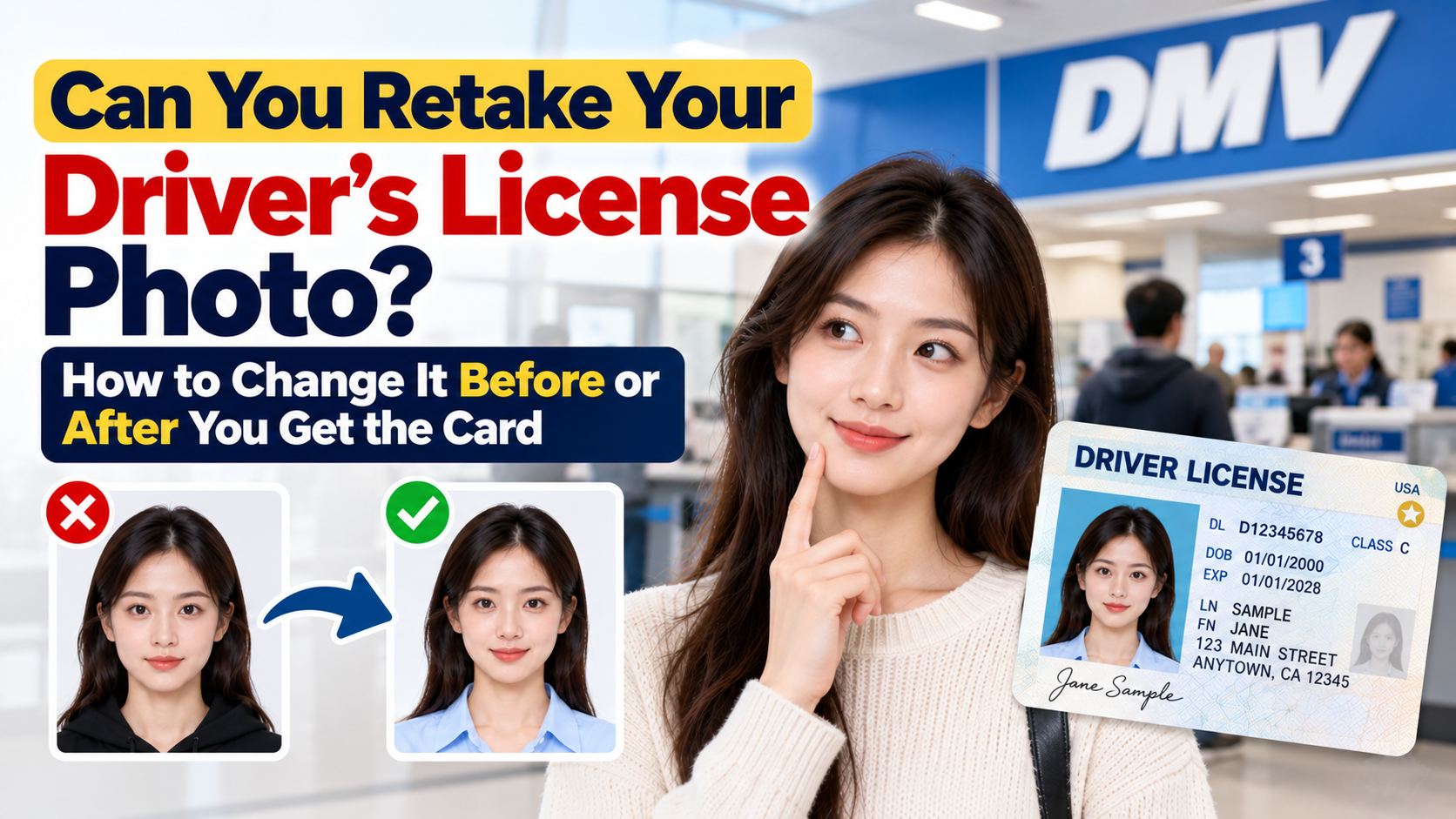
Can You Retake Your Driver's License Photo? How to Change It Before or After You Get the Card
Learn when to ask for a DMV photo retake, how a photo update differs from a replacement, and what official state pages say about online selfies.
Quick Answer
A new driver's license photo may be possible, but you must request the right transaction for your state.
- Before the photo is finalized: politely ask the clerk whether a retake is allowed. A preference for a different appearance does not establish a nationwide right to another shot.
- After you receive the card: ask the DMV specifically how to update the photo. Do not assume every duplicate or replacement includes a new picture, even if you pay a fee.
- At renewal or another update: confirm whether an in-person photo appointment is required and whether a new photo is part of that transaction.
- Online: do not confuse an identity-verification selfie with the image printed on your license. Wisconsin explicitly reuses the photo on file for online transactions; North Carolina requires an office visit if you want a new picture.
Checked October 15, 2026. Fees, document requirements and appointment policies are set by your state. Check its official instructions before ordering or paying.
Your Options at a Glance
| Option | When to ask | Cost | Visit required? |
|---|---|---|---|
| Retake at the counter | Before the image is finalized | Ask the office; do not assume a free retake | You are already there |
| Separate photo update | After receiving the card | State-specific photo-change or replacement fee, if available | Often an in-person photo appointment |
| Renewal | When eligible to renew | Applicable renewal fee; confirm photo arrangements | Depends on the state and requested change |
| Another credential update | REAL ID or a permitted information change | That transaction's fee | Confirm whether it includes a new photo |
| Online replacement | When a replacement is needed | Applicable replacement fee | May reuse the existing photo rather than change it |
Option 1: Ask for a Retake at the Counter
Ask while you are already at the office, before the image is finalized.
- Ask before you leave the window. Some offices let you preview the photo on screen and request a retake. Others take a single photo and move on, so politely asking is worth it.
- Expect it to be at the clerk's discretion. Offices often retake photos with clear technical problems, such as closed eyes, a head cut off by the frame, a blink, squinting or an exaggerated smile. "I don't like how I look" may be less persuasive than a clear flaw, and policies differ.
- Say what you want clearly, for example: "Could I see the photo? My eyes look closed. Would it be possible to retake it?"
- Don't push or argue. If the answer is no, ask about the state's separate photo-update procedure.
Better yet, get it right the first time
A second chance is not guaranteed. Our guide to taking a good driver's license photo covers clothes, hair, glasses and posture, and our article on smiling in a driver's license photo explains what your state allows.
Option 2: Request a Photo Update After Receiving the Card
If you already have the card, ask your DMV for its photo-update procedure. A duplicate or replacement may be the transaction it uses, but simply ordering a replacement does not guarantee a new photo. North Carolina's official page distinguishes an online replacement from an office visit to obtain a new picture.
How it works
- Check your state DMV's website for "duplicate," "replacement" or "update license" instructions and whether an appointment is needed.
- Book an appointment if required, or plan for a walk-in wait.
- Bring the required documents. Use your state's current checklist for the specific transaction, including your current license where requested. Do not assume an existing REAL ID automatically removes document requirements.
- Confirm the fee before paying. Check your state's fee schedule and ask whether the charge actually includes a photo update. There is no single nationwide photo-change price.
- Have the new photo taken if the requested transaction permits it, then follow the instructions for your temporary document or mailed card.
Be honest on the form
You may be tempted to say your license was "lost" so the DMV will issue a new one. Don't misstate the reason. Choose the option that matches your situation, such as a replacement or an updated photo, and ask the clerk which category applies. Claiming a lost license when it isn't can cause problems with your record.
What happens to the old card?
That varies. Some states ask you to surrender or cancel the old card, and others mark the new one as a duplicate. Ask the clerk, and don't keep using an invalid card.
Option 3: Coordinate With Renewal or Another Update
If renewal is approaching, ask whether you can update your photo during the same appointment. New York, for example, says applicants who want to update their photo when renewing must visit a DMV office.
Do not assume that a name change, a REAL ID upgrade or moving from a permit to a full license automatically gives you a new picture. Confirm the photo procedure, eligibility, documents and fee for that specific transaction.
Waiting may avoid a separate visit or charge, but an online renewal may reuse the existing photo. Your state decides when a new image is required.
Option 4: Online Replacement and Identity Selfies
An online replacement and a new photo are different requests:
- Wisconsin: its online renewal/replacement page says the card uses the photo already on file. Desktop or mobile selfies are for identity verification, and a photo update requires a DMV Customer Service Center visit.
- North Carolina: the replacement page says the latest retrievable photo on file is used; a new picture requires an office visit.
- New York: its renewal page directs applicants who want to update the photo to an office.
These are state examples, not a rule for every jurisdiction. Use your own DMV's current instructions. If a portal asks for a selfie, check whether it is an identity check or an accepted new credential photo before assuming it will appear on the card.
Only prepare your own card photo if your licensing agency expressly permits that method. PhotoOmni can help with preparation checks, but the agency's capture method and specifications control what it accepts.
Do You Need a New Photo If You Have a Mobile ID?
If your state offers a mobile driver's license, check whether it uses the credential image on file and how an update is synchronized. Do not assume a new physical card immediately changes the mobile version. Ask your DMV how a new photo affects your digital ID, and whether you need to re-provision it after the update.
Before You Go: What to Bring and Ask
Bring
- Your current driver's license
- Any extra ID or documents your state asks for on its duplicate or update page
- A method of payment accepted by your DMV
- The appointment confirmation, if required
Ask
- "Can I preview the photo and retake it if needed?"
- "What is the fee for a replacement with a new photo?"
- "What happens to my old card?"
- "How long until the new card arrives, and will I get a temporary copy?"
Timing Tips Before You Retake
- Plan around travel. TSA does not list a temporary driver's license as acceptable identification. If your card will be surrendered, canceled or replaced before a flight, check TSA's current ID list and bring an accepted alternative, such as a passport. Confirm the status of your old card with the DMV.
- Check how long the new card takes to arrive. Mailing time varies by state.
- Ask about combining the update with renewal. Confirm that the appointment will actually include a new photo before assuming a separate fee can be avoided.
- Prepare for the second shot. Use the same checklist as the first time: solid mid-to-dark top, hair off your face, natural makeup, good posture, and rest your eyes.
Common Mistakes
- Assuming you can retake the photo online when online replacements usually reuse the old one
- Calling the license "lost" when it isn't
- Showing up without checking your state's fee and ID list
- Retaking a photo without changing anything, such as clothing, hair or posture, and getting a similar result
- Retaking right before travel without a backup ID
- Waiting until the card is expired to fix a photo you've hated for years
- Using an unapproved photo in a state that allows uploads, which can lead to rejection
Frequently Asked Questions
Can you retake your driver's license photo?
You can ask before the image is finalized. After receiving the card, check your state's photo-update procedure. Do not treat a new picture as an automatic entitlement with any replacement order.
Can I change it after receiving the card?
Ask the DMV whether it offers a photo-update appointment, what transaction to select and what it costs. A replacement that reuses the image on file will not achieve that goal.
How much does it cost?
Use your state's fee schedule for the specific photo-update, replacement or renewal transaction. Confirm that a new photo is included. This guide does not give an unsupported nationwide price range.
Can I change the photo online?
Do not assume so. The state examples above require an office visit for a new picture. A selfie requested online may serve only to verify identity.
Can I get a free retake?
Ask the office before the original image is finalized, particularly if it has a technical problem. A free preference-based retake is not guaranteed. Ask whether a later correction or photo change attracts a fee.
Will the clerk retake it if I just dislike it?
The office's policy controls. Explain your concern politely and ask before the image is finalized. If the answer is no, ask about a later photo update.
Can I submit my own picture?
Only if your licensing agency expressly allows it for the card image. An identity-verification selfie is not the same permission.
Will a photo update change my expiration date?
Do not assume a photo-only update renews your driving privilege. Confirm the expiration date for the transaction you are requesting.
Does a REAL ID upgrade include a new photo?
Confirm the process with your state. An in-person visit or credential upgrade does not by itself establish a universal new-photo rule.
Can I keep using the old license?
Follow the DMV's instructions on surrender, cancellation and validity. Keeping the plastic card does not necessarily mean it remains valid.
Final Checklist
Ask for a retake before the original image is finalized. If you want a change later, request the state's photo-update procedure, verify the fee and documents, and confirm that a new image will actually be captured. Check whether renewal can be combined with the visit, and plan around travel and card-delivery times.
Official Sources
- North Carolina DMV: replacement cards and requesting a new picture
- Wisconsin DMV: online renewal/replacement and identity-verification selfies
- New York DMV: renewing at an office to update your photo
- TSA: acceptable identification, including the temporary-license limitation
About the Author
PhotoOmni Editorial Team
The PhotoOmni Editorial Team researches official passport, visa, immigration, and identity-photo requirements. Every guide is reviewed for practical accuracy and updated when application rules, upload specifications, or government guidance change.