
How to Take a Good Driver's License Photo: What to Wear, Hair, Glasses and DMV Prep
Prepare for your DMV photo with clothing, hair, glasses and posture tips, plus state-specific checks for smiles, retakes and online photo use.
Quick Answer
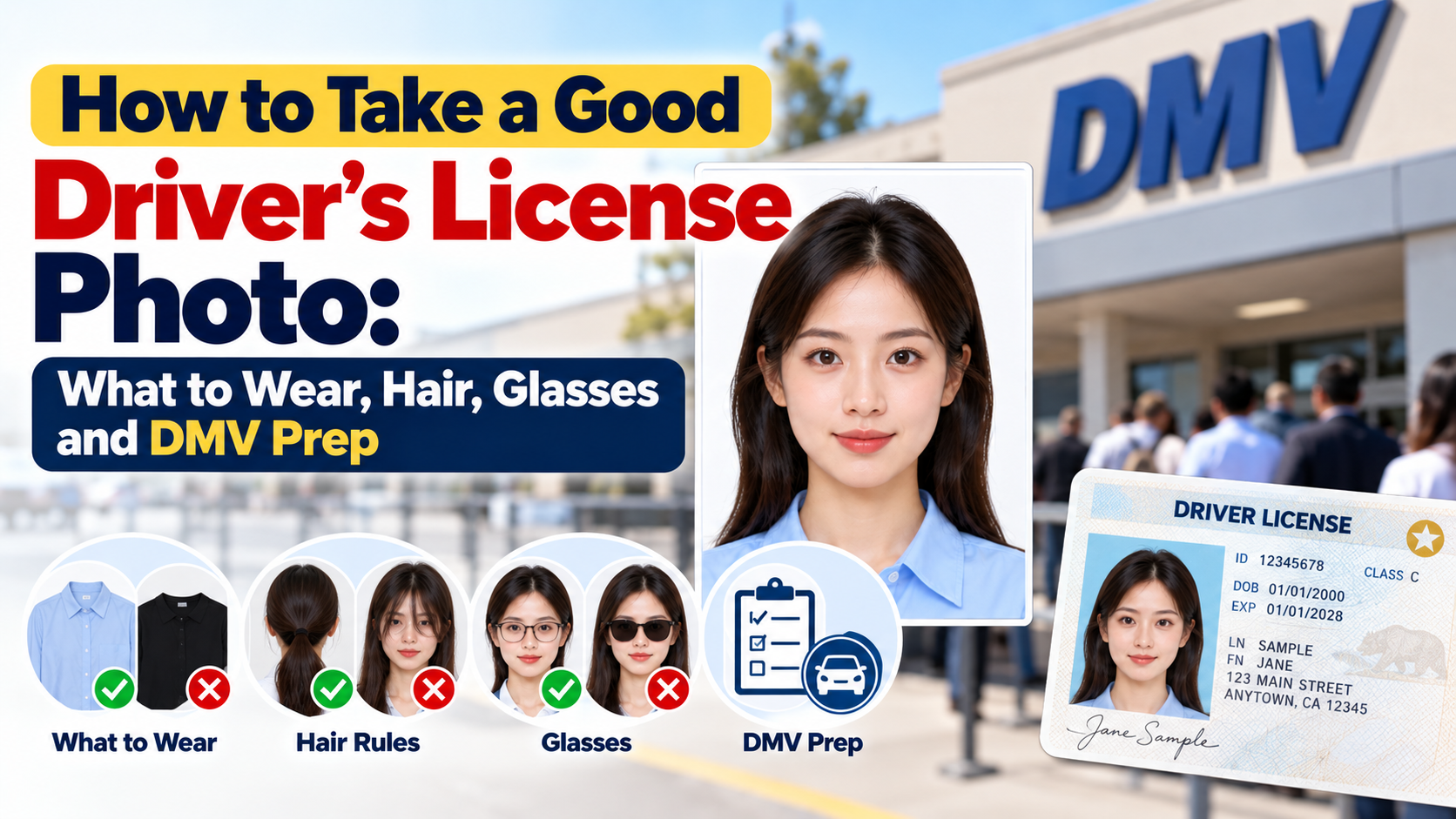
To get a good driver's license photo, prepare before you go, because DMV photo appointments can move quickly. Wear a solid, medium-to-dark top that contrasts with the DMV backdrop (avoid white and very pale colors), pull your hair away from your face, keep makeup natural, bring glasses only if your state or your vision restriction calls for them, sit or stand tall with your head level and chin natural, and look straight at the camera. Check your state DMV's photo rules first, because glasses, smiling, hats and backgrounds vary by state. And if your state allows an online renewal photo upload, you can control the photo yourself.
This guide focuses on preparation and shooting-day tips. For the smile rules, see our article on whether you can smile in a driver's license photo.
Why Most Driver's License Photos Look Bad (and What You Can Control)
DMV photos are not meant to flatter you. They are identification photos taken under flat lighting, in front of a plain backdrop, usually with a camera set at a fixed height and distance. Photo rules also trace back to the facial recognition systems used to match your face against old photos and detect duplicate licenses, which is why states want a clear view of your whole face from forehead to chin.
You can't control the camera or the lighting, but you can control:
- What you wear and how it contrasts with the backdrop
- How your hair, makeup and glasses frame your face
- How rested and relaxed you look
- Your posture and head position
- Whether you can retake the photo, replace it or upload your own
That is where the difference between a bad photo and an acceptable one comes from.
Step 1: Check Your State's Rules Before You Go
Most competitor tips treat the DMV as one national system. It isn't. Photo rules are set state by state, and they change, so spend two minutes on your DMV website before you go.
| Rule | How it can differ by state |
|---|---|
| Glasses | Follow your DMV's instructions. Wisconsin, for example, allows applicants to choose whether to wear vision-correcting glasses, but light-sensitive lenses that hide the eyes must come off. |
| Smiling | Many states now accept a natural expression or a smile. Colorado, for example, announced that drivers can smile in license photos. Others still require a neutral face. |
| Hats and head coverings | Usually not allowed, with religious and medical exceptions that require your face to remain fully visible. |
| Backdrop color | Varies by state and office, and may be blue, gray or white. You usually can't choose it. |
| Online photo upload | Do not assume online renewal lets you choose a new photo. Check whether the upload is for the card or only for identity verification; Wisconsin online transactions reuse the photo on file. |
Search for "[your state] DMV driver license photo requirements" and look for an official .gov page.
Step 2: What to Wear for a Driver's License Photo
Choose the right color for the backdrop
Instead of picking a "good color" in the abstract, think about contrast with the DMV backdrop and with your own skin.
| If you wear... | What happens | Verdict |
|---|---|---|
| White, cream or pale pastels | Blends into a white or light-gray backdrop, so your head can look like it's floating | Avoid |
| Beige, tan, peach or "nude" shades | Look like bare skin and make your neckline disappear | Avoid |
| Neon or very bright colors | Can reflect color onto your face and look distracting | Avoid |
| Navy, burgundy, forest green, teal, medium blue, charcoal | Strong edge against most backdrops and flattering on many skin tones | Best |
| Black | Works well, but can lose fabric detail in dim lighting | Fine |
If you don't know the backdrop color, mid-to-dark solids work against almost any of the common options. If you do know it, avoid a shirt that matches it. For example, skip blue on a blue background, and skip gray on a gray one.
For a deeper breakdown of shirt colors by skin tone, see our guide to the best colors to wear for a passport photo. The same contrast logic applies to a license photo.
Pick the right style
- Choose a solid color. Stripes, small checks and busy prints can look messy once the photo is shrunk onto a card.
- Choose a clean neckline. Crew necks, collared shirts and modest V-necks frame your face well. Avoid hoods, very high collars and large scarves.
- Skip big logos, slogans and sparkly or reflective fabrics.
- Skip uniforms if your state restricts them, and don't wear anything that looks like a costume or a prop.
- Keep jewelry minimal. Large earrings, necklaces or statement pieces can distract or cause glare.
Step 3: Hair
Your face needs to be fully visible, from your hairline to your chin.
- Pull hair away from your eyes, eyebrows and cheeks. Hair across your face is the easiest way to end up with a retake.
- Tuck long hair behind your ears and keep the front neat.
- Avoid bulky hair accessories. Headbands, hats, beanies and large clips may not be allowed, and states generally don't let anything hide your face.
- Style your hair the way you normally wear it. Your license has to look like you, and the photo should match what people will see when they check your ID.
- Time any haircut a few days ahead, not the same morning, so you have time to fix anything you don't like. Fresh color or a drastic change can also make your ID look less like you later.
Step 4: Glasses, Contacts and Eye Appearance
- If you must wear glasses to drive, follow your state's rules and your vision restriction. Many states place a corrective-lens restriction on your license, and some DMVs let you choose whether to wear glasses in the photo while others ask you to remove them.
- If glasses are allowed, use clean lenses with minimal glare, and avoid tinted, mirrored or light-sensitive lenses that darken. Frames shouldn't cover your eyes.
- Colored or decorative contact lenses can make your eye color on the card differ from your eye color on file, so skip them for the photo.
- Reduce tired-looking eyes by getting enough sleep before your appointment.
If you're unsure, ask the clerk before the photo is taken: "Do you want my glasses on or off?"
Step 5: Makeup and Grooming
Natural makeup is fine. The rule is look like yourself, not "no makeup."
- Use natural tones and matte products to avoid shine. A little powder on your forehead and nose helps with the flat lighting.
- Avoid heavy contour, dramatic eyeliner, false lashes, glitter and face paint. They can alter your appearance enough that the photo no longer reflects how you normally look.
- Keep brows neat. Eyebrows frame your face, and they should be visible.
- Men: shave or groom the way you normally do. A sudden change in facial hair can make an ID less accurate.
- Check your teeth and lips. Dry lips or leftover food are easy to fix before you go in.
Step 6: Posture and How to Pose
This is the part most generic advice gets wrong. Because DMV cameras are fixed at a set height, your posture matters more than your outfit.
- Stand or sit tall, shoulders relaxed and slightly back.
- Lengthen your neck and keep your head level.
- Keep your chin natural and your head level. Avoid exaggerated chin movements or tilting; follow the photographer's positioning instructions.
- Look directly into the lens, not at the screen or the clerk.
- Keep both eyes fully open, and relax your forehead.
- Breathe out just before the shot to loosen your face and avoid a frozen look.
- Adopt a calm, relaxed expression. If smiling is allowed in your state, a soft, natural smile is usually better than a forced grin. Our article on smiling in a driver's license photo explains the rules.
Step 7: The Day-Of Checklist
The night before
- Check your state's photo rules.
- Pick a solid mid-to-dark top that contrasts with the backdrop.
- Get a full night's sleep.
The morning of
- Wash and style your hair away from your face.
- Apply natural makeup, if you use it.
- Bring your glasses if you need them to drive.
- Bring the documents your DMV requires.
In the waiting area
- Check your hair, teeth and collar in a mirror or your phone camera.
- Take a few slow breaths.
At the counter
- Ask whether you should keep your glasses on or off.
- Ask whether you can see the photo and whether a retake is possible. Policies vary, so ask politely before the image is finalized.
What If You Hate Your Photo?
- Ask for a retake at the counter if your DMV allows it. Some will take another shot if the first one has a clear problem, such as closed eyes.
- Ask about a photo-change appointment. A replacement or duplicate license does not automatically include a new photo. North Carolina, for example, uses the latest retrievable photo on file for a replacement. Confirm the procedure and fee before ordering.
- Ask at renewal. A new photo may be taken at an in-person appointment, while an online renewal may reuse the existing image. Your state sets the interval and procedure.
- Use a photo upload only if your DMV explicitly accepts it for the license image. Online renewal often reuses a photo already on file, and an identity-verification selfie may not appear on the card. Where a new card-photo upload is accepted, you still need a neutral or approved expression, a plain background, even lighting, a visible full face and no glasses or hats where prohibited.
- Remember that a mobile driver's license may use the same image as your physical card, so one good photo serves both.
If Your State Allows Photo Upload: Make It a Compliant Photo
If you plan to submit a photo online, the biggest risk is a rejected upload. Before you submit, use PhotoOmni to check the photo's framing, lighting and background, and make sure it meets your state's specs. Always confirm the requirements on your DMV's official page first, because each state sets its own dimensions and file rules.
Common Mistakes to Avoid
- Wearing white or a color that matches the backdrop
- Wearing skin-tone shades that make your neckline disappear
- Letting hair cover your forehead, eyebrows or eyes
- Wearing tinted or glare-prone glasses
- Overdoing makeup or changing your look dramatically right before the photo
- Showing up exhausted, with puffy or red eyes
- Slouching, which creates a dropped chin and heavy shadows
- Not checking your state's rules, especially on glasses and smiling
- Arriving late and stressed from rushing
Frequently Asked Questions
What is the best color to wear for a driver's license photo?
A solid, medium-to-dark color such as navy, burgundy, forest green, teal or charcoal. These contrast with most DMV backdrops and look good on a wide range of skin tones. Avoid white, cream, pastels, skin-tone shades and neon.
What color shirt should I avoid?
Avoid white or very light colors, anything that matches the backdrop, beige or peach shades close to your skin tone, and bright neon colors.
Can I wear glasses in my driver's license photo?
It depends on your state. Some DMVs let you choose, and others ask you to remove them. If you need glasses to drive, ask the clerk or check the DMV's website before you go.
Can I wear makeup for my driver's license photo?
Yes. Keep it natural and make sure you still look like you. Heavy contour, glitter, false lashes and dramatic looks can change your appearance too much.
How should I wear my hair?
Away from your face, with your forehead, eyebrows and eyes visible, and tucked behind your ears if it's long. Avoid hats, headbands and anything that hides part of your face.
Can I smile in my driver's license photo?
Many states now allow it, while others still require a neutral expression. Read our full answer in Can You Smile in a Driver's License Photo?.
Can I retake my driver's license photo?
Sometimes. Ask the clerk before the photo is finalized. If you're unhappy afterward, ask your DMV how to request a photo change. Ordering a duplicate may simply reuse the existing photo.
Can I submit my own driver's license photo?
In many states, no: the photo is taken at the DMV. Some states allow a self-taken photo for online renewal, so check your state's renewal page.
How long does the photo stay on my license?
Until the DMV updates it. An online renewal or replacement may reuse the existing photo, so the interval varies by state.
Bottom Line
A good driver's license photo is mostly preparation: know your state's rules, wear a solid mid-to-dark top that stands out from the backdrop, keep your hair off your face, keep makeup natural, sort out your glasses question, and use upright posture with your head level and chin natural. If your state offers online renewal with a photo upload, take control of the shot and check it with PhotoOmni before you submit.
Official Sources
- Wisconsin Administrative Code, Trans 102.03: photograph requirements
- Wisconsin DMV: online ID transactions and the photo already on file
- North Carolina DMV: replacement licenses reuse the latest retrievable photo
- Colorado Department of Revenue 2022 annual report: smiling in license photos
State rules and procedures can change. Confirm your own licensing agency's current instructions before your appointment.
About the Author
PhotoOmni Editorial Team
The PhotoOmni Editorial Team researches official passport, visa, immigration, and identity-photo requirements. Every guide is reviewed for practical accuracy and updated when application rules, upload specifications, or government guidance change.