
Canada Citizenship Photo Rejected: What to Do Next (2026)
IRCC rejected your citizenship photo? Here's what the rejection actually means, the most common causes (dimensions, face height, glasses), and how to resubmit correctly the first time.
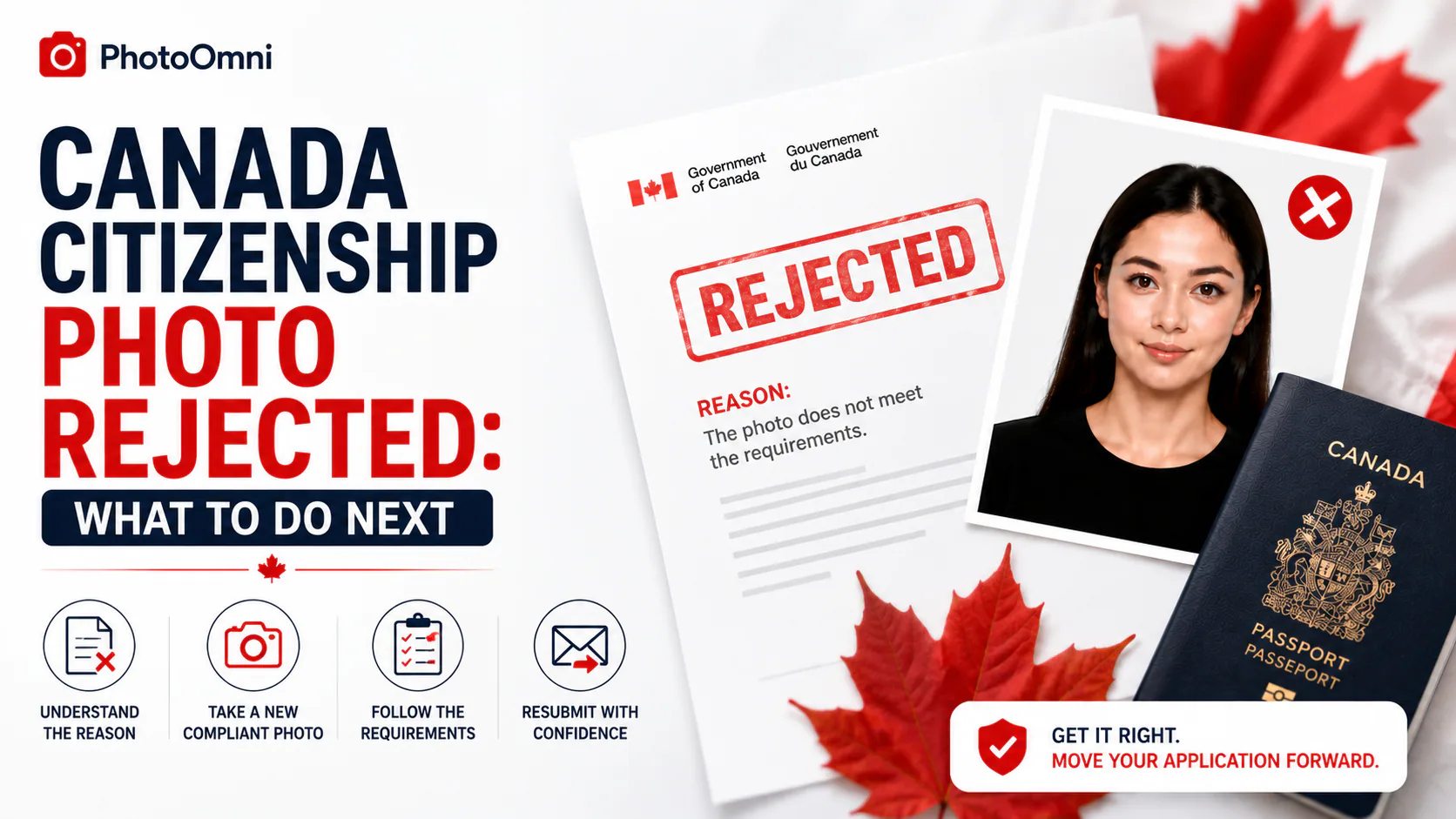
When IRCC sends your citizenship application back over the photo, it registers as a setback — but it's worth taking a beat before thinking your whole file is in trouble. A citizenship photo rejection is a genuinely routine outcome (the US State Department logs a 20–25% photo rejection rate each year for passport applications — citizenship photos face the same technical standard). Here's what the rejection actually means, whether it costs you anything new, and how to make sure the second submission sticks.
Quick Answer
When IRCC returns a citizenship application because the photo doesn't meet specifications, your entire package is sent back with a note identifying the issue — this generally does not require paying a new citizenship application fee, but it does add processing delay while you correct the photo and resubmit. The most common causes are: incorrect dimensions (not exactly 50×70 mm), face height outside the 31–36 mm chin-to-crown range, wearing glasses (not permitted at all for citizenship photos), a background that isn't plain white or light-coloured, or missing the required name/date-of-birth/date information on the back of the print. The 2 mm rejection threshold on face-height measurements means even a slight crop error can flag it. Use the rejection note as a checklist, fix every listed issue in one pass, and check the corrected photo before resubmitting rather than risking a second round.
What "Rejected" Actually Means Here
IRCC's photo-related returns aren't a judgment on your eligibility — they're a technical compliance check, and it's checked before an officer even reviews the substance of your application. The most common language applicants see is that photos "do not meet specifications," with your package returned so you can correct and resubmit. This is disruptive to your timeline, but it's a fixable, procedural issue, not a mark against your application's merits. The US State Department processes around 5–6 million photo corrections annually, and Canada's citizenship stream sees the same pattern — dimensional and facial geometry checks are the gatekeepers, not a verdict on your case.
The Most Common Rejection Reasons
| Reason | What to check |
|---|---|
| Wrong dimensions | Must be exactly 50 mm × 70 mm for print, or the correct pixel range for digital |
| Face height out of range | 31–36 mm chin to crown — the single most frequently cited cause |
| Glasses worn in the photo | Not permitted at all for citizenship photos — the US banned glasses from passport photos in 2016 for the same reasons, and Canada's policy aligns with this standard |
| Background isn't plain white/light-coloured | Shadows, texture, or color tinting are enough to trigger a rejection |
| Missing back-of-photo information | Full name, date of birth, and date taken must be written or stamped on one print |
| Photos aren't identical (paper applications) | Two prints with different lighting, angle, or expression can both get flagged |
| Non-neutral expression | Smiling, raised eyebrows, or closed eyes |
| Photo older than 6 months | Must reflect your current appearance |
Does a Rejected Photo Cost You a New Fee?
Generally, no. A photo-related return is typically treated as a correction to an existing application rather than a new submission — you send corrected photos back with your original file, without paying the citizenship application fee again. That said, always read the specific note IRCC includes with your returned package, since it will confirm exactly what's needed and whether any additional steps apply to your particular case.
How to Avoid a Second Rejection
Since a repeat rejection costs you another full round of delay, it's worth being more careful the second time than the first:
- Read the rejection note in full — it typically identifies the specific issue, and fixing only what's mentioned without checking everything else risks missing a second problem.
- Re-check every requirement, not just the one flagged — dimensions, face height, background, expression, and back-of-photo information.
- Verify your photo against the current specification before resubmitting. Upload it to PhotoOmni's free AI check, which measures your photo against the 50×70 mm citizenship spec — face-height ratio, background compliance, and framing — catching issues before they cost you another round-trip with IRCC.
- Fix anything flagged and re-check — there's no cost to try again, which matters more here than on a first attempt.
- Download the compliant file once it passes — the only paid step.
- If applying on paper, print two truly identical copies — different lighting or angle between the two is a separate, easy-to-miss rejection cause.
- Resubmit through the correct channel specified in your rejection notice.
FAQ
Will my citizenship application be denied if my photo is rejected? No — a photo rejection is a technical return for correction, not a denial of your eligibility. You fix the photo and resubmit as part of the same application.
Do I need to pay again if my citizenship photo is rejected? Generally no — correcting and resubmitting a photo for an existing application typically doesn't require a new fee, but confirm based on the specific note included with your returned package.
What's the most common reason citizenship photos get rejected? Face height outside the 31–36 mm chin-to-crown range is the most frequently cited cause, followed by incorrect dimensions and background issues.
Can I wear glasses in a resubmitted citizenship photo? No — glasses aren't permitted in citizenship photos at all, even clear prescription lenses, regardless of whether this is your first or second submission.
How long does it take after I resubmit a corrected photo? IRCC doesn't publish one fixed timeline for this specific step — check your online account for case-specific updates rather than relying on a general estimate.
Is PhotoOmni's compliance check free? Yes — checking your photo against the current IRCC citizenship specification is free. You only pay if you choose to download the final compliant file.
Create Your Passport Photo Now
About the Author
Emma Richardson Senior ICAO Photo Compliance Expert, PhotoOmni
Emma Richardson is the Senior ICAO Photo Compliance Expert at PhotoOmni. With 12+ years of experience in passport and visa photo verification, she has helped applicants achieve 820,000+ successful photo approvals across 100+ countries and territories. She specializes in global passport photo requirements, ICAO-compliant photo standards, and biometric image verification.
Related Articles
- How to Take a Passport Photo at Home (2026 Guide)
- Passport Photo Requirements: The Complete 2026 Guide
- Why Was My Passport Photo Rejected? 15 Common Reasons & Fixes
Sources: Immigration, Refugees and Citizenship Canada (IRCC), citizenship photo requirements and application processing guidance; US Department of State passport processing (FY2024); ICAO Doc 9303 photo specifications. This guide is independent and not affiliated with or endorsed by IRCC or the Government of Canada. Always follow the specific instructions in your IRCC correspondence and verify current requirements at canada.ca.