
Canada Visa Photo Free: What Actually Costs Nothing (and What Doesn't)
Most 'free' Canada visa photo tools let you preview a cropped result at no cost, but require payment to download the actual file. PhotoOmni's approach separates compliance checking (free) from file download (paid).
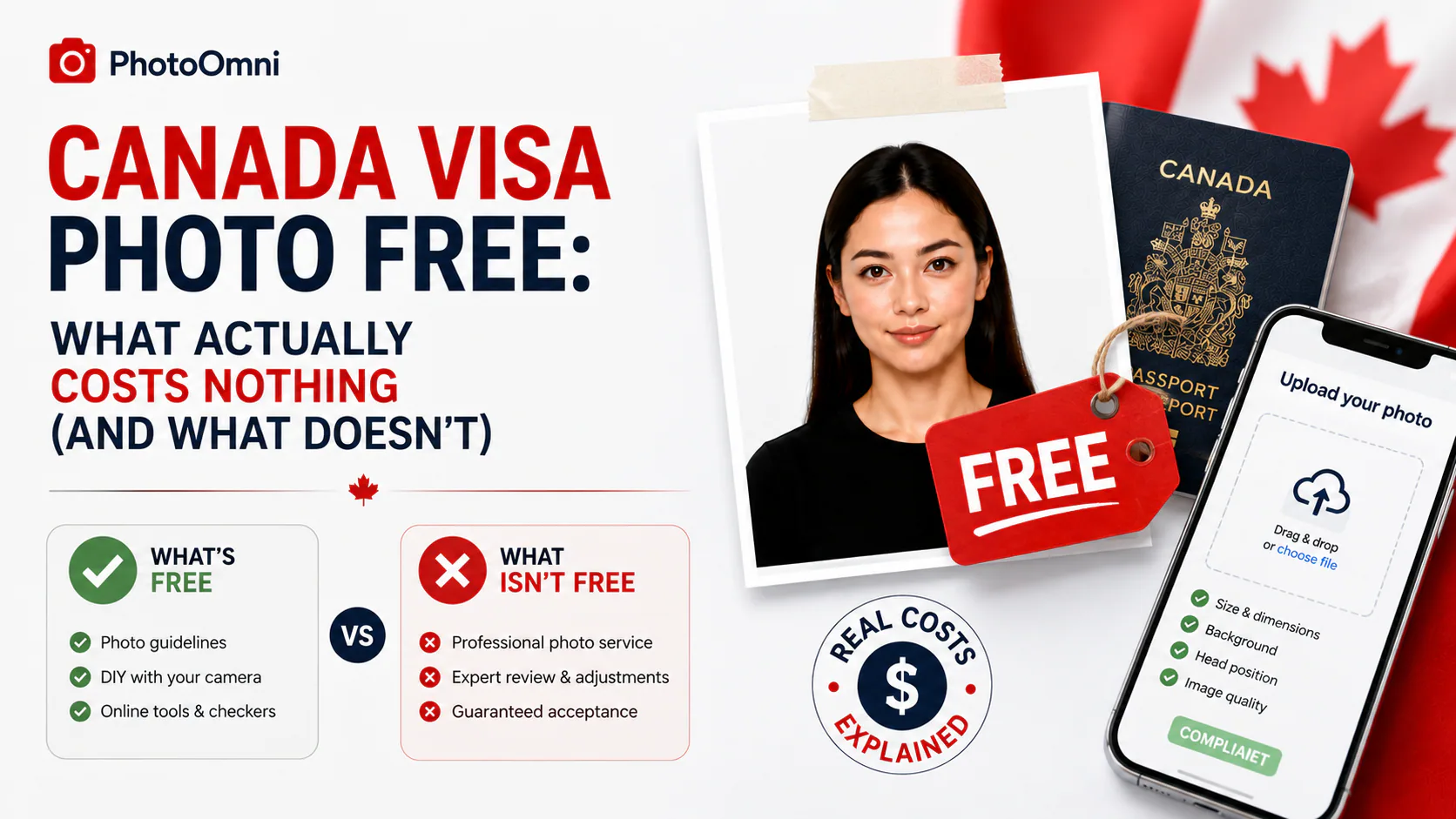
"Free Canada visa photo" is a reasonable thing to search for — a compliant 35×45 mm photo shouldn't require a paid studio visit for most applicants. But across the tools that show up for this search, "free" tends to describe one specific part of the process, not the whole thing. Here's what's actually free, and where PhotoOmni's model differs.
Quick Answer
Most "free" Canada visa photo tools let you preview a cropped, resized result at no cost, but require payment to download the actual file — meaning the compliance check and the usable output aren't the same thing. PhotoOmni's approach keeps those separate in a more useful way: the AI compliance check itself is completely free — you can verify your photo against the current 35×45 mm Canada visa specification (face height, background, proportions) at no cost. The only paid step is downloading the final high-resolution file once your photo passes.
What "Free" Usually Means for Visa Photo Tools
- Free preview, paid download — the most common model; you see the cropped result, but pay to actually get the file
- Free with upsells — the base tool is free, but "expert verification" or a compliance guarantee costs extra
- Genuinely free crop tool, no compliance checking — resizes to 35×45 mm but doesn't verify face-height ratio or background compliance
- Free with automatic background/AI processing — some tools apply automatic background replacement or enhancement by default, which is worth being cautious about, since IRCC's guidance specifically warns that submitted photos must not be altered
That last point matters more than it might seem: a tool optimized to produce a good-looking result and a tool optimized to produce a compliant, unaltered result aren't automatically the same thing, even when the preview looks fine.
What PhotoOmni's Free Check Actually Covers
Rather than gating the compliance check behind a paywall, PhotoOmni separates the two steps differently:
- Free: the AI compliance check. Upload your original photo, and it's measured against the current Canada visa specification — 35×45 mm proportions, 31–36 mm face height, background compliance, lighting — with no cost and no account required to see the results.
- Paid: the final file download. Once your photo passes, downloading the compliant high-resolution file for your application is the only step that costs anything.
This means you know whether your photo is likely to pass before you decide to pay for anything — rather than paying upfront for a tool and finding out afterward that your original photo had a lighting or background issue that needed a retake anyway.
Free vs. Free: What Actually Differs
| Typical free-preview tool | PhotoOmni's free check | |
|---|---|---|
| Cost to check compliance | $0 | $0 |
| See dimensions/framing before paying | Sometimes | Yes |
| Verifies against actual Canada visa spec (not just generic size) | Varies | Yes |
| Applies automatic background/AI changes during the check | Some do, by default | No — measures your original photo as-is |
| What's paid | Usually the whole downloadable file | Final high-resolution download only |
Getting Your Photo Ready
- Take your photo white or light-coloured background, in even natural light, with a neutral expression. Non-tinted prescription glasses are fine.
- Upload it to PhotoOmni's free AI check. No cost, no account needed to see whether it passes.
- If something's flagged, retake and re-check — this costs nothing, so there's no reason to guess.
- Download the compliant file once it passes — the only paid step — sized correctly for either digital upload or printing.
FAQ
Is PhotoOmni's Canada visa photo check really free? Yes — checking your photo against the 35×45 mm Canada visa specification costs nothing. You only pay if you choose to download the final compliant file.
Do free visa photo tools apply AI editing to my photo? Some do, by default, particularly for background replacement. Since IRCC's guidance warns that submitted photos must not be altered, it's worth checking whether a free tool's "check" step also changes your image, or just measures it.
Can a free tool guarantee my visa photo will be accepted? No tool, free or paid, can guarantee acceptance — that decision belongs to the visa officer reviewing your application. What differs between tools is how thoroughly they check for known compliance issues.
What's the difference between a visa photo and a passport photo size-wise? A Canada visa (TRV) photo is 35×45 mm, while a Canadian passport or PR card photo is 50×70 mm — don't reuse one for the other.
Do I even need a photo, or can I apply for an eTA instead? If you're a visa-exempt traveler (this includes US citizens, and most EU, UK, Australian, and Japanese citizens flying to Canada), you likely need an eTA rather than a visa — and an eTA doesn't require a photo at all. Create Your Passport Photo Now
About the Author
Emma Richardson Senior ICAO Photo Compliance Expert, PhotoOmni
Emma Richardson is the Senior ICAO Photo Compliance Expert at PhotoOmni. With 12+ years of experience in passport and visa photo verification, she has helped applicants achieve 820,000+ successful photo approvals across 100+ countries and territories. She specializes in global passport photo requirements, ICAO-compliant photo standards, and biometric image verification.
Related Articles
- How to Take a Passport Photo at Home (2026 Guide)
- Passport Photo Requirements: The Complete 2026 Guide
- Why Was My Passport Photo Rejected? 15 Common Reasons & Fixes
Data sources: US Department of State passport processing (FY2024), UK Home Office annual report (2023), NIST FRVT Part 3: Demographic Effects (March 2024), ICAO Doc 9303 photo specifications. Pricing based on publicly listed rates as of July 2026.