
CBP MPC App Guide 2026: Eligibility, Requirements, and Common Problems
How Mobile Passport Control works, who can use it, and how to avoid common arrival-day issues.
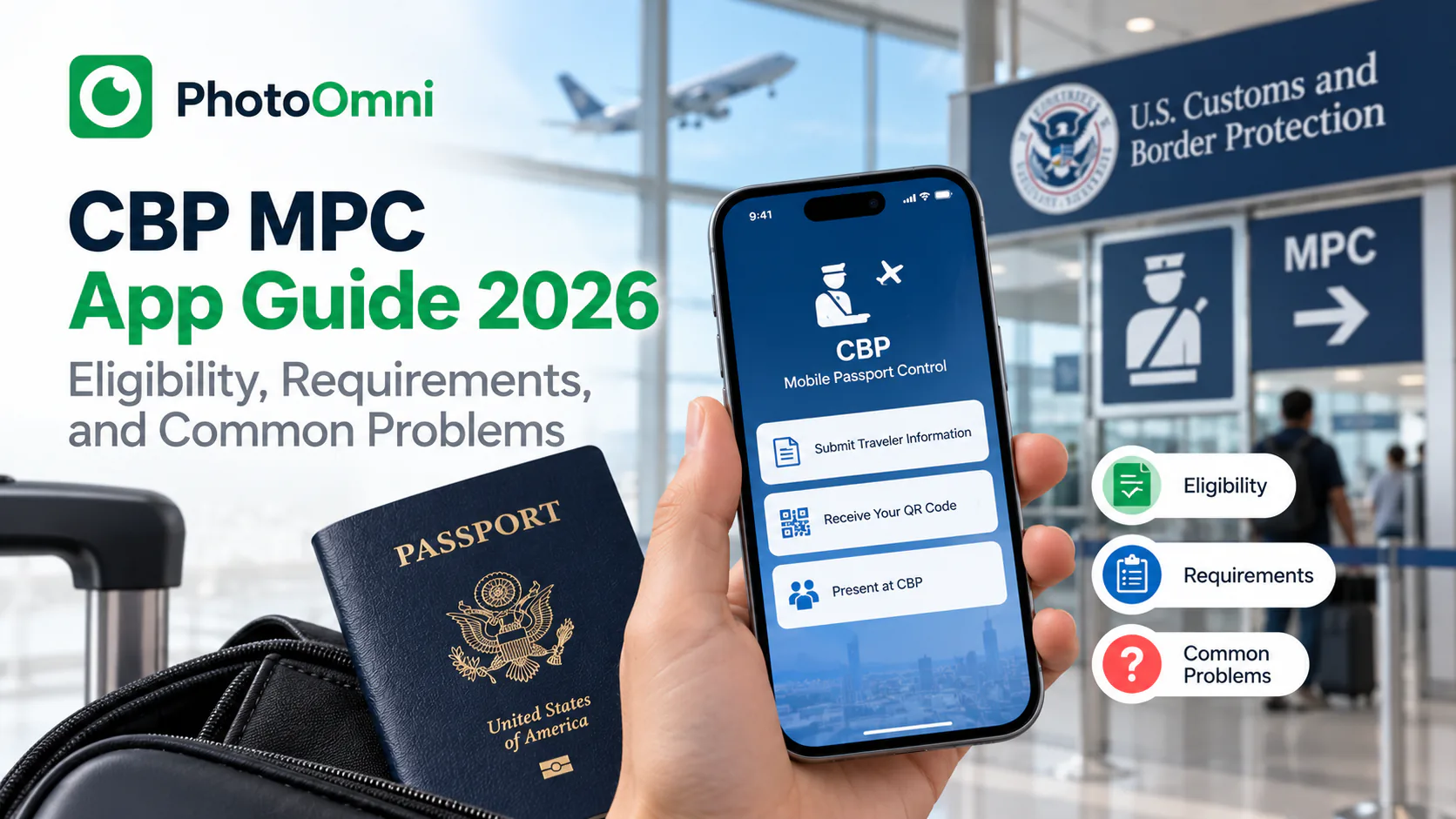
Quick Answer
Mobile Passport Control (MPC) is a free CBP app that lets eligible travelers submit passport info, a self-photo, and customs answers before reaching U.S. passport control, cutting wait time without the fee, interview, or approval process Global Entry requires. It's open to U.S. citizens, green card holders, Canadian B1/B2 visitors, and Visa Waiver travelers with an approved ESTA. Download the app, submit within 4 hours of landing, then use the designated MPC lane at one of the 50+ participating airports, seaports, and land crossings.
Here's exactly how it works, who qualifies, and what commonly goes wrong.
What Is CBP MPC?
Mobile Passport Control is a free app built by U.S. Customs and Border Protection that lets eligible travelers submit their passport information, a self-photo, and customs declaration answers before reaching the inspection counter. Instead of filling out a paper form, you complete everything in the app, then use a designated MPC lane where available. A CBP officer still completes your inspection, but the process is faster because your information is already on file.
Who Is Eligible for MPC?
MPC does not require pre-approval or enrollment the way Global Entry does. It's generally available to:
- U.S. citizens
- U.S. lawful permanent residents (green card holders)
- Canadian B1/B2 visitor visa holders
- Visa Waiver Program travelers with an approved ESTA
Some other visa holders — including certain F-1 and H-1B travelers — may be eligible at specific ports of entry, but eligibility depends on current CBP rules and can vary by location, so it's worth checking the app's eligibility guide before you fly.
MPC vs. Global Entry: What's the Difference?
| MPC | Global Entry | |
|---|---|---|
| Cost | Free | Paid application fee |
| Approval | None required | Background check + interview |
| Speed | Fast, but officer inspection still required | Generally the fastest option |
| Setup | Download app, create profile | Apply, wait for approval, interview |
If you already have Global Entry, it's typically faster than MPC. But if you don't want to pay the fee or wait for approval, MPC is the free alternative that still meaningfully cuts your wait.
How to Use the MPC App: Step by Step
- Download the app from the Google Play Store or Apple App Store
- Create a profile with your passport or LPR card information
- Add travel companions — you can include up to 12 people in a single submission from one device
- Up to four hours before landing (or after you arrive), select your arrival airport, seaport, or Preclearance location
- Take a self-photo in the app and answer CBP's inspection and customs declaration questions
- Submit — you'll need an internet connection to send your information to CBP
- Once processed, you'll get a virtual receipt
- Follow the MPC signage at passport control, use the designated MPC lane if available, and keep your physical passport on hand
- A CBP officer completes a brief in-person inspection; they may ask for an additional photo for verification
Your submission stays active for a limited window — about 4 hours in the air environment and 8 hours at land crossings — so don't submit too far in advance.
Where Can You Use MPC?
As of 2026, MPC is active at dozens of U.S. international airports, several Preclearance locations, a handful of seaports, and a growing number of land border pedestrian crossings. Major hubs including Atlanta, Boston, Chicago O'Hare, Dallas/Fort Worth, Denver, Los Angeles, Miami, and New York JFK all participate. Because the list of MPC-enabled locations keeps expanding, it's worth checking the current site list in the app or on CBP's website shortly before you travel.
About the Self-Photo
MPC doesn't require you to upload a formatted ID-style photo the way a passport application does. Instead, you take a live self-photo inside the app at the time of arrival, which CBP uses for identity verification — not a pre-formatted headshot. CBP has stated that photos taken at its facilities are typically deleted within a couple of days, and photos taken on your own phone stay on your device rather than being stored on CBP servers.
Where photo formatting does matter is your actual passport photo — the one on file with the Department of State. If that's out of date or close to needing renewal before your next trip, it still needs to meet strict 2x2 inch, plain-background, full-color specifications. PhotoOmni can check and format a passport-ready photo in seconds if you need one before you travel.
Common MPC Problems and How to Avoid Them
- "My submission expired before I reached the counter." Submissions are time-limited (about 4 hours for air travel). Don't submit until you're close to landing.
- "I couldn't find the MPC lane." Not every airport has MPC lanes for every terminal; check current site availability before relying on it.
- "The app rejected my photo." Poor lighting or an obstructed face is the most common cause — retake it somewhere with even, front-facing light.
- "I wasn't eligible even though I have an ESTA." Some visa categories are only eligible at specific ports; check the in-app eligibility guide for your situation.
Frequently Asked Questions
Is CBP MPC free? Yes. Unlike Global Entry, MPC has no application fee, interview, or approval process.
Does MPC replace my passport? No. You still need your physical passport with you and may be asked to present it to the CBP officer.
Is MPC the same as Global Entry? No. MPC is free and requires no pre-approval, while Global Entry is a paid, vetted trusted-traveler program that's generally faster overall.
Can I use MPC for a group? Yes, up to 12 people can be included in a single submission from one device.
How long is my MPC submission valid? About 4 hours before landing for air travel, and up to 8 hours for land border crossings — submit too early and it may expire before you reach the counter.
Which airports support MPC? As of 2026, over 50 locations participate, including major hubs like Atlanta, Boston, Chicago O'Hare, Dallas/Fort Worth, Los Angeles, Miami, and New York JFK. Check the app for the current list before you fly.
Traveling soon and need a passport photo that's guaranteed to meet Department of State specs? PhotoOmni checks your photo against official size, background, and head-position rules before you print or upload it.
Before an international trip, use our passport photo requirements guide to prepare a renewal photo, and compare passport book vs. passport card for the travel document itself.