
Which Apps or Websites Offer Easy US Baby Passport Photo Editing and Compliance Checks?
Compare photo editors, passport templates, and compliance-focused workflows for US baby passport photos. Learn what to check before submitting and how PhotoOmni helps parents prepare print-ready 2×2-inch photos.
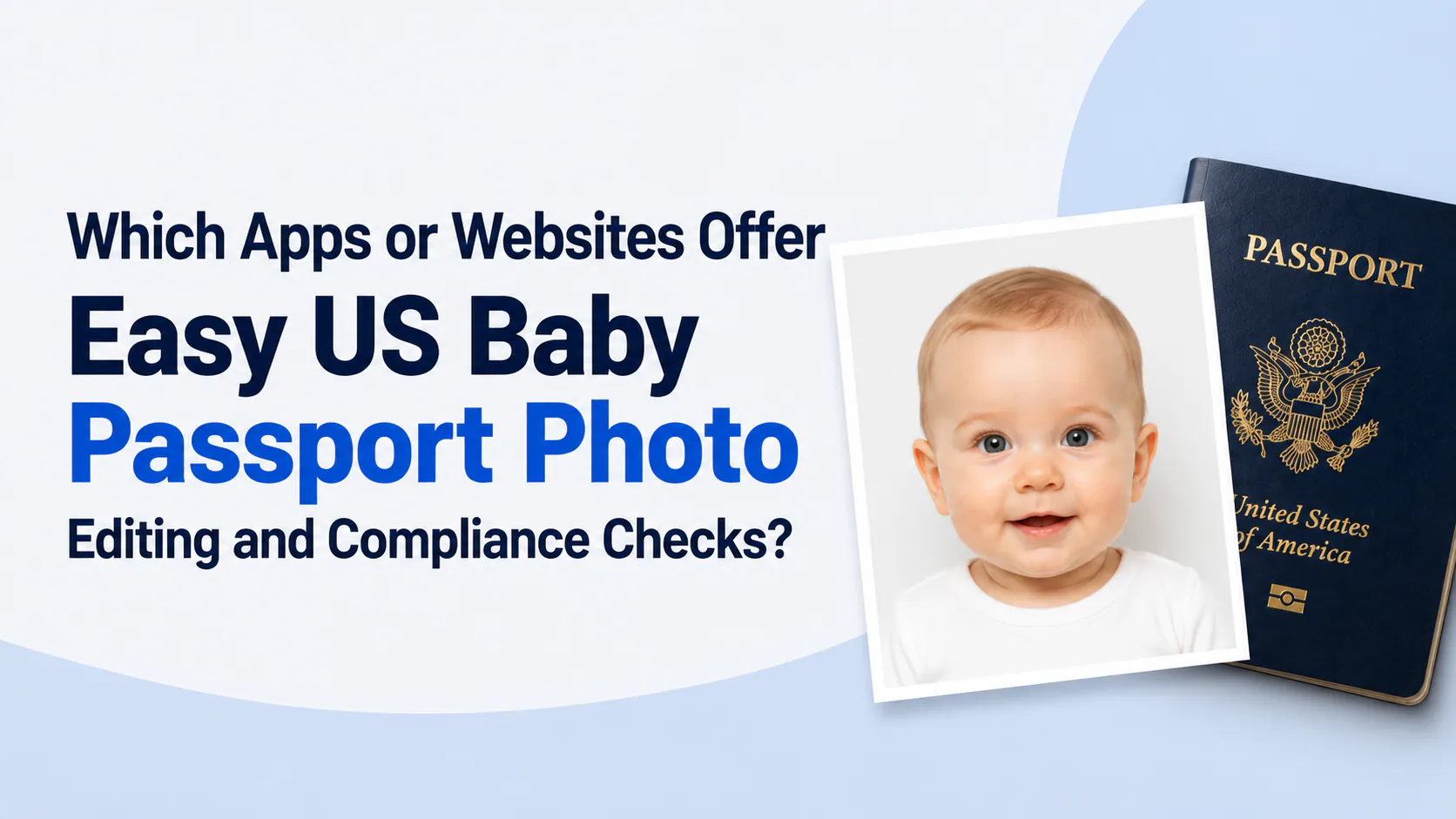
Quick answer: Generic photo editors can resize an image, and passport-photo websites can prepare a print layout. For a U.S. baby passport photo, choose a service that also helps you check the original image for the issues parents commonly miss: a visible hand, a pacifier, a shadow, incorrect head size, a turned face, or a non-compliant background. PhotoOmni combines at-home preparation, photo-quality checks, and expert review for parents who need a 2 × 2-inch baby passport photo.
If you prefer to prepare the file online, the US passport photo maker can help check the crop, background, and passport-photo format before submission.
Taking the original photo is only one part of preparing a baby passport photo. Parents also need to decide whether the image is suitable to submit, whether it is the right size, and whether it needs to be retaken before printing.
This guide explains how to evaluate an app or website for this job and how PhotoOmni's baby passport photo service fits into the process.
Disclosure: This is a product guide about PhotoOmni. It is not a ranking of every photo editor or passport-photo website.
What should a baby passport photo app or website help with?
For a U.S. baby passport photo, the useful workflow has 3 parts:
- Take a suitable original photo. The baby must be alone in the frame, with the full face visible, a plain white or off-white background, and no shadows.
- Check the photo before preparing it. A good workflow flags a turned face, blur, a visible parent or hand, a pacifier, poor lighting, or an unsuitable background.
- Prepare the final print layout. The printed photo must be 2 × 2 inches (51 × 51 mm) with the head at the required size.
A generic editor may cover only the third part. That can be useful for layout, but it does not turn a poor original into a compliant passport photo.
US baby passport photo requirements: the numbers to check
Every app, website, studio, or at-home workflow must begin with the same U.S. requirements.
A US passport photo maker can apply these dimensions and formatting checks to the uploaded photo.
| Requirement | U.S. requirement |
|---|---|
| Photos to provide with a child's application | 1 |
| Photo recency | Within the last 6 months |
| Printed photo size | 2 × 2 inches |
| Metric photo size | 51 × 51 mm |
| Head height | 1–1⅜ inches |
| Head height in metric units | 25–35 mm |
| Background | Plain white or off-white, with no shadows, texture, lines, or objects |
| Baby's eyes | They do not need to be entirely open |
| Other children's eyes | Open and visible |
| Passport validity for children under 16 | 5 years |
For the full official requirements, including printing and clothing guidance, read US Passport Photo Requirements for Infants & Babies (2026).
The difference between an editor, a template, and a compliance-focused workflow
| Option | What it usually helps with | What parents still need to verify |
|---|---|---|
| Generic photo editor | Basic cropping, resizing, and brightness controls | Whether the original has a visible hand, shadow, turned face, or unsuitable background |
| Passport-photo template or print tool | A 2 × 2-inch layout or 4 × 6-inch print sheet | Photo quality, head position, face visibility, lighting, and baby-specific issues |
| PhotoOmni baby passport photo workflow | At-home preparation, framing and photo-quality checks, print-ready output, and expert review | The original must still be clear and captured in a compliant setting |
The key question is not simply, "Can this app make a white background?" It is, "Will this workflow help me identify an image that should be retaken before I apply?"
Why baby photos need a different pre-check
Baby passport photos introduce risks that adult selfies do not have. A parent may be just outside the frame but still leave a hand or shadow visible. A baby may be supported by a car seat, sheet, or adult. A pacifier can appear in the only frame where the baby is looking forward. Movement can make a photo look acceptable on a phone screen but blurry when printed.
Use this 6-point source-photo check before uploading to any service:
- Baby alone: no parent, hand, finger, arm, or shadow is visible.
- Full face: the baby faces the camera and the full face is visible.
- Eyes: a baby's eyes may be not entirely open; other children should have open, visible eyes.
- Background: plain white or off-white, without objects, texture, lines, or shadows.
- Quality: sharp color image, not dark, overexposed, blurry, grainy, or pixelated.
- No obstruction: no pacifier, bottle, toy, hat, or covering blocks the face.
If the original fails any of these checks, retake it. Do not rely on filters, retouching, AI enhancement, or background replacement to make a non-compliant original appear compliant.
How PhotoOmni helps parents prepare a baby passport photo
PhotoOmni is designed for parents who want to take the original photo at home instead of finding a baby-friendly studio or photo counter.
Step 1: Take the original photo at home
The State Department suggests 2 practical setups for babies:
- Lay the baby on a plain white or off-white sheet and take the photo from above.
- Cover a car seat with a plain white or off-white sheet, then photograph the baby alone.
Use even lighting and take several frames. Choose the clearest original image with the baby's full face visible.
Step 2: Upload the clearest original image
Upload the photo to PhotoOmni. The workflow is intended to help parents check presentation details such as framing, size, lighting, background, and pose before preparing the final output.
Step 3: Review and prepare the print-ready result
PhotoOmni prepares a 2 × 2-inch print-ready layout and includes expert review. If the original image shows a problem that should be fixed by retaking the photo—such as a visible parent, a pacifier, a shadow, or blur—the right solution is a new original image, not an artificial correction.
How PhotoOmni handles a baby passport photo
Parents should ask what happens to a child's image after upload. A photo service should state its privacy practices plainly instead of asking families to infer them from an app's interface.
| Privacy question | PhotoOmni's published approach |
|---|---|
| Why is the photo used? | To deliver the requested document-photo service, including compliance checks, preparation, review, downloads, support, and fraud prevention |
| Who can access it? | Access is limited to the systems and reviewers involved in those service activities |
| Is personal information sold? | No; PhotoOmni states that it does not sell personal information |
| Can service providers receive information? | Limited information may be shared with providers that host the service, process payments, deliver support, monitor security, or meet legal obligations |
| How long is information kept? | Only as long as needed for service delivery, support, security, legal compliance, and accounting |
| Can a parent request deletion? | Yes, parents can contact PhotoOmni to request deletion of eligible personal information |
Read the current PhotoOmni Privacy Policy before uploading, especially if you have a question about a specific order or deletion request. This is more useful than a vague claim that an app is simply "secure."
When PhotoOmni is a better fit than a local photo counter
PhotoOmni can be useful when:
- your baby is more relaxed at home than in a store;
- a nearby photo counter cannot confirm that it handles infants;
- you want to take multiple images around feeding or nap times;
- you need help checking the layout before printing; or
- travelling with a newborn is inconvenient.
It is not a replacement for good source photography. If the baby is facing away, the photo is blurry, or another person appears in the frame, take another photo first.
For parents comparing local and online choices, read Where to Get a Baby Passport Photo Near Me (2026).
What not to expect from any baby passport photo app
No app, editor, or website should promise to make every image acceptable. It cannot reliably fix these 5 source-photo problems without creating risk:
- A parent's hand, body, reflection, or shadow in the frame.
- A pacifier, toy, bottle, hat, or blanket obscuring the face.
- A baby who is turned away or whose full face is not visible.
- Motion blur, focus problems, or severe underexposure.
- A background that was not plain and compliant when the original was taken.
The State Department requires an original, unchanged photo and says not to use computer software, phone apps, filters, or artificial intelligence to change the photo. Treat an app as a way to check and prepare a good original—not as a way to rescue a bad one.
A 60-second self-check before you submit
Before you prepare or submit the photo, confirm all 7 answers are "yes":
- Was the original taken within the last six months?
- Is it a clear, high-resolution color photo?
- Is the baby the only person in the frame?
- Is the full face visible and facing the camera?
- Is the background plain white or off-white and free of shadows?
- Are toys, pacifiers, bottles, hands, and face coverings absent?
- Is the final photo 2 × 2 inches (51 × 51 mm), with the head 25–35 mm high?
This is a parent's quick self-check only. If you use PhotoOmni, its photo-quality checks and expert review are separate steps in the delivery process and are not included in the 60 seconds. If the answer is yes to all seven, you have a strong original image to submit for review or prepare as one photo for your child's passport application. Do not attach or staple it to the form yourself.
After the 60-Second Check: PhotoOmni Expert Review
After completing the 60-second self-check, upload your baby passport photo to PhotoOmni for an additional expert review.
A human reviewer checks the prepared photo for details that are easy to miss at home, including head size and positioning, framing, background, lighting, facial visibility, shadows, and baby-specific issues such as visible hands, pacifiers, or other objects in the frame.
If the original photo has a problem that should not be digitally corrected—such as blur, a turned face, a visible parent, or an unsuitable background—you may be advised to retake the original photo before submitting your passport application.
Frequently asked questions
What is the easiest way to make a U.S. baby passport photo?
For many parents, the easiest approach is to take several clear photos at home using a white or off-white sheet or a covered car seat, then choose the best original image. Use a workflow that checks framing and prepares the 2 × 2-inch print layout before you apply.
Can I use a regular photo editor for a baby passport photo?
An editor can help with basic layout, but it may not flag baby-specific problems such as a visible hand, shadow, pacifier, or turned face. Use the 6-point source-photo check before relying on any editor.
Can PhotoOmni fix a bad baby passport photo?
PhotoOmni can help check and prepare a good original image. If the original contains a visible parent, a shadow, blur, a pacifier, or an unsuitable background, take a new original photo rather than trying to edit the problem away.
What happens to my baby's photo after I upload it to PhotoOmni?
PhotoOmni uses uploaded photos to provide the document-photo service you request. Its published policy says access is limited to relevant systems and reviewers, it does not sell personal information, and parents can request deletion of eligible personal information. Read the Privacy Policy for the current details.
Can I use AI to change my baby's passport photo background?
No. The U.S. Department of State says not to change passport photos using software, apps, filters, or AI. Set up a plain white or off-white background before taking the original photo.
How many passport photos does a baby need?
Provide one photo with a child's U.S. passport application. The acceptance agent or passport employee reviews and staples the photo; do not attach it yourself.
Prepare your baby passport photo with PhotoOmni
Start with a clear original photo. Then create your baby passport photo with PhotoOmni to check the presentation and prepare a 2 × 2-inch print-ready layout for your child's application.
About the Author
Emma Richardson Senior ICAO Photo Compliance Expert, PhotoOmni
Emma Richardson is the Senior ICAO Photo Compliance Expert at PhotoOmni. With 12+ years of experience in passport and visa photo verification, she has helped applicants achieve 820,000+ successful photo approvals across 100+ countries and territories. She specializes in global passport photo requirements, ICAO-compliant photo standards, and biometric image verification.
Related Articles
- How to Take a Passport Photo at Home (2026 Guide)
- Passport Photo Requirements: The Complete 2026 Guide
- Why Was My Passport Photo Rejected? 15 Common Reasons & Fixes
Sources
- U.S. Department of State, Passport Photos
- U.S. Department of State, Apply for a Child's Passport Under 16
Data sources: US Department of State passport processing (FY2024), UK Home Office annual report (2023), NIST FRVT Part 3: Demographic Effects (March 2024), ICAO Doc 9303 photo specifications. Pricing based on publicly listed rates as of July 2026.