
MyTravelGov and Login.gov: How to Create an Account and Renew a Passport Online
How MyTravelGov and Login.gov work together, who can renew a U.S. passport online, and how to start the application.
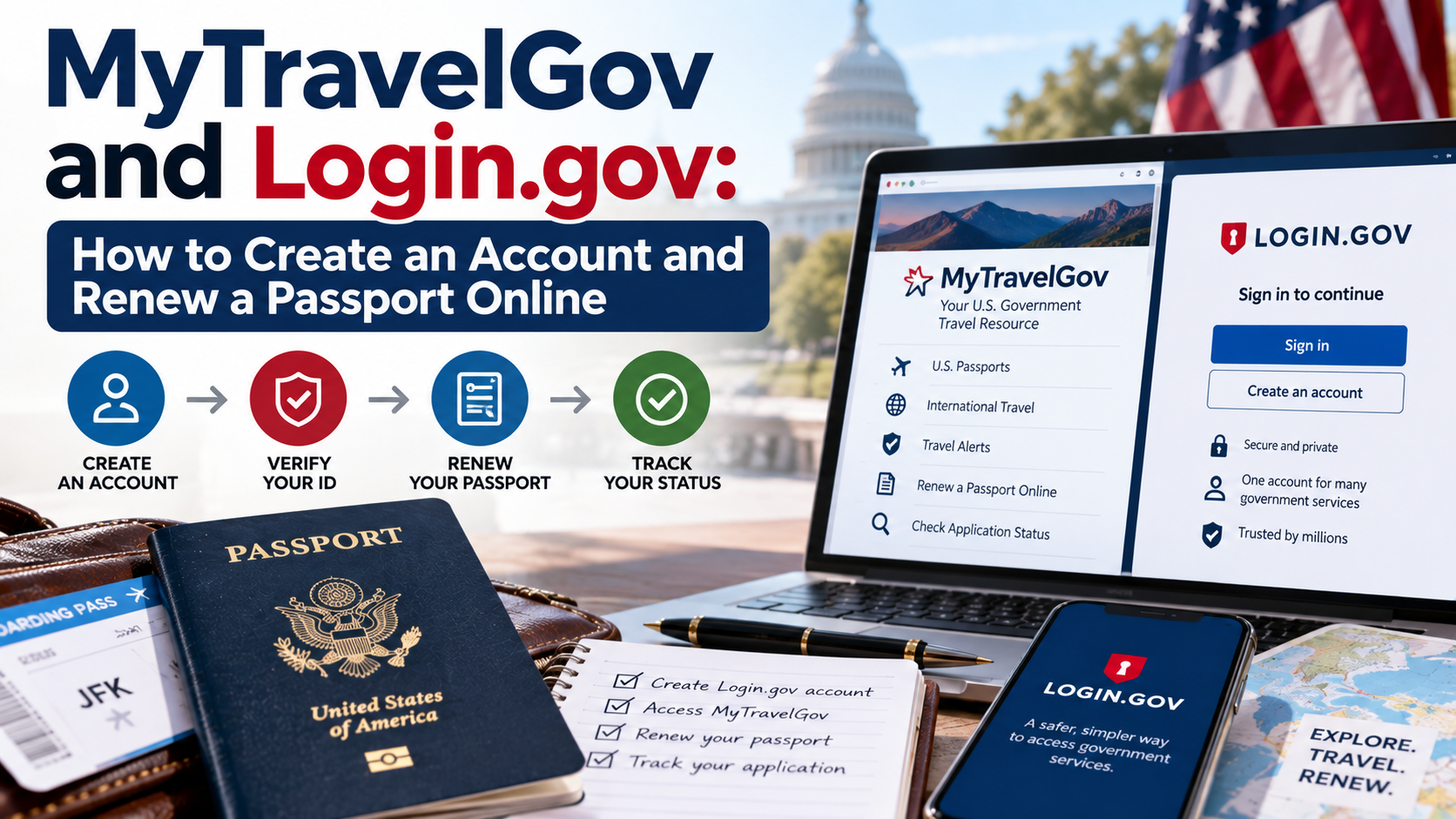
Quick answer: MyTravelGov (mytravel.state.gov) is the U.S. Department of State's portal for renewing an eligible passport entirely online, and Login.gov is the government-wide identity verification system you use to actually sign in — when you click "Sign In" on MyTravelGov, it redirects you to Login.gov to create or use an existing account (including one you may already have for Global Entry or another federal service) before returning you to complete your application. Online renewal is only available to a specific subset of applicants: U.S. residents whose most recent passport was undamaged, issued as an adult, issued within roughly the last 15 years, and in their current legal name, with no personal information changes needed. Everyone else still needs to renew by mail (DS-82) or in person (DS-11).
Why This Topic Needs Regular Updates — and Why That's the Gap
This is a policy area that has changed repeatedly over the last few years: pilot phases, temporary reopenings limited to a set number of applicants, brief closures, and eligibility rule adjustments. Most existing guides describe the program as it worked at one particular snapshot in time — which is exactly why "MyTravelGov / Login.gov" is a high-search, low-coverage topic: search volume stays high because the process changes often enough that people can't just rely on what they read a year ago. Always confirm current availability directly on travel.state.gov before assuming online renewal is open, since the State Department has both opened and temporarily paused the online system multiple times as it's scaled up.
What MyTravelGov Actually Is
MyTravelGov is the State Department's Bureau of Consular Affairs portal built to let U.S. citizens handle certain services online rather than by mail or in person — most notably passport renewal for eligible applicants, and in some cases applying for a Consular Report of Birth Abroad from specific overseas posts. It's a secure system built to handle personally identifiable information, which is exactly why it's paired with Login.gov for identity verification rather than a simple username-and-password setup.
What Login.gov Does in This Process
Login.gov is a single sign-on identity verification service used across multiple U.S. government agencies and programs — not something created specifically for passports. If you already have a Login.gov account from another federal service, you can sign in with those same credentials on MyTravelGov rather than creating a new one. If you don't, MyTravelGov's sign-in page routes you to Login.gov to create an account, which typically also involves setting up security questions or multi-factor authentication for account recovery.
Step-by-Step: Creating Your Account and Starting a Renewal
- Go to mytravel.state.gov using a supported browser — historically Chrome, Edge, or Safari on macOS have worked most reliably; Firefox and non-macOS Safari have caused technical issues for some applicants in the past, so switch browsers if you hit unexplained errors.
- Select "Sign In" on the MyTravelGov homepage, which redirects you to Login.gov.
- Create a Login.gov account (or sign in with an existing one), completing email verification and any required security setup.
- Return to MyTravelGov and select "Renew Your Passport" to begin your application.
- Enter your information exactly as printed on the passport you're renewing — the system checks it against State Department records to confirm your eligibility for online renewal.
- Complete the application within seven days of starting it — MyTravelGov gives you a week to finish; if you don't, you'll need to start the application over.
Who Actually Qualifies for Online Renewal
Online renewal isn't available to everyone with an expiring passport — it mirrors the same core eligibility rules used for the mail-in DS-82 form:
- Your most recent passport is undamaged
- It was issued when you were 16 or older
- It was issued within approximately the last 15 years
- It's already in your current legal name — no name changes
- You currently reside in the United States or a U.S. territory
- No other personal information changes are needed on the new passport
If any of these don't apply — a damaged passport, a name change, residency outside the U.S., or a passport older than the eligibility window — you'll need to use the mail-in (DS-82) or in-person (DS-11) process instead, the same as before MyTravelGov existed.
What Online Renewal Costs Beyond the Standard Fee
Online renewal uses the same base passport fee as other renewal methods, but two optional add-ons are worth knowing about if your travel timeline is tight:
- Expedited service — an additional fee for faster processing if your travel plans change after you've submitted
- 1–2 day delivery — an additional fee for faster return shipping of your completed passport book (not available for passport cards, which ship via standard mail only)
What to Do If Something Goes Wrong
If your application shows an issue, or if the system doesn't recognize you as eligible when you believe you should be, contact the National Passport Information Center directly and have your application number, or your last name and date of birth, ready. Note that changes made through a phone call won't necessarily appear immediately in your MyTravelGov account — that's a known quirk of the system, not a sign that your issue wasn't logged.
A Detail That Applies Regardless of Renewal Method
Whether you renew online through MyTravelGov, by mail with DS-82, or in person with DS-11, you'll need a compliant digital passport photo meeting the same size, background, and expression requirements. For an online application specifically, the photo has to be uploaded directly, which means formatting and resolution issues surface immediately rather than after mailing something in. A tool like PhotoOmni generates a document-ready photo from a selfie, checked by both an automated compliance engine and a human reviewer, which is a practical way to avoid a rejected upload holding up an otherwise-eligible online renewal.
FAQ
Is online passport renewal available right now? Availability has changed multiple times since the program launched, including temporary openings limited to a capped number of applicants and periods where it was closed to new users — always check travel.state.gov directly rather than assuming based on older articles, including this one.
Can I use my Global Entry Login.gov account for MyTravelGov? Yes — Login.gov is a shared identity verification system across federal services, so an existing account from Global Entry or another program should work for signing into MyTravelGov as well.
What happens if I don't finish my application within seven days? MyTravelGov requires you to start over from the beginning — your partially completed application isn't saved past that window, so it's worth having your information and photo ready before you start rather than starting early and finishing later.
Why does the site tell me I'm not eligible for online renewal even though my passport seems fine? Eligibility is checked against your printed passport information exactly as it appears on the document — a discrepancy as small as a middle name formatted differently, or residency outside the U.S., can trigger an ineligible result even if the passport itself seems otherwise in good standing.
Bottom Line
MyTravelGov and Login.gov together make up the current path to renewing an eligible U.S. passport entirely online — Login.gov handles identity verification, MyTravelGov handles the actual application — but eligibility is narrower than many people assume, and availability has shifted enough over the program's rollout that checking current status directly is worth the extra minute. Having a compliant photo ready in advance, whether through PhotoOmni or another method, removes one of the more common reasons an otherwise-eligible online application stalls partway through.
About the Author
PhotoOmni Editorial Team
The PhotoOmni Editorial Team researches official passport, visa, immigration, and identity-photo requirements. Every guide is reviewed for practical accuracy and updated when application rules, upload specifications, or government guidance change.