
Passport Image Size: How to Make a Passport-Size Photo for Print or Digital Upload
Learn how passport image size changes by country, document, and output type—plus U.S. 2×2 print and digital-upload rules.
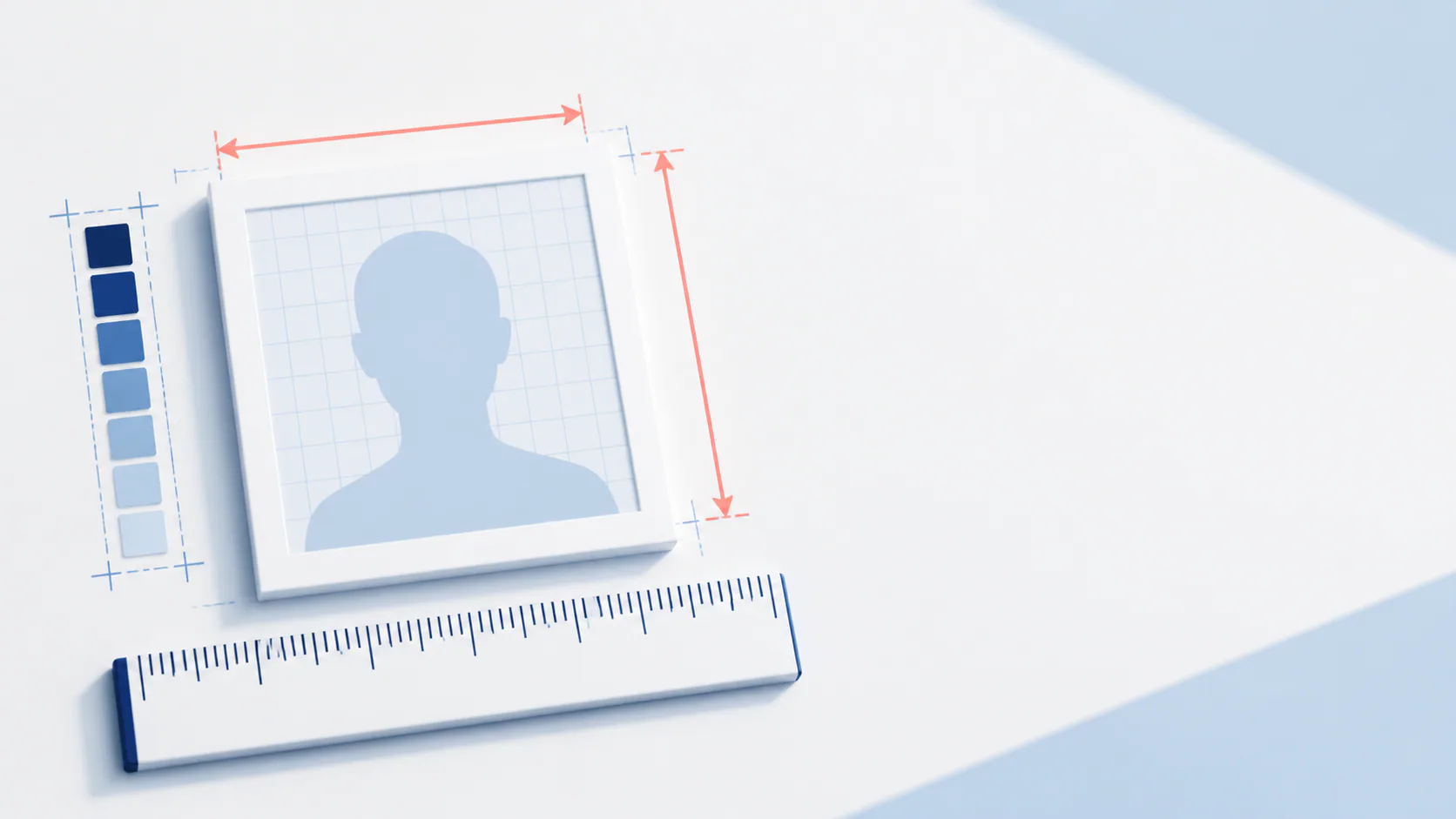
“Passport image size” and “make passport size photo” sound like simple crop questions. They are not. The right dimensions depend on the country, document, and whether you are printing a photo or uploading a digital image. Start with the authority’s requirements—not a generic template.
Quick answer for a U.S. passport photo
For a printed U.S. passport photo, the required size is 2 × 2 inches (51 × 51 mm). The head measurement, from chin to top of head, must be 1–1⅜ inches (25–35 mm). The photo must be recent, in color, sharp, and unaltered. U.S. passport-photo requirements.
For a U.S. visa digital image, the image must be square: 600 × 600 to 1200 × 1200 pixels, JPEG, sRGB, and at most 240 KB. This is a visa digital-image specification; do not assume it applies to every passport or visa process. Official digital-image requirements.
If you prefer to prepare the file online, the US passport photo maker can help check the crop, background, and passport-photo format before submission.
Print size vs. pixel dimensions
| Requirement type | U.S. example | What it controls |
|---|---|---|
| Physical print | 2 × 2 in / 51 × 51 mm | The size of the photo you submit on paper |
| Head size in print | 25–35 mm | The scale of your face within the printed photo |
| Digital image | 600–1200 px square for the cited visa route | File dimensions for upload |
| File format | JPEG, sRGB, max 240 KB for the cited visa route | Upload compatibility |
2 × 2 photo prints: what to check before you print
If you need a printed American passport picture, the finished photo—not just the file on your phone—must be 2 × 2 inches. Print it on matte or glossy photo-quality paper. Do not submit a photocopy, a scanned print, or a photo that is blurry, grainy, damaged, or digitally altered. The State Department’s official photo page also requires the head to be centered and within the 25–35 mm range. Check the official U.S. examples.
Use this quick check for U.S. passport-photo prints:
- The final cut photo measures 2 × 2 inches (51 × 51 mm)—not merely a square image on a larger sheet.
- The print is on photo-quality paper, with no creases, smudges, or visible loss of detail.
- The head is centered and measures 1–1⅜ inches (25–35 mm) from chin to top of head.
- The original photo is recent, in color, and unedited; filters, beauty retouching, AI face changes, and retouched outlines are not acceptable.
- The application route actually asks for a printed photo. Eligible digital routes can have different file requirements.
Can I use a 2 × 2 print for every ID photo?
No. “ID photo print” is a broad term. A U.S. passport uses 2 × 2 inches, but driver's licences, employment IDs, school IDs, visas, and other countries' documents may use different dimensions, background rules, or delivery formats. Select the exact document first; only then prepare or print the photo.
How to make a passport-size photo without creating a misleading file
- Select the exact country and document.
- Capture a recent, clear original in even light. Do not use filters, beauty retouching, face replacement, or edits that change your appearance.
- Choose whether you need a print-ready sheet or a digital upload file.
- Use a passport image maker to size and frame the image for the selected document.
- Verify the final output against the issuing authority before submitting.
PhotoOmni’s U.S. passport-photo page describes a workflow that starts with a phone upload, applies its checks and expert review, and provides a download/print-ready output. Its listed specifications include 2 × 2 inches (51 × 51 mm) and 300 DPI output for the U.S. route. The official authority still makes the final acceptance decision. PhotoOmni U.S. passport photo.
Why a generic “passport image maker” is not enough
A square crop cannot tell you whether the document needs a different aspect ratio, whether your head is positioned correctly, or whether the original photo is too old or altered. A useful tool should start with document selection and make the output type clear. A useful guide should also say when not to rely on one generic U.S. dimension.
FAQ
What size is a passport photo in pixels?
There is no universal pixel number. For the cited U.S. visa digital-image rules, it is 600 × 600 to 1200 × 1200 pixels. Paper passport photos use physical dimensions, such as 2 × 2 inches in the United States.
Can I turn any selfie into a passport-size photo?
Only if the original capture meets the applicable rules. A crop cannot correct every issue, and you should not digitally change your appearance.
Is 2 × 2 the size for every country?
No. It is the U.S. printed passport-photo size. Always choose the destination and document before making or printing a file.
Bottom line
Use the keyword “passport image size” to find the rule, but use the exact country and document to create the file. A correct square is only one part of a compliant photo.
Chinese ID card size is not a passport-photo size
Do not reuse a generic passport crop for a Chinese Resident ID card. Its digital file is 358 × 441 pixels at 350 DPI with a plain white background and document-specific face positioning. Use the Chinese Resident ID card photo requirements and follow the local authority's capture or submission instructions.
About the Author
PhotoOmni Editorial Team
The PhotoOmni Editorial Team researches official passport, visa, immigration, and identity-photo requirements. Every guide is reviewed for practical accuracy and updated when application rules, upload specifications, or government guidance change.