
Photo Uploading for a New Zealand Visa From the USA: Step-by-Step (2026)
Complete guide to uploading your photo for a New Zealand visa or NZeTA from the United States. Step-by-step instructions, upload error translations, photo specifications, and how to avoid the #1 mistake US applicants make.
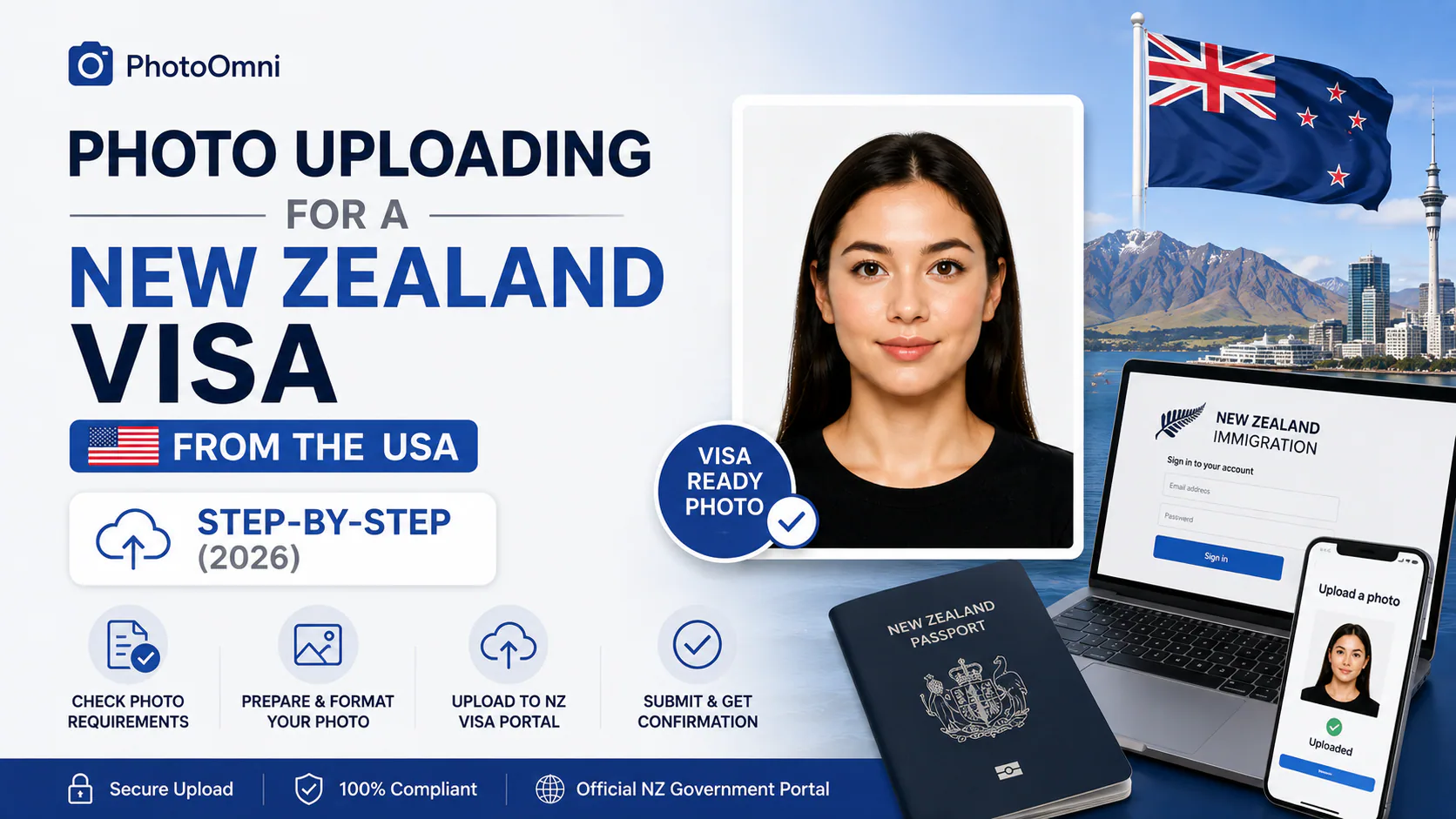
If you're applying for a New Zealand visa or NZeTA from the United States, the photo upload step is entirely online — no mailing, no in-person visit. But it's also the step most likely to throw an error message that doesn't immediately tell you what to do next. Here's the actual process, plus a plain-English breakdown of every common upload error.
Quick Answer
US passport holders apply for NZeTA at nzeta.immigration.govt.nz (or via the NZeTA app) for most short visits, or apply for a full visa through Immigration New Zealand's online system using a RealMe account for longer stays or other visa types. Either way, you'll upload a digital photo directly — JPG or JPEG only, between 900x1200 and 2,250x3,000 pixels, 500 KB-3 MB, in portrait orientation, against a plain light grey or cream background. The single most common mistake for US applicants: uploading a square photo left over from a US passport application — New Zealand requires a rectangular portrait format, and a square file will be rejected on format alone.
Step-by-Step: Uploading From the USA
If you're applying for NZeTA (most short visits)
- Go to nzeta.immigration.govt.nz — this is the direct portal for US and Canadian passport holders — or download the NZeTA app.
- Scroll to the bottom of the page (or open the app) and start the application.
- Fill in your traveller details.
- When prompted, follow the photo guidelines and upload your saved photo file — the system checks it's JPG/JPEG and within the file size limit before accepting it.
- Pay the NZeTA fee (cheaper via the app: NZ$17 vs. NZ$23 on the website) plus the NZ$35 International Visitor Levy.
If you're applying for a full visa (longer stays, work, study, etc.)
- Decide which visa you need first — visa type affects which documents and photo format the system expects.
- Create a RealMe account if you don't already have one — this is required to apply for most visas online and is the same login system used for New Zealand passport applications.
- Log in and start your application.
- Prepare your photo before you reach the upload screen — see the spec below. All images must be JPEG or JPG; all other documents must be PDF.
- Click "Choose file" at the photo upload step. A successful upload will show a preview; a failed one returns a specific error message (decoded below).
- Complete the rest of your application and submit.
What Each Upload Error Actually Means
INZ's system returns specific error messages when a photo fails — here's what they mean and how to fix them:
| Error message | What it means | How to fix it |
|---|---|---|
| "The picture is not a passport style portrait of suitable file size or otherwise does not meet our requirements" | Your image is outside the accepted pixel or file size range | Resize to between 900x1200 and 2,250x3,000 px, and 500 KB-3 MB |
| Photo rejected for orientation | The file is landscape, or square, rather than portrait | Re-crop to portrait orientation — a square US-style passport photo will trigger this |
| File format not accepted | The file isn't a JPG/JPEG | Convert or re-save as JPEG before uploading — PNG and other formats aren't accepted |
| Photo doesn't meet background/lighting standards | Background isn't plain and light-coloured, or lighting is uneven | Retake against a plain light grey or cream background (not white) in even daylight |
If you genuinely can't get a file to pass after resizing, INZ's own guidance suggests taking a new photo and adjusting your camera's settings, rather than repeatedly trying to force the same file through.
The #1 Mistake for US Applicants
If you've recently prepared a US passport photo (a square 2x2 inch / 51x51 mm file), don't reuse it here. New Zealand visa and NZeTA photos are rectangular (portrait orientation, roughly 900x1200 to 2,250x3,000 px) — a square photo will fail the upload check on format alone, regardless of how well-lit or otherwise compliant it looks. This is one of the most common avoidable errors for applicants coming from the US specifically.
Photo Specification Recap
| Spec | Requirement |
|---|---|
| Format | JPG/JPEG only |
| Digital size | 900x1200 px to 2,250x3,000 px |
| File size | 500 KB-3 MB (visa); up to 10 MB (NZeTA) |
| Orientation | Portrait — not square, not landscape |
| Background | Plain light grey or cream — not white |
| Who takes it | Someone else, from about 1.5 metres away — selfies not accepted |
| Photo age | Taken within the last 6 months |
Preparing Your Photo With PhotoOmni Before You Upload
- Have someone else take your photo from about take your photo from about 1.5 metres away, against a plain light grey or cream background.
- Use even, natural daylight and a neutral expression, both eyes open.
- Upload it to PhotoOmni's free AI check. It verifies pixel dimensions, portrait orientation, background compliance, and file size against the current INZ specification — catching a square-format or oversized file before you ever see an error message on nzeta.immigration.govt.nz or the RealMe portal.
- Fix anything flagged and re-check — there's no cost to try again.
- Download the compliant JPEG file once it passes — the only paid step — sized and formatted correctly for direct upload.
FAQ
Where do US citizens apply for a New Zealand visa or NZeTA? Most short visits use NZeTA at nzeta.immigration.govt.nz or the NZeTA app. Longer stays or other visa types go through Immigration New Zealand's online system, which requires a RealMe account.
Why does my photo keep getting rejected on upload? The most common causes are wrong pixel dimensions or file size, square/landscape orientation instead of portrait, a non-JPEG file format, or a background that isn't plain and light-coloured.
Can I reuse my US passport photo for a New Zealand visa? Not directly — US passport photos are square (2x2 inch), while New Zealand requires a rectangular portrait format. The file will fail the upload check on orientation alone.
What file format does the New Zealand visa system accept? JPG or JPEG for photos; all other supporting documents must be PDF.
Do I need a RealMe account for NZeTA too, or just full visas? NZeTA doesn't require a RealMe account — it's a separate, simpler application through nzeta.immigration.govt.nz or the app. RealMe is specifically for the broader online visa application system.
Is PhotoOmni's compliance check free? Yes — checking your photo against the current INZ specification is free. You only pay if you choose to download the final compliant file, ready for direct upload.
Sources: Immigration New Zealand (INZ), immigration.govt.nz online visa application and photo upload error guidance. This guide is independent and not affiliated with or endorsed by Immigration New Zealand or the New Zealand Government. Always verify current requirements at immigration.govt.nz or nzeta.immigration.govt.nz before submitting your application.
Create Your Passport Photo Now
About the Author
Emma Richardson Senior ICAO Photo Compliance Expert, PhotoOmni
Emma Richardson is the Senior ICAO Photo Compliance Expert at PhotoOmni. With 12+ years of experience in passport and visa photo verification, she has helped applicants achieve 820,000+ successful photo approvals across 100+ countries and territories. She specializes in global passport photo requirements, ICAO-compliant photo standards, and biometric image verification.
Related Articles
- How to Take a Passport Photo at Home (2026 Guide)
- Passport Photo Requirements: The Complete 2026 Guide
- Why Was My Passport Photo Rejected? 15 Common Reasons & Fixes
Data sources: US Department of State passport processing (FY2024), UK Home Office annual report (2023), ICAO Doc 9303 photo specifications. Pricing based on publicly listed rates as of July 2026.