
Can You Take a Passport Photo With a Phone? Camera, Quality and Upload Rules
Yes — a phone photo is accepted for a passport application, as long as it's not a true selfie (someone else needs to hold the phone and photograph you, or you use a guided app that positions the camera correctly) and it meets the same technical requirements as any other passport.
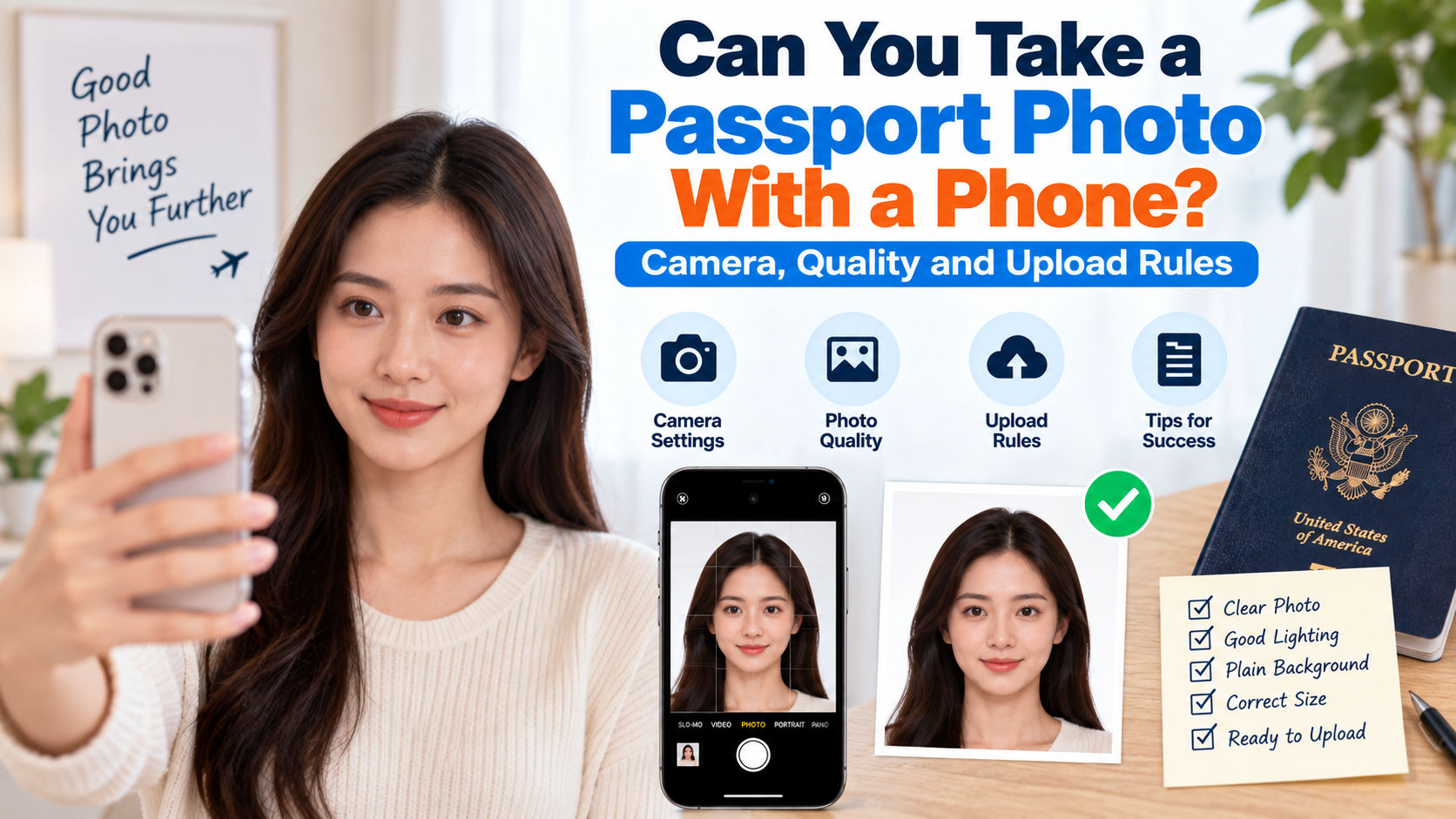
Quick answer: Yes — a phone photo is accepted for a passport application, as long as it's not a true selfie (someone else needs to hold the phone and photograph you, or you use a guided app that positions the camera correctly) and it meets the same technical requirements as any other passport photo: plain background, correct framing, no filters, sharp focus, and even lighting. The camera being a phone rather than a professional DSLR isn't the issue — how the photo is taken and processed is.
If you prefer to prepare the file online, the US passport photo maker can help check the crop, background, and passport-photo format before submission.
The Actual Rule: It's About the Method, Not the Device
Passport photo guidance almost never says "no phone cameras." What it says is "no selfies" and "no filters" — two rules that happen to be easy to violate with a phone specifically, because phones make both selfies and automatic filtering effortless. A phone's rear (main) camera, used by someone else standing back the correct distance, produces a photo that's functionally no different from one taken on a dedicated camera, as long as the same composition and lighting rules are followed.
What Makes a Phone Photo Fail
- Using the front-facing camera to take your own photo (a true selfie) — explicitly disallowed by most governments' guidance
- Auto-enhance, beauty filters, or portrait mode background blur — many phones apply these by default; they need to be turned off, since even subtle skin smoothing or background blur can cause rejection
- Photographing too close, which distorts facial proportions — the subject should be photographed from roughly 4–5 feet away, not with the phone held close to the face
- Poor or uneven lighting — phone cameras handle mixed lighting less gracefully than dedicated cameras, so a single overhead light or a window behind the subject (backlighting) tends to create more visible shadow or silhouette issues on a phone photo than people expect
- Low resolution or heavy compression if the photo is sent via a messaging app, which can compress image quality below what's needed for a sharp, high-resolution submission
How to Take a Compliant Phone Photo
A US passport photo maker can apply these dimensions and formatting checks to the uploaded photo.
- Have someone else hold the phone — this alone resolves the "no selfies" rule, since the disqualifying issue is you operating the camera on yourself, not the device itself.
- Turn off portrait mode, beauty filters, and any automatic photo enhancement in your phone's camera settings before shooting.
- Stand 4–5 feet from the camera, against a plain white or off-white wall, with even lighting — ideally soft, diffused daylight from a window rather than a single harsh light source or direct sun.
- Face the camera directly, with a neutral expression, eyes open, mouth closed, and both edges of your face visible.
- Use the main (rear) camera, not the front-facing selfie camera, since main cameras are generally higher resolution and produce less facial distortion.
- Check the photo immediately for shadows, glare, or an off-center crop before ending the session, since re-shooting on the spot is far easier than trying to fix a bad photo afterward.
Does It Matter What Phone Model I Use?
Not meaningfully, as long as the camera can produce a sharp, well-lit, high-resolution image — which the vast majority of smartphones from the last several years can do. The bigger variable is how the photo is taken (distance, lighting, camera settings) rather than the specific phone hardware. A five-year-old phone with good lighting and correct technique will outperform a brand-new flagship phone shot with harsh lighting and a beauty filter left on.
Turning a Phone Photo Into a Compliant Passport Photo
Taking the raw photo correctly is only half the process — it then needs to be cropped to the correct dimensions, checked against head-size ratio and background requirements, and verified for issues like uneven lighting or accidental filtering. A tool like PhotoOmni takes a phone photo (not a true selfie) and runs it through an automated compliance check plus human review, handling the cropping, background cleanup, and sizing that a raw phone photo needs before it's actually submission-ready.
FAQ
Do I need a professional camera for a passport photo, or is a phone genuinely enough? A phone is genuinely enough, provided it's not a selfie and the photo meets the same lighting, background, and framing standards as any other passport photo — image quality from modern phone cameras is not the limiting factor.
Can I use my phone's portrait mode for a more professional-looking photo? No — portrait mode's background blur effect conflicts with the plain, evenly-lit background requirement and can cause rejection; use standard photo mode with all enhancement features turned off.
Is it better to have someone photograph me with my phone, or use a passport photo app? Both are valid — having someone hold the phone correctly gets you a raw, compliant photo, while an app-guided capture (or uploading that photo to a compliance tool afterward) helps catch framing and lighting issues you might miss on your own.
Can I text or email myself the phone photo without losing quality? Messaging apps often compress images significantly. AirDrop, a direct cable transfer, or cloud storage (rather than SMS or some messaging apps) preserves more of the original resolution for processing or printing.
Bottom Line
A phone camera is fully capable of producing a compliant passport photo — the disqualifying factors are selfie-style self-photography and automatic filtering, not the device itself. Having someone else hold the phone, turning off enhancement features, and photographing against a plain background from the correct distance covers most of what's needed; running the result through a compliance check with a tool like PhotoOmni handles the cropping and verification the raw photo still needs.
About the Author
PhotoOmni Editorial Team
The PhotoOmni Editorial Team researches official passport, visa, immigration, and identity-photo requirements. Every guide is reviewed for practical accuracy and updated when application rules, upload specifications, or government guidance change.