
U.S. B-2 Visitor Visa Photo Requirements: DS-160 Size, Upload, and Common Mistakes (2026)
Prepare a B-2 visa photo for DS-160 with the official digital-image specifications, upload guidance, and a practical error checklist.
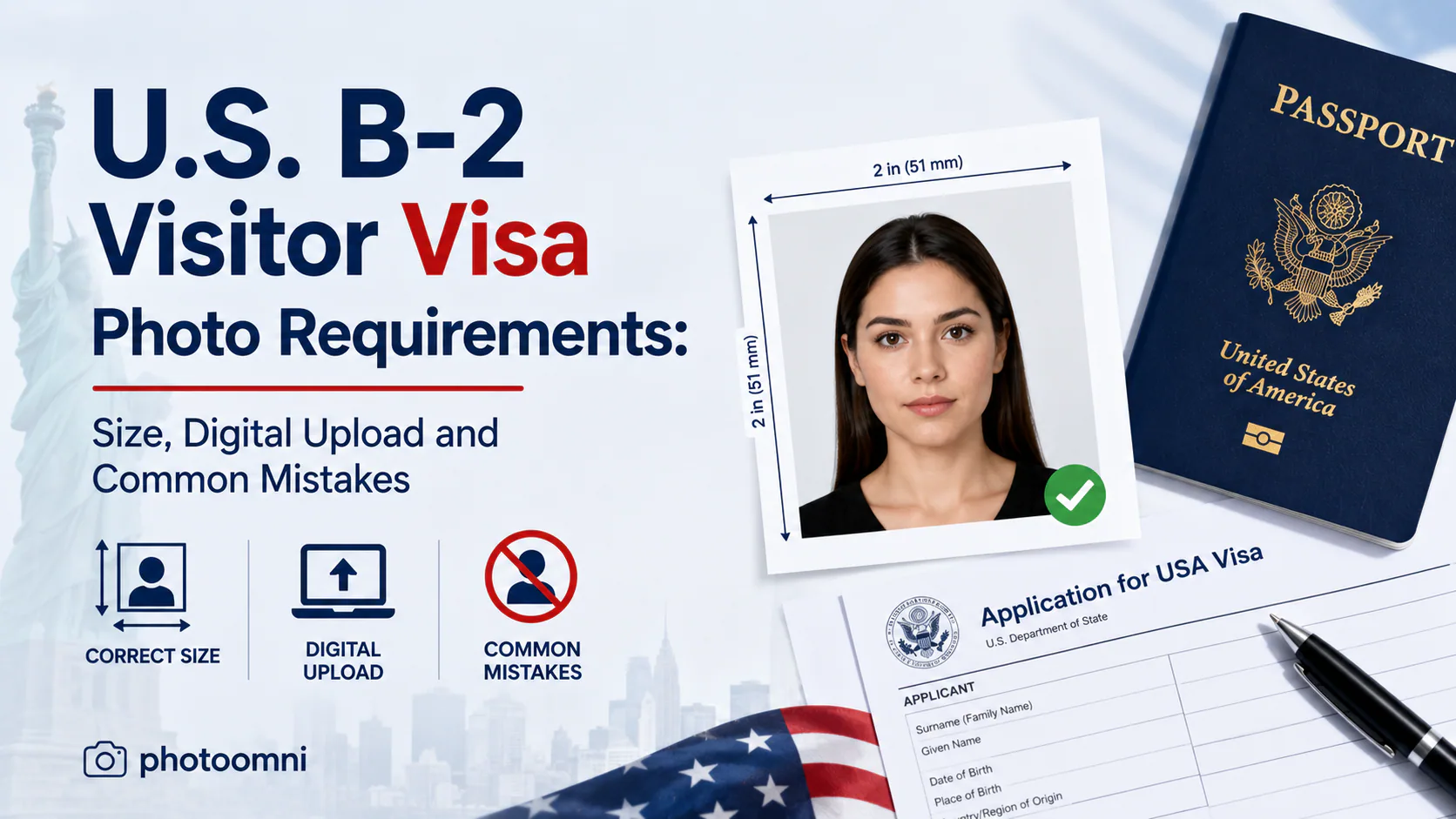
Quick Answer
Your DS-160 photo must be a square JPEG, 600x600 to 1200x1200 pixels, under 240 KB, on a plain white or off-white background, with no glasses, taken within the last 6 months. The most common B-2 applicant mistake is reusing an old passport photo without re-formatting it for DS-160's digital spec. Use a tool like PhotoOmni to prepare a correctly sized digital file before uploading; the embassy or consulate makes the final decision.
If you're applying for a B-2 visitor visa — the tourist/visitor category most people use for vacations, family visits, or medical treatment in the U.S. — your photo is one of the first things that can hold up your DS-160 application. Most guides online repeat the same generic spec sheet for "all U.S. visas," but B-2 applicants run into a specific set of mistakes that other visa categories don't, mostly because B-2 applicants tend to reuse old photos, travel photos, or passport photos that were never meant for this form.
If you prefer to prepare the file online, the US passport photo maker can help check the crop, background, and passport-photo format before submission.
The Technical Requirements
Whether you're applying B-2, F-1, or H-1B, the DS-160 digital photo spec is the same:
A US passport photo maker can apply these dimensions and formatting checks to the uploaded photo.
- Format: JPEG only
- Dimensions: Square, between 600 × 600 pixels and 1200 × 1200 pixels
- File size: Under 240 KB
- Background: Plain white or off-white
- Recency: Taken within the last 6 months
- No glasses (including prescription glasses, with rare documented medical exceptions)
- Neutral expression, eyes open, looking directly at the camera
The DS-160 confirmation page is the useful official upload check: if it displays your photo, the upload function succeeded; if it shows an “X,” the photo upload failed. Follow the instructions of the embassy or consulate where you apply, including any request to bring a printed photo.
Where B-2 Applicants Specifically Go Wrong
1. Reusing a passport photo without re-checking the specs
A passport photo is a 2x2 inch print, typically saved as a larger file (anywhere from 54 KB to several MB at 300 DPI). A DS-160 photo needs to be a specifically sized digital file — square, under 240 KB. You can use the same underlying image, but it needs to be re-exported to fit the visa spec. Uploading the passport-sized file directly is one of the most common DS-160 upload failures.
2. The photo doesn't match how you currently look
B-2 applicants are often applying for a visa well after their passport photo was taken — sometimes years later. If your appearance has changed significantly (new facial hair, major weight change, different hairstyle), a consular officer may ask you to bring an updated printed photo to your interview, even if the DS-160 upload technically passed the automated check. The "within 6 months" rule exists precisely because visa photos are used for identity verification at the interview, not just form completion.
3. Mixing up the digital upload and the printed backup
For most B-2 applicants, the digital photo uploaded through DS-160 is what the consulate uses — you typically don't need to bring a separate printed photo to your interview. But this varies by consulate and case type, and immigrant visa categories (DS-260) more often require a physical 2×2 inch print at a later stage. If your appointment confirmation or consulate instructions mention bringing a printed photo, don't assume the digital upload alone covers you — bring a printed backup that matches the same image.
4. Compressing the file the wrong way
When applicants realize their photo is over the 240 KB limit, the instinct is to crank down JPEG quality until the file shrinks — but heavy compression can degrade the image enough that it fails the visual quality check even though it now passes the size check. The better fix is to resize the dimensions first (closer to 600x600px rather than 1200x1200px) before reducing quality, which keeps the image cleaner at a smaller file size.
5. Using a photo with a shadowed or off-white background
Home-taken B-2 photos are the most common source of background problems — a wall that looks "white enough" in person often shows as gray or shadowed once photographed, especially in indoor lighting. This is a frequent, quiet cause of DS-160 photo rejection.
Digital Upload vs. Printed Photo: The Difference That Matters for B-2
| DS-160 Digital Upload | Printed Photo (if requested) | |
|---|---|---|
| Format | JPEG, square, 600–1200px, under 240KB | 2x2 inch print |
| Where it's used | Submitted during online application | Brought to interview if instructed |
| Checked by | Automated CEAC system | Consular officer |
| Common failure | Wrong file size/dimensions | Doesn't match current appearance |
Getting It Right the First Time
Because B-2 applicants are frequently under time pressure — booking travel, scheduling interviews, coordinating with family — a rejected upload the night before a deadline is a genuinely stressful problem. Tools like PhotoOmni can help you crop a recent photo to square dimensions, prepare a plain white or off-white background, and create a file for review before you upload. Check the official requirements and your consulate instructions; meeting a tool's check does not guarantee visa approval or acceptance.
If your visa interview is coming up and you're not sure your current photo still matches how you look, it's worth taking a fresh one rather than reusing an old passport photo — a rejected or flagged photo at the interview stage causes far more delay than the few minutes it takes to prepare a new, compliant file up front.
FAQ
Can I use my U.S. passport photo for my B-2 visa application? Not directly. The underlying image can be reused, but it must be re-exported to the DS-160 digital spec — square, under 240 KB, 600–1200px — since passport photo files are formatted differently.
Do I need to bring a printed photo to my B-2 visa interview? Usually not — most consulates rely on the digital photo you uploaded through DS-160. Some case types or consulates do require a printed backup, so check your interview confirmation instructions carefully.
Why does the CEAC system reject my photo without an explanation? If the confirmation page displays an “X,” the photo upload did not succeed. Double-check that your file is a square JPEG under 240 KB, then follow the embassy or consulate instructions before re-uploading or bringing a print.
Are glasses ever allowed in a B-2 visa photo? No, except in rare cases with documented medical necessity. Glasses have been prohibited in U.S. visa and passport photos since 2016.
How old can my visa photo be? It must be taken within the last 6 months and should reflect your current appearance — significant changes in facial hair, weight, or hairstyle can cause issues even if the file itself passes the automated check.
About the Author
PhotoOmni Editorial Team
The PhotoOmni Editorial Team researches official passport, visa, immigration, and identity-photo requirements. Every guide is reviewed for practical accuracy and updated when application rules, upload specifications, or government guidance change.