
Visa Photo Size: Requirements by Country, Inches and Pixels
Compare visa photo print sizes and digital upload limits by destination, with official sources and separate rules for different application routes.
Quick Answer
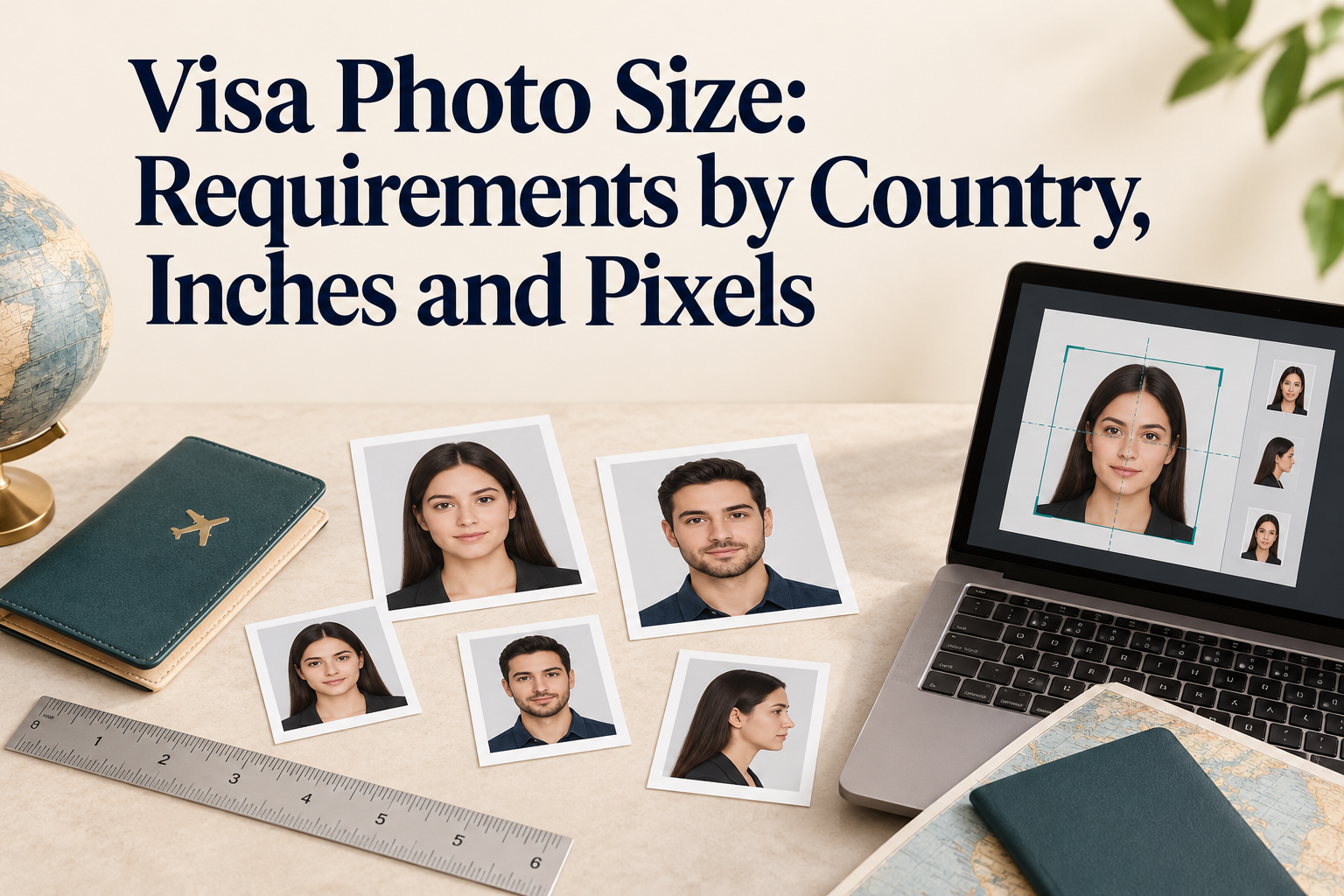
There is no single visa photo size. The right size depends on three things: the destination country, the visa route (paper form, visa center, online upload or e-visa), and whether you need a print or a digital file.
As a rough guide, common formats include a 35 x 45 mm print (1.38 x 1.77 inches), the United States uses a 2 x 2 inch square (51 x 51 mm), and China uses 33 x 48 mm. Digital uploads are specified in pixels and file size, not millimeters, and the aspect ratio of the upload is sometimes different from the print. The table below shows both for each destination, with where each figure comes from.
Always confirm the figure on the instruction page inside your own application, because the same country can ask for different specifications depending on the route.
Visa Photo Size by Country: Paper and Digital Compared
Sizes were checked in October 2026. "Source" shows where the figure comes from, so you can see how firmly it is established.
| Destination and route | Paper photo | Digital upload | Source |
|---|---|---|---|
| United States nonimmigrant visa (DS-160) | 2 x 2 in (51 x 51 mm) | Square, 600 x 600 to 1200 x 1200 px, JPEG, 240 kB or less, color (sRGB) | US Department of State pages |
| United Kingdom visa or permission | Follow your application if a print is requested | At least 600 x 750 px, vertical, JPG, 50 KB to 6 MB | Official UKVI digital-photo guidance; follow the application for any printed-photo request |
| Canada temporary resident visa | Frame at least 35 x 45 mm (1 3/8 x 1 3/4 in), head 31-36 mm | Follow the checklist in your online account | Canada.ca specification for paper applications |
| Schengen short-stay visa | 35 x 45 mm in most guidance, head 32-36 mm | Set by each consulate or visa center | ICAO-based common practice; consulates differ |
| China visa | 33 x 48 mm (1.30 x 1.89 in) | 354-420 px wide, 472-560 px tall | Official Chinese visa application service center photo specification |
| India online visa form | 2 x 2 in (51 x 51 mm) | Square, 350 x 350 to 1000 x 1000 px, JPEG, 10-300 KB | Official regular-visa portal instructions; follow the responsible mission for prints |
| India e-Visa | Digital submission; check if any later print is requested | Square JPEG, 10 KB to 1 MB; follow the live portal for pixel limits | Official Indian e-Visa portal |
| Japan visa | 35 mm wide x 45 mm high | Follow your application | Embassy of Japan page |
| Australia visa (ImmiAccount) | 35 x 45 mm is common; sources vary | Varies by source and route | No single published figure found; check your subclass |
| New Zealand online visa | Not specified in the guidance reviewed | 900 x 1200 to 2250 x 3000 px, JPEG, 500 KB to 3 MB | Immigration New Zealand photo guidance |
How to read this table:
- "Digital upload" is not the same as the print scaled up. Several countries specify pixels and kilobytes, and the shape of the image can differ from the print.
- The route matters. India lists a different maximum file size for the regular online visa form and for the e-Visa. The United States lists different digital limits for visas and passports.
- A "most common" size is not a rule. Use it as a starting point and verify.
Inches and Pixels: Converting Visa Photo Sizes
Websites often give millimeters, inches and pixels without explaining how they relate. The rules are simple:
- Inches = millimeters / 25.4
- Pixels = inches x DPI (dots per inch)
| Print size | Inches | Pixels at 300 DPI | Pixels at 600 DPI |
|---|---|---|---|
| 35 x 45 mm | 1.38 x 1.77 | 413 x 531 | 827 x 1063 |
| 2 x 2 in (50.8 x 50.8 mm, often rounded to 51 mm) | 2.00 x 2.00 | 600 x 600 | 1200 x 1200 |
| 33 x 48 mm | 1.30 x 1.89 | 390 x 567 | 780 x 1134 |
| 30 x 40 mm | 1.18 x 1.57 | 354 x 472 | 709 x 945 |
Two things to notice:
- The 2-inch US print converts neatly. A 2 x 2 inch photo at 300 DPI is 600 x 600 pixels, which is the minimum the US digital spec allows. At 600 DPI it is 1200 x 1200 pixels. This is a useful conversion example; the numerical overlap does not establish why the Department of State chose its upload limits.
- Digital specs do not always match the print. China's digital range starts at 354 x 472 pixels. That is a 3:4 shape, while the 33 x 48 mm print is narrower. UKVI's digital minimum is not a conversion of a passport-style paper print. Always resize to the digital spec for uploads rather than reusing a print template.
A pixel count alone does not tell you the print size. A 600 x 600 pixel image prints as 2 x 2 inches at 300 DPI but only 1 x 1 inch at 600 DPI. The upload specs quoted above are stated as dimensions and file size, so match those rather than relying on a DPI setting.
Print Size Notes by Country
United States
The paper photo is 2 x 2 inches (51 x 51 mm). The online DS-160 upload follows the digital spec above. If you scan an existing print, the Department of State asks for a scan at 300 pixels per inch. Follow the embassy or consulate checklist for any printed photo required at the interview.
United Kingdom
If your visa application requests a printed photo, follow its stated dimensions rather than assuming that a passport-photo specification applies. Online applications ask for a vertical digital image of at least 600 x 750 pixels. The official UKVI digital-photo guidance specifies 50 KB to 6 MB and JPG/JPEG. The 10 MB limit belongs to the separate UK passport guidance and should not be carried over to a visa article.
Canada
The Canada.ca specification sets the frame at at least 35 x 45 mm with a head height of 31-36 mm. Do not confuse this with the larger 50 x 70 mm photo that some Canadian documents use. The page says “at least” 35 x 45 mm, so it does not establish that every larger frame is automatically invalid. Match your application checklist and the head-size requirement. Online routes can have different file requirements.
Schengen Area
The common size is 35 x 45 mm with a head height of 32-36 mm. Each Schengen country sets its own rules, and individual consulates differ. For example, Italian consulate pages themselves give both 35 x 45 mm and a 35-40 mm range. Treat the Schengen figure as a starting point and check the consulate or visa center that will take your application.
China
The Chinese visa application service center notice asks for a color photo taken within 6 months, size 48 x 33 mm (height x width), head width 15-22 mm and head height 28-33 mm, on a white or near-white background. It asks for printing on glossy photo paper rather than matte or plain paper. Eyeglasses are allowed unless they are thick-rimmed, tinted or glaring. Many photo websites say glasses are banned, which does not match this notice.
India
The Indian visa portal instructions for the regular online form list a square JPEG of 350 x 350 to 1000 x 1000 pixels and 10 to 300 KB. The official e-Visa portal specifies a square JPEG between 10 KB and 1 MB. Do not automatically carry the regular-visa pixel range into the e-Visa route. If you use the wrong limit for your route, the upload can fail, so read the instructions on the screen you are using.
Japan
The Embassy of Japan page reviewed lists the visa photo as 45 mm high by 35 mm wide, the same size as a passport photo, taken within the last 6 months. Other Japanese mission forms can show a different size, including a square format. Follow the mission and current form handling your application; do not dismiss a different official specification as a commercial-site error.
Australia
Most Australian visas are lodged online. The size and file figures published on websites vary widely: 35 x 45 mm, a 35-40 by 45-50 mm range, 600 x 750 pixel minimums, 1200 x 1600 pixel recommendations, and file limits from 120 KB to 3.5 MB. Some visa routes capture the photo in an app instead of an upload. Because no single figure appears consistently, follow the instructions shown for your visa subclass.
New Zealand
Immigration New Zealand's photo guidance for online applications asks for a JPEG between 500 KB and 3 MB and 900 x 1200 to 2250 x 3000 pixels. This is a much larger file than most other countries accept.
Where Visa Photo Guides Disagree
Most visa photo content is written one country at a time, and the details are copied between sites. These are the conflicts to watch for:
| Topic | Conflicting claims found | What to do |
|---|---|---|
| US digital file size | The official US figure is 240 kB or less; one guide lists "240KB to 5MB" | Use the US Department of State spec |
| UK maximum file size | UKVI digital-photo guidance: 6 MB; separate passport guidance: 10 MB | Do not mix visa and passport instructions |
| India file size | 300 KB for the regular form, 1 MB on the official e-Visa portal | Match the route you are using |
| Japan visa size | 35 x 45 mm on the reviewed mission guidance; other official forms may differ | Ask your Japanese mission |
| China glasses | Notice allows glasses unless thick-rimmed, tinted or glaring; many sites say none | Follow the notice, or remove glasses to be safe |
| Australia size | 35 x 45 mm, or a 35-40 x 45-50 mm range | Follow your subclass instructions |
| Schengen size | 35 x 45 mm commonly, some guides say 35 x 40 mm | Check the consulate or visa center |
Another common mistake is using a passport photo spec for a visa or the reverse. Even when the print size matches, the digital limits, recency and background rules can differ.
How to Choose the Right Size for Your Visa
Work through these questions in order:
- Which country and which visa? Different visa types and documents (for example a visa versus a permanent resident card) can use different sizes.
- How are you applying? Online upload, paper form, visa application center or on-site capture each ask for a different file or print.
- Does the instruction page give millimeters, inches or pixels? Use exactly what it states. If it gives only pixels, do not worry about the print size.
- Check the file rules. Format (usually JPEG), minimum and maximum pixels, and file size in KB or MB.
- Check recency and background. Most visas ask for a photo taken within the last 6 months, but background colors differ.
- Print at 100% scale if you need a paper photo. Turn off "fit to page" so the head size does not change.
- Keep a record. Save a screenshot of the instruction page you followed.
Prepare and Check Your Visa Photo With PhotoOmni
PhotoOmni helps you prepare a photo at home and check it before you upload or print. Start from the instruction page for your visa, note the exact size, pixel range and file limit, and set up your photo to match those figures. Then review the result against the checklist for your route before you submit.
Bottom Line
The size for a visa photo depends on the country, the visa route and whether you submit a print or a digital file. Common starting points are 35 x 45 mm, 2 x 2 inches and 33 x 48 mm, but pixel ranges and file limits vary and requirements can differ between official application routes. Use the table and conversion rules in this guide to understand the figures, and always confirm against the page shown in your own application.
Official Sources
- U.S. Department of State: digital image requirements
- UKVI: digital photo for a visa application or permission
- Canada: temporary resident visa paper-photo specifications
- Chinese Visa Application Service Center: paper and digital photo specification
- India: regular-visa photo upload instructions
- India: official e-Visa portal and photo requirements
- Embassy of Japan in Canada: general visa photo requirements
- Immigration New Zealand: photo upload dimensions and file limits
Checked October 24, 2026. A route without a universal specification in this table must be checked in its own application instructions.
FAQ
What is the standard size for a visa photo? There is no single standard. Common sizes are 35 x 45 mm (1.38 x 1.77 inches), 2 x 2 inches (51 x 51 mm) and 33 x 48 mm for China. The figure depends on the destination and route.
What is a visa photo size in pixels? It depends on the portal. Examples: the US asks for a square of 600 x 600 to 1200 x 1200 pixels, UKVI asks for at least 600 x 750 pixels, India’s regular-visa upload instructions list 350 x 350 to 1000 x 1000 pixels, and China asks for 354-420 x 472-560 pixels.
How do I convert millimeters to inches? Divide millimeters by 25.4. A 35 x 45 mm photo is about 1.38 x 1.77 inches.
How do I convert inches to pixels? Multiply inches by DPI. A 2 x 2 inch photo at 300 DPI is 600 x 600 pixels.
Is a visa photo the same as a passport photo? Not always. They can share the same print size, but digital file limits, recency and background rules can differ.
Can I use a US 2 x 2 inch photo for other countries? Do not assume so. Many routes ask for a portrait-shaped print or a different digital format. Check the destination and exact application; a matching outer size alone does not establish compliance.
Are visa photo requirements the same for e-visas and regular visas? Not always. India, for example, lists different maximum file sizes for the regular online form and the e-Visa.
How recent must the photo be? Most sources reviewed ask for a photo taken within the last 6 months, but confirm this on your application.
Should I print or upload? Follow your application. Many visa applications now use digital uploads, while visa application centers or paper forms may ask for prints.
What if different websites give different sizes? Trust the instruction page in your application or the official page of the embassy, consulate or visa center, and keep a copy of what you followed.
Check Your Visa Photo Before You Submit
The wrong size, pixel count or file limit is one of the easiest ways to delay a visa application. Find your route's exact specification, prepare your photo to match it, and check it before you upload or print.
Prepare your visa photo with PhotoOmni
About the Author
PhotoOmni Editorial Team publishes guides to passport and visa photo requirements, digital image preparation and printing. PhotoOmni also offers paid photo services; this guide is published by PhotoOmni. Always follow the issuing authority’s current instructions.