
Passport Dimensions in Inches: Booklet Size vs Passport Photo Size
Separate passport booklet dimensions from passport photo sizes, then convert millimeters, inches and print pixels correctly.
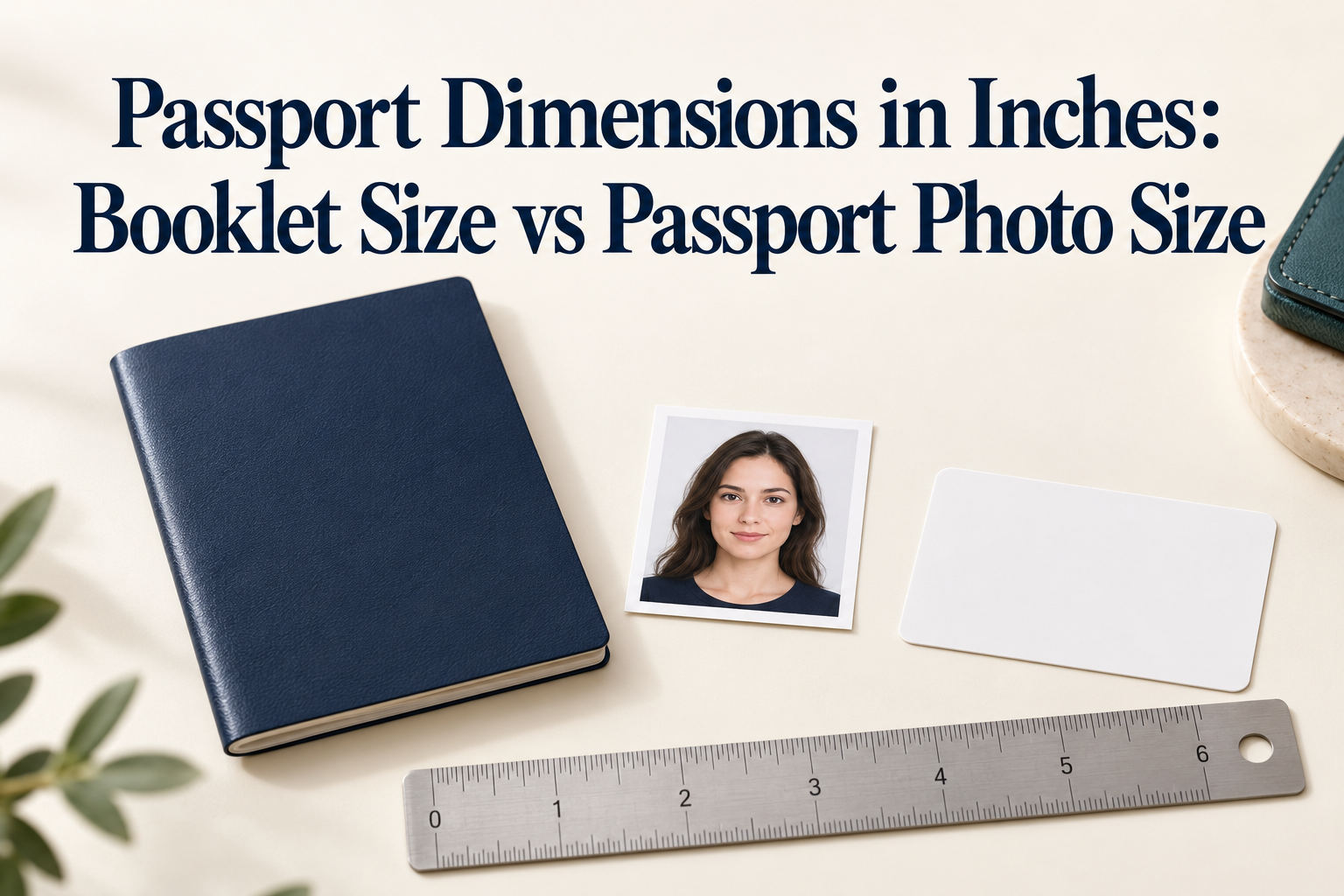
Dimensions and official photo guidance checked October 24, 2026. Pixel equivalents in the print table are conversions, not online-upload rules.
Quick Answer
The passport booklet and the passport photo are two different sizes, and "passport size" can mean either.
- Passport booklet (closed): the international standard format, ISO/IEC 7810 ID-3 used by ICAO machine-readable passports, is 125 × 88 mm, or about 4.92 × 3.46 inches. U.S. sources round it to 5 × 3.5 inches.
- U.S. passport card: the ID-1 credit-card size, 85.6 × 54 mm, or about 3.37 × 2.13 inches.
- Passport photo you submit: depends on the country. United States: 2 × 2 inches (51 × 51 mm). United Kingdom: 35 × 45 mm, about 1.38 × 1.77 inches. Canada: 50 × 70 mm, or 2 × 2¾ inches.
If you need the booklet size, use the first figure. If you are preparing a photo, use the size for the country that issues your document, and do not assume one size works everywhere.
1. Why Guides Give Different Answers
"Passport size" means two things. Some pages answer "how big is a passport" and others answer "what size is a passport photo," and the keyword matches both. A "passport size photo" is not a photo the size of a passport.
5 × 3.5 versus 4.92 × 3.46. Both are correct. 125 × 88 mm converts to 4.921 × 3.465 inches. U.S. sources round that to 5 × 3.5 inches for a closed passport book.
Card sizes get truncated. The ID-1 card format is 85.60 × 53.98 mm, which is 3.370 × 2.125 inches, or 3⅜ × 2⅛ inches. Some guides truncate it to 3.3 × 2.1 inches.
Large-book claims. A large passport book refers to extra pages rather than a photo size. ICAO specifies nominal booklet and data-page dimensions with tolerances; binding can increase one dimension. Measure the actual booklet, including its cover, when buying a close-fitting holder.
Conversion mistakes on photo sizes. Canada.ca states the face height as 31 to 36 mm, which it converts to 1¼ to 1⁷⁄₁₆ inches. Some third-party guides print 1¼ to 1⅞ inches or 1.25 to 1.75 inches, which are wrong. 36 mm is about 1.42 inches.
Inches versus pixels. Digital rules are in pixels and file size, and the two only connect through DPI. A UK digital minimum of 600 × 750 pixels is 2 × 2.5 inches at 300 DPI, which has a different shape from a 35 × 45 mm print.
2. Passport Booklet and Card Dimensions
| Item | Millimetres | Inches (decimal) | Inches (fraction) | Standard |
|---|---|---|---|---|
| Passport booklet, closed | 125 × 88 | 4.921 × 3.465 | 4¹⁵⁄₁₆ × 3⁷⁄₁₆ | ISO/IEC 7810 ID-3; ICAO |
| Booklet as U.S. sources state it | about 127 × 89 | 5 × 3.5 | 5 × 3½ | Rounded figure |
| U.S. passport card | 85.6 × 54.0 | 3.370 × 2.125 | 3⅜ × 2⅛ | ID-1; wallet size |
Most countries' passport booklets follow the ID-3 format, with small tolerances, because border systems are built around it. If you need to fit a passport into a holder or sleeve, measure your own, because covers and thickness vary.
3. Passport Photo Sizes in Inches, by Country
| Country | Photo size (mm) | Photo size (inches) | Head or face height | Print equivalent at 300 PPI |
|---|---|---|---|---|
| United States | 51 × 51 | 2 × 2 | 1 to 1⅜ in (25 to 35 mm), chin to top of head | 600 × 600 px |
| United Kingdom | 35 × 45 | about 1.38 × 1.77 | 29 to 34 mm (about 1.14 to 1.34 in) | about 413 × 531 px |
| Canada | 50 × 70 | 2 × 2¾ | 31 to 36 mm (about 1.22 to 1.42 in), chin to crown | about 591 × 827 px |
Formulas
- Millimetres to inches: divide by 25.4.
- Inches to pixels: multiply by the DPI. At 300 DPI, 2 inches is 600 pixels.
- Millimetres to pixels: mm ÷ 25.4 × DPI. For 35 × 45 mm at 300 DPI, that is about 413 × 531 pixels.
Digital limits are not the same as print size
- United States, online renewal: JPG, JPEG, PNG, HEIC or HEIF, 54 KB to 10 MB. The application lets you reposition or crop.
- United Kingdom, online own-device photo: at least 600 × 750 pixels and 50 KB to 10 MB, uncropped, because the application crops it.
- Canada: the printed 50 × 70 mm photo is required for paper applications and must be taken in person by a commercial photographer or studio; online renewal uses a separate digital photo.
A UK photo resized to the print size in pixels, about 413 × 531, falls below the 600 × 750 digital minimum.
4. How to Get the Size Right, Step by Step
- Decide what you are measuring. The booklet size answers a question about holders, sleeves and luggage. The photo size answers a question about your application.
- Find the size for your issuing country on its official page, not a generic "passport size" figure.
- Convert once, using millimetres ÷ 25.4 for inches, and keep millimetres as the master figure because official specs are written that way.
- Match the route. A paper application needs a print at the exact size. An online application needs a digital file within the pixel and file-size limits.
- Prepare the photo at full quality. Take it with even light and a plain background, keeping the whole head and shoulders in frame, as in our home passport photo guide.
- Print at the exact size. On a 4 × 6 inch sheet, six 2 × 2 inch photos fit. Choose no auto-fit or auto-crop at the print kiosk.
- Measure the print with a ruler. Check the overall size and the head height, in millimetres or inches.
- Cut cleanly, and avoid creases and marks on the photo.
5. Cost and Time
| Option | Cost | Time |
|---|---|---|
| Measure and cut your own print at home | Cost of photo paper | 10 to 15 minutes |
| Print a 4 × 6 template at a retailer | Typically cents per print | Often same-day pickup |
| PhotoOmni passport photo | One-time $5.99, as listed on its document pages; see current pricing | About 3 to 15 minutes |
| In-store photo service | Check the retailer and selected location for the current price | Availability varies |
6. Common Mistakes
- Using the booklet size as a photo size. A 5 × 3.5 inch print is not a passport photo.
- Using one size for every country. A U.S. 2 × 2 inch photo is not a Canadian 50 × 70 mm photo.
- Converting inches wrongly, for example reading Canada's 31 to 36 mm face height as 1¼ to 1⅞ inches.
- Resizing a UK digital photo to its print size in pixels, which drops below 600 × 750.
- Stretching a photo to fit rather than framing it correctly.
- Letting a kiosk auto-fit or auto-crop the print.
- Checking only the outer size, not the head or face height.
- Assuming a passport photo can be made anywhere in Canada. Paper applications require a commercial photographer or studio.
7. PhotoOmni vs Other Ways to Get a Right-Sized Photo
| Method | Best for | Watch out for |
|---|---|---|
| Measuring and cutting at home | Low cost, full control | Easy to get head size and proportions wrong |
| Photo shop or booth | A ready print in one visit | Cost and country coverage vary |
| PhotoOmni, for US passport or UK passport photos | Preparing a photo at home with an AI check and expert review, sized for the document you choose | No tool can guarantee acceptance, and Canada's paper photo needs a commercial photographer |
If you only wanted the booklet size, you have it above. If you are preparing a photo, PhotoOmni describes its service as AI-checked and expert-verified, with a refund guarantee for photo-related rejection, so see the refund policy for terms. Our requirements guide and Android passport photo guide cover the shooting rules.
8. Checklist
- I know whether I need the booklet size or the photo size
- I used the photo size for my issuing country
- I converted mm to inches by dividing by 25.4
- For a UK online upload, my file is at least 600 × 750 px and uncropped
- For print, I ordered the exact size with no auto-fit
- I measured the overall size and the head height with a ruler
- The photo is a clean cut with no creases or marks
- For Canada, I plan to use a commercial photographer for a paper application
9. FAQ
What are the dimensions of a passport in inches? A passport booklet is about 4.92 × 3.46 inches (125 × 88 mm), commonly rounded to 5 × 3.5 inches when closed.
What is the size of a U.S. passport card? About 3.37 × 2.13 inches (85.6 × 54 mm), the ID-1 wallet size, the same format as a credit card.
What size is a passport photo in inches? It depends on the country: 2 × 2 inches in the United States, about 1.38 × 1.77 inches (35 × 45 mm) in the United Kingdom, and 2 × 2¾ inches (50 × 70 mm) in Canada.
Is a passport size photo the same size as a passport? No. "Passport size photo" means the photo required for a passport application, not a photo the size of the booklet.
Are all passports the same size? Most booklets follow the ISO/IEC 7810 ID-3 format, with small tolerances, but measure yours if you need a precise fit.
How big is the head in a U.S. passport photo? 1 to 1⅜ inches (25 to 35 mm) from the bottom of the chin to the top of the head.
How do I convert passport photo millimetres to inches? Divide the millimetres by 25.4. For example, 35 mm is about 1.38 inches.
How many pixels is a 2 × 2 inch photo? 600 × 600 pixels at 300 DPI, though U.S. online renewal sets a file type and size range rather than pixel dimensions.
Can I use my U.S. photo for a Canadian passport? No. Canada's photo is a different size and, for paper applications, must be taken in person by a commercial photographer or studio.
Final Take
The booklet is about 4.92 × 3.46 inches, and the photo is whatever your issuing country says it is. Convert from millimetres, match the size to the route you are using, and measure the print before you submit. If you want help with framing and size for a specific document, PhotoOmni checks your photo before you submit.
Official Sources
- ICAO Doc 9303 Part 4: nominal dimensions, tolerances and binding allowance
- U.S. Department of State: passport photographs
- GOV.UK: digital passport photographs
- GOV.UK: printed passport photographs
- Canada: passport photograph specifications
- PhotoOmni: current pricing
About the Author
PhotoOmni Editorial Team publishes guides to passport and visa photo requirements, digital image preparation and printing. PhotoOmni also offers paid photo services; this guide is published by PhotoOmni. Always follow the issuing authority’s current instructions.