


China APEC Business Travel Card photo guide
Your Guide to China APEC Business Travel Card Photos
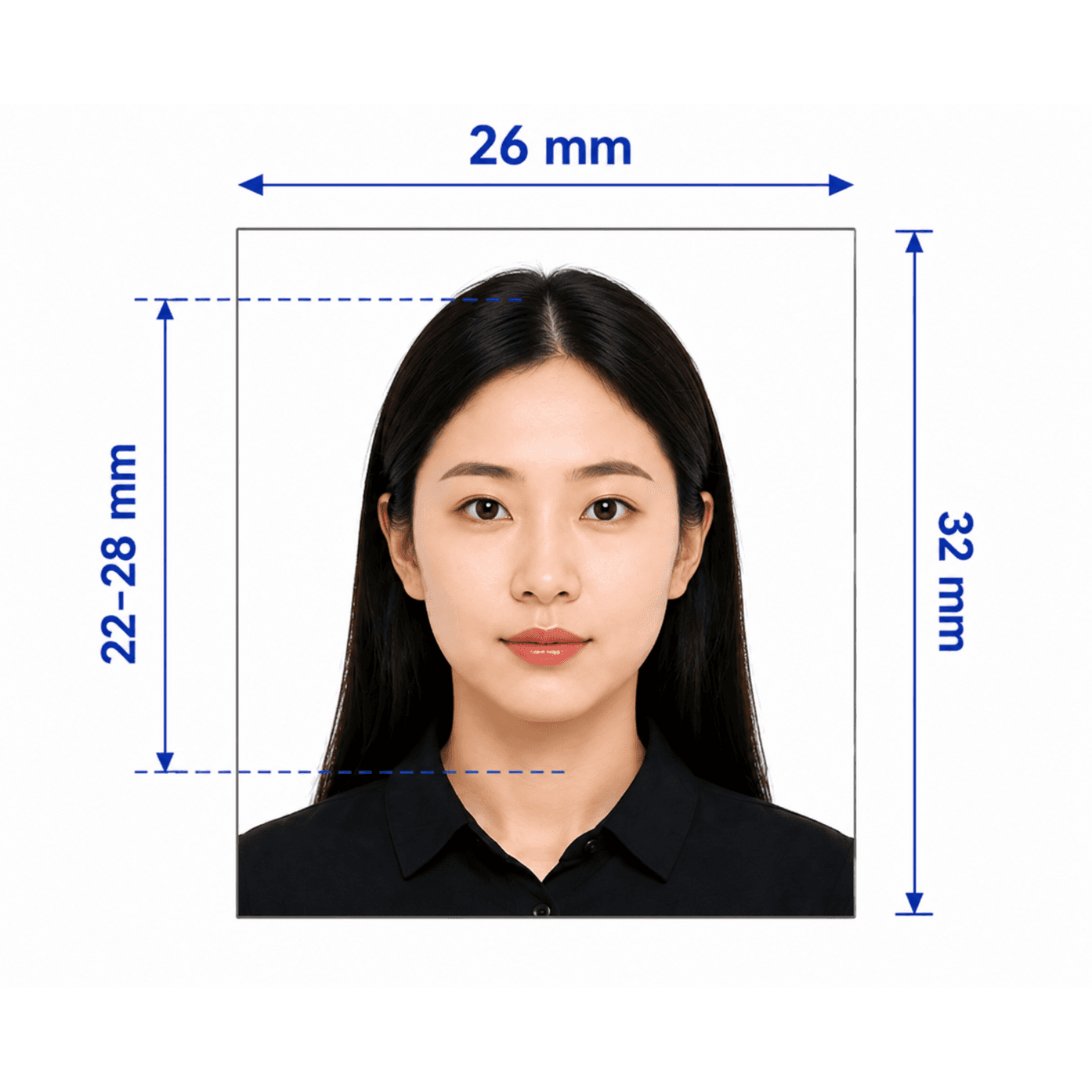
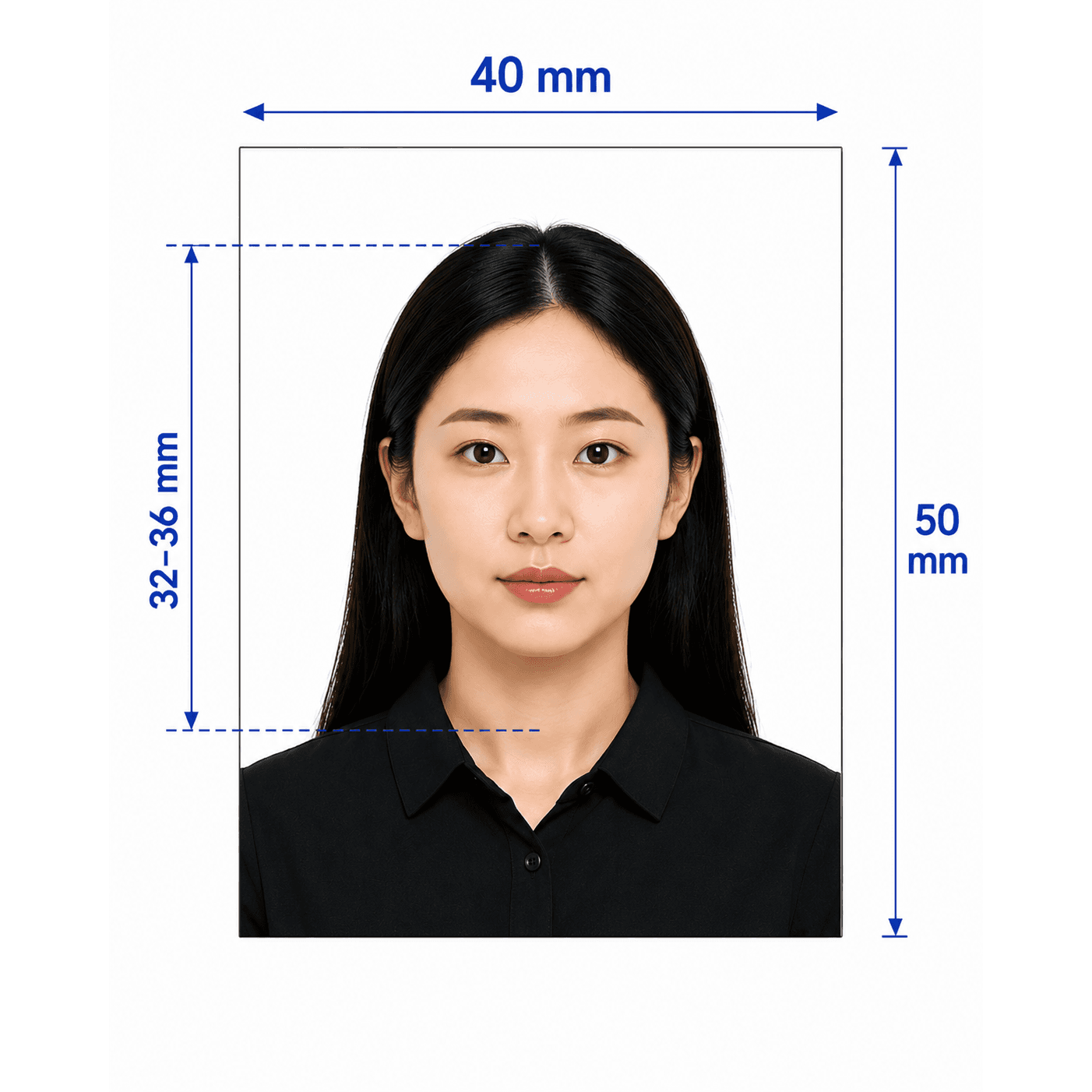
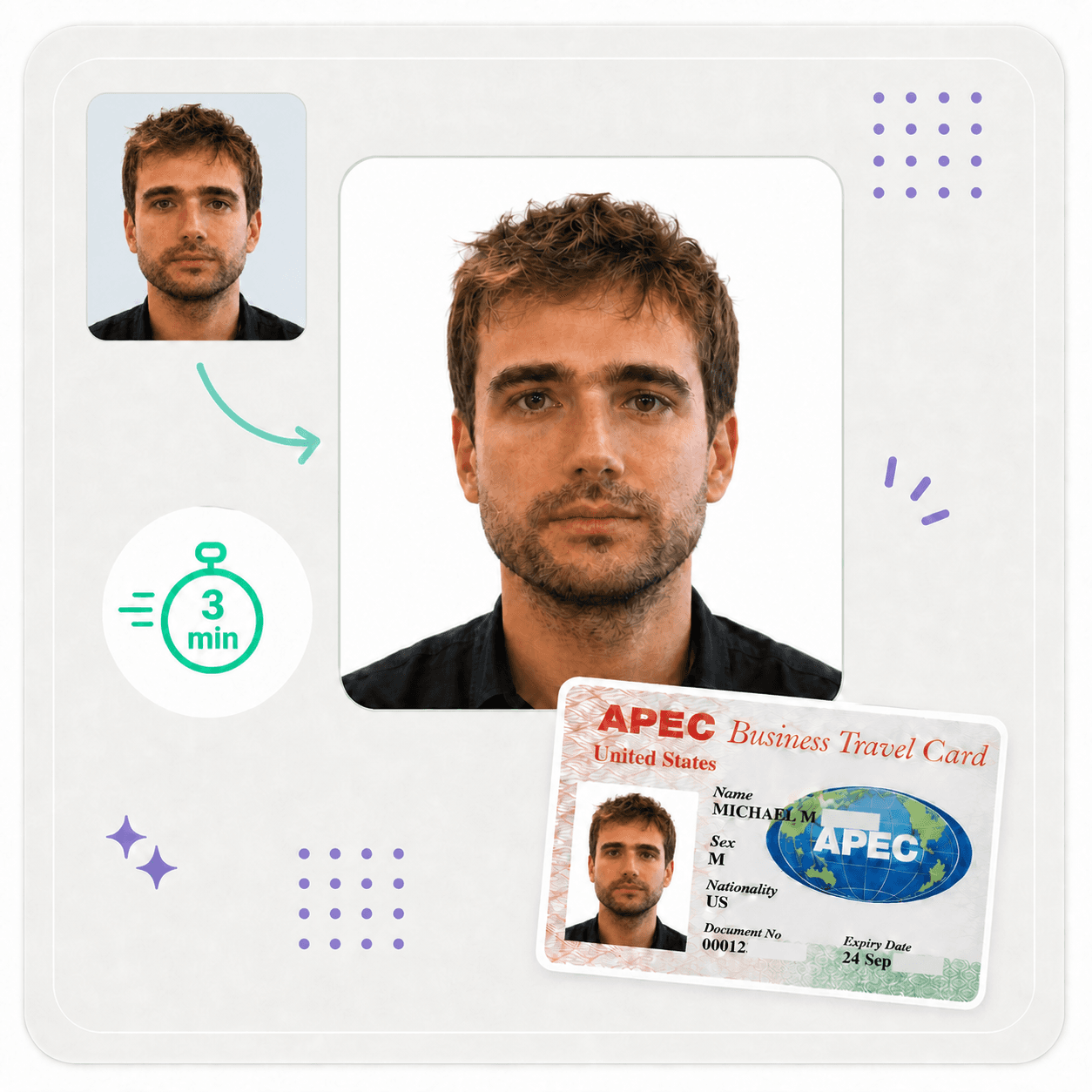
A China APEC Business Travel Card application needs a recent, front-facing digital photo. PhotoOmni prepares a 300 × 400 px white-background JPEG from one phone photo. Read our China APEC ABTC photo requirements guide for the full checklist.
APEC Business Travel Card photo requirements
Check the latest requirements in the official application system before submitting. These photo details help you prepare a clean biometric-style image.
Official source: China Ministry of Foreign Affairs APEC application system
How to take an ABTC photo at home
A clean original image gives the application the best chance of being accepted.
- Face the camera directly and keep your head level, centred, and upright.
- Use even light on your face and a plain background without visible shadows.
- Keep your eyes open and mouth closed; use a neutral expression rather than a smile.
- Wear dark, plain clothing that contrasts clearly with a white background.
- Turn off filters, beauty effects, portrait blur, and face-smoothing before taking the photo.
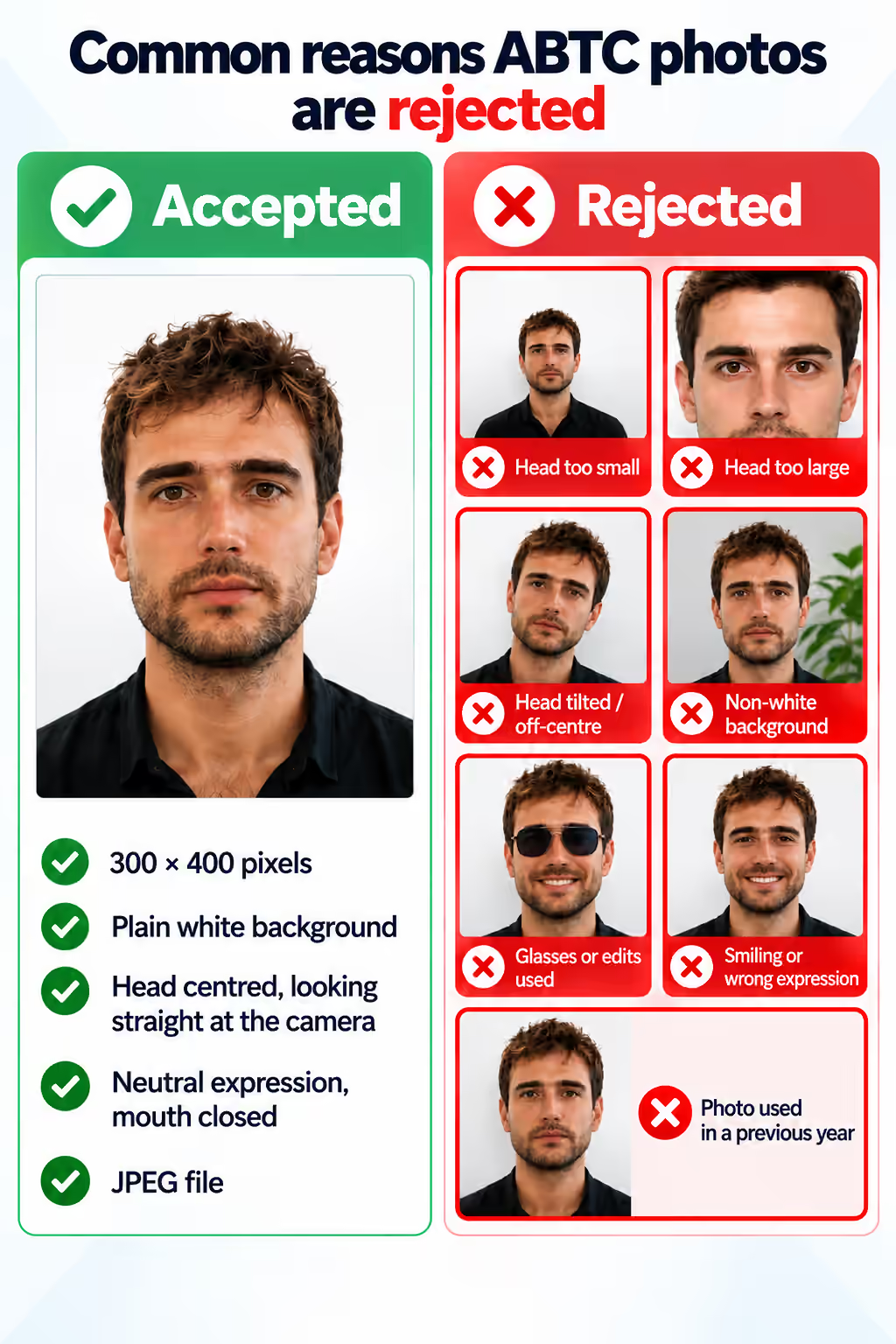
Common reasons ABTC photos are rejected
A new photo may be requested when its technical details or presentation do not match the application requirements.
- The file is not 300 × 400 pixels or is not an accepted JPEG upload.
- The head is too small, too large, off-centre, tilted, or turned away from the camera.
- The background is not plain white, has shadows, or includes visible objects or patterns.
- The image uses a smile, tinted or reflective glasses, filters, blur, or heavy retouching.
PhotoOmni vs. online tools vs. photo studios
PhotoOmni combines at-home convenience with checks for the ABTC photo details that simple crop tools may miss.
Convenience
- PhotoOmni
- Upload from home in minutes
- Other online tools
- Usually online
- Traditional photo studios
- Requires a store visit
Peace of mind
- PhotoOmni
- AI pre-check plus expert approval
- Other online tools
- May lack expert review or charge extra for it
- Traditional photo studios
- Depends on local staff
Expert adjustments
- PhotoOmni
- Included when needed
- Other online tools
- Varies by service
- Traditional photo studios
- Usually retake-based
Ready-to-use files
- PhotoOmni
- Digital photo plus print-ready sheet
- Other online tools
- May be limited or extra
- Traditional photo studios
- Digital copy may not be included
Rejection protection
- PhotoOmni
- 100% refund for photo-caused rejection
- Other online tools
- Policy varies
- Traditional photo studios
- Policy varies by shop
Total price & inclusions
- PhotoOmni
- One-time fee of $5.99
- Other online tools
- Add-ons can cost $3–$10+
- Traditional photo studios
- Often $15+; files vary