India visa photo guide
Indian eVisa Photo Requirements, Size & Specifications
Indian e-Visa applications need a square digital photograph. This guide covers Indian eVisa photo requirements, eVisa India photo requirements, and the photo size, file, background, and pose rules to check before you upload.
India Visa Photo Requirements
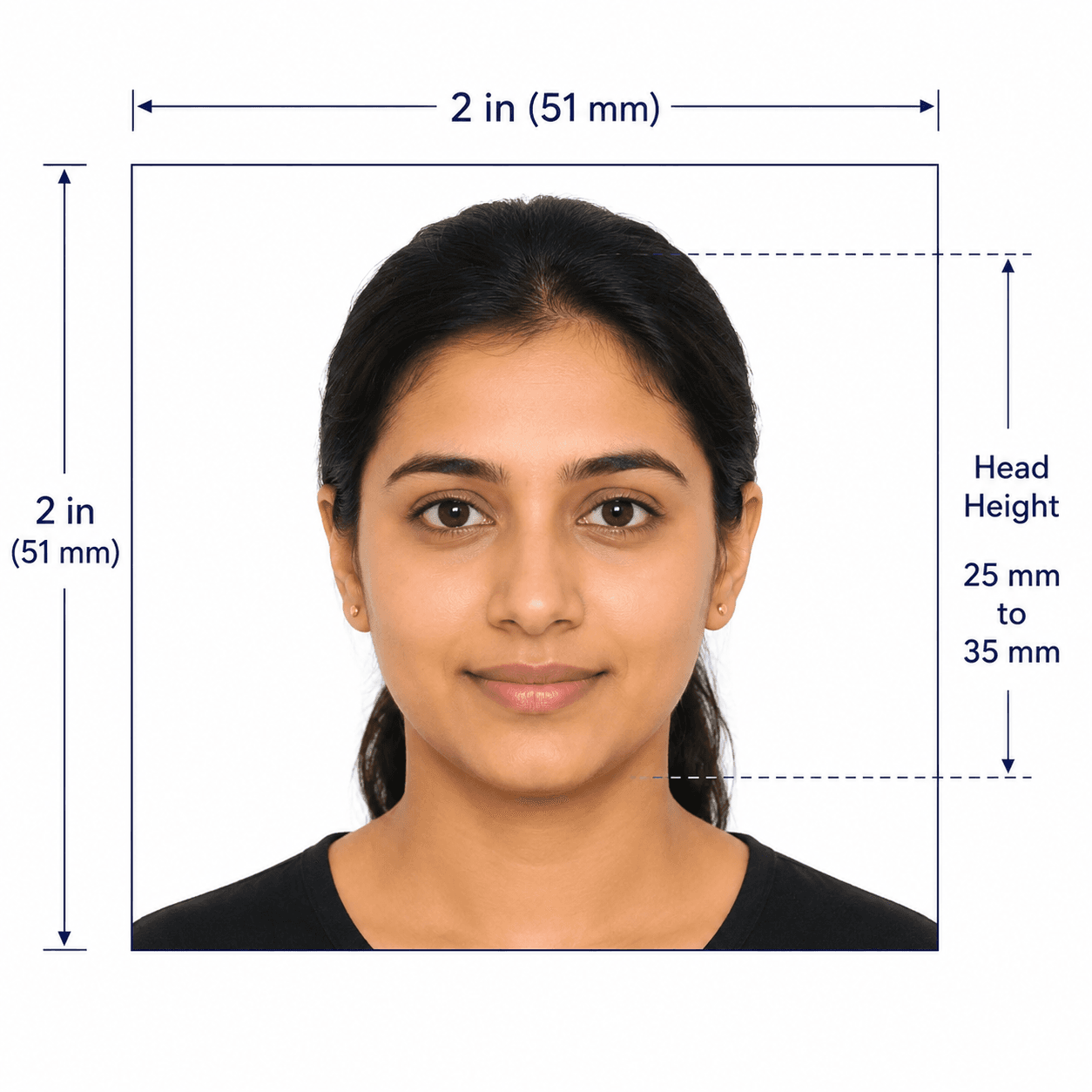
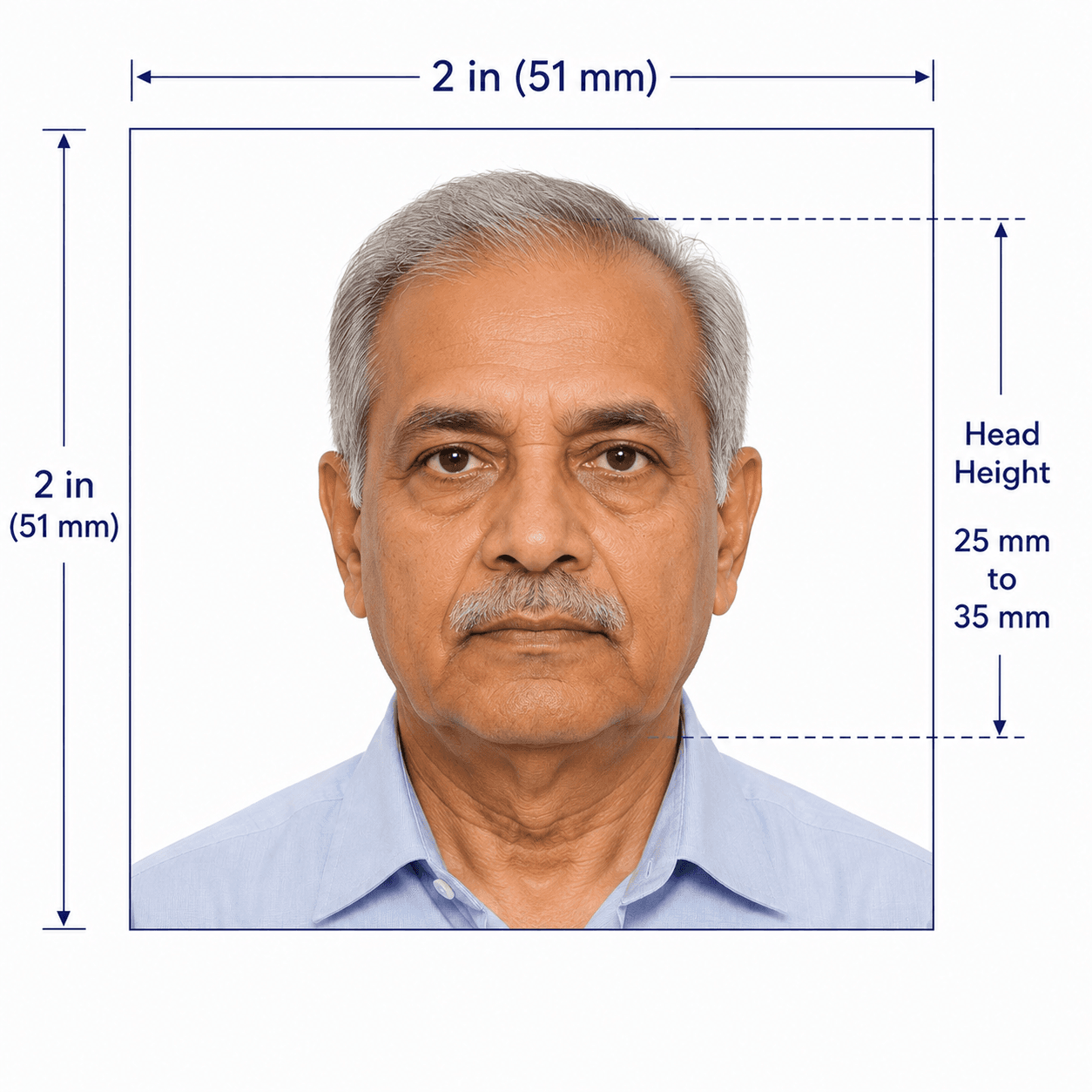
For an e-Visa upload, the Indian visa photo requirements cover the square JPEG format, pixel size, file size, face position, and plain background. These are the core eVisa photo requirements India applicants should check; the official application instructions remain the final authority.
Official source: India Visa Online: e-Visa photo requirements
How to take a suitable Indian visa photo at home
A clear, natural source photo gives the e-Visa upload the best chance of meeting the official specifications.
- Ask another person to take a front-facing photo at eye level rather than using a close selfie.
- Use even front-facing light and a plain white or light-coloured background without shadows.
- Keep the full head visible from the top of the hair to the bottom of the chin, centred in the frame.
- Keep your eyes open and remove spectacles before taking the photo.
- Do not use filters, beauty effects, face reshaping, or AI changes to your appearance.
Common reasons Indian visa photos are rejected
An e-Visa application can require a replacement image if the photo is not clear or does not match the upload specifications.
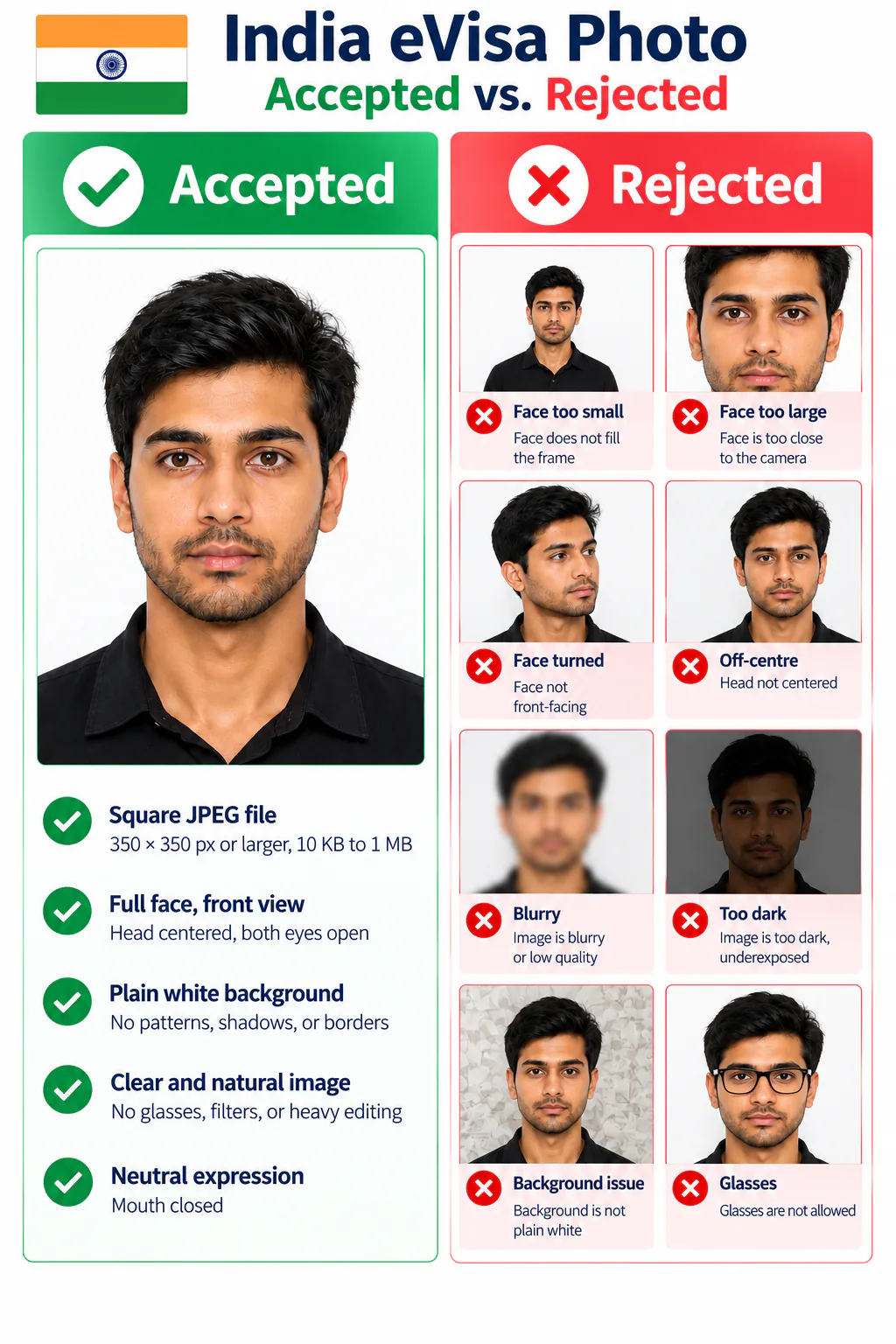
- The file is not a square JPEG, is smaller than 350 × 350 pixels, or falls outside the 10 KB to 1 MB range.
- The face is turned, cropped, off-centre, shadowed, unclear, or does not show the full head.
- The background is patterned, dark, uneven, or has visible shadows and borders.
- Glasses, filters, beauty effects, blur, or retouching change the clarity or natural appearance of the photo.
Why choose PhotoOmni for an India visa photo?
PhotoOmni combines at-home upload, an AI pre-check, expert review, and an upload-ready square JPEG for your Indian e-Visa application.
Convenience
- PhotoOmni
- Upload from home in minutes
- Other online tools
- Usually online
- Traditional photo studios
- Requires a store visit
India e-Visa checks
- PhotoOmni
- Square JPEG and upload guidance
- Other online tools
- May use generic settings
- Traditional photo studios
- Depends on local staff
Photo review
- PhotoOmni
- AI pre-check plus expert review
- Other online tools
- May be basic or extra
- Traditional photo studios
- Usually retake-based
Rejection protection
- PhotoOmni
- 100% refund for photo-related rejection
- Other online tools
- Policies vary
- Traditional photo studios
- Policies vary by shop
Total price & inclusions
- PhotoOmni
- One-time fee of $5.99
- Other online tools
- Add-ons can cost $3–$10+
- Traditional photo studios
- Often $15+; files vary