Expert verified

India OCI Photo Online

Create an India OCI photo online with PhotoOmni. Indian OCI photo requirements are specific: upload a clear source photo, get an AI pre-check and expert review, then download a square JPEG ready for your OCI card India application.

Start with a photo

AI checkedExpert verifiedExpert refinementRefund guarantee
India OCI Photo Online

Photo specifications

India OCI card photo size
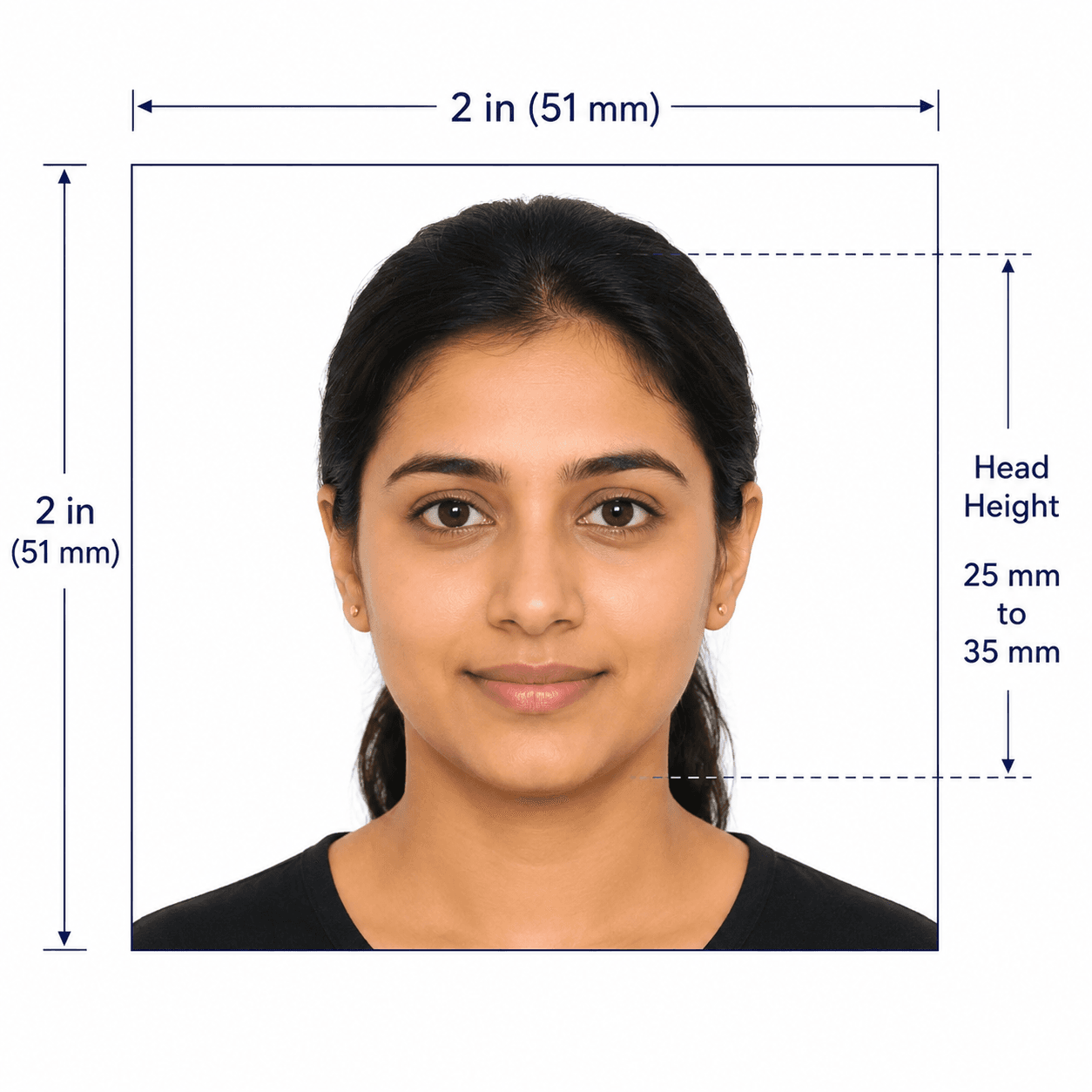
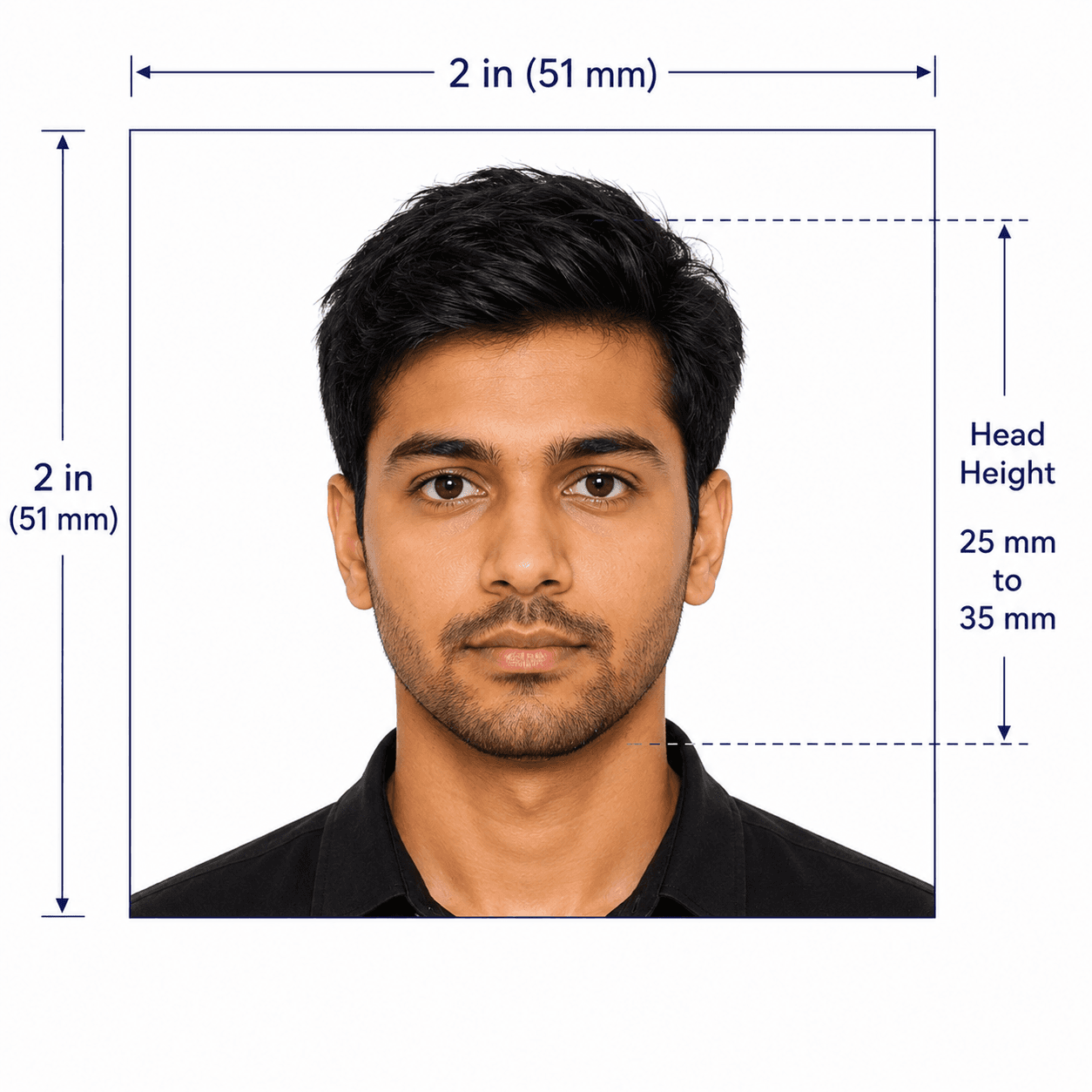
At least 51 × 51 mm
Digital dimensions
200 × 200 to 900 × 900 px
Face coverage
About 80%
Background
Plain light colour, not white
File
JPEG/JPG, up to 200 KB

India OCI photo guide

India OCI Photo Requirements, Size and Specifications

OCI applications use their own square-photo specification rather than the Indian passport photo format. Use this guide to prepare an India OCI card photo online, then confirm the current OCI portal instructions before submitting.

In this guide
  1. 1. OCI photo requirements and size
  2. 2. How PhotoOmni works
  3. 3. How to take a suitable source photo
  4. 4. Common rejection risks
  5. 5. Compare your photo options

Indian OCI Photo Requirements

Indian OCI photo requirements cover the square format, face coverage, background, and upload file limits. The official OCI instructions remain the final authority.

Official source: OCI Services: frequently asked questions

Photo size
At least 51 × 51 mm, square
Digital dimensions
200 × 200 to 900 × 900 px
Face coverage
About 80% of the photo
Background
Plain light colour, not white
Pose
Full face, front view, head and shoulders centred
File
JPEG/JPG, maximum 200 KB

How to prepare an India OCI photo online

Upload one current source photo. PhotoOmni checks it against the relevant OCI photo rules before delivery.

Step 1

Upload your photo

Upload a sharp, front-facing colour source photo against a plain light-coloured background that is not white.

Step 2

AI + expert compliance review

AI checks the square crop, face coverage, background, dimensions, and image quality; an expert reviews the result before delivery.

Step 3

Download your OCI photo

Download a square JPEG/JPG prepared for your India OCI card photo upload.

How to take a suitable OCI photo at home

Start with a clear, natural source image so the checks can focus on the OCI requirements.

  • Ask another person to take the photo at eye level rather than using a close selfie.
  • Use even front-facing light and a plain light-coloured background; do not use white.
  • Keep your head and shoulders centred, with your full face visible and both eyes open.
  • Leave enough room around your head for the required square crop and face coverage.
  • Do not use filters, beauty effects, face reshaping, or AI changes to your appearance.

Common reasons India OCI photos are rejected

A square-format, background, or upload-file problem can lead to a replacement request. Check these points before submitting.
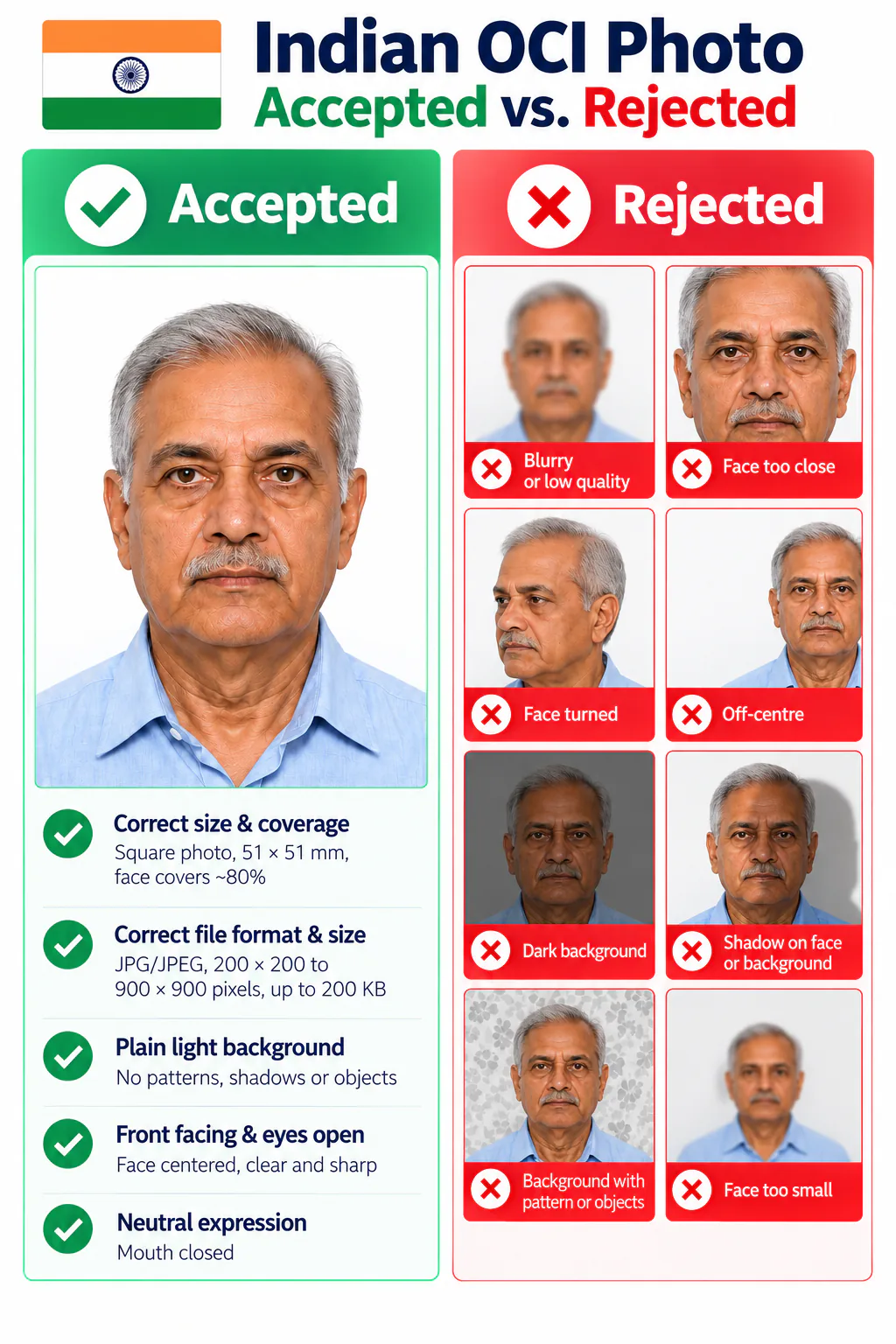
Accepted and rejected India OCI photo examples
  • The image is not square, is smaller than 51 × 51 mm, or the face does not cover about 80% of the photo.
  • The pixel dimensions are outside 200 × 200 to 900 × 900, or the JPEG/JPG file is over 200 KB.
  • The background is white, patterned, dark, or has a visible border instead of a plain light colour.
  • The face is turned, off-centre, shadowed, unclear, or does not show the full head and shoulders.

Why choose PhotoOmni for India OCI photos?

PhotoOmni combines at-home upload, an AI pre-check, expert review, and an OCI-ready square JPEG/JPG file.

  • Convenience

    PhotoOmni
    Upload from home in minutes
    Other online tools
    Usually online
    Traditional photo studios
    Requires a store visit
  • OCI-specific checks

    PhotoOmni
    Square crop, face coverage, background, and upload limits
    Other online tools
    May use generic settings
    Traditional photo studios
    Depends on local staff
  • Photo review

    PhotoOmni
    AI pre-check plus expert review
    Other online tools
    May be basic or extra
    Traditional photo studios
    Usually retake-based
  • Rejection protection

    PhotoOmni
    100% refund for photo-related rejection
    Other online tools
    Policies vary
    Traditional photo studios
    Policies vary by shop
  • Total price & inclusions

    PhotoOmni
    One-time fee of $5.99
    Other online tools
    Add-ons can cost $3–$10+
    Traditional photo studios
    Often $15+; files vary

Official requirements

  • Use a square India OCI card photo of at least 51 × 51 mm, with about 80% face coverage
  • Upload a JPEG/JPG between 200 × 200 and 900 × 900 pixels, no larger than 200 KB
  • Use a plain light-coloured background that is not white, without a border
  • Show a centred full face in front view, with head and shoulders visible

Frequently asked questions

What are the Indian OCI photo requirements?
Indian OCI photo requirements and Indian OCI card photo requirements call for a square photo of at least 51 × 51 mm, with about 80% face coverage. Use a plain light-coloured background that is not white, show the full face in front view with head and shoulders centred, and upload a JPEG/JPG up to 200 KB.
What is the India OCI passport photo size?
For an OCI application, the India OCI passport photo size and India OCI card photo size are not less than 51 × 51 mm and must be square. For upload, the India OCI photo size must be between 200 × 200 and 900 × 900 pixels, with equal height and width.
What are the India OCI application photo requirements?
India OCI application photo requirements and Indian OCI card photo specifications include a square image, approximately 80% face coverage, a plain light background that is not white, no border, a centred front view of the full face with head and shoulders, and a JPEG/JPG file no larger than 200 KB. These are the core India OCI photo specifications to check before upload.
Can I prepare an India OCI card photo online?
Yes. PhotoOmni prepares an India OCI photo online from a clear source image. AI checks the crop, dimensions, face coverage, background, and image quality, and an expert reviews the result before delivery.
Is an OCI card photo the same as an Indian passport photo?
No. The OCI card India photo requirements are square and use a plain light background that is not white, while passport requirements can follow a different size and background rule. Use the OCI page for an OCI application and confirm the current OCI portal instructions before submitting.

← Back to home

Real feedback from some PhotoOmni customers

PhotoOmni made the OCI photo process really simple. I uploaded my photo, had it checked, and got the correct format without going to a studio.
Ananya Patel
I wasn’t sure if my photo met the OCI digital upload requirements. PhotoOmni made it easy to get the right file and submit it online.
Vikram Shah
Fast, affordable, and easy to use for my OCI application.
Meera Nair