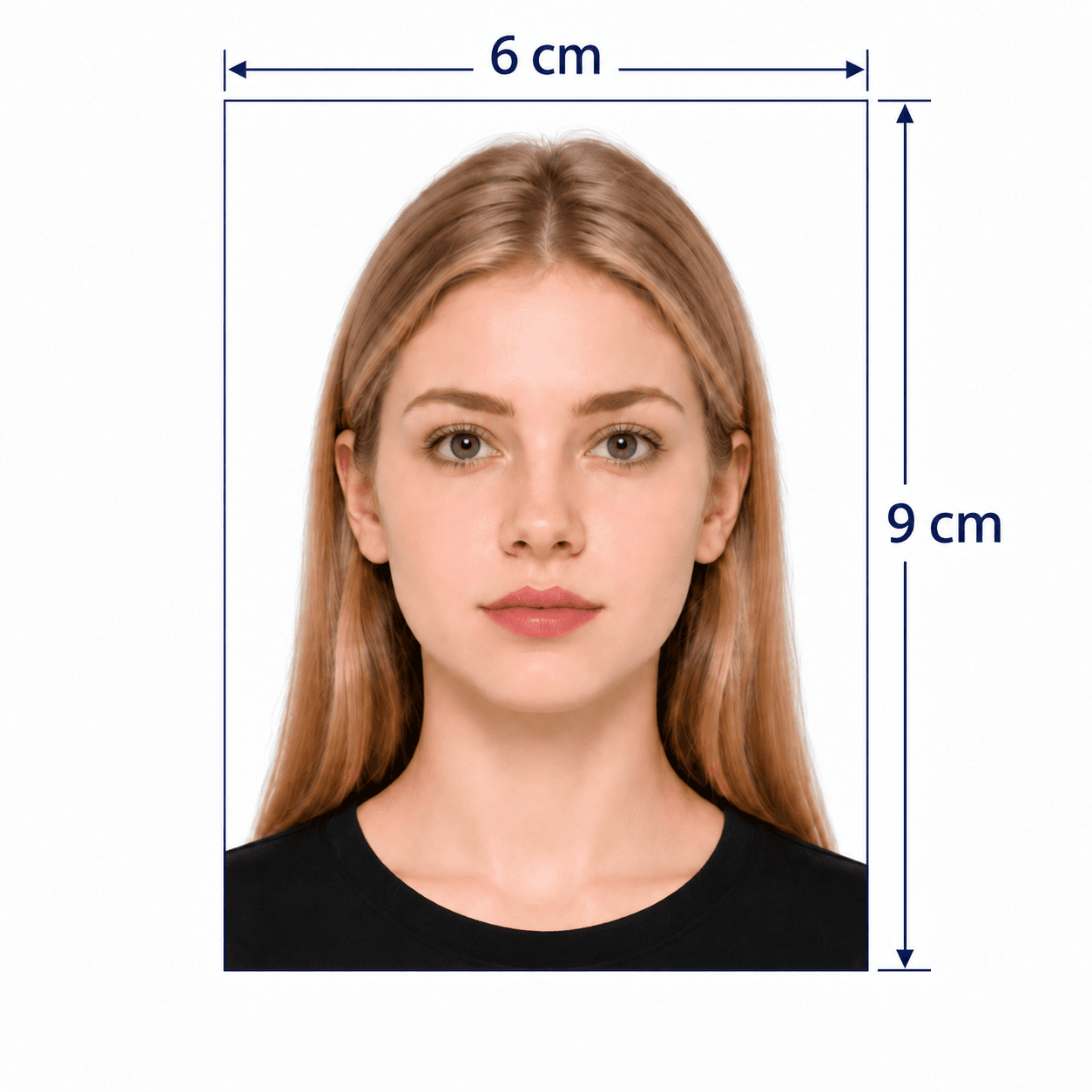
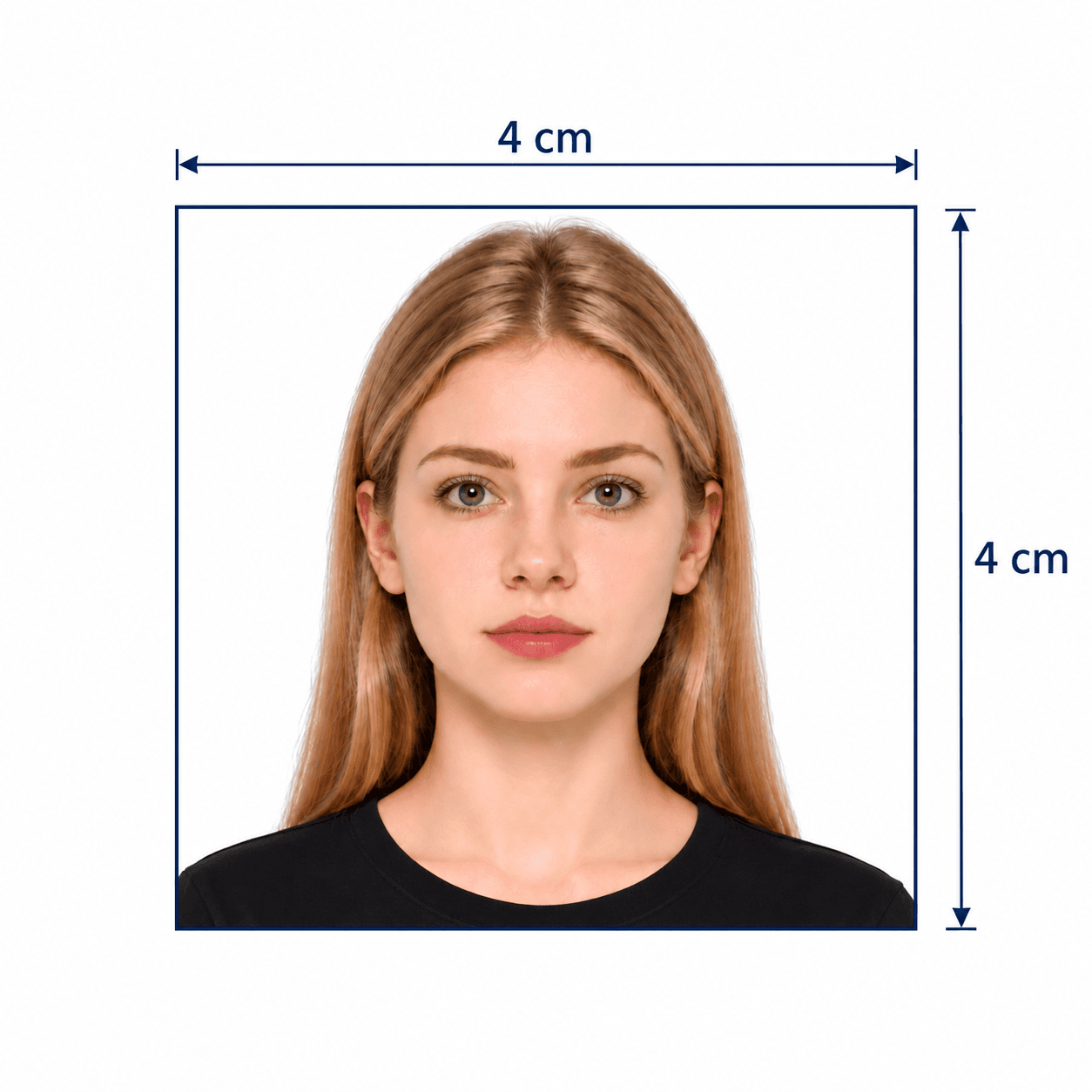
Biometric passport photo size & preparation guide
Your Guide to Biometric Passport Photos
Make, crop and check a biometric passport photo from a clear portrait. This page uses a 35×45 mm print preset with a white background, AI checks and expert review. Biometric compliance also depends on your issuing authority’s rules for head size, pose, background, photo age and permitted editing.
Biometric Passport Photo Requirements: Size, DPI & Pixels
35×45 mm is a common print size, not a worldwide biometric standard. The measurements below describe PhotoOmni’s generic preset. Your application’s document-specific instructions take priority.
Official source: ICAO Doc 9303
Can I Use This Biometric Photo for a Passport, ID or Visa?
Match every photo requirement to your application. ICAO Doc 9303 provides an international framework, while the issuing authority determines the accepted format and submission route.
Applications accepting this preset
Choose this preset only when your application accepts 35×45 mm, a white background, 32–36 mm head height and the permitted edits. Check recency and glasses rules separately.
Country-specific passport & ID applications
Use the dedicated country and document page whenever available. Some applications require a different size, an unedited photo or an authorized digital capture. A generic JPEG does not replace a certified photo code.
Digital vs printed biometric passport photos
Use the print-ready sheet for physical copies. Print at 100% / Actual size and measure 35×45 mm before cutting. Online portals have separate pixel dimensions, file limits and original-image rules; 600 DPI is not a universal upload requirement.
How to Take a Biometric Passport Photo at Home
A clear original makes cropping and review more reliable. First check that your application allows home capture; you do not need to crop manually before uploading.
- Ask someone to take the photo at eye level. Avoid a close, arm’s-length selfie.
- Stand in soft daylight against the required plain background. Avoid harsh flash, facial shadows and backlighting.
- Look straight ahead with eyes open and mouth closed. Keep hair away from your eyes.
- Keep your whole head and shoulders visible with room above your hair. Upload the full-resolution original.
- Turn off beauty filters, face reshaping and portrait blur. Follow the authority’s rules for glasses, head coverings and photo editing.
Why Biometric Passport Photos Get Rejected
Use this checklist before submitting. The examples illustrate the selected white-background print preset; your document’s rules take priority.
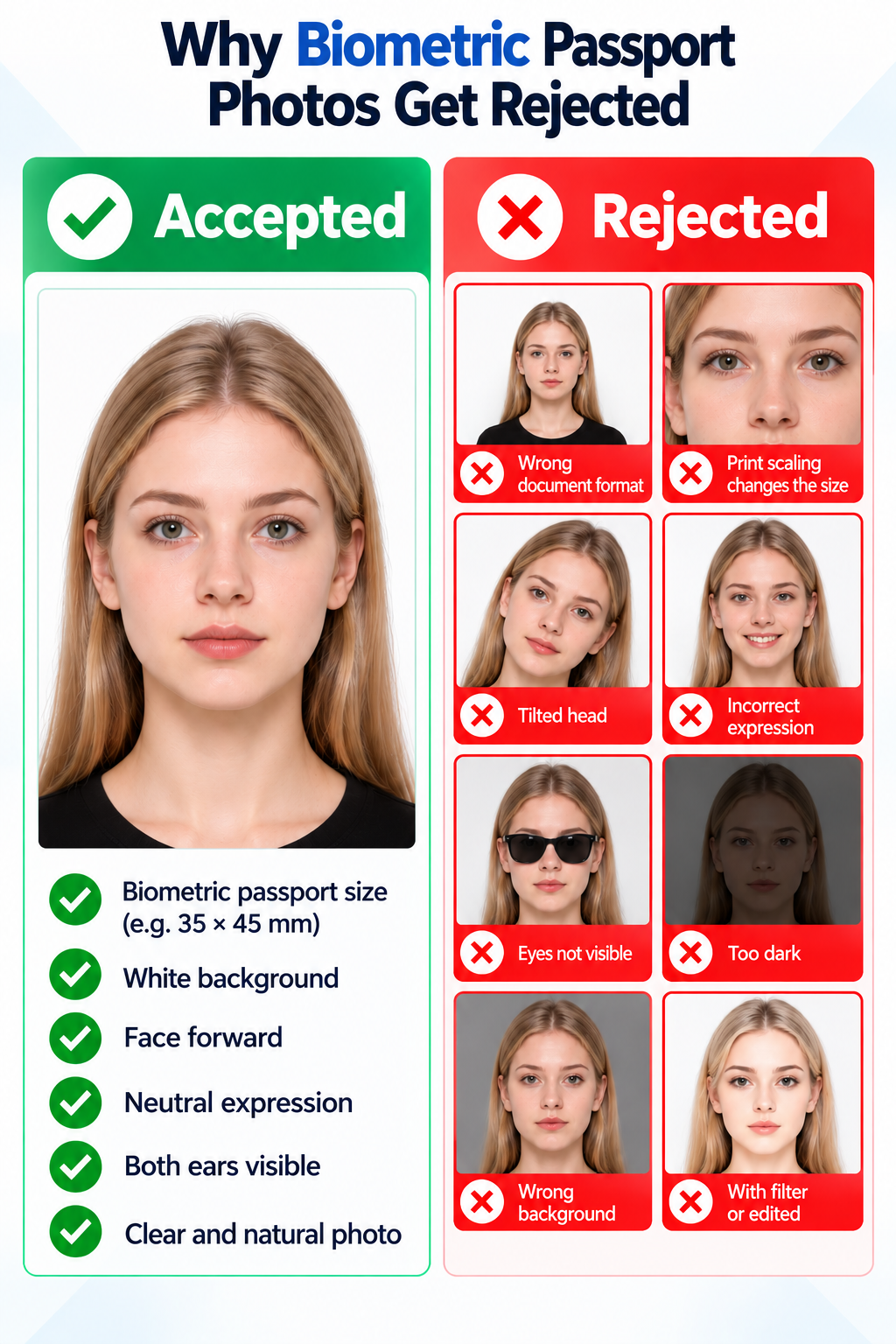
- Wrong document format: 35×45 mm is not interchangeable with US 2×2 inches or another passport size.
- Print scaling changes the size: Fit to page or borderless enlargement alters the finished dimensions.
- Wrong upload settings: the portal requires different pixels, file format, file size or an authorized capture code.
- Poor source quality: blur, glare, shadows, filters or a tilted head obscure your natural appearance.
- Composition or editing mismatch: incorrect head size, hidden eyes, unsuitable expression, an old photo or prohibited background replacement.
PhotoOmni vs. Online Tools vs. Photo Studios
Choose how much of the crop, review and printing you want to handle yourself. PhotoOmni includes expert review with the finished photo service.
35×45 mm crop
- PhotoOmni
- Prepared for you
- Other online tools
- Set dimensions yourself
- Traditional photo studios
- Request the exact size
Peace of mind
- PhotoOmni
- AI pre-check plus expert review
- Other online tools
- May lack expert review or charge extra for it
- Traditional photo studios
- Depends on local staff
Expert adjustments
- PhotoOmni
- Included when needed
- Other online tools
- Varies by service
- Traditional photo studios
- Usually retake-based
Files for download
- PhotoOmni
- 413×531 px JPEG + print-ready sheet + A4 PDF
- Other online tools
- Export options vary
- Traditional photo studios
- Confirm digital copies
Rejection protection
- PhotoOmni
- 100% refund for photo-caused rejection
- Other online tools
- Policy varies
- Traditional photo studios
- Policy varies by shop
Convenience
- PhotoOmni
- Phone or desktop browser
- Other online tools
- Browser or app
- Traditional photo studios
- Visit a local studio
Total price & inclusions
- PhotoOmni
- One-time fee of $5.99
- Other online tools
- Add-ons can cost $3–$10+
- Traditional photo studios
- Often $15+; files vary