South Korea K-ETA photo guide
K-ETA Photo Requirements and Online Photo Maker
Make a K-ETA photo online, understand the official upload limits, and avoid the size, compression, crop, and visibility problems that can stop a digital photo from uploading.
K-ETA photo requirements
Official Korean guidance sets a maximum of 700 pixels for both width and height and a maximum file size of 100 KB. PhotoOmni prepares a clear square JPEG at the maximum 700 × 700 dimensions and compresses it below the file-size limit.
Official source: Official K-ETA application guide
When a K-ETA photo is used
K-ETA is an electronic travel authorisation for eligible visa-free visitors, not a visa. Always check the live eligibility and exemption notice before applying.
Official website application
Prepare the face-photo file before completing an application at k-eta.go.kr, then upload the reviewed JPEG when the form requests it.
Official mobile app application
Use a clear phone portrait in the official K-ETA app. PhotoOmni is useful when you want a pre-sized, compressed, and reviewed file before upload.
Eligibility or temporary exemption check
Some travellers are temporarily exempt through 31 December 2026, while others may still need K-ETA. Check the official site before purchasing a photo or submitting an application.
How to take a K-ETA photo with your phone
A clear, natural phone portrait is usually the best starting point for a small digital upload file.
- Ask another person to take the photo at eye level instead of holding the phone close to your face.
- Face the camera directly, keep your head upright, and leave space around the head for a square crop.
- Use soft, even front lighting and avoid shadows across the face.
- Stand before a plain, uncluttered, light background and wear contrasting clothing.
- Keep the full face and both eyes visible; remove dark glasses and distracting accessories.
- Turn off beauty mode, portrait blur, skin smoothing, facial reshaping, and colour filters.
Common K-ETA photo upload and rejection problems
These technical and portrait issues are worth checking before the file reaches the official application.
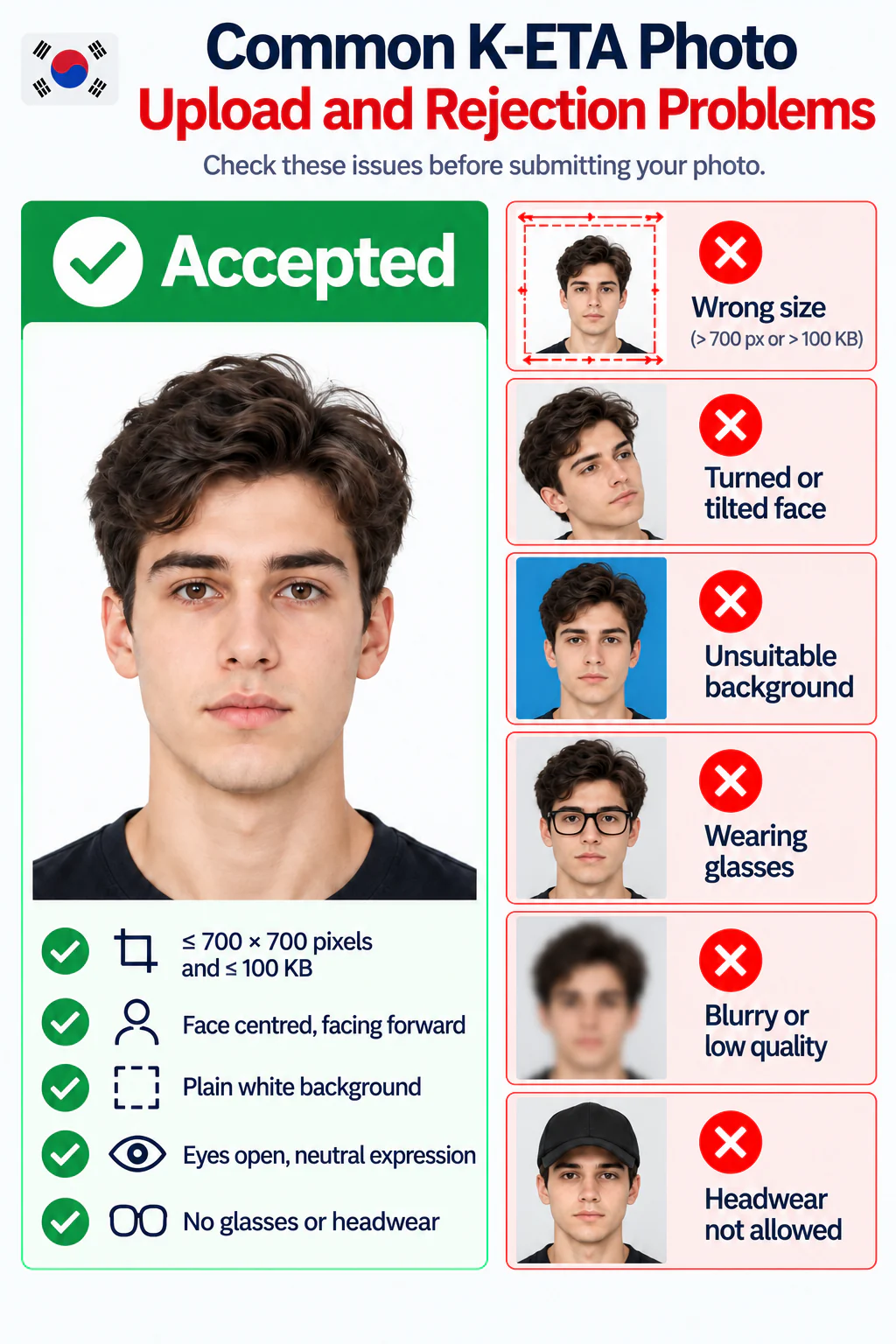
- The file exceeds 100 KB or either dimension is greater than 700 pixels.
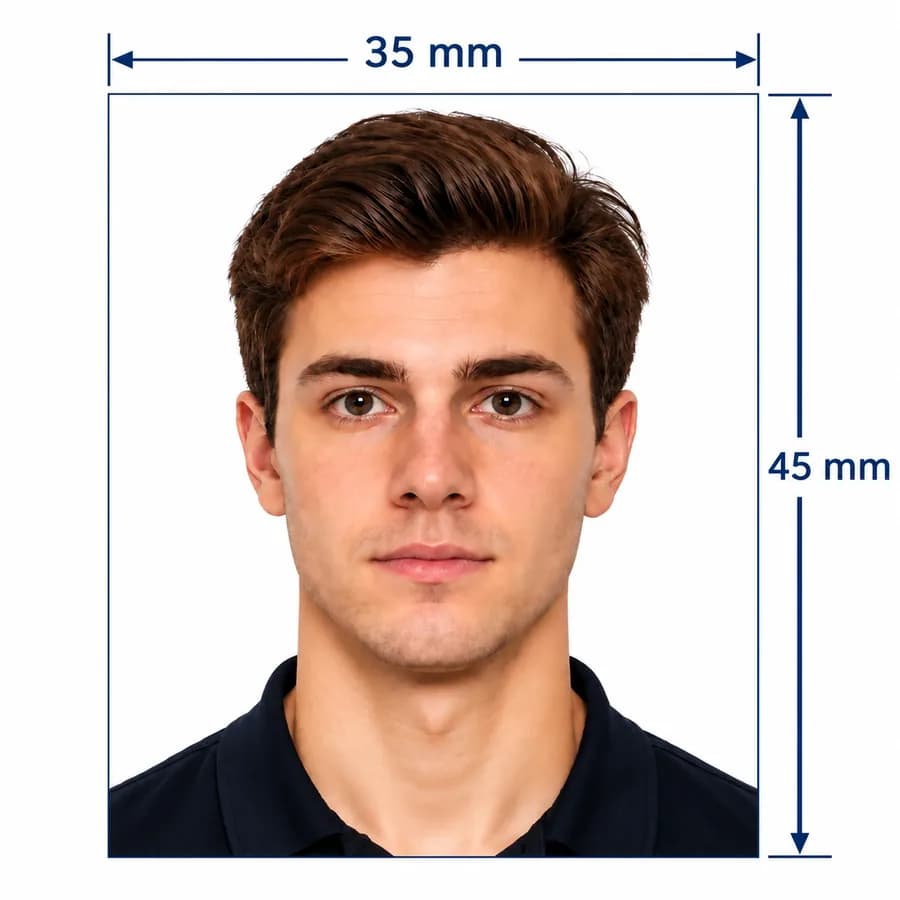
- A 35 × 45 mm print was scanned and uploaded without checking the digital limits.
- The face is too small, off-centre, turned, tilted, obscured, or cropped.
- The image is blurry, pixelated, dark, overexposed, or heavily compressed.
- The background is cluttered or strong shadows make the face hard to identify.
- Beauty filters, retouching, or AI effects change the applicant's appearance.
PhotoOmni vs. other K-ETA photo options
Choose a method that handles both the strict digital limits and the visible quality of the face photo.
700 px and 100 KB output
- PhotoOmni
- Purpose-built K-ETA JPEG
- Other online tools
- May resize or compress only
- Photo studio
- Ask before visiting
Photo checking
- PhotoOmni
- AI pre-check plus expert review
- Other online tools
- Often automated only
- Photo studio
- Depends on local experience
Phone convenience
- PhotoOmni
- Upload from home
- Other online tools
- Usually online
- Photo studio
- Requires a visit
Rejection protection
- PhotoOmni
- 100% refund for covered photo rejection
- Other online tools
- Policy varies
- Photo studio
- Policy varies
Total price & inclusions
- PhotoOmni
- One-time fee of $5.99
- Other online tools
- Add-ons can cost $3–$10+
- Photo studio
- Often $15+; files vary