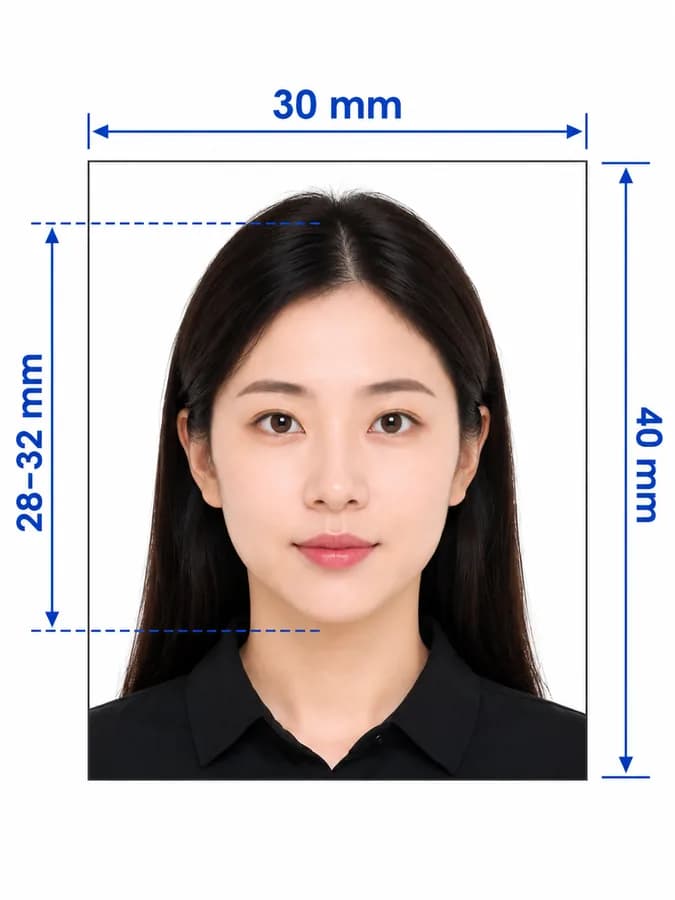
Vietnam visa photo guide
Vietnam Visa Photo Requirements, Size, and Online Maker
Prepare a 2 × 2 inch Vietnam visa photo for an embassy or consular application. This guide explains the size, background, phone-photo setup, online conversion, and the distinction between printed visa photos and e-visa uploads.
Vietnam visa photo requirements
The requirements below cover the 2 × 2 inch photo listed by the Embassy of Vietnam in the United States. Check the current instructions for the embassy, consulate, or online portal handling your application.
Official source: Embassy of Vietnam in the United States — visa application requirements
Where the 2 × 2 inch Vietnam visa photo is used
The exact photo format depends on where and how you apply, so identify the filing channel before preparing the final file.
Sticker visa
The Vietnamese Embassy in the United States lists one 2 × 2 inch photo when the original passport is submitted.
Loose-leaf visa
The same embassy lists two identical 2 × 2 inch photos when a passport copy is submitted for a loose-leaf visa.
Vietnam e-visa
Use the digital portrait rules shown by the official e-visa portal; its file-size requirement is separate from the printed 2 × 2 inch format.
How to take a Vietnam visa photo at home
Start with a clear, natural photo so the maker can create an accurate square crop.
- Ask another person to take the picture at eye level instead of using a close selfie.
- Use soft, even front light and stand against a simple, light background.
- Face the camera directly, keep your head upright, and use a natural neutral expression.
- Remove tinted glasses, hats, and anything that hides the eyes or facial outline.
- Leave space around the head and shoulders for the 1:1 crop.
- Do not use beauty filters, portrait blur, face reshaping, or scanned document photos.
Common Vietnam visa photo rejection risks
Wrong dimensions, an unsuitable background, poor framing, or low image quality can lead to a replacement request.
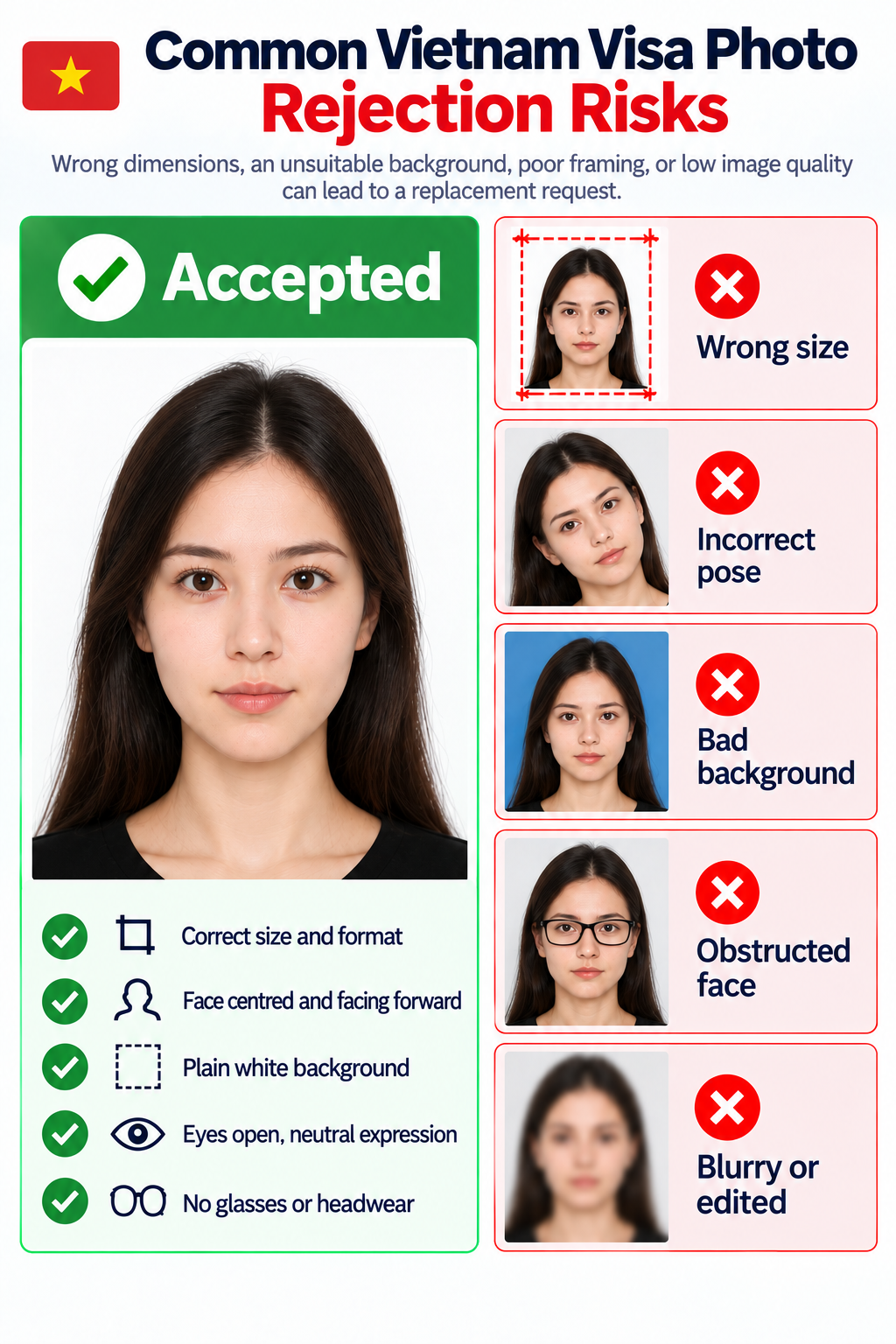
- The photo is not the exact size or format requested by the application location.
- The face is turned, tilted, partly cropped, or not centred in the square frame.
- The background is coloured, patterned, uneven, or contains visible shadows.
- Tinted glasses, a hat, hair, or another object hides facial features.
- The image is blurred, overexposed, filtered, heavily compressed, or digitally altered.
PhotoOmni vs. online tools vs. photo studios
PhotoOmni combines a Vietnam visa photo maker, compliance checks, expert review, and digital plus print-ready output.
Convenience
- PhotoOmni
- Upload from home in minutes
- Other online tools
- Usually online
- Traditional photo studios
- Requires a store visit
Photo check
- PhotoOmni
- AI pre-check plus expert review
- Other online tools
- May only crop or resize
- Traditional photo studios
- Depends on local staff
Ready-to-use files
- PhotoOmni
- Digital photo plus print-ready sheet
- Other online tools
- May be limited or extra
- Traditional photo studios
- Digital copy may not be included
Rejection protection
- PhotoOmni
- 100% refund for photo-caused rejection
- Other online tools
- Policy varies
- Traditional photo studios
- Policy varies by shop
Total price & inclusions
- PhotoOmni
- One-time fee of $5.99
- Other online tools
- Add-ons can cost $3–$10+
- Traditional photo studios
- Often $15+; files vary