
50×50 mm Photo Size: Pixels, Printing and the Difference From 2×2 Inches
Convert 50×50 mm to pixels, compare it with 2×2 inches, and avoid print scaling and application-specific upload mistakes.
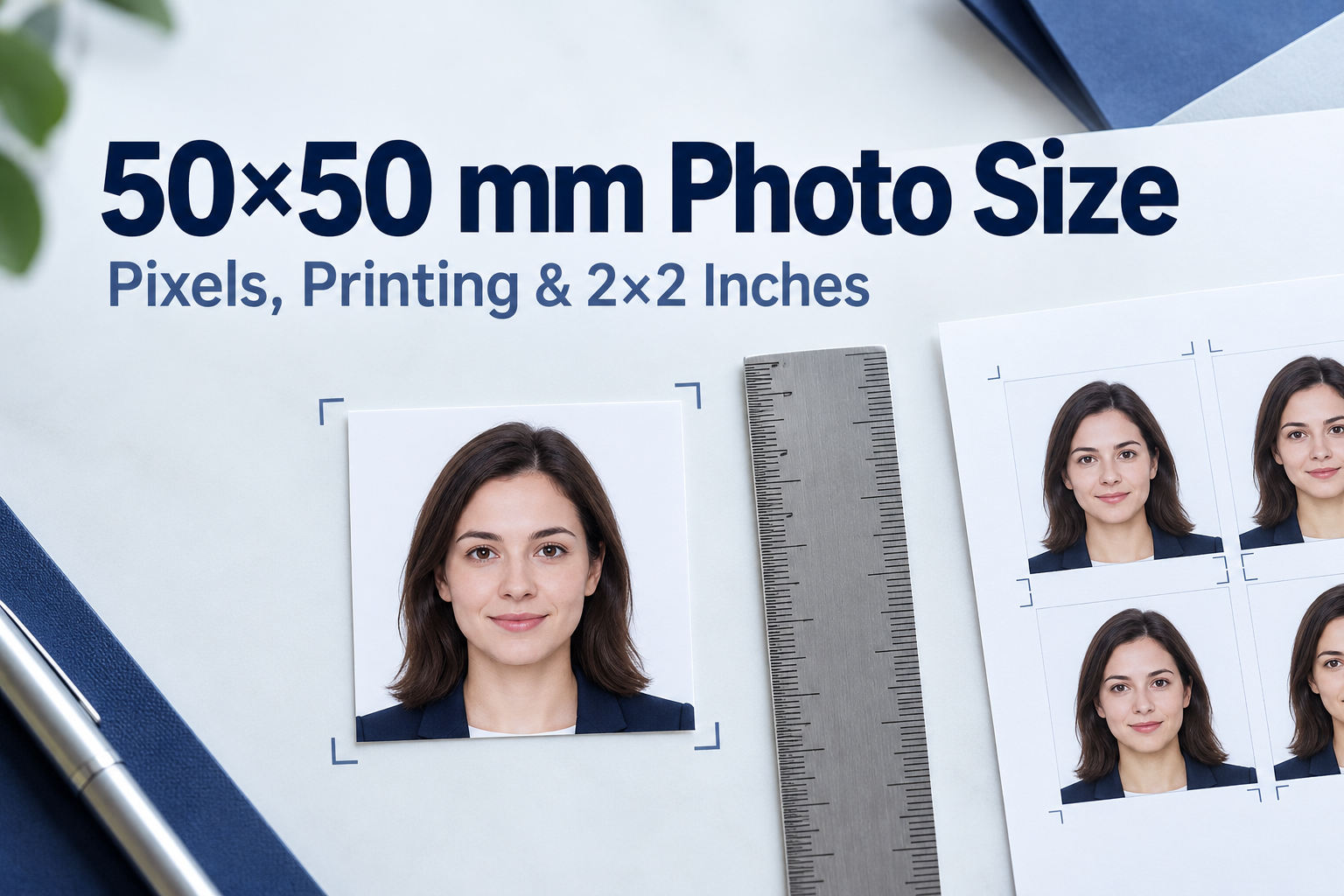
Quick Answer
A 50 × 50 mm photo is 5 × 5 cm, or about 1.97 × 1.97 inches. At 300 DPI that is about 591 × 591 pixels, and at 600 DPI it is about 1181 × 1181 pixels. A U.S.-style 2 × 2 inch photo is slightly bigger: exactly 50.8 mm square, which is 600 × 600 pixels at 300 DPI. The gap is under a millimeter, but it matters when a portal sets a 600-pixel minimum, because a 50 mm photo at 300 DPI comes out at 591 pixels, just under that line.
if a form asks for 50 × 50 mm, make 50 × 50 mm. If it asks for 2 × 2 inches, make 2 × 2 inches. Do not treat them as interchangeable.
50×50 mm in Every Unit
| Unit | 50 × 50 mm photo |
|---|---|
| Millimeters | 50 × 50 mm |
| Centimeters | 5 × 5 cm |
| Inches | 1.97 × 1.97 in |
| Pixels at 200 DPI | about 394 × 394 px |
| Pixels at 300 DPI | about 591 × 591 px |
| Pixels at 600 DPI | about 1181 × 1181 px |
Formula: pixels = millimeters ÷ 25.4 × DPI. For 50 mm at 300 DPI that is 50 ÷ 25.4 × 300 ≈ 590.6, rounded to 591.
50×50 mm vs 2×2 Inches
| Feature | 50 × 50 mm | 2 × 2 inches |
|---|---|---|
| Exact size in mm | 50 × 50 | 50.8 × 50.8 (often rounded to 51 × 51) |
| Size in inches | 1.97 × 1.97 | 2 × 2 |
| Pixels at 300 DPI | about 591 × 591 | 600 × 600 |
| Pixels at 600 DPI | about 1181 × 1181 | 1200 × 1200 |
| Typical use | Documents that specify metric 5 × 5 cm | U.S. passports, U.S. visas and other documents that specify inches |
The width and height differ by 0.8 mm each, roughly 1.6 percent. On paper you would barely notice it. In software it can decide whether an automated check passes.
Pixel and Printing Details That Matter
- The pixel number is often quoted at the wrong DPI. Several tools list "1181 × 1181 px" for a 50 × 50 mm photo. That figure is correct at 600 DPI. At the common 300 DPI, the number is about 591 × 591. If an image with 1181 pixels per side is printed at 300 pixels per inch at its native size, it is about 100 mm square. A print layout can still place that same file at exactly 50 mm; the layout scale, rather than pixel count alone, sets the final size.
- "2 × 2 inch = 51 × 51 mm" is a rounding. The inch measurement is 50.8 mm. That is why 50 mm and 2 inches are so close but not identical.
- Even official-looking documents blur the two. An Indian government visa photo specification describes the photo as 2 × 2 inches and puts 50 mm × 50 mm in brackets, treating them as the same. When a document does that, check whether your portal or consulate checks the size in pixels, millimeters or inches.
- A 591-pixel file can fail a 600-pixel minimum. U.S. visa digital image rules specify 600 × 600 to 1200 × 1200 pixels. These figures apply to visa uploads, not every U.S. passport upload route. A 50 mm photo exported at 300 DPI is 591 pixels, so do not use that preset for a DS-160 visa upload. U.S. online passport renewal has its own original-photo instructions; do not substitute visa pixel rules.
- Confirm the document before choosing a preset. A 50 mm square is a measurement, not a universal visa standard. Check the actual application form for size, background and head position.
- Printing is the real stumbling block. Photo counters often do not offer a 50 × 50 mm format, and 4 × 6 inch sheets leave very little room for six 50 mm photos. See the printing section below.
- Do not confuse it with 50 × 70 mm. Canada's passport photo is commonly listed as 50 × 70 mm, which is the same width but 20 mm taller. A square 50 × 50 crop will not meet that.
Which Documents Use 50×50 mm?
There is no single global rule. Treat the following as a pattern, not a guarantee:
| Document type | Typical size | Note |
|---|---|---|
| Documents that specify metric 5 × 5 cm | 50 × 50 mm | Check the form for tolerance, head size and background |
| U.S. passport, passport card, visa, green card | 2 × 2 inches | Not 50 × 50 mm, even though they are close |
| Many Schengen, UK and Australian documents | 35 × 45 mm | A different shape entirely |
| Canadian passport | 50 × 70 mm | Same width, taller |
Always rely on the consulate, embassy or agency instructions for your specific application.
How to Make a 50×50 mm Photo
- Take the photo. Use a plain background in even light, with the camera at eye level and your face centered. Square crops are forgiving on the sides but unforgiving about head size, so leave room above your head.
- Crop to a 1:1 square. Keep your head centered. Many square-photo guides describe the head as roughly two-thirds of the photo height, but follow your form's own head-size rule if it gives one.
- Set the size and resolution. For a print, set 50 × 50 mm at 300 DPI (about 591 × 591 px) or 600 DPI (about 1181 × 1181 px). For an upload with a pixel minimum, check the portal and export at or above it.
- Save as JPG unless the form asks for another format, and check any file-size limits.
- Check the result at 100 percent. Face sharp, background even, no shadows.
How to Print 50×50 mm Photos
- Print at 100 percent scale. Turn off "fit to page" and "scale to fit," or the photo will print at the wrong size.
- Use photo paper at 300 DPI or higher. Plain paper looks soft and may be rejected for in-person applications.
- Plan the layout. A 4 × 6 inch sheet is 101.6 × 152.4 mm. Six 50 mm squares in a 2 × 3 grid need 100 × 150 mm, which leaves only about 1.6 mm and 2.4 mm of slack, so there is very little tolerance for gutters, printer margins or borderless enlargement. Four photos with gaps is safer, or print on a larger sheet.
- Use a ruler to check. Measure a test print with a ruler before you cut, and compare to the 50 mm requirement.
- Cut straight edges. A paper trimmer gives cleaner results than scissors.
- Ask your local shop in advance. Many one-hour photo counters only offer fixed sizes. If they cannot do 50 × 50 mm, bring a print-ready sheet and ask them to print it at 100 percent.
Common Mistakes
- Treating 50 × 50 mm and 2 × 2 inches as identical for a portal with a pixel minimum.
- Using 1181 × 1181 pixels at 300 DPI, which prints at about 100 mm square.
- Letting software auto-fit the print to the page.
- Cropping a square from a 35 × 45 mm photo and losing the top of the head or the shoulders.
- Using a 50 × 50 mm photo where 50 × 70 mm is required.
- Ignoring the head-size and background rules because the crop is the right size.
Accepted vs Rejected: A Quick Comparison
| Feature | Likely accepted | Likely rejected |
|---|---|---|
| Size | Matches the form's stated size | A close but different size, such as 2 × 2 inches where 50 mm is stated |
| Print scale | Printed at 100 percent | "Fit to page" shrunk or enlarged |
| Pixels | Meets the portal's minimum | 591 px when 600 px is required |
| Layout | Head centered, room above | Cropped crown or chin |
| Background | Even and plain | Shadowed or patterned |
Get the Right Size with PhotoOmni
Use the dedicated 50×50 mm photo maker for an exact 5 × 5 cm square. PhotoOmni prepares a 591 × 591 pixel JPEG at 300 DPI, with AI checks, expert review and a print-ready sheet. The review covers crop, head position, background and image quality.
If the form asks for 2 × 2 inches, select the 2×2 inch photo format instead. An exact 50 mm download is below the 600-pixel minimum for DS-160 and should not be used as a substitute. For passport online renewal, follow the separate official upload route.
FAQ
How big is a 50×50 mm photo in inches? About 1.97 × 1.97 inches.
How many pixels is a 50×50 mm photo? About 591 × 591 pixels at 300 DPI, or about 1181 × 1181 pixels at 600 DPI.
Is 50×50 mm the same as 2×2 inches? Close but not identical. 2 × 2 inches is 50.8 mm square, so a 50 mm photo is 0.8 mm smaller per side.
Can I use a 50×50 mm photo for a U.S. passport? Printed U.S. passport photos are 2 × 2 inches. The 600–1200 pixel range is a U.S. visa upload rule, not a general passport renewal rule. Follow the instructions for your exact application route.
Is 5×5 cm the same as 50×50 mm? Yes. 5 cm equals 50 mm.
Which countries use 50×50 mm photos? Use 50 × 50 mm only when your document’s official checklist states it. Do not infer a country’s current requirement from a vendor list.
What head size should I use? Use the figure given on your form. Some guides describe about two-thirds of the frame for square formats, but that is not a universal rule.
How many 50×50 mm photos fit on a 4×6 inch sheet? Six fit in a 2 × 3 grid with almost no spare room, so four with gaps is more practical.
Why does my printed photo come out the wrong size? Most often because the printer scaled it. Print at 100 percent and measure a test copy with a ruler.
Official Sources
- U.S. Department of State: visa digital image requirements.
- U.S. passport photos.
- U.S. online passport renewal: digital photo.
- Indian government: visa photo specifications.
- Canada: passport photo requirements.
Match the unit and size on your form, print at actual size and measure the result. A correct square crop does not replace document-specific background, head-size or upload checks.
About the Author
PhotoOmni Editorial Team
The PhotoOmni Editorial Team explains official passport, visa and identity-photo requirements, with practical guidance on taking photos, preparing files and printing. This guide draws on the official sources listed above. The issuing authority sets the application requirements and makes the final acceptance decision.