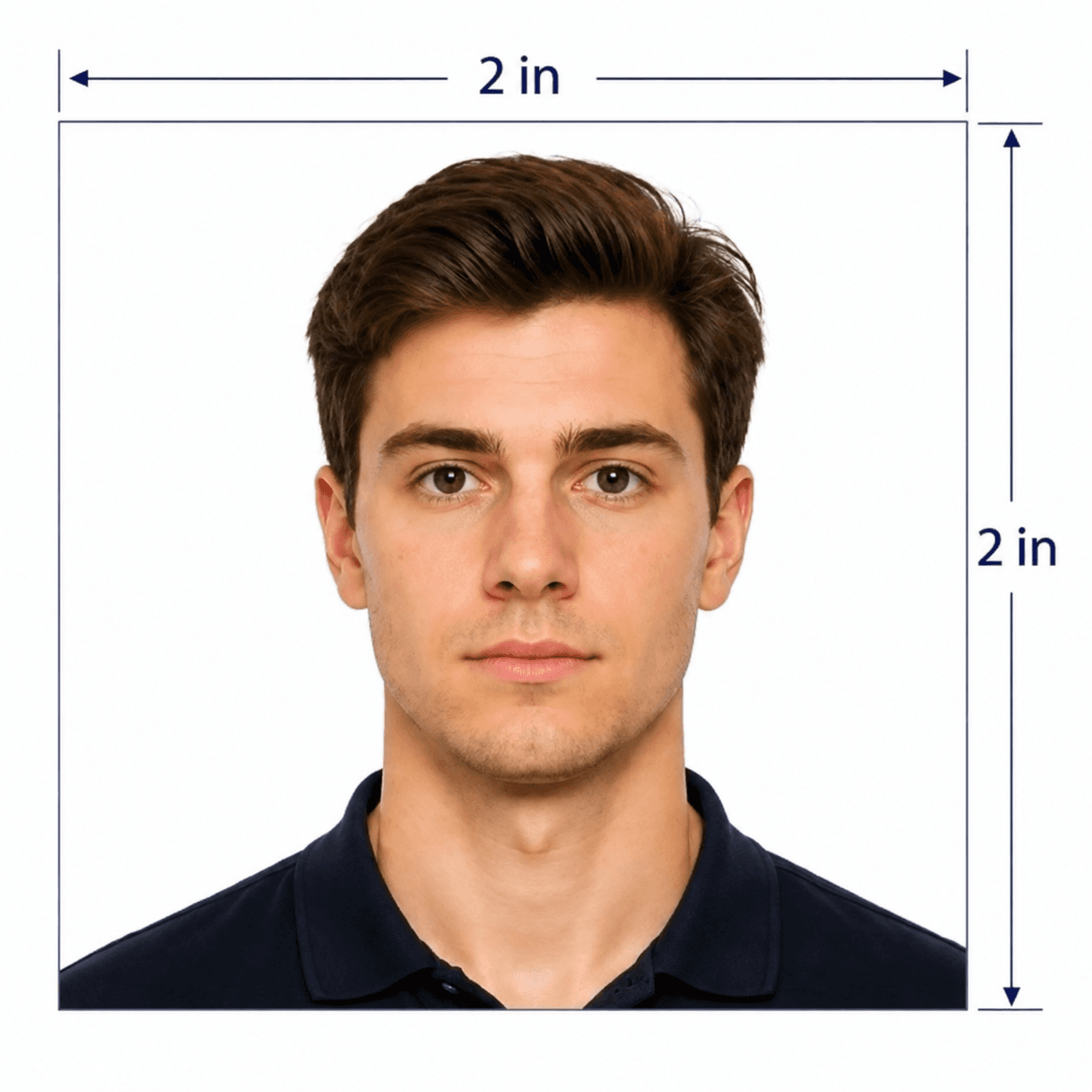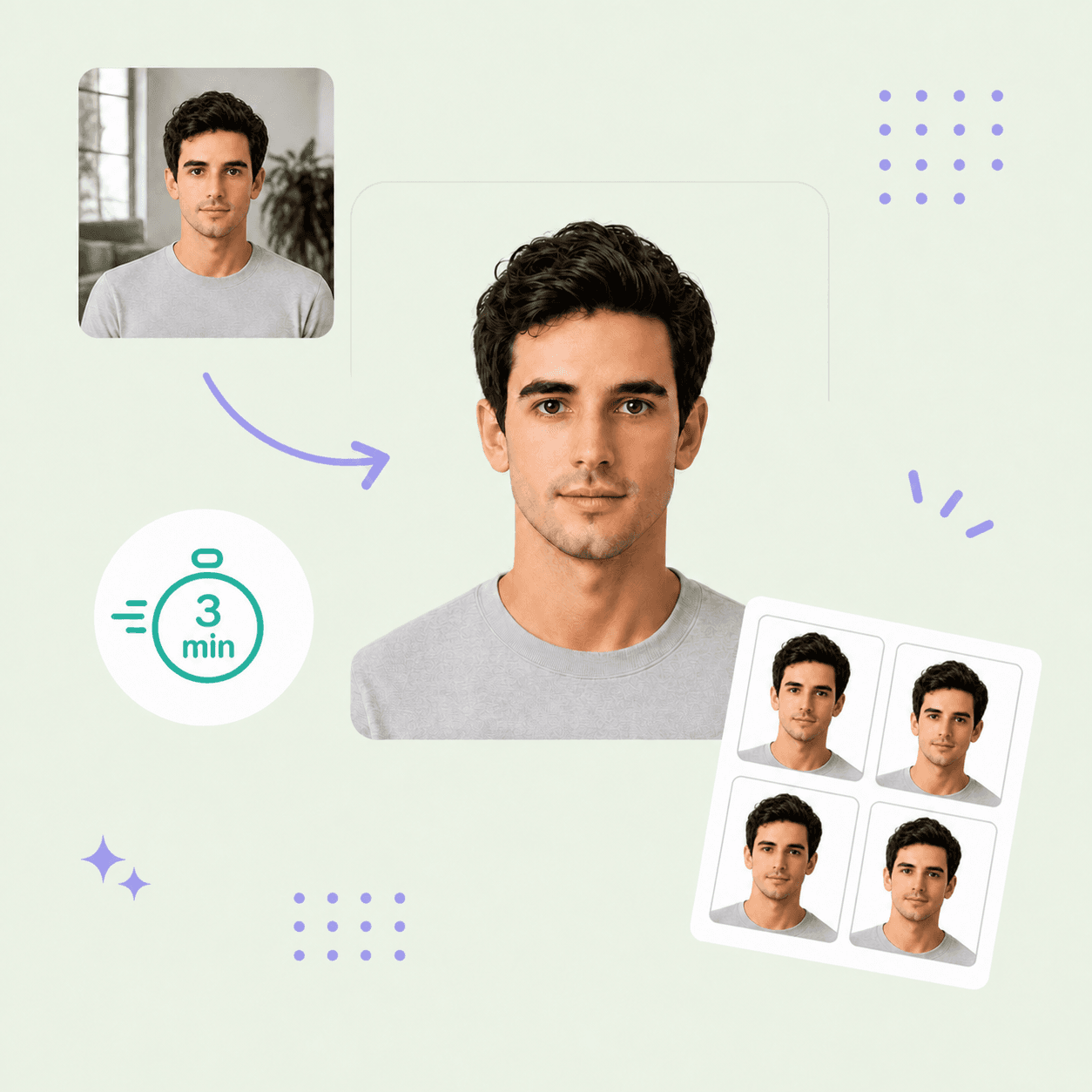



50x50 mm photo guide
50x50 mm Photo Size and Requirements
Create a 50x50 mm (5x5 cm) square photo with expert human review before delivery. This guide covers exact dimensions, pixel conversion, framing and printing so you can prepare your photo with confidence.
50x50 mm photo requirements
This preset creates an exact 50 mm square photo. Size alone does not establish acceptance for a particular document: check its official instructions before ordering.
Official source: U.S. Department of State — US visa guidance (separate format)
Photo size guidance for US visa applicants
Looking for a photo for B1/B2 or F1? US visa prints use 2x2 inches (50.8 mm; officially 51 mm), rather than an exact 50 mm square. Choose the dedicated US photo format for the applications below; this page’s tool creates 50x50 mm files.
B1/B2 · Business and tourism
Prepare a DS-160 photo for a business visit, tourism or visiting family. Use the US preset; check the official visitor visa guidance.
F1/M1 · Study in the US
F1 academic or language study and M1 vocational study use DS-160 photo requirements too. Check your photo separately from I-20 documents.
Printed photo for the interview
If your upload fails or the consulate requests a print, follow its photo instructions. Use the individual JPEG online and the print sheet for printing.
5 tips for taking a 5x5 cm photo at home
Keep your natural appearance and leave enough space for a square crop.
- Face the camera; keep both eyes open and your mouth closed.
- Use even lighting and a plain white background without shadows.
- For US visas, use a photo taken within the last six months and remove glasses, except documented medical exemptions.
- Keep your natural appearance. Do not use beauty filters, face reshaping or AI-generated portraits for a US visa.
- Use the rear camera at eye level with a timer or another person; turn off portrait blur.
Common mistakes with 50x50 mm photos
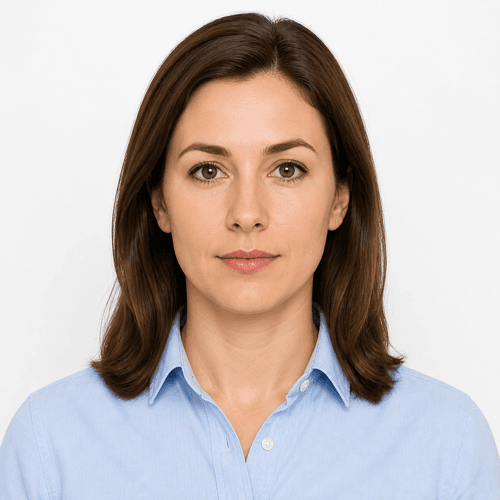
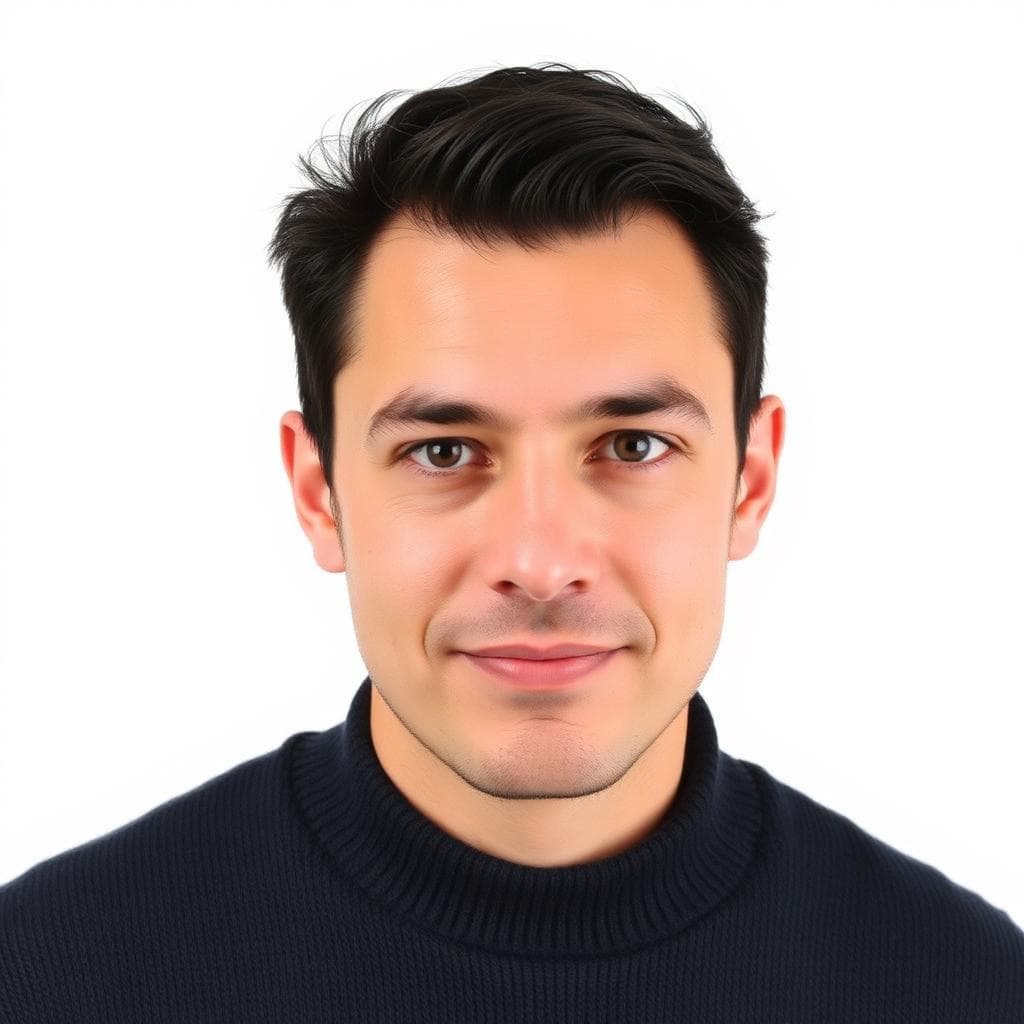
Compare a clear portrait with common mistakes such as phone filters, shadows, smiling and colored backgrounds. Our experts review your photo’s expression, lighting and background before delivery. Follow your document’s specific requirements when submitting.
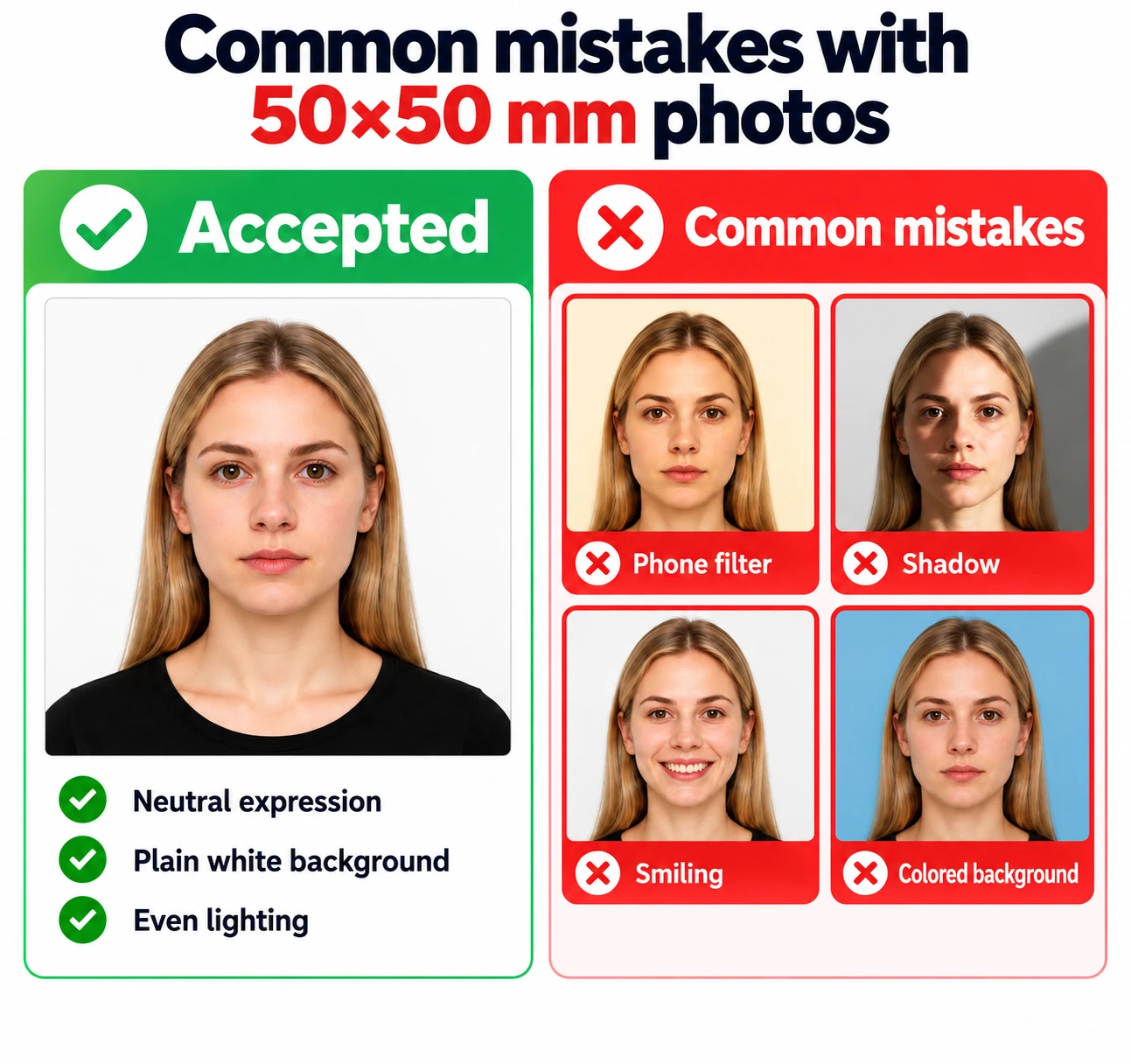
- The print is not 50 mm on each side: disable Fit to page and measure the finished photo.
- A tight crop cuts off hair or shoulders: leave more space around the full head.
- Shadows or a distracting background: retake with soft, even front lighting.
- Blur, glare or hidden eyes: use a sharp source portrait with eyes clearly visible.
- Beauty filters or face reshaping alter your appearance: upload a natural, unfiltered portrait.
PhotoOmni vs. online tools vs. photo studios
PhotoOmni combines at-home upload, AI checks, expert review and a digital JPEG plus a print-ready sheet in your chosen format. One-time price: $5.99. Other services' deliverables and policies vary.
Convenience
- PhotoOmni
- Upload from home in minutes
- Other online tools
- Usually online
- Traditional photo studios
- Requires a store visit
Peace of mind
- PhotoOmni
- AI pre-check plus expert approval
- Other online tools
- May lack expert review, or charge extra for it
- Traditional photo studios
- Depends on local staff
Expert adjustments
- PhotoOmni
- Included when needed
- Other online tools
- Varies by service
- Traditional photo studios
- Usually retake-based
Ready-to-use files
- PhotoOmni
- Digital photo plus print-ready sheet
- Other online tools
- May be limited or extra
- Traditional photo studios
- Digital copy may not be included
Rejection protection
- PhotoOmni
- 100% refund for photo-caused rejection
- Other online tools
- Policy varies
- Traditional photo studios
- Policy varies by shop
Total price & inclusions
- PhotoOmni
- One-time fee of $5.99
- Other online tools
- Add-ons can cost $3–$10+
- Traditional photo studios
- Often $15+; files vary