
How to Convert a Photo to Black and White Online (Free, No Download)
Convert images to grayscale online for free, understand grayscale versus high-contrast black and white, and avoid using it for ID photos.
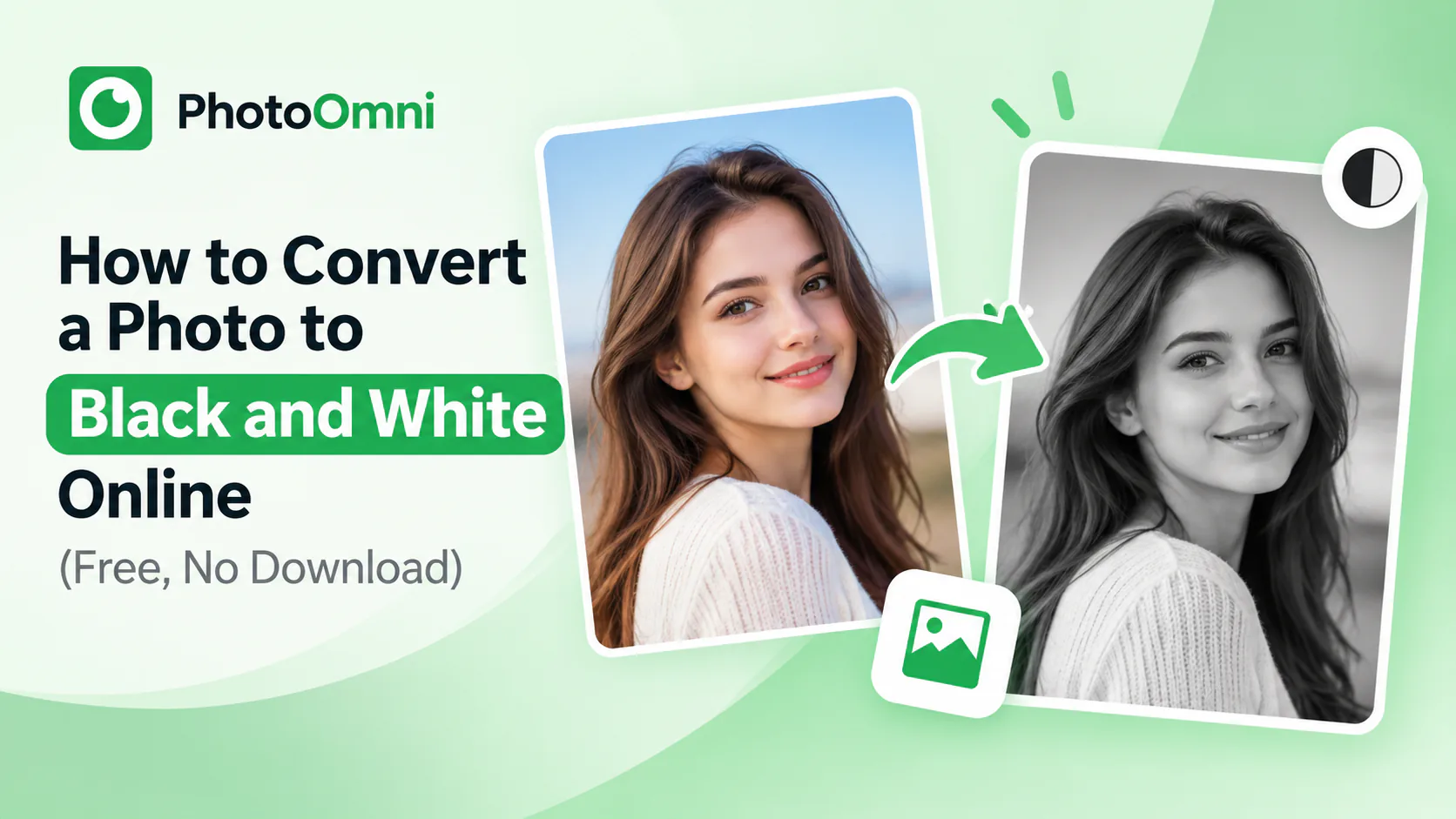
Quick Answer
To convert a photo to black and white online, upload it to a free converter like PhotoOmni, select the grayscale or black-and-white option, and download the result — no software or account needed, and it takes just seconds. One important exception: official documents like passports and REAL IDs require full-color photos, so don't convert a photo you're planning to submit for an ID or travel document.
Here's the fastest way to convert, plus what to know if the photo you're converting is for an official document.
How to Convert an Image to Black and White Online
- Upload your photo to an online converter like PhotoOmni
- Select the black-and-white or grayscale option — some tools offer a few variations (classic grayscale, high contrast, sepia)
- Preview the result and adjust contrast or brightness if the tool allows it
- Download the converted image, typically as a JPEG or PNG
The whole process usually takes seconds, and most browser-based tools don't require an account.
Grayscale vs. True Black and White
"Black and white" often gets used loosely to describe two slightly different effects:
- Grayscale removes color but keeps a full range of tones from black to white, preserving detail and shading — this is what most people mean by a "black and white photo."
- High-contrast black and white pushes the image toward more extreme blacks and whites with fewer mid-tones, giving a bolder, more graphic look.
Most online converters default to grayscale, which is the better choice for portraits and photos where you want to preserve natural detail.
Important: Official ID and Passport Photos Cannot Be Black and White
If you're converting a photo because you think a black-and-white image is required or allowed for a passport, visa, or REAL ID application — it isn't. U.S. passport photos, along with most government ID photos, must be full color. A black-and-white or sepia-toned photo will be rejected regardless of how well it's cropped or lit.
If you're preparing a photo for an official document, skip the black-and-white conversion and instead make sure the original color photo meets the size, background, and headroom requirements. Our [passport photo size and crop guide] covers those specs in detail.
When Black and White Works Well
- Portraits — removing color often draws more attention to expression and lighting
- Architecture and landscapes — can simplify a busy or distracting scene
- Printing — black-and-white images print reliably on any printer without color-matching issues
- Old or faded photos — converting can sometimes make inconsistent color casts less distracting
Frequently Asked Questions
Is it free to convert a photo to black and white online? Yes. Browser-based tools like PhotoOmni convert images to grayscale for free, with no account or software required.
Can a passport photo be black and white? No. U.S. passport photos must be full color; black-and-white and sepia photos are not accepted.
Does converting to black and white reduce image quality? No — it changes color information, not resolution. The image stays the same pixel dimensions and sharpness.
Can I convert a black-and-white photo back to color? Not accurately without AI colorization tools, and results vary — the original color data is gone once a photo is converted to grayscale.
Is there a difference between "black and white" and "grayscale"? In casual use they're treated as the same thing; technically, grayscale preserves a full range of gray tones, while some "black and white" effects push toward higher contrast.
What image formats support black-and-white conversion? JPEG, PNG, and most common image formats can be converted; the output format usually matches or lets you choose between JPEG and PNG.
Need to prep a photo for an official document instead? PhotoOmni checks and crops photos to exact passport and ID specifications — including the full-color requirement most people miss.
For an ID or travel document instead, keep the original color image and follow the passport photo size and crop guide. A free online image cropper can help frame it without changing its color.