
CVS Passport Photo Price 2026: Cost, Digital Copy, Coupons and Alternatives
CVS passport photo prices, DIY printing costs, and what to check before submitting.
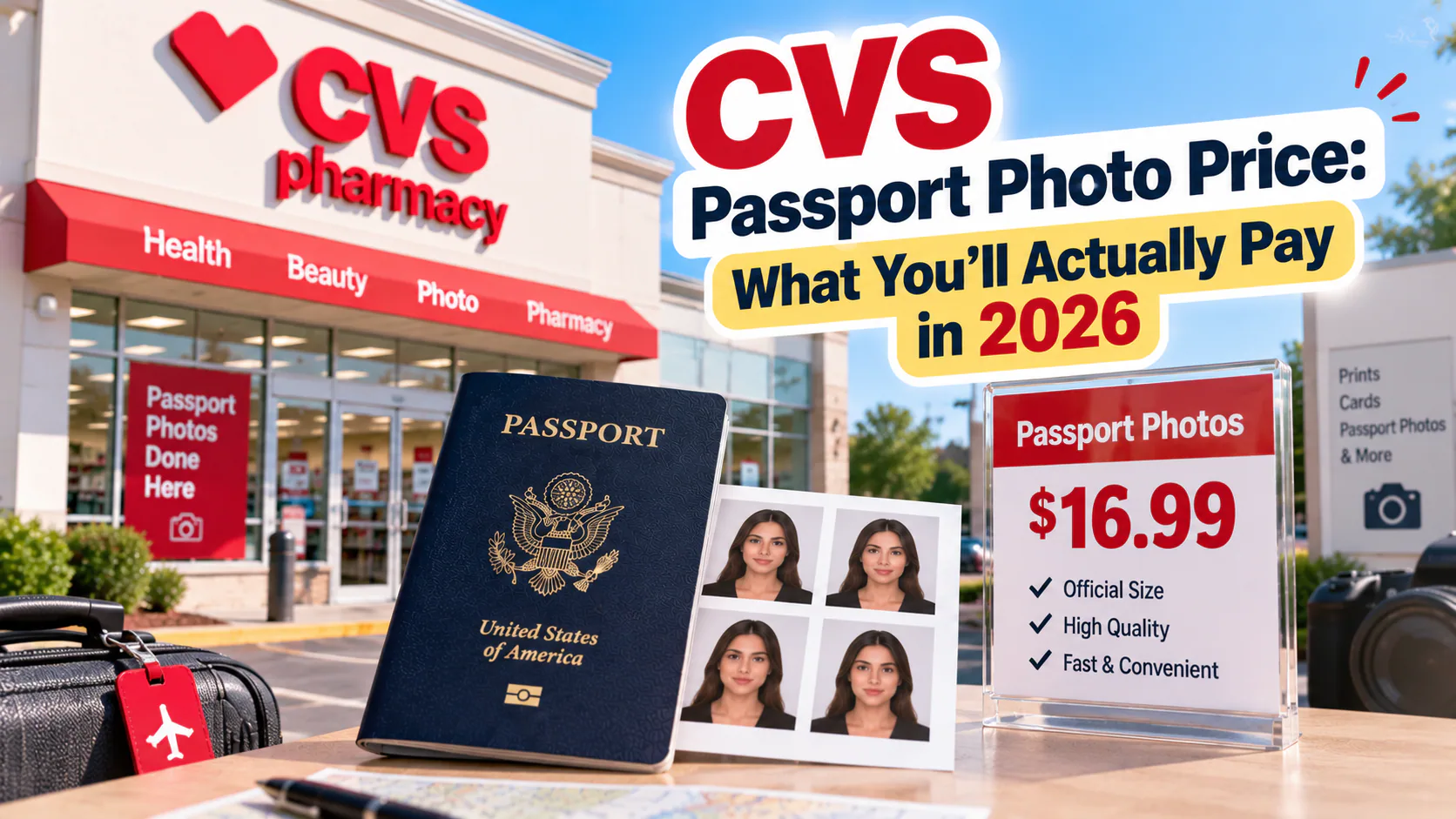
CVS is one of the most convenient places to get a passport photo — with over 9,000 U.S. locations, there's a good chance one is a few minutes from you. But the pricing isn't quite as simple as a single number, since it depends on whether you let CVS take the photo or bring your own. Here's what it actually costs, plus the one detail most people miss before they walk in.
If you prefer to prepare the file online, the US passport photo maker can help check the crop, background, and passport-photo format before submission.
CVS Passport Photo Price: The Standard Service
If you walk into a CVS and have a staff member photograph you at the photo counter, the standard price is:
- $17.99 for two printed 2x2 inch passport photos
That price covers the photo being taken, cropped to spec, and printed — both copies you need for a passport application, since the State Department requires you to submit one photo but it's standard practice to have a spare on hand. Some locations also offer:
- An extra digital copy emailed to you for $3.99
- Photo files saved to a USB drive for $10.99
No appointment is required — this is a walk-in service during regular pharmacy hours, and it typically takes 10-15 minutes.
The Cheaper DIY Route: $0.39 Instead of $17.99
If you're comfortable taking your own photo at home, you can cut this cost down to under a dollar. The process:
- Take a passport-compliant photo yourself (plain background, good lighting, neutral expression).
- Have it laid out into a 4x6 inch template containing four passport-sized photos.
- Upload that template to the CVS Photo app or website, or print it at an in-store kiosk.
- Order a standard 4x6 print — this costs around $0.39 to $0.42.
- Cut out your four photos.
That's four compliant photos for less than fifty cents, compared to $17.99 for two through the staffed service — a difference that adds up if you need extras for a passport card application, a visa, or a family member's application at the same time.
The Catch: CVS Doesn't Guarantee Compliance on Self-Uploaded Photos
Here's the detail that trips people up with the DIY route. When a CVS employee takes your photo using their in-store system (Kodak Moments), it's built to follow U.S. Department of State specifications, and for most people it works fine.
But when you upload your own photo to print, CVS is functioning purely as a print shop — nobody on staff is checking whether your background is truly neutral, whether your head size falls within the required range, or whether shadows from your home lighting will get the photo rejected. CVS itself doesn't offer a compliance guarantee on self-submitted images, and store staff aren't biometric compliance specialists to begin with, even for photos taken in-store.
That's a real risk, because a passport photo that gets flagged after submission doesn't just cost you the printing fee — it costs you the processing delay too, which can be weeks. If you're taking the DIY route specifically to save money, it's worth spending a minute making sure the photo is actually compliant before you spend even the $0.39 to print it. A tool like PhotoOmni checks your photo against the exact U.S. passport specification using AI, backed by a human reviewer, before you download your print-ready file — so the money you save skipping the counter doesn't get erased by a rejected application later.
CVS Passport Photo Price at a Glance
| Option | Price | What You Get |
|---|---|---|
| Standard in-store service | $17.99 | 2 printed photos, taken by staff |
| Extra digital copy | $3.99 | Emailed digital file |
| USB copy | $10.99 | Files saved to USB |
| DIY print (self-taken photo) | ~$0.39–$0.42 | 4×6 sheet with 4 photos |
Bottom Line
If you want zero effort and don't mind paying for it, the $17.99 staffed service at CVS is fast and reliable for most people. If you're trying to save money — especially if you need multiple photos for different family members or documents — the DIY print option cuts the cost by more than 97%, but only makes sense if you're confident your photo will actually pass. Running it through a compliance check first is the cheap insurance that makes the DIY route worth it.
About the Author
PhotoOmni Editorial Team
The PhotoOmni Editorial Team researches official passport, visa, immigration, and identity-photo requirements. Every guide is reviewed for practical accuracy and updated when application rules, upload specifications, or government guidance change.
Related guides
CVS Passport Photo Price, Digital Copy and Appointment FAQ
The standard CVS passport-photo service is commonly listed at about $17.99 for two printed U.S. passport photos. A digital copy may cost extra, and prices or promotions can vary by store. Confirm the current total with your chosen CVS before visiting.
| CVS passport-photo question | Quick answer |
|---|---|
| Does CVS do passport photos? | Most CVS stores with a photo department do. |
| How much is a CVS passport photo? | Commonly about $17.99 for two prints. |
| Is a digital copy included? | Not always; it may be an additional purchase. |
| Is an appointment required? | Usually not, but calling ahead avoids a wasted trip. |
| Can CVS print a photo I already prepared? | Many locations can print a 4×6 sheet containing two correctly sized photos. |
CVS Full Service vs Print-Only
The full service includes staff capture and printed copies. Print-only is much cheaper if you already have a correctly cropped, compliant 4×6 template. Do not upload a square 2×2 file and allow the kiosk to stretch or automatically crop it; use a print-ready sheet and select borderless 4×6 printing at 100% scale.
A US passport photo maker can apply these dimensions and formatting checks to the uploaded photo.
Before You Pay at CVS
Check whether you need prints, a digital file or both. Online passport renewal requires a digital image rather than pharmacy prints, while a first-time paper application generally requires a physical 2×2 photo. Compare the full checkout price, not just a coupon headline.