
Professional Passport Photos: Online vs Photo Studio
Compare online passport photo tools with studios on cost, convenience, files, and compliance checks.
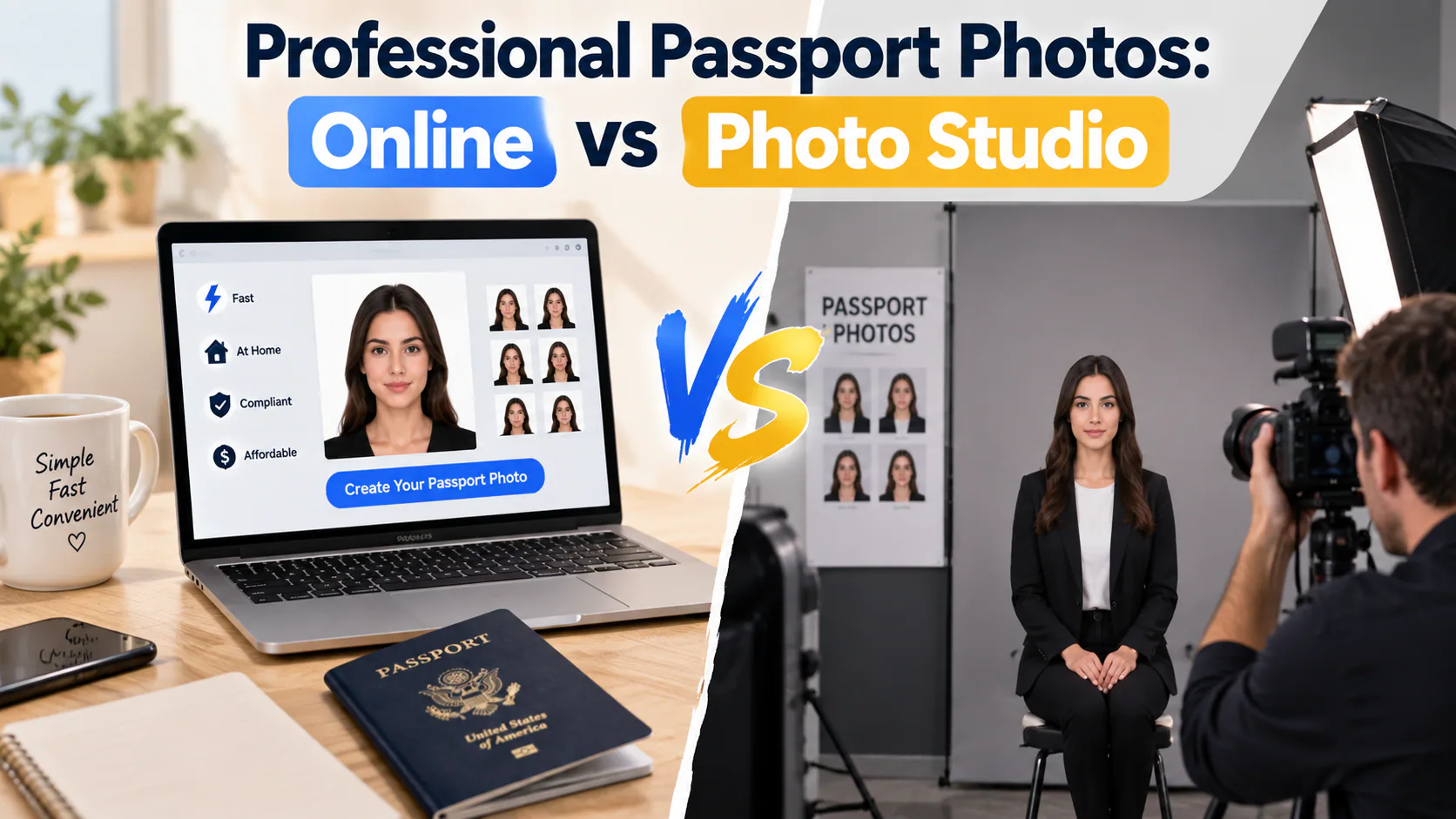
Getting a passport photo used to mean one thing: driving to a pharmacy, post office, or camera shop, standing against a wall, and hoping the person behind the counter got it right the first time. Today, that's no longer your only option. A growing number of online tools let you take your passport photo at home with your phone, and an algorithm — sometimes backed by a human reviewer — checks it for compliance before you ever submit it.
So which is actually the better choice: an online passport photo service, or a traditional photo studio? The honest answer is "it depends on what you're optimizing for." Below is a breakdown of how the two approaches actually compare, where each one falls short, and how to pick the right one for your situation.
How Photo Studios Work
A traditional studio — this includes pharmacy photo counters, UPS Stores, camera shops, and dedicated portrait studios — follows a fairly standard process:
- You show up in person, usually without an appointment.
- A staff member photographs you against a plain background using studio lighting.
- The photo is cropped to size (2x2 inches for U.S. passports) and printed on the spot.
- You walk out with physical prints, ready to mail in with your application.
The appeal is obvious: it's fast, it's tactile, and someone else is doing the technical work. The problem is that "someone else" is often a retail employee, not a trained compliance specialist. Pharmacy and shipping-store staff are generally following a checklist built into their photo software, not personally verifying every U.S. Department of State requirement — things like head size within a specific pixel range, neutral background lighting, no shadows, and a strictly neutral expression. Most photos taken this way pass without issue, but when something is off, you usually don't find out until your application gets kicked back weeks later.
How Online Passport Photo Tools Work
Online tools flip the process around. Instead of someone photographing you, you photograph yourself — typically with a smartphone against a plain wall — and upload the image to a website or app. From there, the tool does the technical work that a studio employee would otherwise handle: cropping to the exact required dimensions, correcting the background, and checking things like head position and lighting against the official specification.
The category itself isn't new — apps like Passport Photo DIY or PhotoID have existed for years, and they're essentially digital rulers: you mark your eyes and chin, the app crops accordingly, and you print the result yourself. What's changed more recently is the addition of actual compliance checking, not just cropping. Tools like PhotoOmni represent this newer generation: you upload a photo, an AI system checks it against the specific requirements for your document type and country, and — importantly — a human reviewer also looks it over before you get your final files. That combination (automated check plus a second set of human eyes) is the part pure DIY cropping apps don't offer.
You typically get:
- A digital file sized and formatted for online application uploads
- A print-ready sheet (often 4x6) with multiple photos laid out, which you can print yourself or at any pharmacy kiosk for well under a dollar
- Support for more than just passports — many tools also handle visa and ID photos, which have different specs from country to country
Where Online Tools Win
Price. A studio visit for a standard two-photo passport set typically runs somewhere between $13 and $20 depending on the retailer. Online tools are usually priced per photo set as well, but once you have your digital file, printing extra copies costs pennies — a 4x6 print with four passport photos on it runs around $0.40 at most pharmacy print kiosks.
No appointment, no travel. You can do this at 11 p.m. in your living room. For anyone renewing a passport in the two weeks before an emergency trip, or living somewhere without a nearby pharmacy or studio, this matters more than the price difference.
A second check before you submit. This is the detail most comparisons skip over. A retail photo counter is optimizing for speed — get you in, get you a print, get you out. A service that runs both an automated compliance check and a human review is specifically optimizing for "will this get accepted," which is a different goal. That distinction is where a tool like PhotoOmni is positioned: not just resizing your photo, but checking it against country-specific passport and visa formats before it becomes your final submission.
Retakes cost nothing. Didn't like the lighting? Try again. There's no store trip involved.
Where Photo Studios Still Win
Zero effort. You don't have to think about backgrounds, lighting, or camera angles — someone else handles all of it, on the spot.
Immediate physical prints. If you're applying in person somewhere that requires paper photos right now, walking out of a studio with prints in hand beats waiting on a delivery or finding a printer.
Good for people who dislike self-photography. Getting a genuinely neutral, well-lit selfie against a plain wall is harder than it sounds — bad lighting, shadows, or an off-center crop are the most common reasons a self-taken photo gets flagged. If you don't trust yourself to get a clean shot, a studio removes that variable entirely.
The Real Question: Who's Checking Your Photo?
Strip away the marketing, and the actual difference between these two options comes down to one question: who is verifying that your photo will be accepted?
- At a pharmacy counter, it's a retail employee following store software, with no compliance guarantee.
- With a plain DIY cropping app, it's nobody — the app resizes your photo, but doesn't evaluate whether the lighting, background, or expression will pass.
- With a service that pairs automated checks with human review, it's both an algorithm trained on the requirements and a person who looks at the result before you download it.
For a document as unforgiving as a passport — where a rejected photo means resubmitting, waiting again, or in worst cases delaying travel — that verification step is arguably more valuable than the printing itself.
Which Should You Choose?
- Choose a photo studio if: you want zero setup, need physical prints immediately, or genuinely don't trust yourself to take a clean photo at home.
- Choose an online tool if: you want to save money on extra prints, you're applying outside of store hours, or you want a second layer of review — ideally one that includes an actual person, not just an algorithm — before you submit.
If you're leaning toward the online route, look for two things specifically: does it check compliance for your specific document type and country (passport rules vary more than people expect), and is there a human somewhere in the review process, not just automated cropping. PhotoOmni is one example built around that exact combination — AI compliance checks plus expert review — aimed at reducing the number of applicants who find out their photo was wrong only after it's already been rejected.
Either path can get you a compliant photo. The difference is really about trade-offs: convenience and physical prints on one side, cost savings and an extra compliance check on the other.
About the Author
PhotoOmni Editorial Team
The PhotoOmni Editorial Team researches official passport, visa, immigration, and identity-photo requirements. Every guide is reviewed for practical accuracy and updated when application rules, upload specifications, or government guidance change.