
Walgreens Passport Photo Price: What You'll Actually Pay in 2026
Walgreens passport photo prices, DIY printing costs, and compliance guidance.
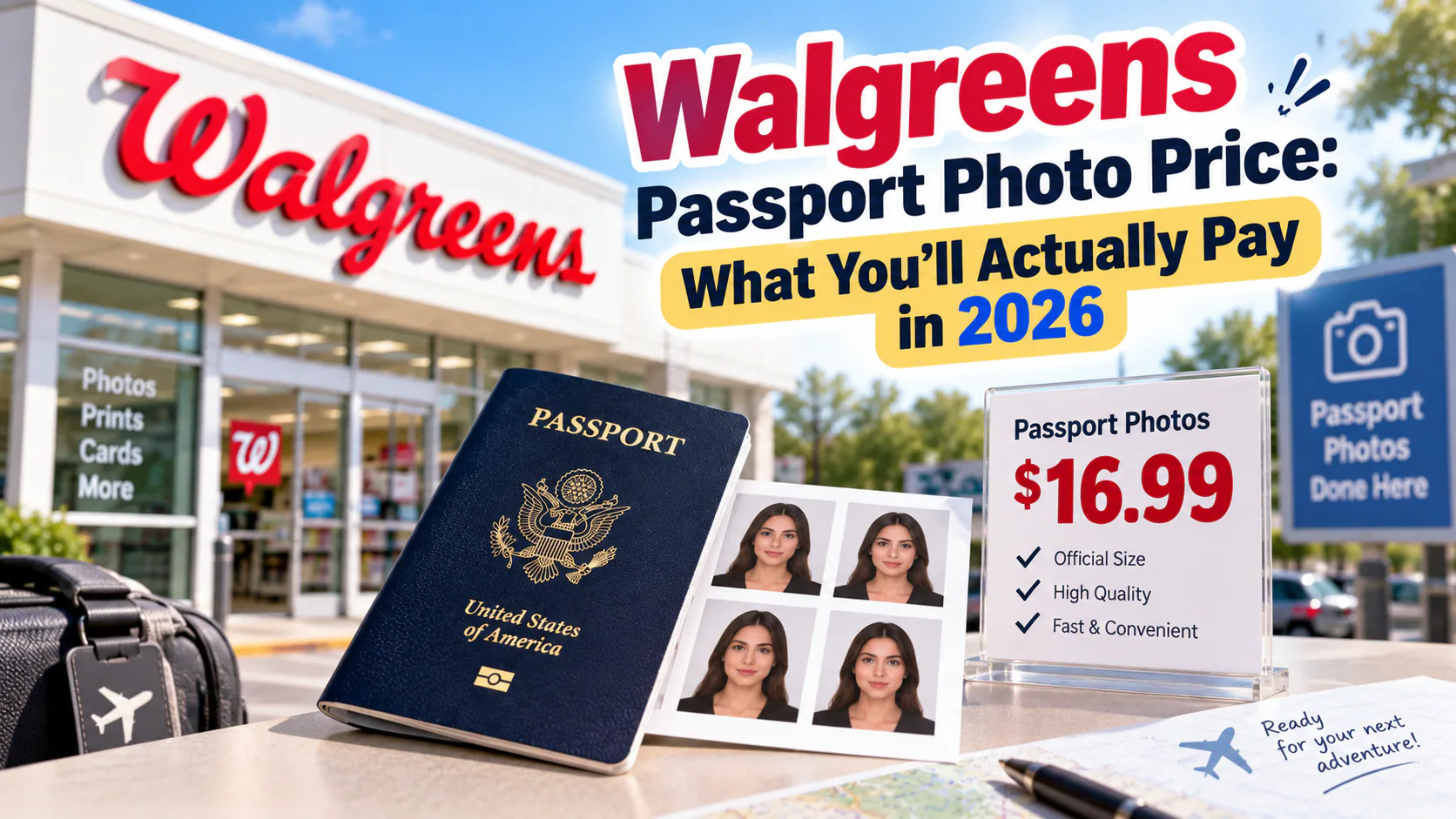
Walgreens is one of the two most common places Americans go for a passport photo, alongside CVS. With over 8,700 locations across the country, it's usually the nearest option — but like most pharmacy photo counters, the price depends on whether staff take the photo for you or you bring your own. Here's the full breakdown.
If you prefer to prepare the file online, the US passport photo maker can help check the crop, background, and passport-photo format before submission.
Walgreens Passport Photo Price: The Standard Service
At the photo counter, a Walgreens associate photographs you, checks the framing, and prints your photos on the spot. The standard price is:
- $16.99 for two printed 2x2 inch passport photos
- A free digital copy emailed to you on request
- No appointment needed — it's a walk-in service during regular photo center hours
- Takes about 10-15 minutes, and if the photo doesn't look right on the review screen, the associate reshoots before printing
Keep in mind that sales tax gets added at checkout, so the real total is usually closer to $18–$18.50 depending on your state, not exactly $16.99.
The Cheaper DIY Route: Around $0.39 Instead of $16.99
If you're willing to take your own photo, Walgreens' regular photo-printing service lets you print it for a fraction of the counter price:
- Take a compliant passport photo yourself — plain background, even lighting, neutral expression.
- Arrange it into a 4x6 inch template with multiple passport-sized photos (several free online tools do this automatically).
- Upload the template through the Walgreens Photo app or website, or use an in-store kiosk.
- Order a standard 4x6 print — this runs about $0.25 to $0.39 depending on the exact print size and finish (matte vs. glossy).
- Cut out your individual photos.
That gets you multiple compliant photos for well under a dollar, versus $16.99 for two through the counter — useful if you're also applying for a passport card, a visa, or photos for other family members at the same time.
The Catch: Walgreens Doesn't Check Self-Uploaded Photos for Compliance
This is the part that's easy to miss. When a Walgreens associate takes your photo in-store, the store's photo system is built around U.S. passport specifications, and for most people that produces an acceptable result.
But when you upload your own photo for printing, Walgreens is acting purely as a print shop. Nobody reviews whether your background is actually neutral (not just "looks white" under your bathroom light), whether your head size falls in the required range, or whether there's a shadow across your face that a screen might not show clearly. The pharmacy simply prints what you send — it doesn't verify it against Department of State rules first.
That gap matters because a rejected passport photo doesn't just cost you the print — it costs you weeks of reprocessing time if it's caught late, or an on-the-spot rejection at an acceptance facility if it's caught early. If you're taking the DIY route specifically to save the $16 difference, it's worth spending a minute confirming the photo will actually pass before you print it. A tool like PhotoOmni runs your photo through an AI compliance check against the exact U.S. passport specification, with a human reviewer double-checking the result, so you find out about a problem before you submit — not after.
Walgreens Passport Photo Price at a Glance
| Option | Price | What You Get |
|---|---|---|
| Standard in-store service | $16.99 (+tax) | 2 printed photos, taken by staff |
| Digital copy | Free (on request) | Emailed digital file |
| DIY print (self-taken photo) | ~$0.25–$0.39 | 4×6 sheet, multiple photos |
Walgreens vs. CVS: Quick Comparison
The two pharmacies are close enough in price that convenience — whichever is closer to you — matters more than cost. Walgreens' standard price ($16.99) runs slightly below CVS's ($17.99), but neither pharmacy verifies self-uploaded photos for compliance, so the same DIY caution applies at both.
Bottom Line
For most people, the $16.99 counter service at Walgreens is a fast, low-hassle option that works fine. If you're trying to save money — especially for multiple applicants or extra copies — the DIY print route cuts the cost by roughly 98%, but it only pays off if the photo you upload is actually going to be accepted. A quick compliance check before you print is the cheapest insurance in the whole process.
About the Author
PhotoOmni Editorial Team
The PhotoOmni Editorial Team researches official passport, visa, immigration, and identity-photo requirements. Every guide is reviewed for practical accuracy and updated when application rules, upload specifications, or government guidance change.